

Free printable templates
Wedding photo QR code templates for tables and welcome signs.
Twelve printable styles. Create your gallery, drop in your live QR, and print signs guests actually scan — no app required.
Before you print
Preview QR codes are placeholders.
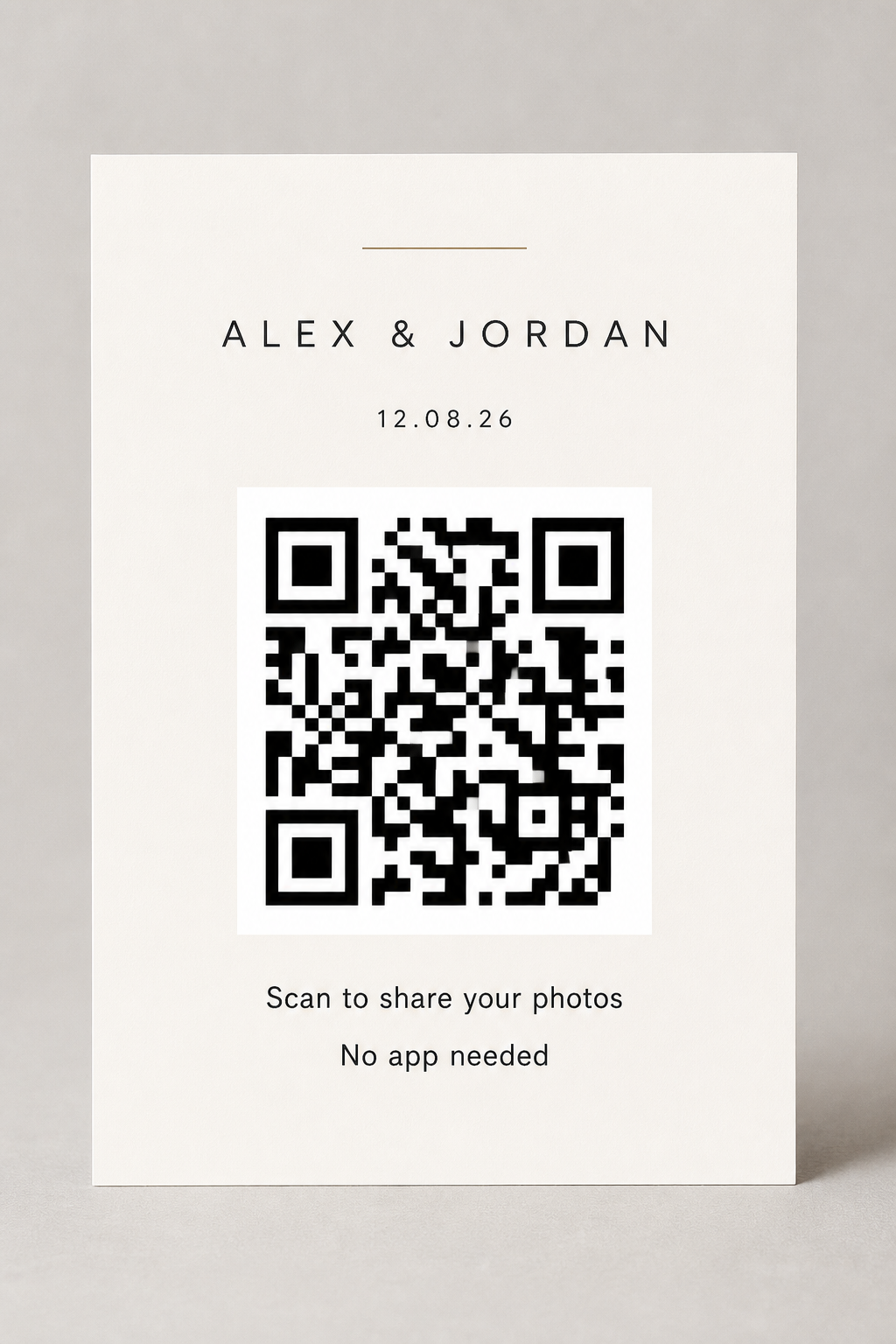
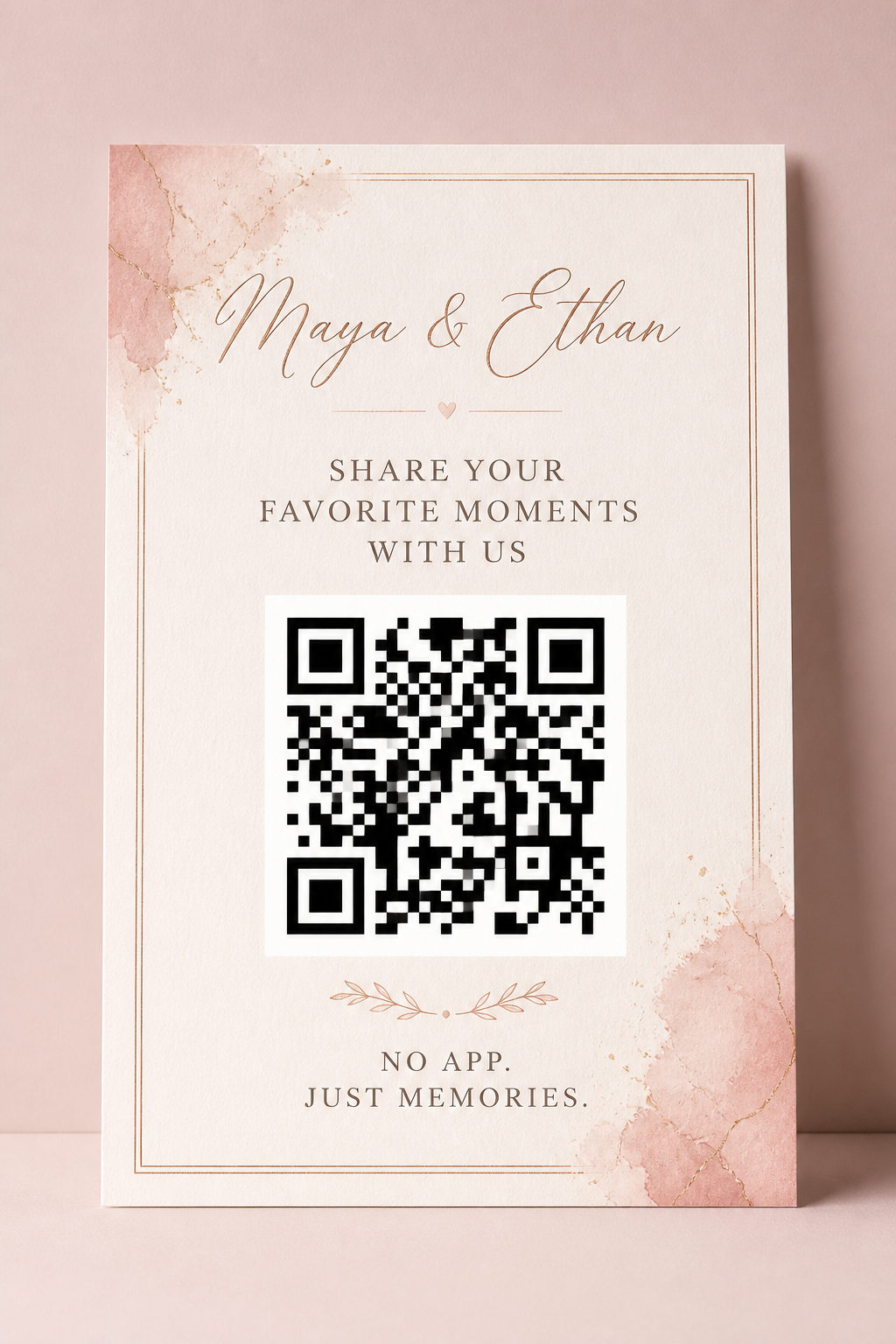
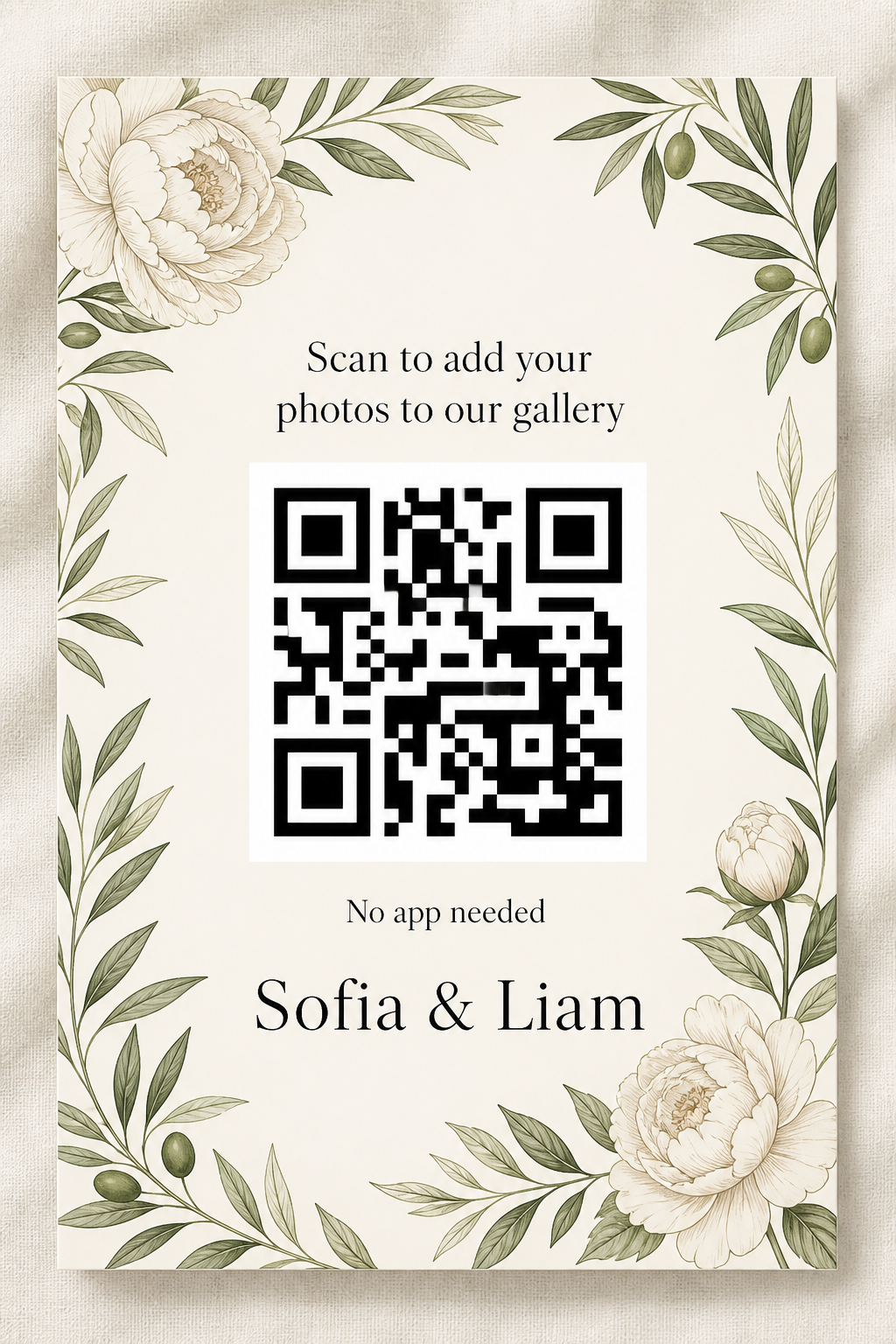
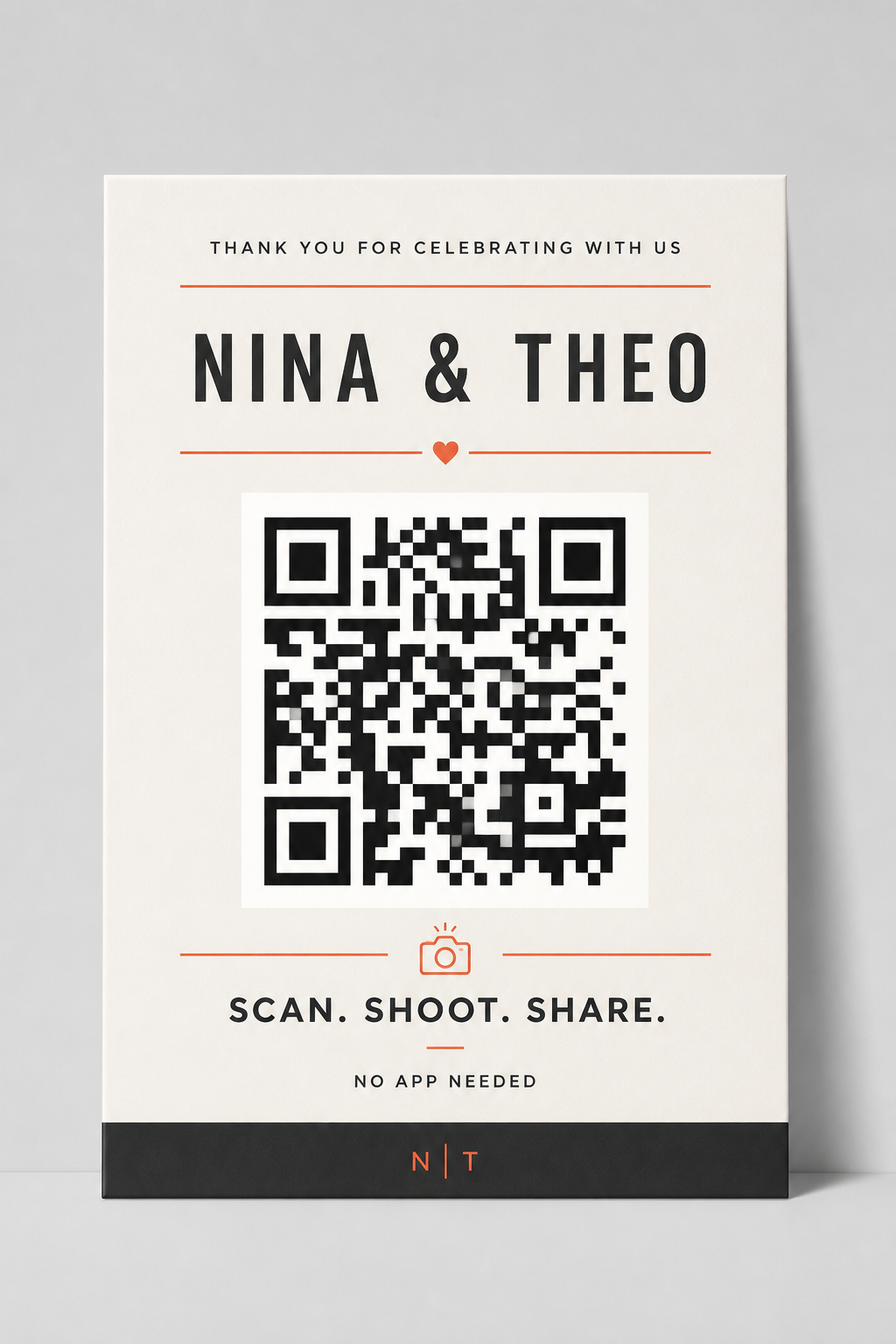
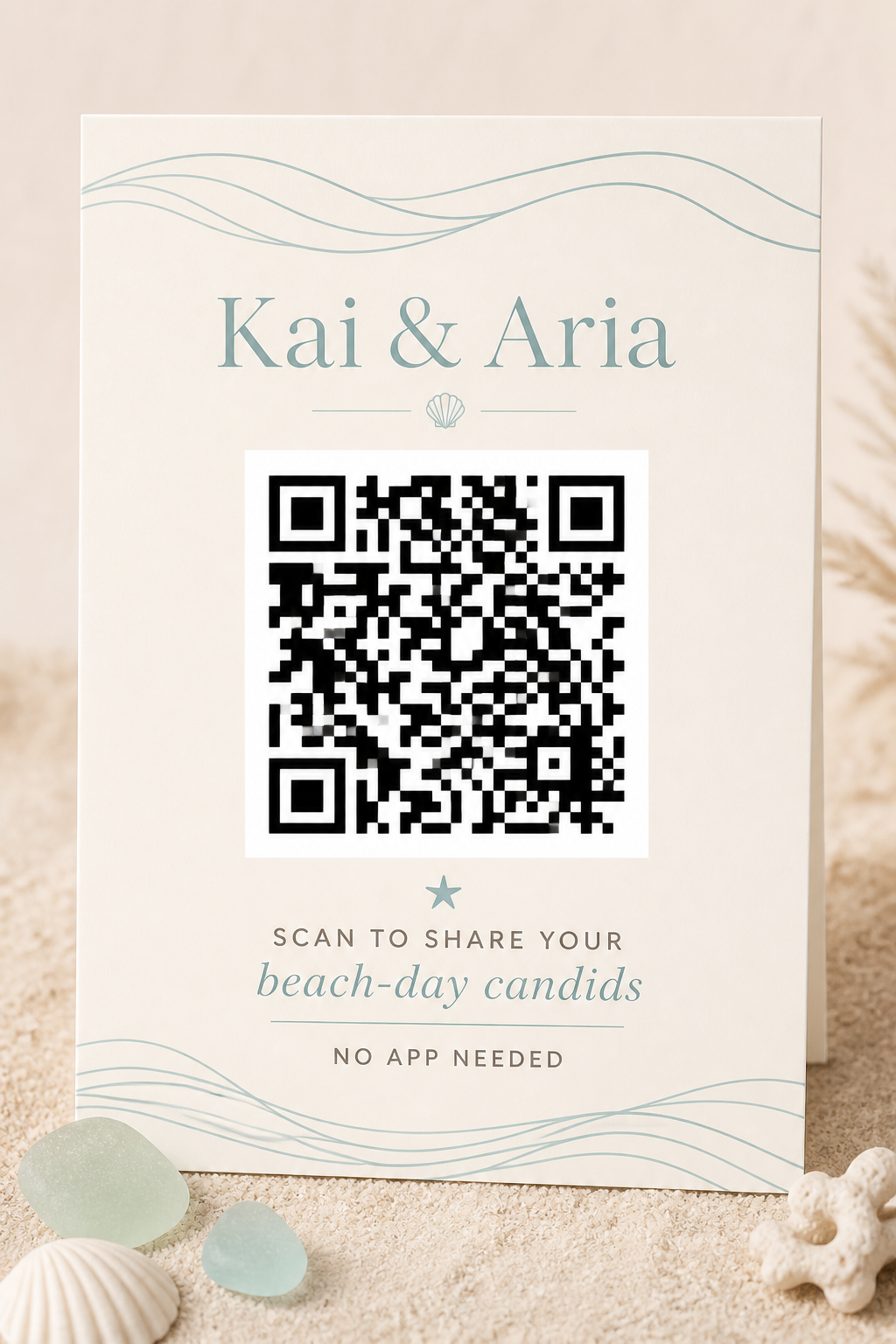
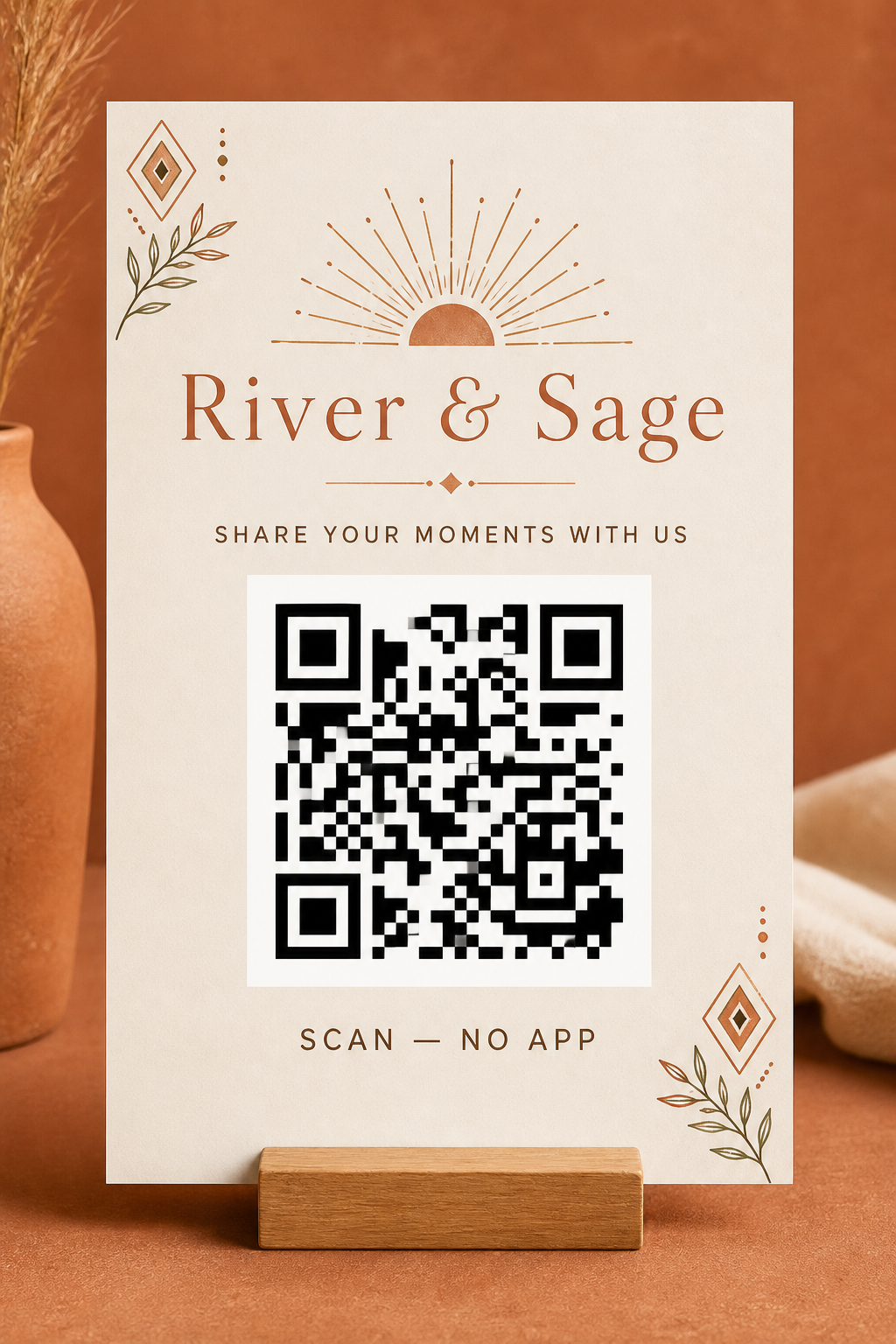
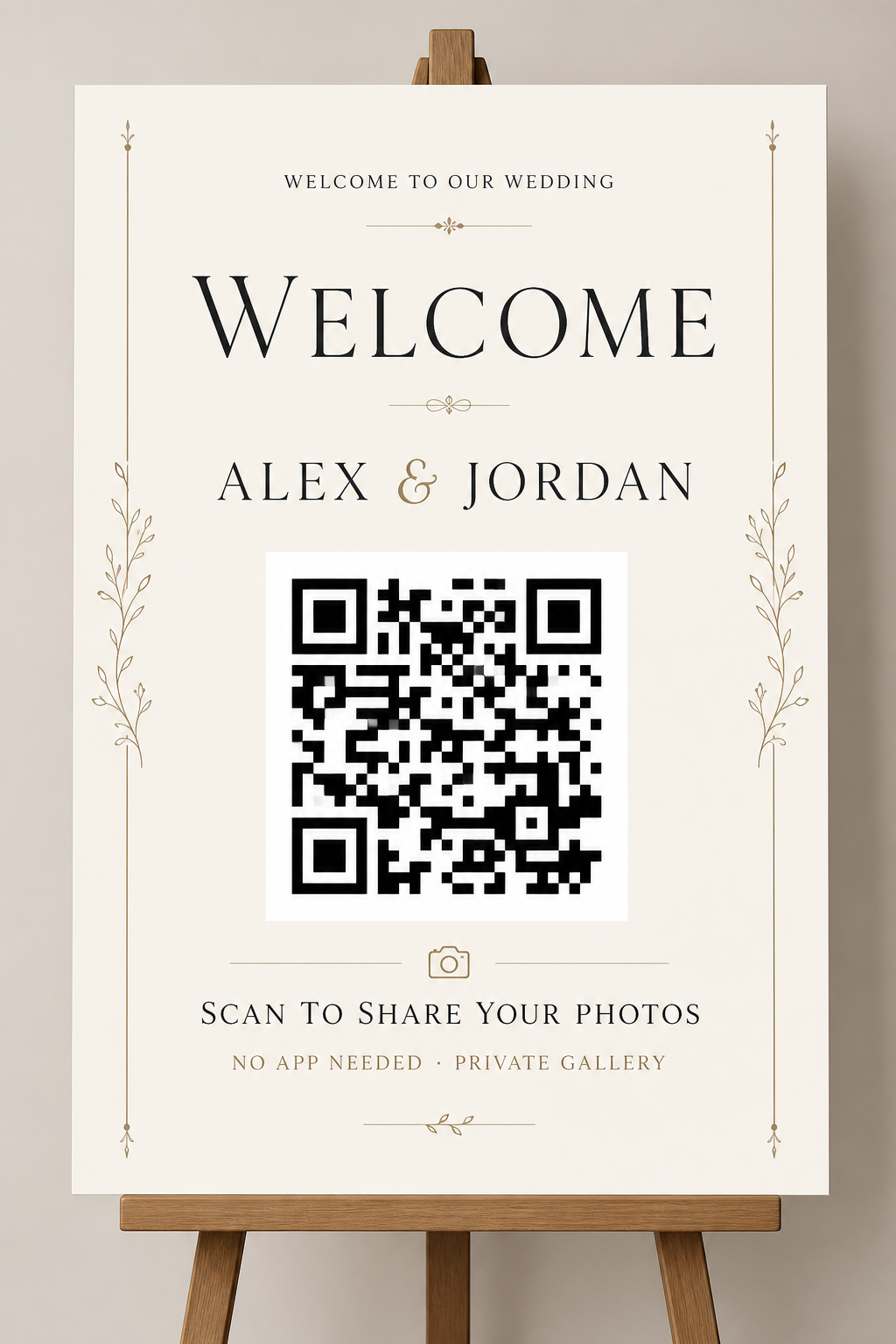
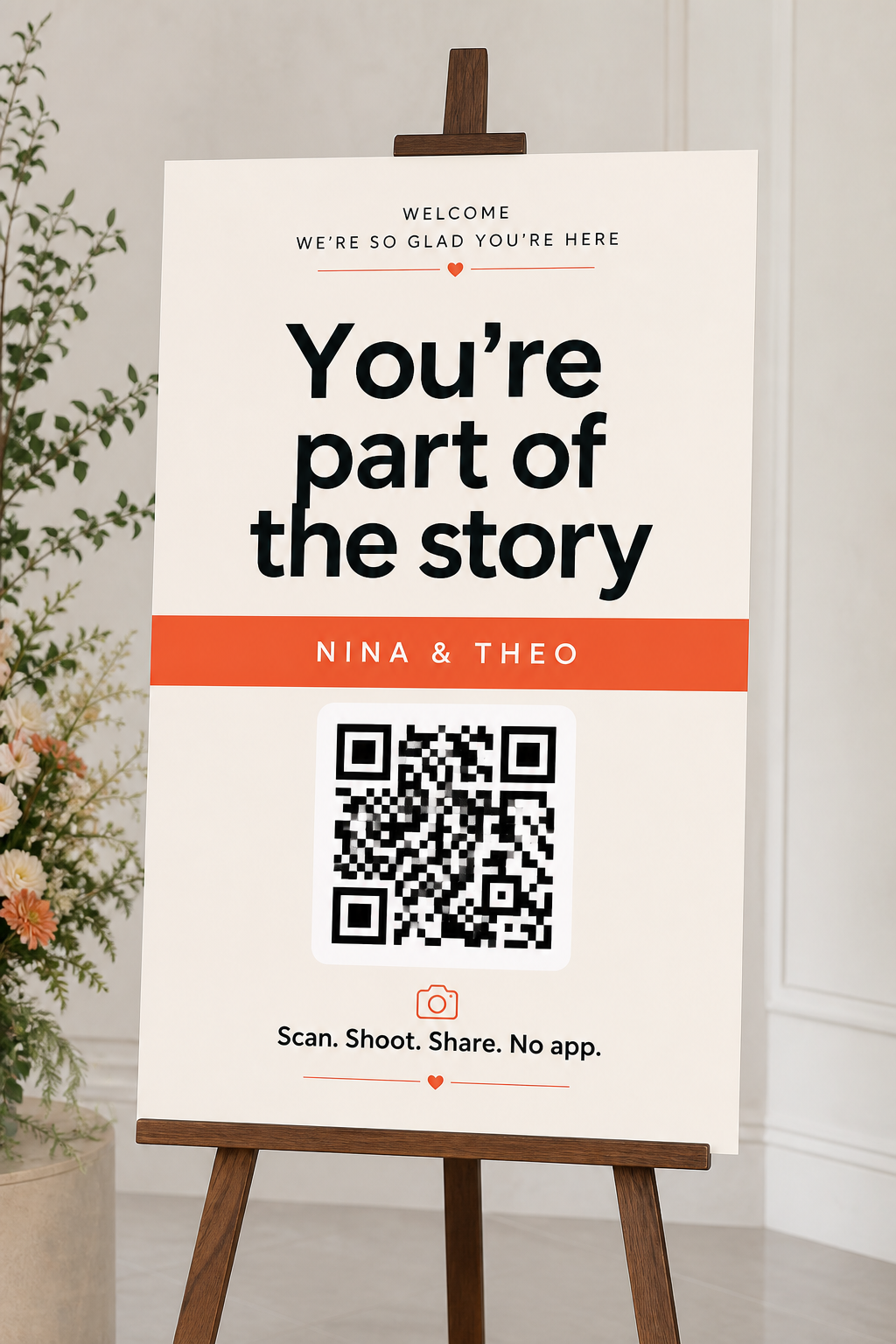
Each template shows layout, contrast, and wording space. Overlay the live QR from your PicShots wedding event (or the free QR generator) before printing for guests. Keep dark modules on a light square with a quiet zone.
Table cards
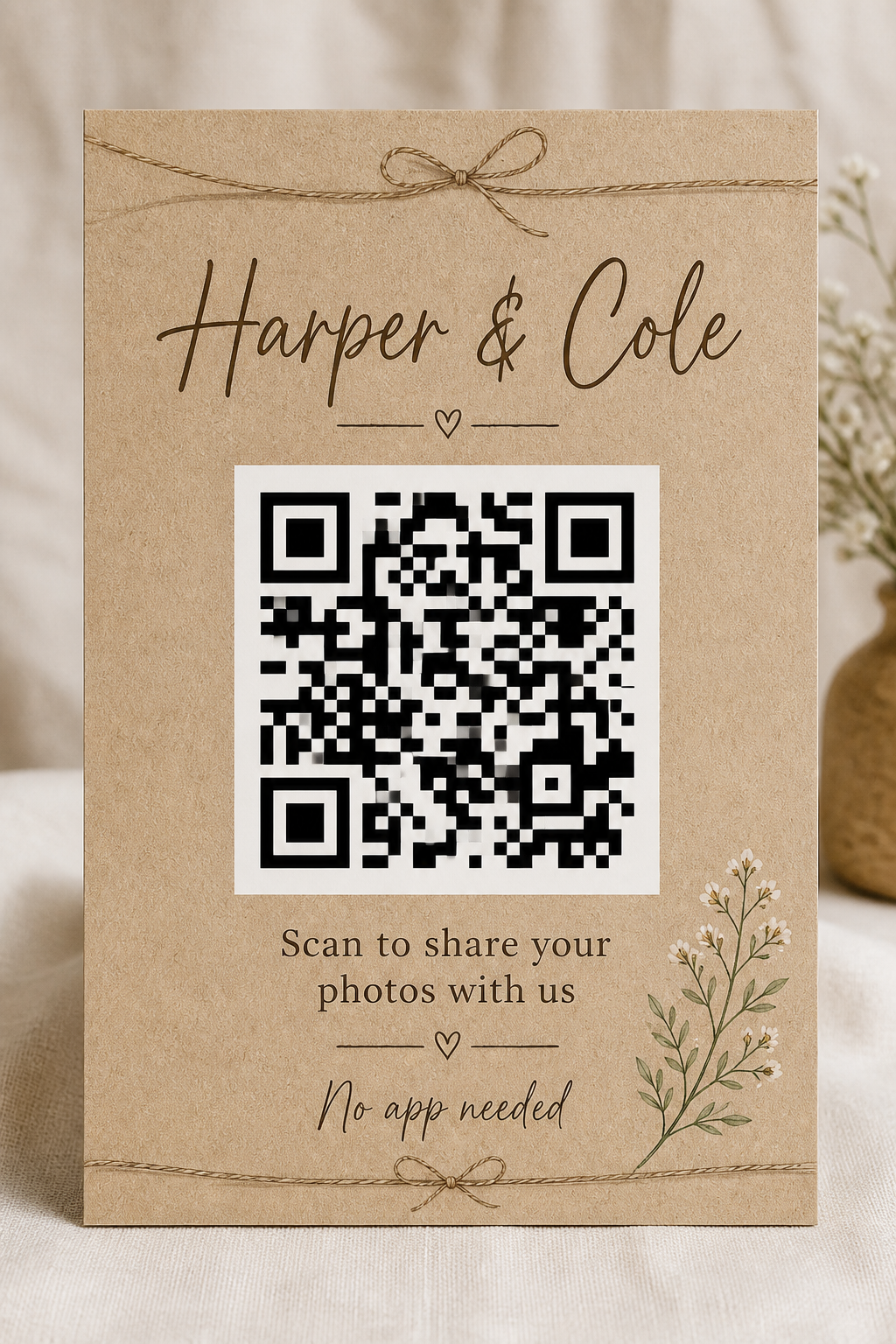
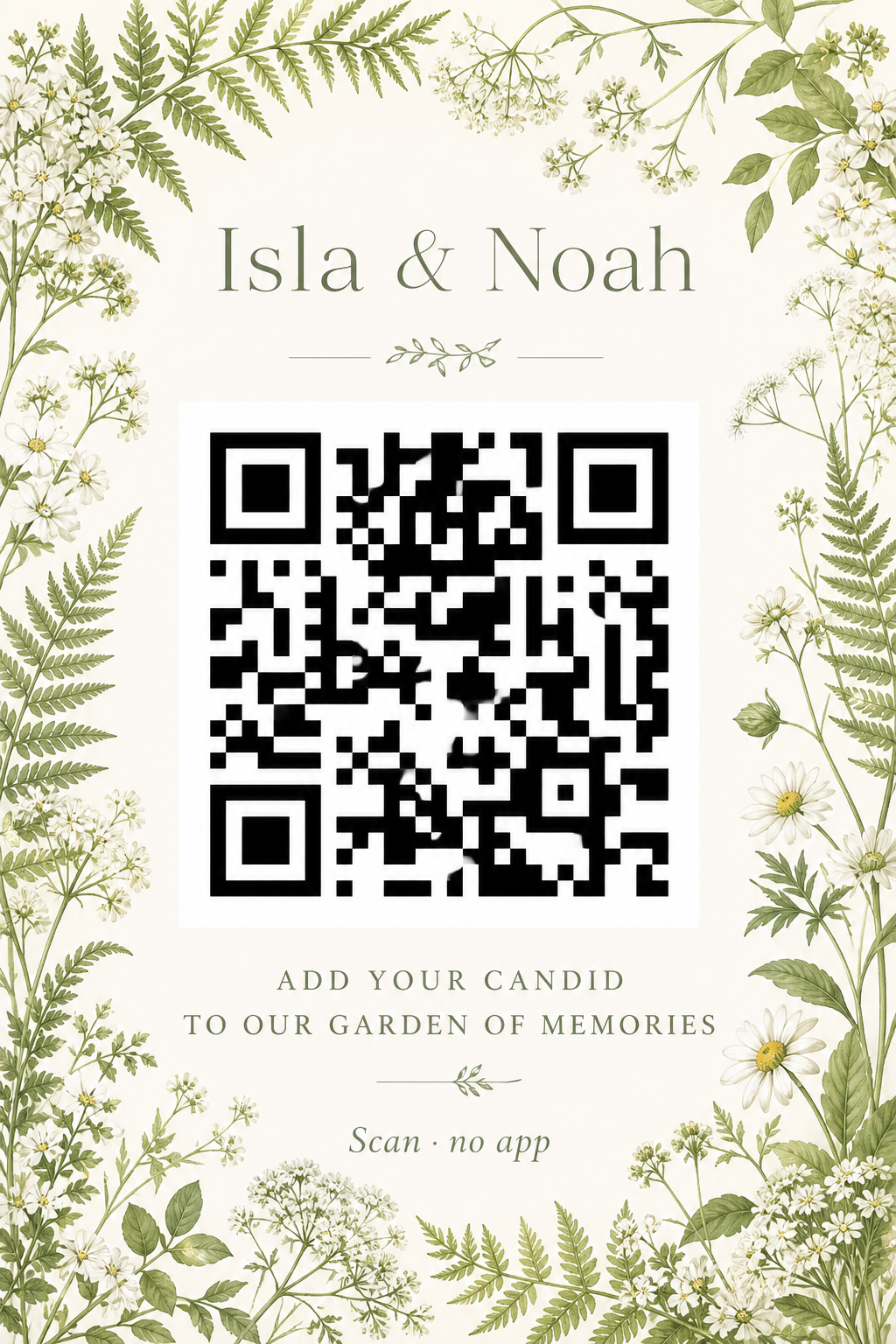
Ten table-card aesthetics.


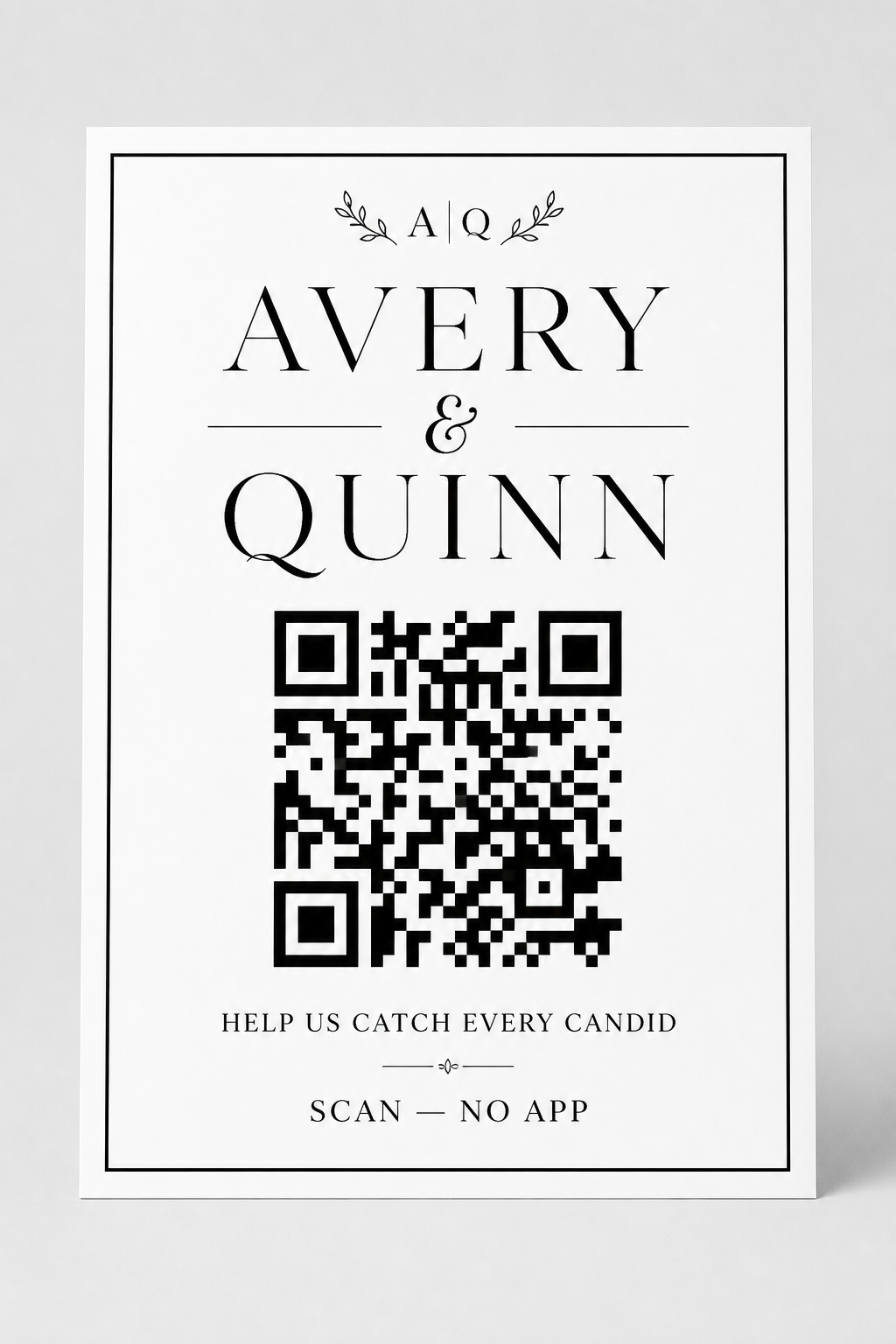
Black & white
Black & white table card
High-contrast formal stationery that scans reliably.
Download PNG


Welcome signs
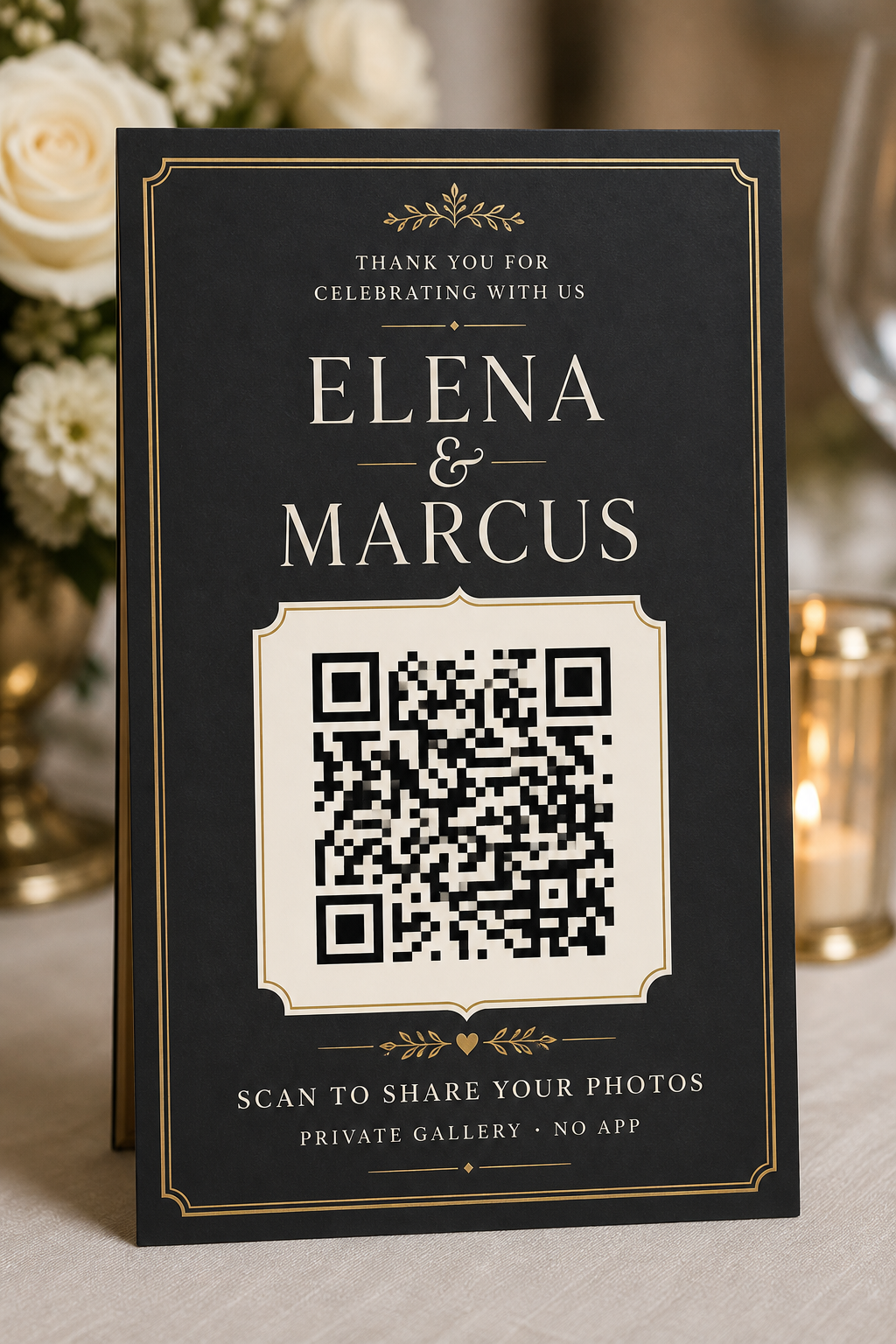
Two entrance easel layouts.


How to use
From template to table in four steps.
1 Create your wedding gallery
Start a PicShots event and download the real guest QR for your gallery link.
2 Pick a template aesthetic
Choose a table card or welcome sign that matches your stationery.
3 Replace the placeholder QR
Open the PNG in Canva, Figma, or your printer’s tool and drop your live QR into the white square. Keep a quiet zone around it.
4 Print one test, then the set
Scan on iPhone and Android. Prefer matte stock. Place one card per table plus a welcome backup.
Print tips
Specs that survive reception lighting.
QR size
Keep the code at least 3 cm / 1.2 in wide on table cards. Scale welcome signs for viewing distance.
Contrast
Dark modules on a light square scan best. Do not print decorative patterns through the QR.
Wording
Two lines max on table cards. Pull ready copy from the wedding QR sign wording packs.
Placeholder note
These gallery previews include decorative QR art. Always overlay your live PicShots QR before printing for guests.
Related guides
Pair templates with wording and placement.
Free event QR generator
Paste your gallery link and download a printable PNG.
Wedding QR sign wording
Ready-made table card and welcome sign copy packs.
Wedding QR code signs
Placement, print sizes, and sign-type guidance.
Wedding photo QR code guide
Full cornerstone on creating and placing guest photo QRs.
FAQ
Wedding QR template questions.
Are these wedding photo QR code templates free?
Yes. Download any preview, create a PicShots wedding gallery, overlay your real QR, and print. No template subscription.
Will the QR in the preview images scan?
No. Preview images use placeholder QR artwork for layout. Replace the QR square with the live code from your PicShots event or the free QR generator.
What size should I print wedding QR table cards?
Print the card at a comfortable stationery size, but keep the QR itself at least 3 cm / 1.2 in wide with a light quiet zone.
Can I change couple names and wording?
Yes. Edit names, date, and CTA in Canva, Figma, or your designer’s file. Keep the action line short and include ‘no app needed’ once.
Do I need a different template for every table?
No. One design with the same gallery QR on every table is simpler for guests and easier to reprint if a card goes missing.
Ready to go
Create the gallery these templates point to
Free for up to 10 guests. Download your live QR, drop it into a template, and collect every candid.
- Free for 10 guests
- No app required
- Host-controlled