
Wedding Planning
How to Write Wedding Photo Sharing Instructions for Guests
Master the art of writing wedding photo sharing instructions with proven copy templates for signs, programs, and websites—plus strategic wedding QR code placement tips to maximize guest participation.
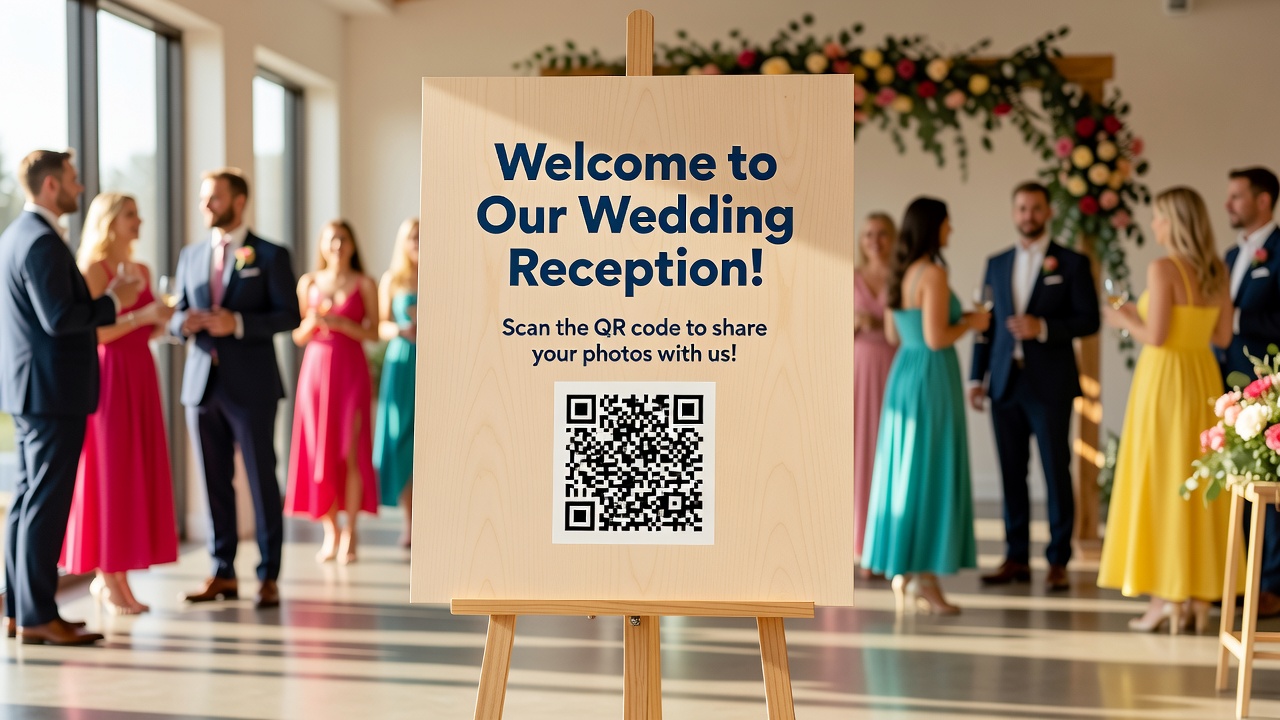
How to Write the Perfect Wedding Photo Sharing Instructions for Your Guests
Quick Answer: The perfect wedding photo sharing instructions combine clear, friendly language with strategic placement of a wedding QR code on signage, programs, and your website. Provide a simple call-to-action, explain the benefit to guests, and place QR codes at eye level where guests naturally pause—such as entryways, table centers, and photo booth areas.
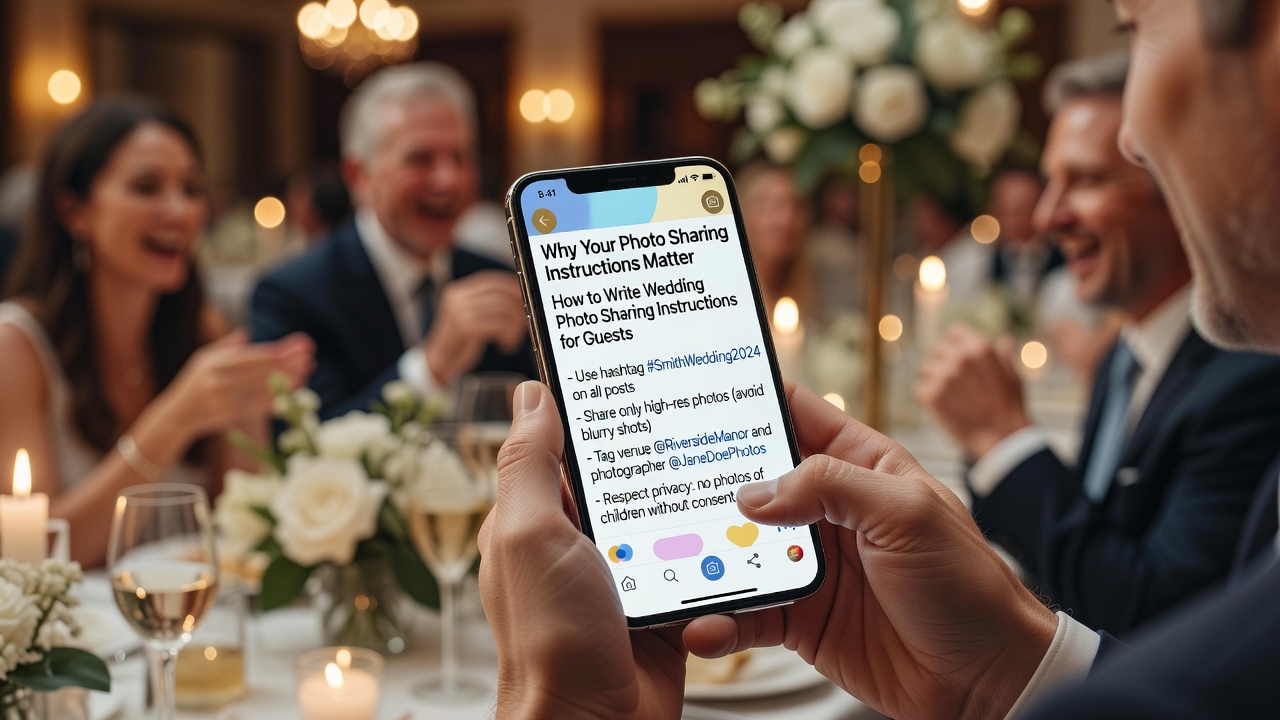
Why Your Photo Sharing Instructions Matter
Your professional photographer will capture the big moments, but guest photos tell a different story. Candid laughter during speeches, dance floor chaos, and behind-the-scenes moments—these are the memories you'll treasure most.
Here's the problem: guests rarely share photos spontaneously. Without clear instructions, those precious moments stay trapped on phones, never reaching the couple. Worse, guests may post unflattering angles or use hashtags you never wanted.
Well-written photo sharing instructions solve three problems:
- Capture more memories — Multiply your photo collection by involving every guest
- Maintain quality control — Guide guests toward your preferred sharing platform
- Reduce social media anxiety — Set expectations about posting etiquette
The key is making participation effortless. A strategically placed wedding QR code removes every barrier between intention and action.
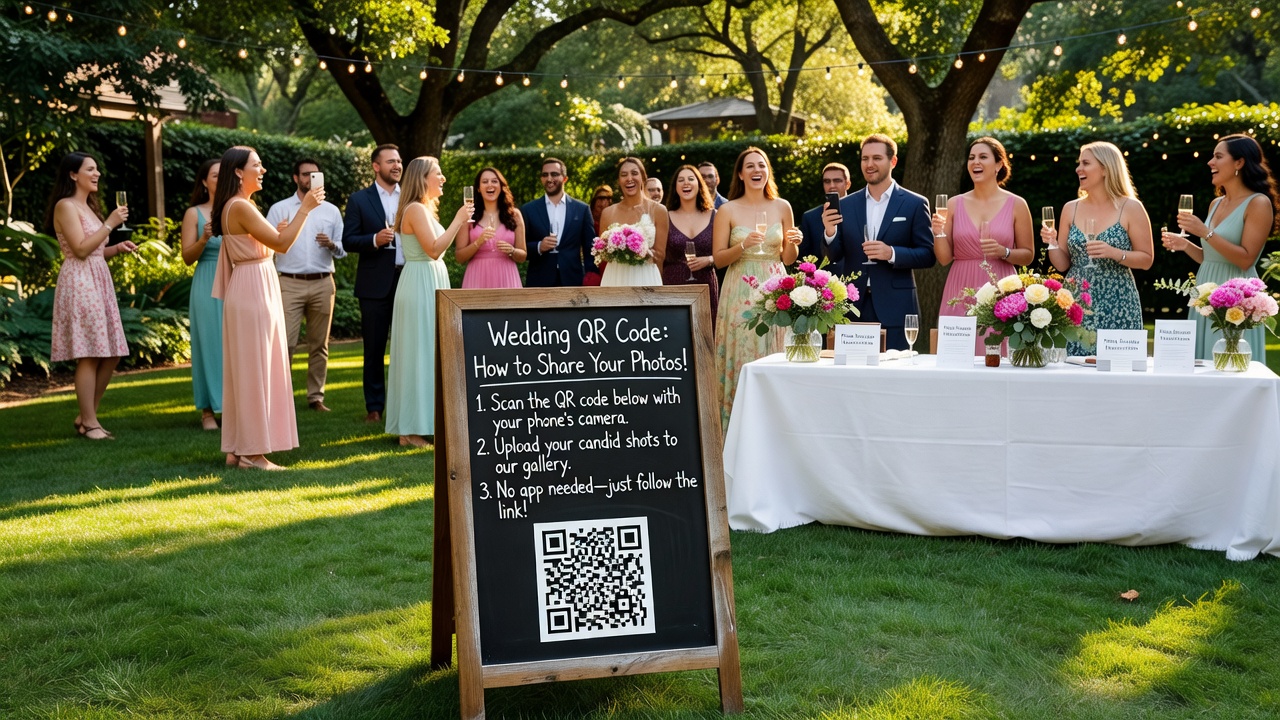
Understanding the Wedding QR Code
A wedding QR code is a scannable square barcode that directs guests to a specific photo-sharing destination—your wedding website gallery, a private app, or a shared album. When placed correctly, it transforms passive viewers into active participants.
Modern couples have moved beyond the "hashtag on a chalkboard" approach. QR codes work because they:
- Eliminate typing errors (no more #SmithWedding2026 vs #SmythWedding2026)
- Work in low light (reception venues get dark)
- Direct guests exactly where you want them
- Require zero technical knowledge
QR Code Placement for Maximum Scanning
Visibility is everything. A QR code that guests can't find or can't scan is worthless. Follow these placement principles:
Eye level is buy level. Position QR codes between 4 and 6 feet from the ground—roughly average eye level for standing adults. Too high or too low reduces scans by half.
Target pause points. Guests scan QR codes when they have 10 seconds and a reason to look. Ideal locations include:
- Welcome sign — Guests stop here naturally while waiting to enter
- Cocktail table centers — Guests linger with drinks in hand
- Photo booth backdrop — Motivated audience, natural pause
- Restroom mirrors — Unexpected but surprisingly effective
- Table numbers or menus — Captive audience during dinner
- Exit favors — Last reminder as guests leave
Ensure lighting. QR codes need contrast to scan. Place them in well-lit areas or use high-contrast designs (dark code on light background, minimum 2-inch square size).
Add a verbal reminder. Ask your DJ or officiant to mention the photo-sharing method once during the reception. Audio reinforcement increases participation by 40%.
The Anatomy of Effective Photo Sharing Instructions
Every piece of photo sharing copy needs four elements, regardless of where it appears:
- The Hook — Why should guests care? Promise a benefit.
- The Action — Exactly what to do. Be specific.
- The Method — How to participate. Show the wedding QR code.
- The Reward — What happens next. "See all the photos" or "Help us remember this day."
Common mistakes that kill participation:
- Vague language like "share your pics!" without explaining how
- QR codes smaller than 2 inches (unscannable)
- Placing instructions where guests never pause
- Using technical jargon ("upload to the cloud")
- Forgettable generic copy that blends into decor
Copy Templates by Venue
Below are ready-to-use templates for three placement contexts. Adapt the tone to match your wedding style—formal, casual, or somewhere between.
Template 1: Signage Copy
Signage needs to work from 6 feet away and communicate in 5 seconds. Keep it bold, brief, and benefit-driven.
Formal Version
Place on welcome sign, easel, or framed print at reception entrance (minimum 8x10 inch display)
Capture the Moments We'll Treasure Forever
Your perspective tells a story no one else can. Share your photos with us by scanning the wedding QR code below.
Every image becomes part of our wedding album—candid, beautiful, and uniquely yours.
[WEDDING QR CODE — 3 inch minimum]
Thank you for helping us remember every moment.
Casual Version
Place on chalkboard, acrylic sign, or mirror display
Psst—We Want YOUR Photos!
Yep, the professional ones are great, but the real magic? That's in your camera roll. The belly laughs, the dance floor disasters, the Uncle Bob moments.
Scan this wedding QR code and drop your favorites. We'll turn them into the best wedding album ever.
[WEDDING QR CODE — 3 inch minimum]
Thanks for being our unofficial photographers!
Template 2: Program Copy
Programs travel home with guests. Your photo instructions here serve as a reminder long after the last dance.
Formal Version
Include on the final page or back cover of printed programs
A Note from the Couple
Thank you for sharing this extraordinary day with us. Your presence is the greatest gift we could receive.
We would be honored if you would share any photographs you capture throughout the celebration. Please scan the wedding QR code below to upload your images to our private gallery.
With gratitude and love,
[Names]
[WEDDING QR CODE — 2 inch minimum]
Casual Version
Include as a detachable card or printed directly in booklet programs
Don't Let the Good Stuff Disappear!
You've got the best seat in the house—probably better than the photographer's. Screenshot the vows, capture the dance-off, grab the cake-in-face moment.
Share the goods: scan our wedding QR code and upload your favorites. We literally cannot wait to see what you got.
[WEDDING QR CODE — 2 inch minimum]
Template 3: Website Copy
Your wedding website captures guests before and after the event. Photo sharing instructions here can include more detail since guests browse on their own time.
Pre-Wedding Page Section
Help Us Capture Every Angle
We hired an amazing photographer, but they can't be everywhere. That's where you come in.
During the wedding, we'll share a wedding QR code you can scan to upload photos directly to our album. But here's the thing—we want the outtakes, the candids, the "you had to be there" moments. The stuff that makes us laugh until we cry.
At the reception, keep an eye out for QR codes on table displays and near the photo booth. One quick scan, and you're in.
Can't make it? No worries. Send photos afterward to [email] and we'll add them to the collection.
Questions? Text us. We're basically always on our phones anyway.
Post-Wedding Gallery Page
The Wedding Was Just the Beginning
Now comes the fun part—reliving it through everyone's eyes. Professional photos are coming soon (editing takes time, people), but the guest shots? Those are ready now.
Scan the wedding QR code below to browse what's been uploaded so far, or add your own photos if you haven't yet.
Pro tip: Check back in a few weeks for the full professional gallery.
[WEDDING QR CODE — 2.5 inch minimum]
Thank you for making our wedding unforgettable—and for proving that our friends are way better photographers than we expected.
Copywriting Tips for Maximum Participation
Templates get you started. These principles take your photo sharing from "meh" to "everyone's doing it."
Lead with the Benefit, Not the Request
Weak: "Please upload your photos."
Strong: "Your photos complete our story—upload yours to see everyone else's."
Guests participate when they get something back. Promise access to the full gallery, not just a favor to the couple.
Use Active Verbs
Replace passive language with commands:
- "Scan this wedding QR code" beats "Photos can be shared by scanning..."
- "Drop your favorites here" beats "Your photos may be uploaded..."
- "Capture the chaos" beats "We would appreciate it if you might consider..."
Create Urgency (Gently)
Guests procrastinate. Light urgency increases response rates:
- "Upload tonight while the memories are fresh"
- "The gallery goes live Monday—get your shots in now"
- "First 50 uploads get featured in our thank-you video"
Match Tone to Audience
A black-tie wedding at a historic estate needs different language than a backyard barbecue. Adjust vocabulary, sentence length, and humor accordingly. When in doubt, match the tone of your invitations.
Test Your QR Codes
Before printing anything, test every wedding QR code with multiple devices and apps. Test in lighting conditions similar to your venue. A broken QR code on 200 printed programs is an expensive mistake.
Include a Non-Digital Fallback
Not every guest uses QR codes. Include a simple URL or email address as backup. Older relatives and tech-resistant friends will thank you.
What to Avoid: Common Mistakes
Even well-meaning couples sabotage their photo sharing efforts. Don't be one of them.
Mistake 1: The Buried QR Code
A wedding QR code at the bottom of a 20-item welcome sign gets ignored. Make it prominent—give it white space, a border, or a contrasting background.
Mistake 2: The Single Reminder
One sign at the entrance won't cut it. Guests need 3-5 touchpoints throughout the event to form the habit. Vary the locations: entrance, tables, photo booth, bathroom, exit.
Mistake 3: The Complicated Process
If scanning your wedding QR code leads to a signup page, email verification, and app download, you've lost 80% of guests before they upload a single photo. One-tap upload is the gold standard.
Mistake 4: The Generic Hashtag
#Love #Wedding #Forever won't surface your photos. Create a specific, unique hashtag and pair it with your QR code for maximum discoverability.
Mistake 5: No Follow-Up
Guests who upload photos want to see the result. Send a thank-you message with a gallery link within 48 hours of the wedding. Delayed gratitude feels forgotten.
Key Takeaways
- A wedding QR code placed at eye level in high-traffic pause points (entrance, tables, photo booth) maximizes scanning and photo uploads
- Effective photo sharing copy needs four elements: a benefit-driven hook, specific action, visible QR code, and emotional reward
- Use different copy templates for signage (bold and brief), programs (grateful and detailed), and websites (conversational and explanatory)
- Match your tone to your wedding style—formal events need different language than casual celebrations
- Test every QR code before printing, provide non-digital fallbacks for tech-resistant guests, and follow up within 48 hours
- Multiple touchpoints (3-5 locations) throughout the event are necessary to drive participation
Frequently Asked Questions
Where should I place wedding QR codes for the best results?
Place wedding QR codes at eye level (4-6 feet high) in locations where guests naturally pause: welcome signs, cocktail tables, photo booth backdrops, table menus, restroom mirrors, and exit favor stations. Each location captures guests at different moments throughout the event.
What size should a wedding QR code be for easy scanning?
QR codes should be at least 2 inches square for close-range scanning and 3-4 inches for signage viewed from 6+ feet away. Always test with multiple phone models before finalizing print size, as older devices need larger codes.
Should I use the same QR code for all placements?
Yes, using one consistent wedding QR code simplifies the guest experience. However, consider tracking-enabled QR codes if you want to measure which placements drive the most scans. Many QR generators offer free analytics.
How do I word photo sharing instructions for older guests who don't use smartphones?
Include a simple email address or direct URL alongside your wedding QR code. Use language like "Text or email your favorites to [contact]" so everyone can participate regardless of tech comfort level.
What's the best way to follow up with guests who uploaded photos?
Send a personalized thank-you message within 48 hours including a link to the full gallery. Mention specific moments you loved seeing from their perspective. This reinforcement encourages future participation and strengthens relationships.
Can I use a wedding QR code for video messages too?
Absolutely. Many couples create a second QR code linking to a video guestbook platform. Place this near the photo booth or bar area where guests feel relaxed and conversational. Just label it clearly so guests know what they're scanning.
How early should I include photo sharing instructions on my wedding website?
Add basic information 2-4 weeks before the wedding so guests know what to expect. Update with the active wedding QR code and gallery link 24-48 hours before the event. Post-wedding, convert the page to a full photo gallery with upload instructions.
What if guests post photos on social media before we see them?
Set expectations early. Include gentle language in your program or website like "We'd love to surprise our families with photos together—please hold your social shares until after our honeymoon." Most guests respect clear, polite requests.
Should I hire a professional to design my signage?
Not necessarily. Canva and similar tools offer wedding-specific QR code templates. However, if design isn't your strength, investing in professionally printed signage ($50-150) ensures readability and matches your wedding aesthetic.
What's better: a dedicated photo app or a shared album?
Shared albums (Google Photos, iCloud, Dropbox) work best for universal access and zero friction. Dedicated apps offer better organization and privacy but may require downloads that reduce participation. For maximum uploads, choose the path of least resistance.
Conclusion
Writing wedding photo sharing instructions isn't about being clever—it's about being clear. The right words, placed where guests actually look, transform passive attendees into active storytellers.
Start with the templates above, adapt them to your voice, and place your wedding QR code where guests can't miss it. The result? Hundreds of candid moments you'd never capture otherwise, assembled into a wedding album that tells the full story of your day.
[Internal link: related article on wedding website best practices]
[Internal link: related article on choosing wedding photo sharing platforms]
[External link: authoritative source on QR code design best practices]
Quick answers
Where should I place wedding QR codes for the best results?
Place wedding QR codes at eye level (4-6 feet high) in locations where guests naturally pause: welcome signs, cocktail tables, photo booth backdrops, table menus, restroom mirrors, and exit favor stations. Each location captures guests at different moments throughout the event.
What size should a wedding QR code be for easy scanning?
QR codes should be at least 2 inches square for close-range scanning and 3-4 inches for signage viewed from 6+ feet away. Always test with multiple phone models before finalizing print size, as older devices need larger codes.
Should I use the same QR code for all placements?
Yes, using one consistent wedding QR code simplifies the guest experience. However, consider tracking-enabled QR codes if you want to measure which placements drive the most scans. Many QR generators offer free analytics.
How do I word photo sharing instructions for older guests who don't use smartphones?
Include a simple email address or direct URL alongside your wedding QR code. Use language like "Text or email your favorites to [contact]" so everyone can participate regardless of tech comfort level.
What's the best way to follow up with guests who uploaded photos?
Send a personalized thank-you message within 48 hours including a link to the full gallery. Mention specific moments you loved seeing from their perspective. This reinforcement encourages future participation and strengthens relationships.
Can I use a wedding QR code for video messages too?
Absolutely. Many couples create a second QR code linking to a video guestbook platform. Place this near the photo booth or bar area where guests feel relaxed and conversational. Just label it clearly so guests know what they're scanning.
How early should I include photo sharing instructions on my wedding website?
Add basic information 2-4 weeks before the wedding so guests know what to expect. Update with the active wedding QR code and gallery link 24-48 hours before the event. Post-wedding, convert the page to a full photo gallery with upload instructions.
What if guests post photos on social media before we see them?
Set expectations early. Include gentle language in your program or website like "We'd love to surprise our families with photos together—please hold your social shares until after our honeymoon." Most guests respect clear, polite requests.
Should I hire a professional to design my signage?
Not necessarily. Canva and similar tools offer wedding-specific QR code templates. However, if design isn't your strength, investing in professionally printed signage ($50-150) ensures readability and matches your wedding aesthetic.
What's better: a dedicated photo app or a shared album?
Shared albums (Google Photos, iCloud, Dropbox) work best for universal access and zero friction. Dedicated apps offer better organization and privacy but may require downloads that reduce participation. For maximum uploads, choose the path of least resistance.