
Wedding Planning
Wedding Photo Sharing for Introverts: Get the Photos Without the Awkwardness
Introverted couples and guests can share wedding photos pressure-free with private galleries, approval modes, and low-key setups that stay warm and optional.
Finding the right wedding photo sharing app is the difference between a warm memory and an awkward obligation — and for introverted couples (and their introverted guests), that line matters. You want the candid shots and the genuine laughter, the ninang who cried during the toast. You just don't want to be on guard, posing, or hounded to "smile for the camera!" every ten minutes. The good news? Modern photo sharing tools are built for exactly this: a private wedding gallery, approval modes, and non-intrusive setups that let people share on their own terms.
Why Introverts Dread Photo Sharing (and How to Fix It)
Introverts usually don't hate photos — they hate pressure. The expectation to coordinate a group shot mid-dance, the guilt of not uploading, the feeling of being watched while you choose which candids to post. The fix isn't to ban cameras; it's to design a system with low pressure baked in. A good wedding photo sharing app does the heavy lifting quietly: guests drop photos privately, the couple curates what surfaces, and nobody has to perform.
Private Galleries: Share With the Right People, Not the Whole Internet
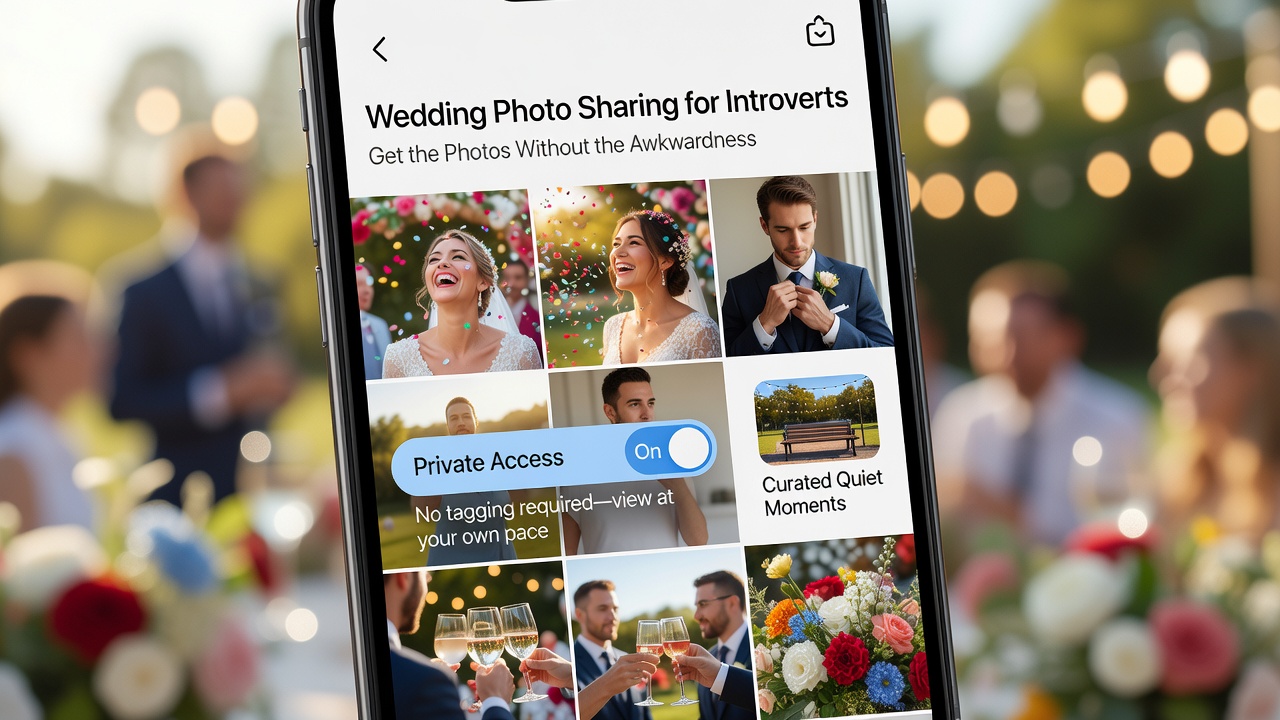
A private wedding gallery is the introvert's best friend. Instead of a free-for-all on social media, everyone posts into a locked, invite-only space. Here's what to look for across the popular options:
- Google Photos shared albums — Free, familiar, and dead simple. Guests join by link or invite, upload from their camera roll, and can even collaborate. Keep the album "restricted" so only invited people see it.
- Dropbox or iCloud shared folders — Great for full-resolution files if you want original quality for printing. Less social, purely functional, and very private.
- Wedding-specific apps — Apps like Wedbox, Zola, and The Knot include built-in photo sharing tied to your guest list, and many offer QR codes guests scan to upload instantly. No account juggling, no guesswork.
- Dedicated event apps (e.g., Picshot, GuestPix, Wedpics) — Purpose-built for weddings, these layer on approval modes, live galleries, and clean, clutter-free views for your group.
Whichever you pick, keep one rule: private by default. Guests who know their shots won't be broadcast to hundreds of strangers relax — and relaxed guests take better, more natural photos.
Approval Modes: You Curate, Nobody Gets Mortified
The second introvert superpower is the approval mode. Many wedding photo sharing apps now let the couple review every upload before it appears in the shared gallery. That means:
- No unflattering candids go live — you choose what represents your day.
- Guests never worry that their mid-bite laugh or sleepy eye will be public forever.
- You can flag sensitive shots, including the toasts and the people who asked not to be posted.
For introverted couples, approval mode is freedom. It turns the wedding gallery into your version of the day, not a raw feed of everyone else's. Your shy guests feel protected, and you stay in control of what's shared.
Non-Intrusive Setups: Cameras That Don't Demand Attention
The most non-intrusive setup is the one nobody has to think about. Practical ideas for couples who want low-pressure guest photos:
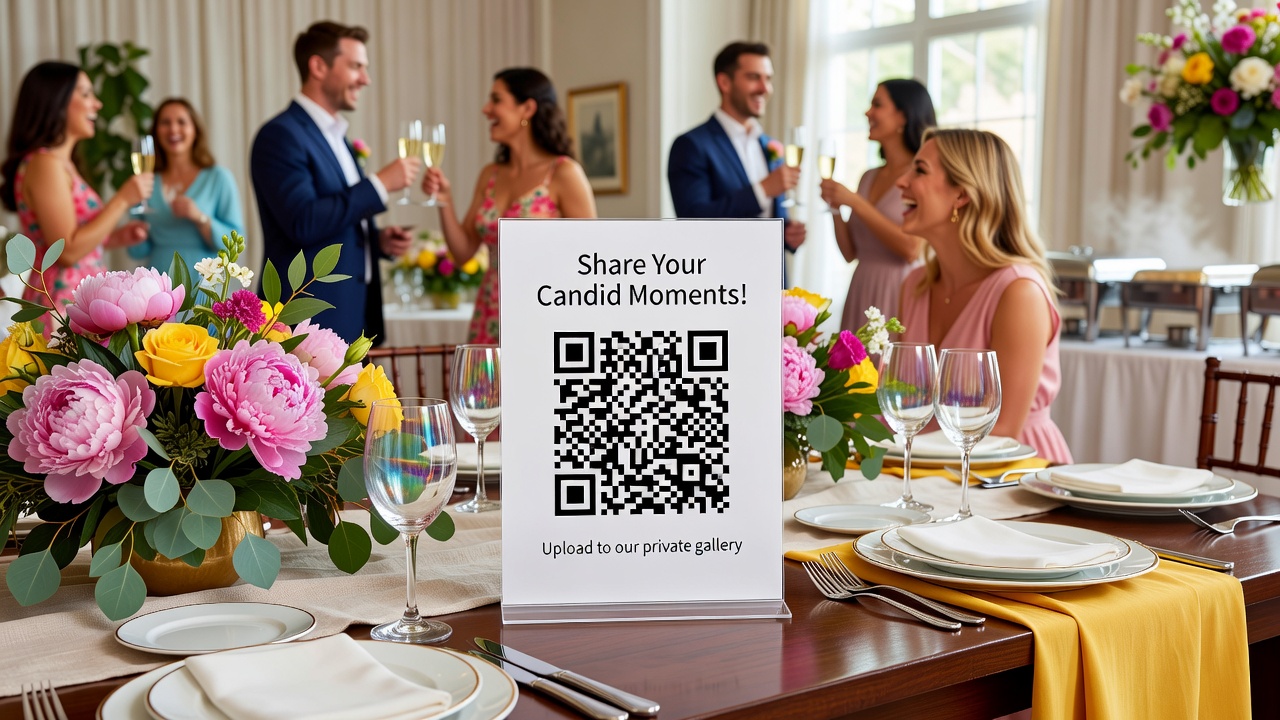
- QR code cards on each table — guests scan, upload, done. No announcements, no chasing.
- One visible upload spot, like a decorated phone-drop box with a QR sign, instead of roving photographers.
- An optional photo booth corner — there if guests want it, easy to skip if they don't.
- Ask a trusted introvert friend to be the silent documentarian, capturing candids with zero interaction.
Pair this with a clear, kind note: "Photos are welcome, never required." That one sentence invites introverts in without cornering them.
Practical Tips for Communicating With Introverted Guests
How you announce the wedding photo sharing plan matters as much as the tool. Keep it low-key and pressure-free:
- Send the gallery link (or QR code) in the invitation and again on your wedding website — never announce it live and put people on the spot.
- Emphasize that sharing is optional and that everything stays inside the private wedding gallery.
- Frame it as "Catch the candid moments here" rather than "Everyone must upload by midnight."
- After the wedding, send one gentle reminder — then stop. Introverts appreciate the nudge, not the nag.
Frequently Asked Questions
What is the best wedding photo sharing app for introverts?
The best choice balances privacy with ease. Google Photos, Dropbox, and iCloud shared albums are free and familiar, while wedding-specific tools like Wedbox, Zola, The Knot, Picshot, and GuestPix add approval modes and QR-code uploads. Pick one with a private gallery and an approval setting, since those remove the pressure introverts feel most.
How does approval mode work in wedding photo sharing?
Approval mode lets the couple review every photo guests upload before it appears in the shared gallery. Unflattering or sensitive shots can be kept private, and the published album reflects only what the couple chooses. This protects both introverted couples and their guests from unwanted exposure.
How can I make photo sharing non-intrusive for shy guests?
Use QR-code cards on tables so guests can upload quietly, keep one optional photo spot instead of roving photographers, and never announce photo sharing live. Frame it as 'photos are welcome, never required' and share the link in the invitation and on your wedding website so introverts can choose when to engage.
Conclusion: Low-Pressure Sharing, Beautiful Memories
You don't need a big production to capture your wedding beautifully. With a private gallery, an approval mode, and a non-intrusive setup, you and your guests can share photos at your own pace — no awkwardness, no pressure, no performing. Choose a wedding photo sharing app that puts privacy first, communicate warmly, and let the genuine moments speak for themselves. Your photos will thank you, and so will every introvert in the room. Ganun kasimple — that simple.
Quick answers
What is the best wedding photo sharing app for introverts?
The best choice balances privacy with ease. Google Photos, Dropbox, and iCloud shared albums are free and familiar, while wedding-specific tools like Wedbox, Zola, The Knot, Picshot, and GuestPix add approval modes and QR-code uploads. Pick one with a private gallery and an approval setting, since those remove the pressure introverts feel most.
How does approval mode work in wedding photo sharing?
Approval mode lets the couple review every photo guests upload before it appears in the shared gallery. Unflattering or sensitive shots can be kept private, and the published album reflects only what the couple chooses. This protects both introverted couples and their guests from unwanted exposure.
How can I make photo sharing non-intrusive for shy guests?
Use QR-code cards on tables so guests can upload quietly, keep one optional photo spot instead of roving photographers, and never announce photo sharing live. Frame it as 'photos are welcome, never required' and share the link in the invitation and on your wedding website so introverts can choose when to engage.