
Wedding Planning
Wedding Photo Sharing Checklist: Before, During & After
The ultimate wedding photo sharing checklist for couples who want every moment captured and shared. Covers engagement, wedding day, and post-wedding tasks with actionable steps.
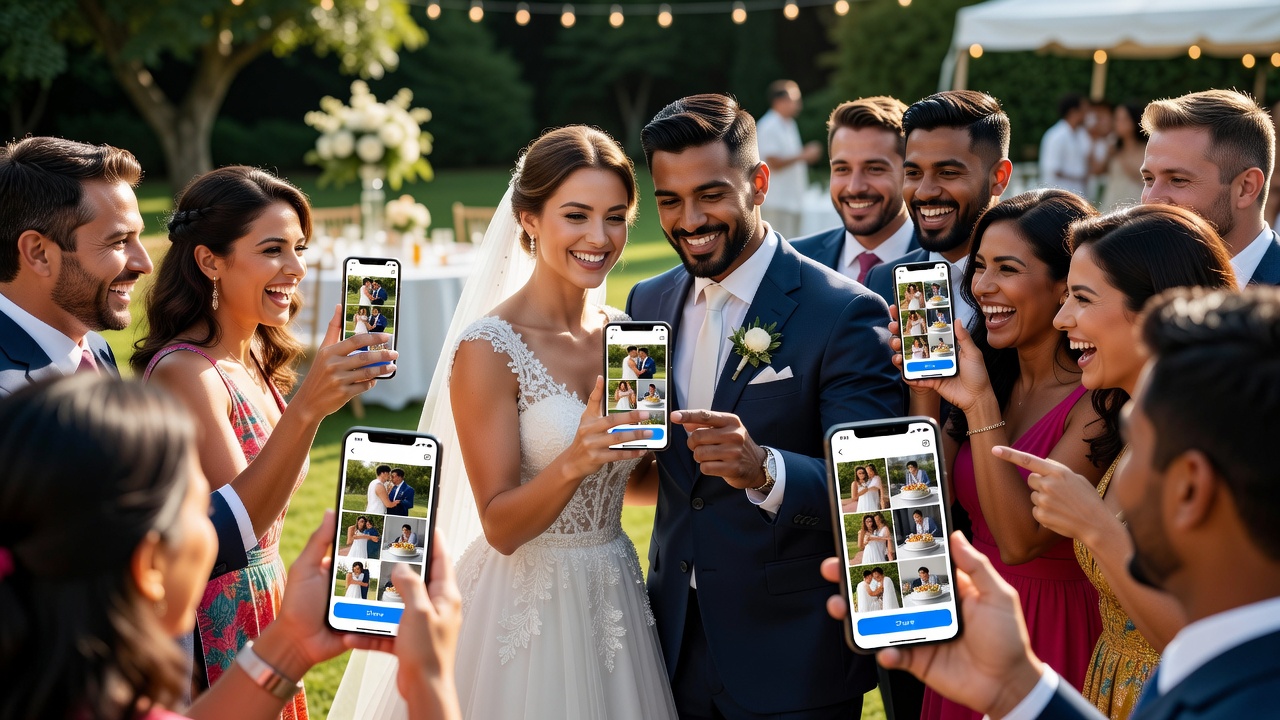
The Complete Wedding Photo Sharing Checklist: Everything to Do Before, During, and After
Quick Answer: A wedding photo sharing checklist organizes every photo task into three phases: before the wedding (collecting engagement photos, setting up sharing tools), during (capturing ceremony and reception moments in real time), and after (gathering guest photos, creating albums). Following a structured timeline ensures no photo is lost and every memory is preserved.
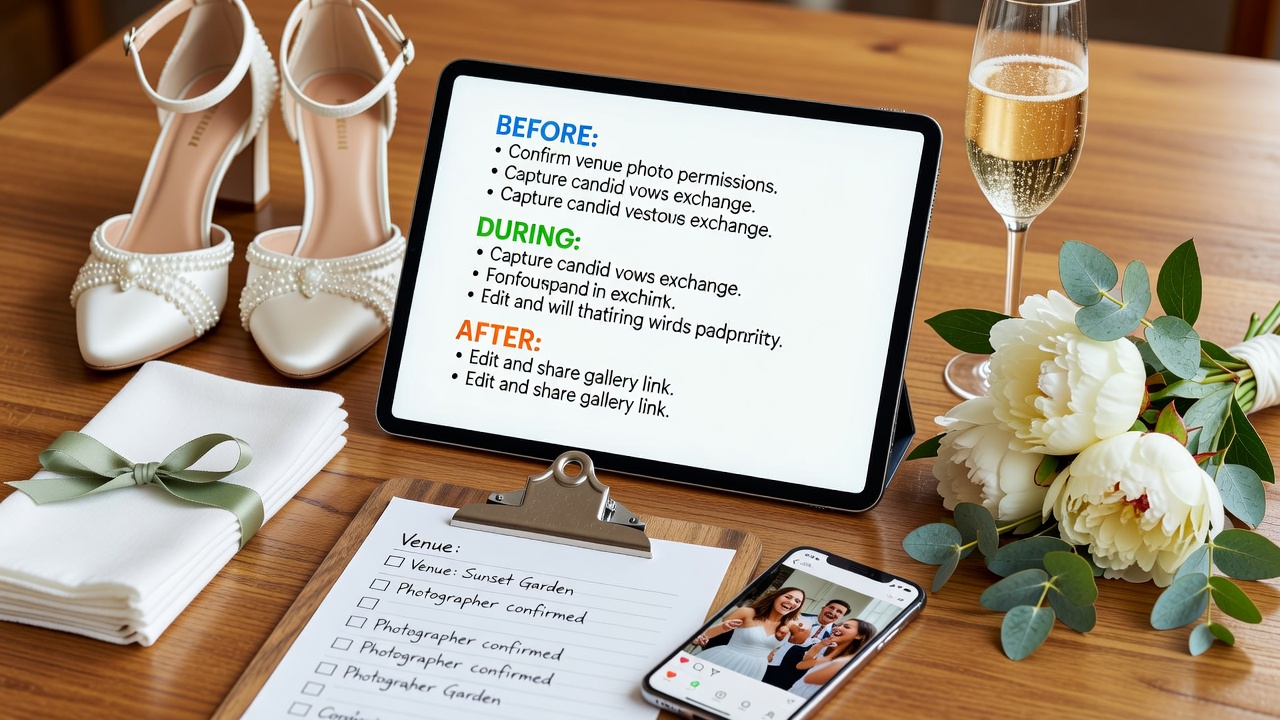
Introduction
Your wedding day will be one of the most photographed events of your life — but without a plan, precious moments can slip through the cracks. Guests snap photos on their phones, professionals capture formal shots, and engagement memories deserve a home too.
A wedding photo sharing app like WedPlanner solves the chaos by giving couples a single place to collect, organize, and share every photo. But technology alone isn't enough. You need a checklist that covers every phase, from the engagement ring selfie to the thank-you cards featuring your favorite reception candid.
This guide breaks down every photo-sharing task into three logical phases: before, during, and after your wedding. Follow it step by step, and you'll never wonder "Where did that photo go?" again.

Before the Wedding: Engagement and Pre-Wedding Phase
The pre-wedding phase sets the foundation for seamless photo sharing. Get your systems and guests ready before the big day arrives.
Set Up Your Wedding Photo Sharing App
Choose and configure your wedding photo sharing app at least 8–12 weeks before the wedding.
- Download the app and create your wedding event
- Customize your album with engagement photos as placeholders
- Invite your wedding party and close family as early users
- Test the upload process with a few trial photos
- Set privacy controls — decide if albums are public, invite-only, or password-protected
[Internal link: related article on choosing the best wedding photo sharing app]
Collect Engagement Photos
Engagement photos often get scattered across text threads and social media. Consolidate them early.
- Upload engagement shoot photos to your shared album
- Ask friends and family to upload any casual engagement party photos
- Tag photos by event (proposal, engagement party, dress shopping)
- Back up professional engagement photos in a second location
Plan Your Wedding Photo Shot List
Share your must-have shots with your photographer and wedding party.
- Create a shared document or album with example poses and group combinations
- List family photo combinations (e.g., "bride + grandparents")
- Note specific décor or details you want captured
- Assign a trusted friend to cross-check the list on the day
Inform Guests About Photo Sharing
Guest participation makes or breaks your wedding photo collection.
- Include the app download link in your wedding website
- Add QR codes to save-the-date cards or invitations
- Send a reminder email one week before the wedding with simple upload instructions
- Designate a tech-savvy helper to troubleshoot guest uploads on the day
Pre-Wedding Events to Document
Don't forget the events leading up to the ceremony.
- Engagement party photos
- Bridal shower candid shots
- Bachelor and bachelorette party highlights (PG versions for the shared album)
- Rehearsal dinner moments
- Dress and suit fittings
During the Wedding: The Big Day
The wedding day moves fast. These checkpoints keep photo sharing on track while you focus on celebrating.
Morning Preparations
Some of the most emotional photos happen before the ceremony even begins.
- Designate a photo buddy in the getting-ready suite to capture candid moments
- Upload getting-ready photos to a private album in real time
- Capture detail shots: rings, shoes, invitations, perfume bottles, boutonnieres
- Record short video clips of toasts or happy tears
Ceremony Photo Checklist
Formal ceremony photos deserve immediate organization.
- Ask your officiant or coordinator to announce when guests can take photos
- Ensure the photographer's shots are backed up to your shared album within 24 hours
- Collect guest ceremony photos through the app by evening
- Tag key moments: processional, vows, ring exchange, first kiss, recessional
Reception and Candid Moments
The reception is where guest contributions shine.
- Post QR codes at cocktail tables linking to the wedding photo sharing app
- Include a brief "Share Your Photos!" note in the welcome speech or on menu cards
- Assign a bridesmaid or groomsman to remind guests to upload during the party
- Capture candids during speeches, dancing, cake cutting, and send-off
Real-Time Sharing Tips
Uploading during the event keeps energy high and ensures nothing is lost if phones die.
- Use a wedding hashtag alongside the app for social media cross-posting
- Set up a live photo display or slideshow station if your venue allows
- Ask the DJ to announce the photo sharing app during a peak moment
- Encourage guests to upload immediately rather than "doing it later"
After the Wedding: Post-Wedding Organization
The work isn't done when the dress goes back in the garment bag. Post-wedding photo management turns raw uploads into a lasting archive.
Collect All Guest Photos
Guest uploads often trickle in over the first week.
- Send a polite reminder text or email 48 hours after the wedding
- Reach out personally to guests you know took great shots
- Check social media hashtags and request permission to save photos
- Download and back up all app uploads to cloud storage
Merge Professional and Amateur Photos
Your professional photographer's shots and guest candids tell the complete story.
- Create separate albums for "Professional" and "Guest" photos initially
- Merge the best candid shots into the professional timeline
- Use consistent naming or tagging for easy searching later
- Identify duplicates and keep the highest quality version
Create Themed Albums
Organization turns a photo dump into a browsable memory book.
- "Getting Ready" — morning preparations
- "Ceremony" — formal and guest ceremony shots
- "Cocktail Hour" — mingling and décor
- "Reception" — speeches, dancing, cake
- "Candid Moments" — funny, emotional, unexpected shots
- "Details" — rings, flowers, table settings
Share with Absent Guests and Family
Not everyone could attend, but they still want to see.
- Create a shareable link for elderly relatives who don't use apps
- Export a "Best Of" album for easy viewing
- Post a curated selection to social media with thoughtful captions
- Email direct links to out-of-town friends and family
Use Photos for Thank-You Cards and Keepsakes
Your photos now become part of your married life.
- Select a favorite couple's photo for thank-you card designs
- Order prints or a wedding album within 2–3 months
- Create a photo book as a first-anniversary gift
- Save high-resolution originals for long-term archival
Key Takeaways
- Download and set up your wedding photo sharing app 8–12 weeks before the wedding to test features and onboard guests.
- Consolidate engagement and pre-wedding photos early so they don't get lost across text threads and social platforms.
- During the wedding, post QR codes and make verbal announcements reminding guests to upload photos in real time.
- Within 48 hours post-wedding, send reminders to guests to upload their photos before memories fade and phones get cleared.
- Organize photos into themed albums and merge professional shots with guest candids for a complete visual story.
- Use your curated wedding photos for thank-you cards, keepsake albums, and first-anniversary gifts.
Frequently Asked Questions
When should we set up our wedding photo sharing app?
Ideally 8–12 weeks before the wedding. This gives you time to upload engagement photos, invite guests, test features, and troubleshoot any issues before the big day arrives.
How do we get guests to actually use the photo sharing app?
Include the app link on your wedding website, add QR codes to invitations and table cards, mention it in welcome speeches, and send a reminder within 48 hours after the wedding.
Should we still hire a professional photographer if guests are taking photos?
Absolutely. Professional photographers capture consistent, high-quality images with proper lighting and composition. Guest photos add candid, emotional moments professionals might miss.
What's the best way to organize hundreds of wedding photos?
Use themed albums like "Ceremony," "Reception," and "Candid Moments." Tag key moments, remove duplicates, and merge professional and guest photos into a single chronological timeline.
How long after the wedding should we collect guest photos?
Send your first reminder 48 hours post-wedding while memories are fresh. Follow up once more after a week. Most guest uploads happen within the first 3–5 days.
Can we use wedding photos for thank-you cards legally?
If you hired a photographer, check your contract for print and usage rights. Most contracts grant personal use rights. For guest photos, ask permission before printing — a quick text usually suffices.
What if guests forget to upload their photos?
That's common. Designate a trusted friend to remind guests during the reception, and follow up with personalized messages post-wedding. Some apps also allow automatic upload prompts.
How do we back up wedding photos securely?
Download all photos from your app to cloud storage (Google Drive, Dropbox, iCloud) and maintain a second copy on an external hard drive. This protects against accidental deletion or app changes.
Is it okay to post wedding photos on social media before the couple?
Etiquette varies, but the safest rule is: let the couple post first. Ask permission before sharing ceremony or portrait photos, and always respect any unplugged ceremony requests.
What's the difference between a wedding photo sharing app and a regular cloud storage folder?
A wedding photo sharing app is purpose-built for events: guest-friendly uploads, QR codes, themed albums, and real-time collaboration. Cloud storage is more manual and lacks wedding-specific features.
Conclusion
Your wedding photos are more than images — they're the story of one of the most important days of your life. Without a plan, that story gets scattered across dozens of phones, social feeds, and forgotten camera rolls.
Following a phase-by-phase wedding photo sharing checklist ensures every moment, from the nervous getting-ready smiles to the last dance, is captured and preserved. The key is starting early, making it easy for guests to participate, and staying organized after the celebration ends.
Ready to stop worrying about lost wedding memories? Download WedPlanner today and create your wedding photo sharing hub. Collect every guest photo, organize them into beautiful albums, and relive your wedding day — all in one place. Your future self (and your thank-you card recipients) will thank you.
[External link: authoritative source on wedding photography best practices]
Quick answers
When should we set up our wedding photo sharing app?
Ideally 8–12 weeks before the wedding. This gives you time to upload engagement photos, invite guests, test features, and troubleshoot any issues before the big day arrives.
How do we get guests to actually use the photo sharing app?
Include the app link on your wedding website, add QR codes to invitations and table cards, mention it in welcome speeches, and send a reminder within 48 hours after the wedding.
Should we still hire a professional photographer if guests are taking photos?
Absolutely. Professional photographers capture consistent, high-quality images with proper lighting and composition. Guest photos add candid, emotional moments professionals might miss.
What's the best way to organize hundreds of wedding photos?
Use themed albums like "Ceremony," "Reception," and "Candid Moments." Tag key moments, remove duplicates, and merge professional and guest photos into a single chronological timeline.
How long after the wedding should we collect guest photos?
Send your first reminder 48 hours post-wedding while memories are fresh. Follow up once more after a week. Most guest uploads happen within the first 3–5 days.
Can we use wedding photos for thank-you cards legally?
If you hired a photographer, check your contract for print and usage rights. Most contracts grant personal use rights. For guest photos, ask permission before printing — a quick text usually suffices.
What if guests forget to upload their photos?
That's common. Designate a trusted friend to remind guests during the reception, and follow up with personalized messages post-wedding. Some apps also allow automatic upload prompts.
How do we back up wedding photos securely?
Download all photos from your app to cloud storage (Google Drive, Dropbox, iCloud) and maintain a second copy on an external hard drive. This protects against accidental deletion or app changes.
Is it okay to post wedding photos on social media before the couple?
Etiquette varies, but the safest rule is: let the couple post first. Ask permission before sharing ceremony or portrait photos, and always respect any unplugged ceremony requests.
What's the difference between a wedding photo sharing app and a regular cloud storage folder?
A wedding photo sharing app is purpose-built for events: guest-friendly uploads, QR codes, themed albums, and real-time collaboration. Cloud storage is more manual and lacks wedding-specific features.