
Wedding Planning
Wedding Photo Sharing App: The 2026 Buyer's Guide for Couples
Everything engaged couples need to know about choosing a wedding photo sharing app in 2026 — from pricing models and must-have features to red flags that signal a service to avoid.
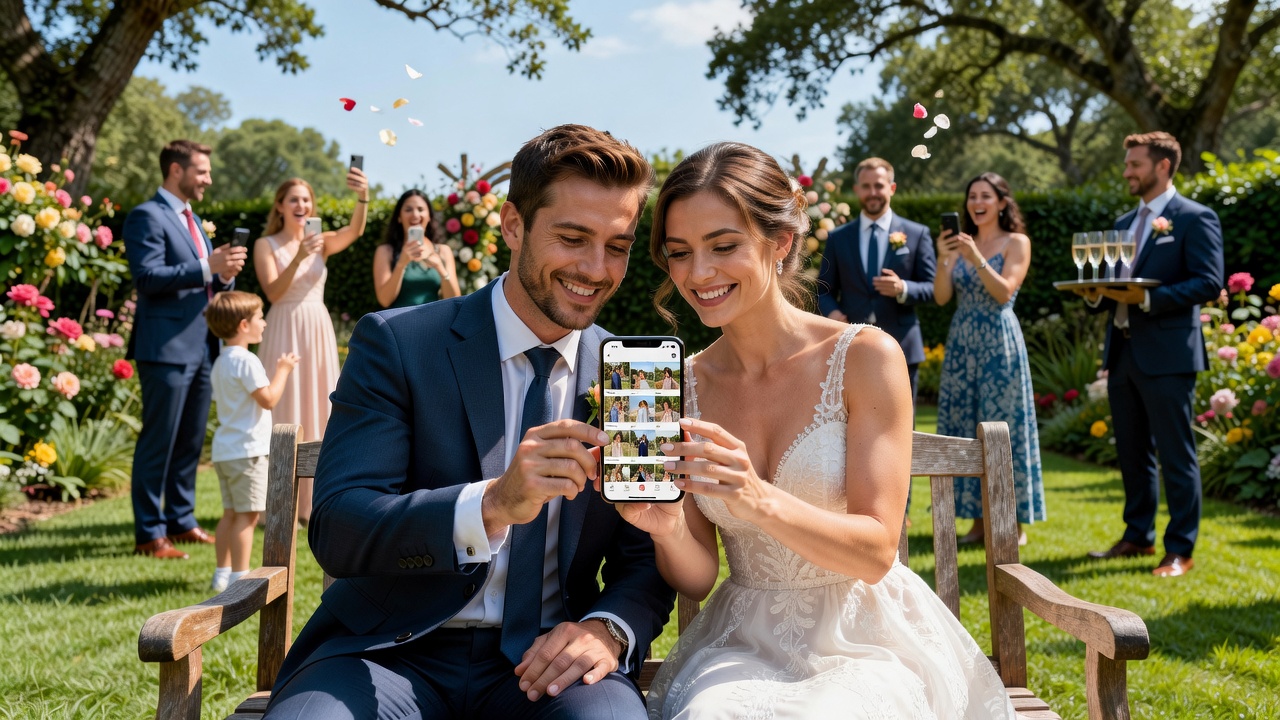
Planning a wedding in 2026? One tool you'll want locked in early is a wedding photo sharing app. The right platform keeps every candid moment, guest snapshot, and professional shot in one beautiful, organized gallery. The wrong one? Lost photos, privacy nightmares, and frustrated guests.
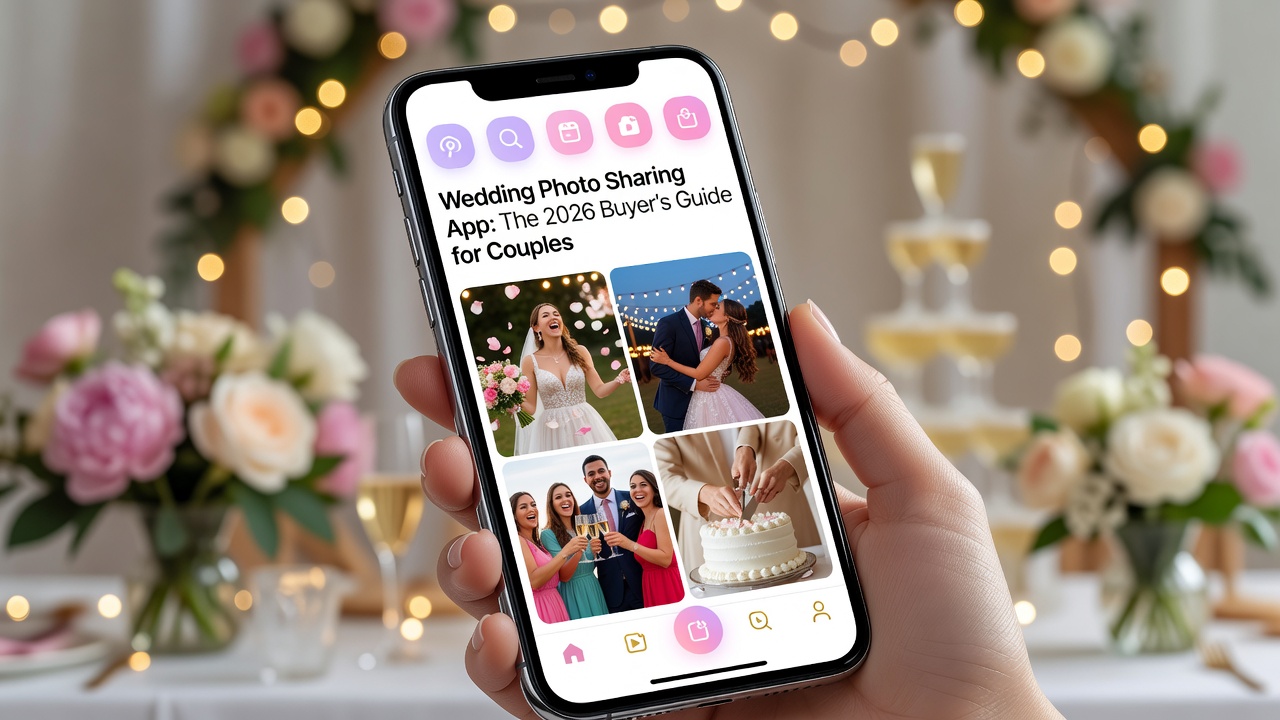
This buyer's guide breaks down exactly what to look for, what you'll pay, and which warning signs to avoid.
What Is a Wedding Photo Sharing App?
A wedding photo sharing app lets couples collect, organize, and privately share photos from their big day. Guests upload images in real time using a unique album link or QR code. Some apps also integrate with professional photographers for a seamless gallery experience.

How to Evaluate a Wedding Photo Sharing App
Before committing, test every platform against these criteria:
- Ease of use: Can non-tech-savvy guests upload without downloading an app?
- Privacy controls: Are albums password-protected, invite-only, or fully public?
- Storage limits: Is there a cap on photos or resolution?
- Download options: Can you export full-resolution originals?
- Customization: Can you match the album design to your wedding theme?
- Support responsiveness: Is live chat or email support available before the event?
Pricing Models: What You'll Actually Pay
Wedding photo sharing app pricing falls into three tiers in 2026:
- Free: $0–$15/month with ads, watermarks, or storage limits. Best for tiny guest lists.
- Subscription: $30–$80/year for ad-free galleries, unlimited storage, and HD uploads.
- Per-event: $50–$200 one-time for premium features like live slideshows, print integration, and custom domains.
Pro tip: A per-event plan often beats annual subscriptions if you're only hosting one wedding.
Must-Have Features for Couples
Don't compromise on these core features:
- QR code album access: Guests scan and upload instantly — no app download required.
- Real-time uploads: Photos appear as they're taken, perfect for live slideshows.
- Guest tagging & moderation: You control what appears and who's in it.
- High-resolution preservation: Original quality beats compressed social copies.
- Digital invitation integration: Link your guest list directly to the album.
Red Flags: When to Walk Away
Avoid any wedding photo sharing app that shows these warning signs:
- No export option: If you can't download your photos, you don't own them.
- Vague privacy policies: Your wedding photos shouldn't become marketing material.
- Hidden fees: "Free" tiers that charge guests to view or download.
- No offline backup: Cloud-only storage is a single point of failure.
- Poor mobile experience: Clunky uploads mean guests give up mid-reception.
FAQ
Do guests need to download an app?
The best platforms work in any mobile browser via QR code — no downloads needed.
Can I use a wedding photo sharing app alongside a professional photographer?
Absolutely. Many apps offer photographer integrations or separate admin galleries for pros.
How many photos can guests upload?
Limits vary by plan. Unlimited plans typically start around $50/year.
Is my data safe?
Verify end-to-end encryption and GDPR/CCPA compliance before uploading personal moments.
Final Thoughts
The best wedding photo sharing app is invisible — it just works. Prioritize guest simplicity, full-resolution exports, and transparent pricing. Test the upload flow yourself before the big day. Your future self (and your guests) will thank you.
Internal linking: Link to related articles on wedding planning tools, digital invitation platforms, and photo backup strategies. Consider a sidebar CTA for a free album setup checklist.
Quick answers
Do guests need to download an app to upload photos?
No — the best wedding photo sharing apps work directly in mobile browsers via QR code, with no app download required.
Can I use a photo sharing app alongside my professional photographer?
Yes. Many platforms offer photographer integrations or separate admin galleries designed specifically for professional workflows.
How much does a wedding photo sharing app cost?
Pricing ranges from free (with limitations) to $50–$200 per event for premium features like live slideshows and custom domains.
Are my wedding photos secure and private?
Look for password-protected albums, invite-only access, and platforms with end-to-end encryption and clear GDPR/CCPA compliance policies.