
planning-tips
Wedding Photo Collection: The Complete Guide to Gathering Every Guest Photo
Your complete guide to wedding photo collection for Filipino couples. Compare every method — from disposable cameras to QR code portals — with real costs, practical tips, and a layered strategy that actually works.
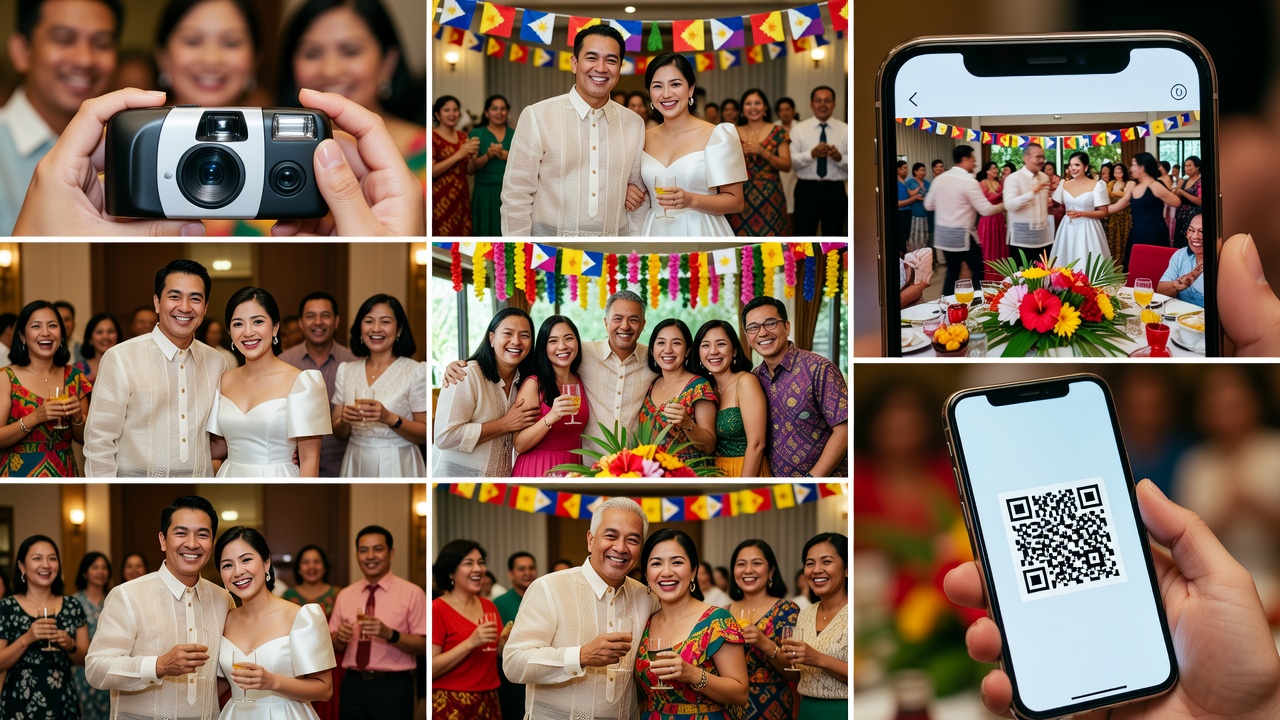
Your wedding day will be one of the most photographed days of your life — but your official photographer can only be in one place at a time. While they capture your first kiss, your barkada is snapping candids of your Lola tearing up. Your cousin films the flower girl's dance moves. Your ninong gets the perfect angle of your gown's train.
All these moments exist — scattered across dozens of phones and social media feeds. The challenge isn't whether these photos get taken. It's whether you ever see them. That's where a solid wedding photo collection plan comes in.
This guide covers every method for wedding photo collection — from the old-school disposable cameras your parents used to the QR-code-powered cloud galleries that today's Filipino couples are setting up. By the end, you'll know exactly which approach fits your budget, guest list, and tech comfort level.
Why Wedding Photo Collection Matters
Filipino weddings are famously well-attended. A typical celebration in Metro Manila, Cebu, or Davao easily hits 150 to 300 guests — and that's before counting extended family, neighbors, and the ninong who brought his entire office. Your photo and video team, no matter how talented, cannot capture every table, every candid moment, and every unexpected highlight across a 6-hour reception.
Guest photos fill the gaps. They capture the in-between moments — the ones that often become your favorite memories: your pamangkin falling asleep on a chair, your college friends doing an impromptu TikTok, your parents slow-dancing when they thought nobody was watching. But collecting those photos is where most couples hit a wall — chasing guests through Messenger, scrolling through hashtags nobody used correctly, and discovering that Tita Baby's phone ran out of storage halfway through the reception.
A deliberate wedding photo collection strategy solves this before it becomes a problem.
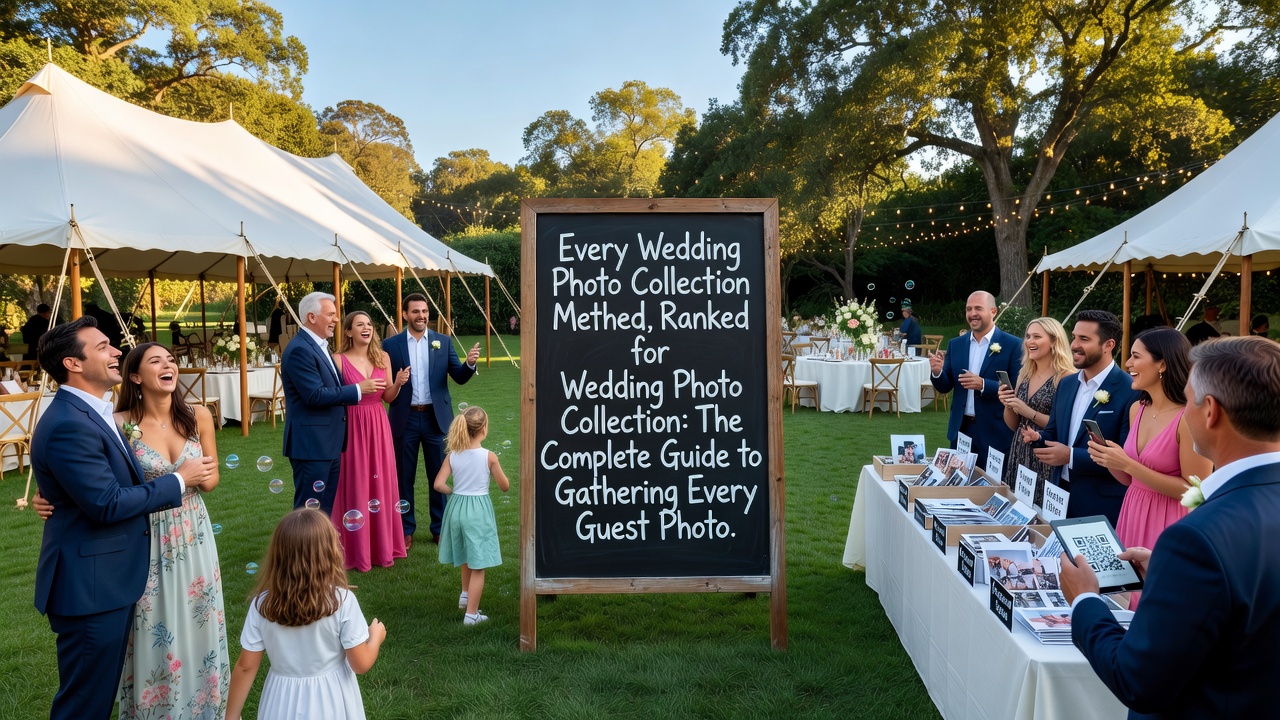
Every Wedding Photo Collection Method, Ranked
1. Disposable Cameras on Every Table
The classic approach: place one or two disposable film cameras on each reception table with a note asking guests to snap away. At roughly ₱500-800 per camera plus ₱300-500 for developing and scanning, a 15-table wedding runs about ₱12,000-19,500 total. Expect about 20-30% usable photos per camera — the unpredictability is part of the charm. This works especially well for garden and outdoor receptions in Tagaytay or Batangas where natural light makes disposable-camera photos look dreamy.
Pro tip: Assign a "camera captain" per table — usually a younger cousin or friend — to make sure someone actually uses it. Left unattended, disposable cameras often sit untouched while guests use their phones.
2. A Dedicated Wedding Hashtag
The simplest digital method: create a unique wedding hashtag, print it on signage at the venue, and ask guests to use it when posting on Instagram, Facebook, or TikTok. Filipinos are among the most active social media users in the world — your guests are already posting. Make your hashtag unique: "#JomAndAnne2026" works; "#Wedding2026" does not.
What you'll get: Curated, filtered content — guests post their favorite shots, not every single one. You'll miss the raw, unpolished moments. Instagram's algorithm also won't show you every post with your hashtag, so you'll need to actively search.
Pro tip: Create a private Facebook Group specifically for photo sharing. Older relatives who don't use hashtags will still upload directly to the group. This is the single most effective social-media-based collection method for Filipino weddings.
3. Shared Cloud Album (Google Photos / iCloud)
Create a shared album on Google Photos or iCloud and share the link with guests — via a QR code on reception tables, a link in your wedding website, or a message in your GC. Google Photos is the most practical choice for mixed-device crowds (Android titos, iPhone ninangs).
What you'll get: Full-resolution, original-quality photos and videos. Unlike social media, cloud albums preserve the original file quality. Guests can also add photos after the wedding — useful for the hangover recovery period when people finally go through their camera rolls.
Pro tip: Google Photos shared albums cap at 20,000 items. For a 200-guest Filipino wedding, you'll be fine. But remind guests to upload selectively — nobody needs 47 near-identical shots of the lechon.
4. QR Code Photo Upload Portal
Use a dedicated photo-collection service (like WedUploader or GuestPix) that gives guests a simple upload page. Print the QR code everywhere — table cards, welcome signage, even the wedding program. Guests scan, tap, select photos, done — no app download, no account creation.
What you'll get: Higher participation than shared albums because there's zero friction. Some services even let guests see a live gallery of what others have uploaded, which creates a fun "photo wall" effect during the reception if displayed on a screen.
Pro tip: Test the QR code on multiple phone types before the wedding. Also, make sure your venue has decent mobile data coverage — Tagaytay and Batangas venues can have spotty signal.
5. Wedding Planning Apps with Photo Features
Wedding planning platforms — including WedPlanner's guest management tools — increasingly include photo-sharing features. Guests can upload photos directly through the couple's wedding website. If you're already using a wedding website for RSVPs and event details, adding photo collection is a natural extension.
What you'll get: Organized, tied-to-your-wedding photos that live alongside your other planning data. No scattered links, no forgotten Google Drive folders. Everything in one place.
Pro tip: The key advantage of app-based collection is that it's tied to your guest list — you can see who uploaded what and send gentle reminders to guests who haven't shared yet.
6. Photo Booth with Digital Delivery
Modern photo booths don't just print strips — they also deliver digital copies to guests and create a live online gallery. Most Philippine photo booth suppliers (₱8,000-20,000 for a 3-4 hour package) now include this by default. These are great for your album but they're posed, not candid.
Pro tip: Ask your photo booth supplier if they can brand the digital gallery with your wedding hashtag. Some suppliers in Metro Manila offer this as a free add-on.
7. Professional Content Creator
A newer role in the Philippine wedding industry: a dedicated content creator who shoots iPhone-quality candid content throughout the day and delivers it within 24-48 hours. They focus on behind-the-scenes and social-media-ready moments — getting-ready TikToks, candid guest reactions, detail shots of your tablescape.
What you'll get: 300-500 pieces of phone-quality content delivered via Google Drive within 1-2 days. This fills the gap between "waiting 6-8 weeks for professional photos" and "scrolling through your cousin's Instagram stories before they disappear." Philippine wedding content creators typically charge ₱8,000-25,000.
8. The "Photo Wrangler" — Assign a Trusted Friend
Designate one or two tech-savvy friends whose job is to collect photos from guests throughout the event. They walk around with a tablet, ask guests to AirDrop or Bluetooth photos on the spot, and compile everything into a single album. This is surprisingly effective for the Filipino context where personal connection matters — a friendly "Ate, patingin ng photos mo!" goes further than any QR code.
Pro tip: Choose someone naturally social who knows both families and isn't already in the entourage. Buy them a nice dinner as thanks — this is real work.
Wedding Photo Collection Methods: The Complete Comparison
| Method | Cost (PHP) | Ease for Guests | Photo Quality | Best For |
|---|---|---|---|---|
| Disposable Cameras | ₱12K-20K (15 tables) | Medium | Low-Medium | Outdoor/garden weddings; vintage aesthetic |
| Wedding Hashtag | Free | High | Medium | Social-media-active crowds |
| Facebook Group | Free | Very High | Medium | Mixed-age Filipino guest lists |
| Shared Cloud Album | Free to ₱500/mo | Medium | High | Tech-comfortable guests; full-res files |
| QR Code Upload Portal | Free (DIY) to ₱8K | Very High | High | Large weddings; maximum participation |
| Wedding App / Website | Free to ₱1,500/mo | High | High | Couples already using a wedding website |
| Photo Booth (Digital) | ₱8K-20K | Very High | High | Receptions; entertainment + collection |
| Content Creator | ₱8K-25K | Zero effort | Medium-High | Immediate content; social-media-focused |
| Photo Wrangler (Friend) | Free + dinner | Very High | Varies | Any wedding; multiplies other methods |
Building Your Wedding Photo Collection Strategy
You don't need to pick just one method. The best approach for a Filipino wedding is a layered strategy that covers different guest types and tech comfort levels:
The "Cover All Bases" Stack (Recommended)
- Layer 1 — The Catch-All: A QR code upload portal or shared Google Photos album. Print the QR code on table cards, the wedding program, and a welcome sign at the entrance.
- Layer 2 — The Social Net: A private Facebook Group. This catches the titas, ninongs, and older relatives who live on Facebook but won't figure out a QR code.
- Layer 3 — The Human Bridge: One or two photo wranglers who walk around reminding guests, helping with tech issues, and collecting photos directly via AirDrop.
- Layer 4 — The Fun Factor: A photo booth with digital delivery. Guests love it, you get high-quality posed shots, and the digital gallery feeds into your main collection.
This four-layer approach costs roughly ₱8,000-28,000 total and covers virtually every guest demographic at a Filipino wedding.
The Budget-Conscious Stack
- Free shared Google Photos album with a printed QR code (₱0-200 for printing)
- Private Facebook Group for photo sharing (free)
- One photo wrangler friend (free + dinner)
- Wedding hashtag as backup (free)
Total cost: effectively zero. You'll get fewer photos than the full stack, but you'll still capture far more than relying on your official photographer alone.
Filipino Wedding Context: What Makes Photo Collection Different Here
Large guest lists are the norm. A 150-person wedding is considered "intimate" in the Philippines. With 200-400 guests, QR codes and cloud albums scale better than disposable cameras. If you're still figuring out your guest count, our wedding guest etiquette guide can help you set expectations.
Multi-generational attendance. Your Lola, your pamangkin, and your college barkada all have different relationships with technology. A single collection method won't work for everyone — the Facebook Group layer is especially important because it's the one platform that spans generations.
Mobile-first, data-conscious. Most Filipino guests use prepaid mobile data. Asking 200 guests to upload full-resolution photos over mobile data at a venue with spotty signal (common in Tagaytay, Batangas, and provincial venues) is a recipe for frustration. Provide WiFi at the venue if possible, or encourage guests to upload after the event when they're back on home WiFi.
The "Tita Photographer" phenomenon. Every Filipino wedding has at least one tita with a DSLR who takes hundreds of photos. Make sure she knows about your collection method — she's often your most valuable unofficial photographer.
Common Mistakes to Avoid
- Relying on only one method. If your only collection point is an Instagram hashtag and your venue has no signal, you get zero photos. Always have at least two methods.
- Not testing before the wedding. Test your QR code on multiple phones. Test your cloud album link. Test your Facebook Group privacy settings. The week before your wedding is not the time to discover your QR code only works on iPhones.
- Forgetting to communicate. Print your collection instructions everywhere — welcome sign, table cards, wedding program. Guests won't remember a verbal announcement. They will remember a QR code sitting right in front of them during the gap between ceremony and reception.
- No WiFi at the venue. If you're asking guests to upload photos during the event, provide WiFi or accept that most uploads will happen after the wedding.
- Not following up after the wedding. Send a thank-you message 2-3 days after the wedding with a gentle reminder and the upload link. A friendly follow-up doubles your collection rate.
How to Get Guests to Actually Participate
- Make it visible. A small QR code buried in the wedding program gets ignored. A large, beautifully designed welcome sign at the entrance with "Share Your Photos!" in bold gets used.
- Make it personal. Have your emcee make a quick announcement during the program. A 15-second mention dramatically increases participation.
- Make it rewarding. A ₱1,000 GCash prize for the best candid shot costs almost nothing and generates hundreds of uploads. If you're setting up a digital registry, check our guide on GCash wedding gifts and digital cash registries.
- Make it easy. If your method requires guests to download an app or create an account, participation will be low. The best methods are the ones where sharing takes one extra tap.
The Bottom Line
Your official wedding photos will be beautiful, posed, and professionally edited. But the photos your guests take — the candid, messy, joyful, unexpected ones — tell a different story. They capture what your wedding felt like, not just what it looked like.
The key is making collection effortless. A layered strategy — QR code portal + Facebook Group + photo wrangler + photo booth — covers every guest demographic at a Filipino wedding without breaking the bank. Start setting up your collection system at least 2-3 weeks before the wedding so you have time to test, print materials, and communicate with guests. For a complete planning roadmap, see our complete wedding planning guide for 2026.
And if you're already using WedPlanner's guest management tools for your RSVPs and seating chart, adding photo collection is a natural next step. Your wedding website becomes the single hub where guests RSVP, find event details, and share their photos — all in one place. Create your free wedding website and start building your photo collection plan today.
Quick answers
What is the best way to collect wedding photos from guests?
A layered strategy works best: combine a QR code upload portal (for tech-savvy guests), a private Facebook Group (for older relatives), a photo wrangler friend (for hands-on collection), and a photo booth with digital delivery (for entertainment + photos). This covers every guest demographic at a Filipino wedding.
How much does wedding photo collection cost?
It ranges from free (using Google Photos shared albums + Facebook Group + a wedding hashtag) to ₱28,000+ (adding a photo booth and paid upload service). A recommended four-layer approach costs roughly ₱8,000-28,000 total.
How do I get guests to actually share their photos?
Make it visible (large QR code signage), make it personal (emcee announcement during the program), make it rewarding (small prize for best photo), and make it easy (no app downloads or account creation required). Follow up with a thank-you message 2-3 days after the wedding with the upload link.
Can I use a wedding hashtag instead of a dedicated photo collection tool?
A wedding hashtag is a good starting point but shouldn't be your only method. Instagram's algorithm doesn't show every post, photos are compressed, and older relatives may not use hashtags. Pair it with at least one other method like a Facebook Group or shared cloud album.