
Wedding Planning
Wedding Hashtags vs QR Codes: Which Gets You More Guest Photos?
A data-driven comparison of wedding hashtags versus QR code photo sharing for Filipino couples — covering participation rates, photo quality, privacy, and post-event accessibility, with a clear verdict on which method actually delivers more guest photos.
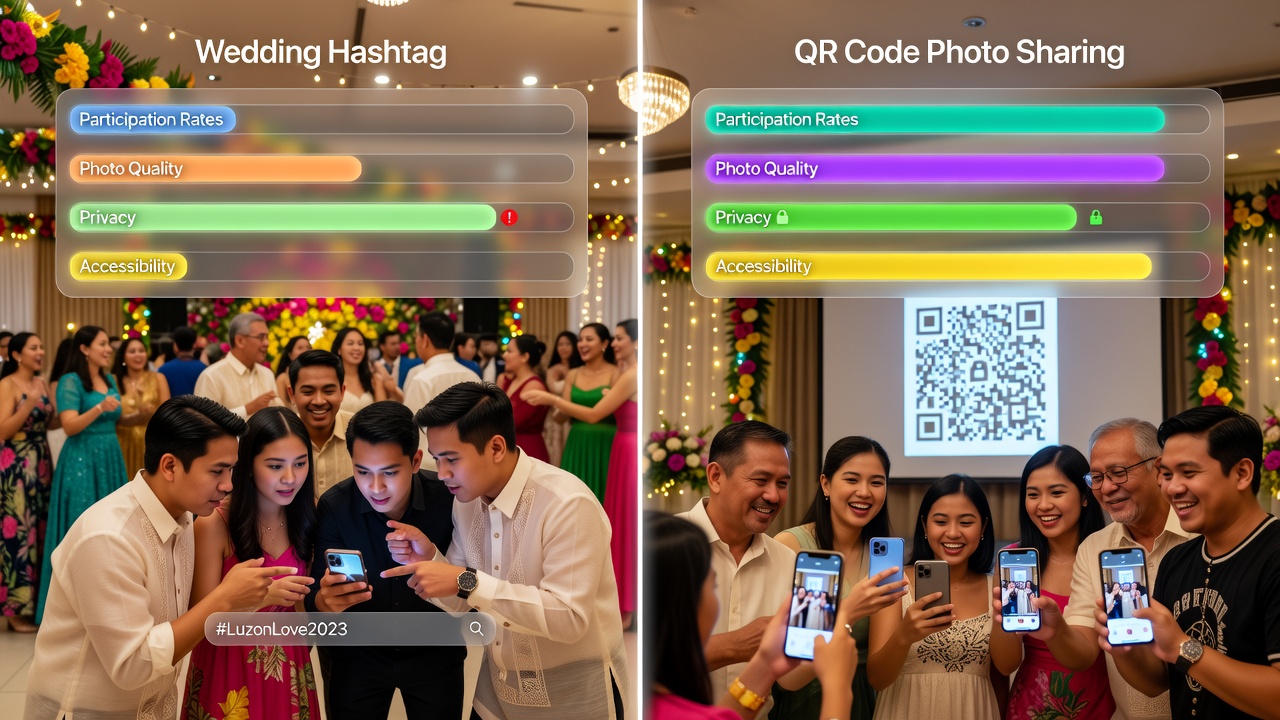
You've seen it at every Filipino wedding: a chalkboard sign announcing #JuanAndMariaForever, guests snapping photos on their phones, and the couple hoping those candid shots find their way back. But here's the uncomfortable truth — only about 5% of guest photos ever reach the couple through wedding hashtags. The other 95%? Buried in camera rolls, lost in group chats, or forgotten entirely.
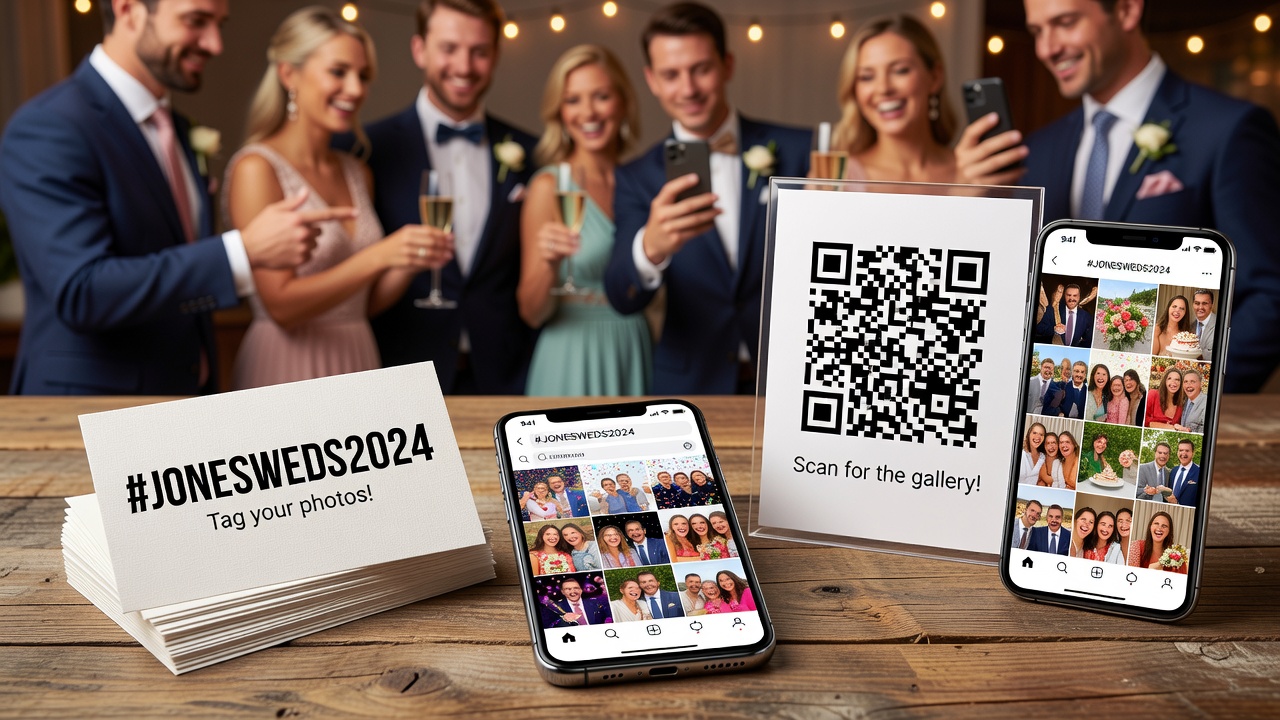
Meanwhile, QR code photo sharing has quietly emerged as the smarter alternative — delivering 60–70% collection rates with zero app downloads, zero logins, and zero hashtag typos. For Filipino couples managing guest lists of 150 to 300+, the gap between these two methods matters more than ever.
The Numbers: Hashtags vs QR Codes
| Metric | Wedding Hashtags | QR Code Photo Sharing |
|---|---|---|
| Participation Rate | 10–15% of guests (20–40 photos from 150 guests) | 40–60% of guests (200–500 photos from 150 guests) |
| Photo Quality | Compressed by Instagram; lower resolution | Full-resolution originals; no compression |
| Guest Privacy | Public posts visible to followers; private accounts invisible | Private gallery; only the couple sees uploads |
| Post-Event Access | Scattered across Instagram; manual download; algorithm hides old posts | All photos in one organized gallery; bulk download anytime |
| Guest Friction | Must remember hashtag, type it correctly, post publicly | Scan QR code → select photos → upload (10 seconds) |
| Cost | Free | ₱2,500–₱10,000 (one-time or subscription) |
Sources: Industry data from Picsui (2026 guest photo survey), QR PhotoShare (2026 wedding report), and HiveMoments (2026 comparison study).
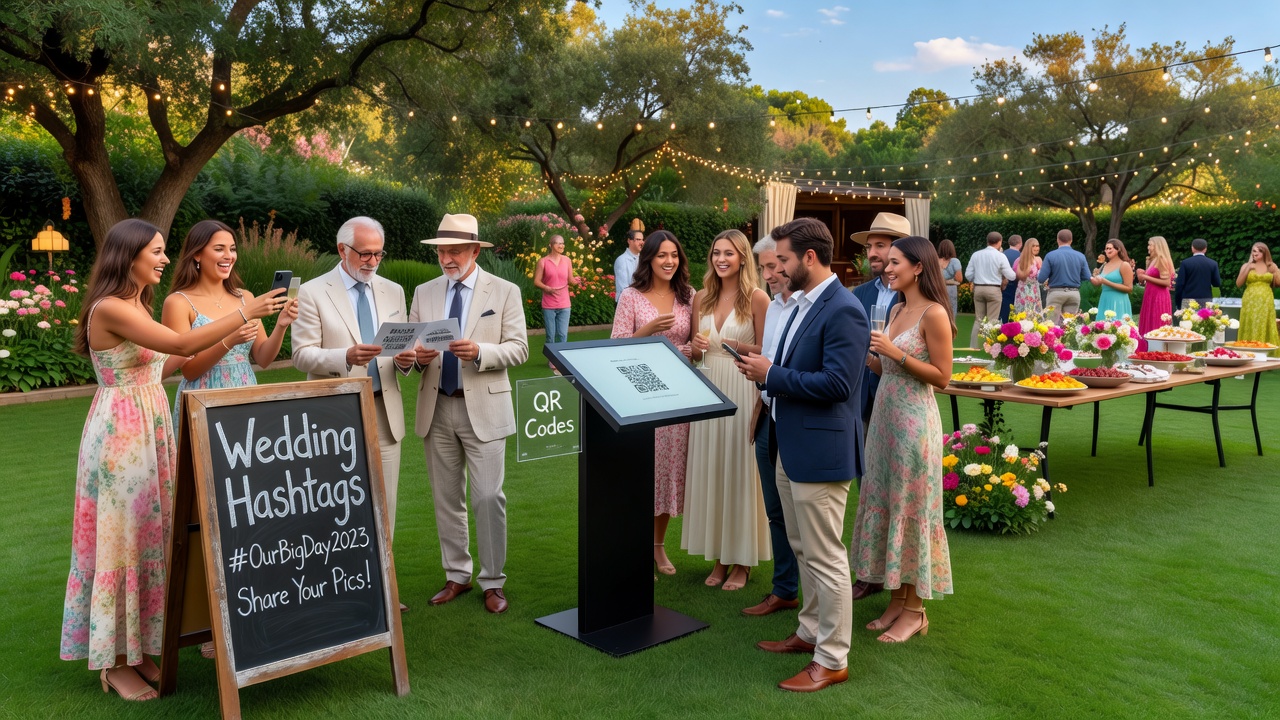
Participation Rates: Who Actually Shares?
Here's the reality of a 200-guest Filipino wedding:
With a hashtag: You'll get maybe 30–50 tagged posts — almost all from your barkada and younger cousins active on Instagram. Your ninong from the province? He's not posting. Your lola? She doesn't have Instagram. Friends with private accounts? Their posts won't show up in your hashtag search. You're collecting photos from the same 15–20 people while missing everyone else's perspective.
With QR code photo sharing: A single scan works for everyone. Your tech-savvy friends upload instantly. Your tita who barely uses her phone? She can still scan and share — no app, no account, no password. Industry data shows QR code systems achieve 40–60% guest participation, with older guests often becoming the most enthusiastic contributors once the barrier is removed.
Why the gap is so wide: Hashtags require guests to remember the exact hashtag, type it without typos, post publicly, and do all this after the wedding when life gets busy. QR codes require one action: scan. Friction kills participation — and QR codes remove almost all of it.
Photo Quality: Compressed vs Original
Instagram compresses every photo you upload. What looks sharp on your phone becomes a lower-resolution, compressed version once it hits the platform — fine for social media, but disappointing for printing or wedding albums.
QR code photo sharing preserves full-resolution originals. Guests upload directly from their camera roll, and you receive exactly what they captured — every pixel intact. Plus, Instagram's algorithm doesn't show posts chronologically — photos tagged weeks after your wedding may never appear in your hashtag search at all.
Privacy: Public Posts vs Private Galleries
Wedding hashtags are inherently public. Every tagged photo appears in a searchable feed visible to anyone. Guests with private Instagram accounts? Their posts are invisible to you. Guests uncomfortable posting photos of their children publicly? They simply won't share. In the Philippines, where many guests are family friends, colleagues, and extended relatives who value privacy, this public-by-default model excludes a significant portion of your guest list.
QR code galleries are private by design. Photos go directly to a gallery only you (and whoever you choose to share access with) can see. This privacy-first approach dramatically increases participation from guests who would never post publicly but are happy to share directly with the couple. No strangers, no unwanted tags, no photos circulating without your knowledge.
Post-Event Accessibility: Scattered vs Organized
Imagine it's three months after your wedding. You want to look through all the guest photos.
With hashtags: You open Instagram, search your hashtag, and find… maybe 20 posts still visible. The rest have been buried by the algorithm, deleted by guests, or were never visible (private accounts). You'll need to manually screenshot or use third-party downloaders — and the quality will be compressed.
With QR code photo sharing: You open your private gallery. Every photo is there — organized, full-resolution, and downloadable in one click. No chasing guests. No dead links. No compressed quality. Most services offer bulk download so you can save everything locally.
The Verdict: Which Should You Choose?
If your goal is to collect the most guest photos with the least friction, QR code photo sharing wins decisively. The data is overwhelming: 40–60% participation vs 10–15%, full-resolution vs compressed, private vs public, organized vs scattered.
But here's the nuance — you don't have to choose just one.
Use QR codes as your primary collection method. Place QR code signage at the welcome table, on reception table cards, and near the bar. This captures the bulk of guest photos — the candid moments, the group shots, the perspectives your photographer can't cover.
Keep a hashtag as your social layer. A wedding hashtag still has value — not for photo collection, but for social discovery and buzz. It lets guests share their excitement publicly, creates a searchable feed of well-wishes, and adds to the celebratory atmosphere. Think of the hashtag as marketing for your wedding, not your photo album.
The ideal setup: QR codes on every table + a hashtag on your welcome sign. The QR code captures the memories; the hashtag captures the social energy. Together, they cover both what you want to keep private and what you're happy to share with the world.
Quick-Start: Setting Up QR Code Photo Sharing
- Choose a platform: Services like Picsui, QR PhotoShare, and HiveMoments offer wedding-specific QR photo sharing (₱2,500–₱10,000 depending on features).
- Generate your QR code: The platform creates a unique QR code linked to your private upload gallery.
- Print and place: Print the QR code on table cards, welcome signage, and cocktail napkins. Match your wedding aesthetic — acrylic signs, calligraphy cards, or minimalist designs all work.
- Announce it: Have your emcee mention the QR code during the program: "Scan the QR code on your table to share your photos — no app needed!"
- Follow up: Send a thank-you message to guests within 48 hours with the QR code or link included. This 48-hour window drives 40–50% more uploads.
Frequently Asked Questions
Do guests need to download an app for QR code sharing?
No. Modern QR code photo sharing works through any smartphone camera — scan, tap the link, select photos, upload. No app, no account, no login required.
What if our venue has no WiFi?
QR code uploads work over cellular data. Most platforms optimize uploads for mobile networks, so WiFi is helpful but not required.
Can I combine QR codes with a hashtag?
Absolutely — and this is the recommended approach. QR codes for private, high-quality collection; hashtags for public social sharing. They complement each other perfectly.
Quick answers
Do guests need to download an app for QR code photo sharing?
No. Modern QR code photo sharing works through any smartphone camera — scan, tap the link, select photos, upload. No app, no account, no login required.
What if our venue has no WiFi?
QR code uploads work over cellular data. Most platforms optimize uploads for mobile networks, so WiFi is helpful but not required.
Can I combine QR codes with a wedding hashtag?
Absolutely — and this is the recommended approach. QR codes for private, high-quality collection; hashtags for public social sharing. They complement each other perfectly.