
Wedding & Anniversary
How to Make a Wedding Guest Photo Slideshow
Discover how to transform wedding guest photos into a heartfelt first anniversary slideshow with our step-by-step guide covering curation, editing, music selection, and storytelling techniques.

How to Make a Wedding Guest Photo Slideshow for Your First Anniversary
A wedding guest photo slideshow is a curated collection of candid moments captured by your friends and family, edited with music and narrative flow to create a meaningful anniversary experience. You gather photos from guests, select the best moments, arrange them to tell your wedding day's story, and pair them with music that matches the emotional journey.
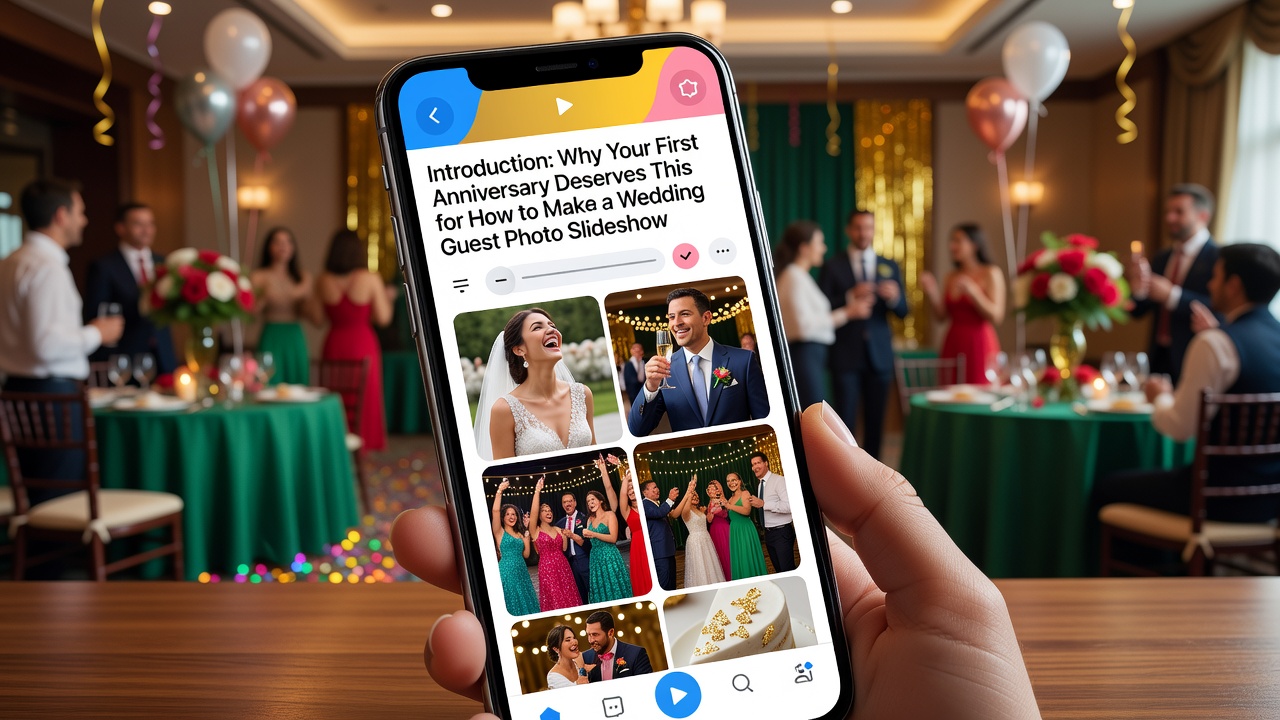
Introduction: Why Your First Anniversary Deserves This
Your first wedding anniversary marks a milestone that deserves celebration beyond a quiet dinner. While professional wedding photos capture posed perfection, your wedding guest photos hold something rarer: the unscripted joy, the tearful toasts, the dance floor chaos, and the moments you never saw because you were busy getting married.
Creating a slideshow from these candid images isn't just nostalgic—it's a creative anniversary tradition that lets you relive your day through the eyes of the people who matter most. This guide walks you through curating, editing, and presenting a wedding guest photo slideshow that becomes a treasured keepsake.
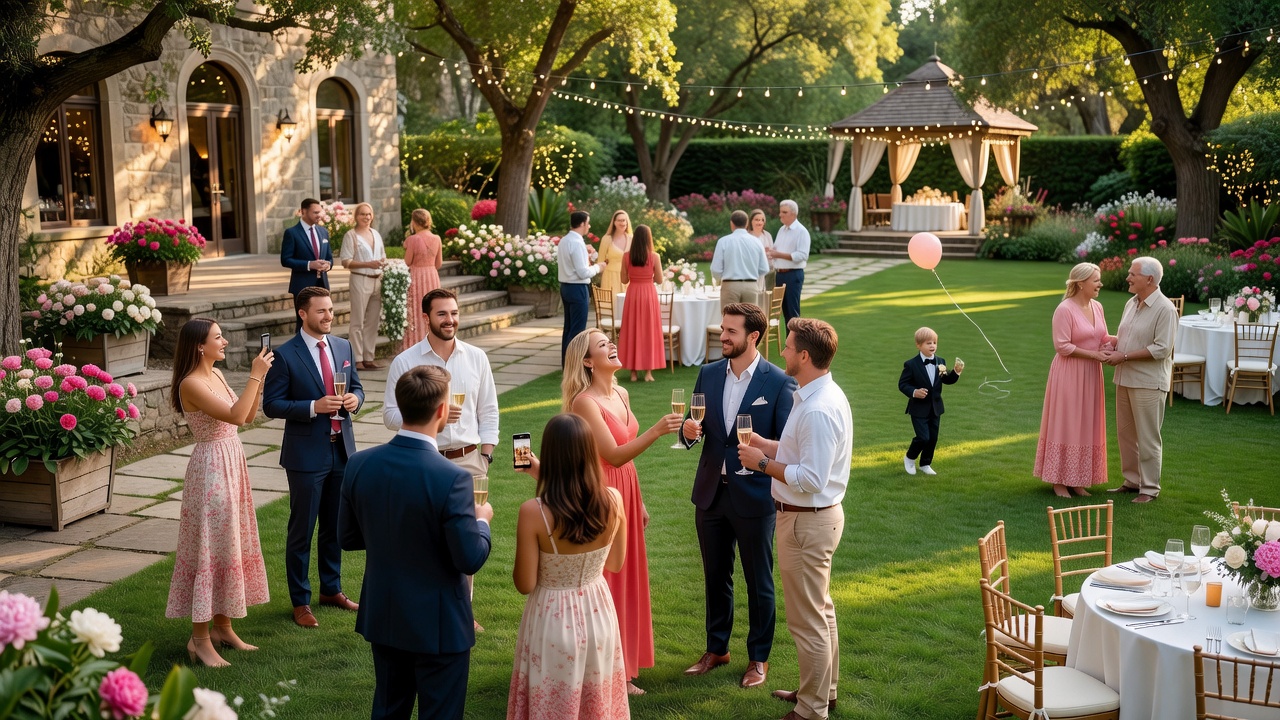
What Are Wedding Guest Photos and Why Do They Matter?
Wedding guest photos are candid images taken by your friends, family, and wedding party throughout your celebration. Unlike professional shots, these photos capture genuine reactions, behind-the-scenes moments, and perspectives your photographer couldn't reach.
The value lies in their authenticity. Your college roommate caught your partner's face when they first saw you. Your uncle recorded your grandmother wiping away tears. These images tell the human side of your wedding story—the moments between the poses.
For your first anniversary, compiling these into a slideshow creates a multi-perspective narrative that professional albums simply cannot replicate. It's a living document of how your community experienced your joy.
Step-by-Step Guide to Creating Your Anniversary Slideshow
Step 1: Gathering Your Wedding Guest Photos
Start by collecting every image your guests captured. Create a central system—a shared Google Drive folder, Dropbox link, or dedicated wedding photo app like The Guest or WeddingWire—where people can upload their shots.
Send a friendly email reminder mentioning it's for your anniversary slideshow. Most guests will be thrilled to contribute. Aim to collect within two weeks of requesting so momentum stays high.
Step 2: Curation—Finding the Gems
Once collected, sort ruthlessly. With potentially hundreds of images, you need criteria:
- Emotional resonance: Does this image make you feel something?
- Unique perspective: Did someone capture something your photographer missed?
- Technical quality: Is it sharp enough for a screen? Blurry images distract unless they're charmingly intentional.
- Diversity: Include moments from prep through after-party for narrative completeness.
Expect to keep roughly 15-25% of collected photos. A 10-minute slideshow works well with 60-80 images.
Step 3: Building Your Photo Sequencing and Narrative Flow
Storytelling separates amateur slideshows from memorable ones. Arrange photos chronologically: getting ready, ceremony, cocktails, reception, dancing, send-off. This natural timeline creates an emotional arc your viewers can follow.
Within that structure, look for mini-stories. Group photos of your grandparents slow-dancing, your college friends doing the worm, or the flower girl's progression from shy to wild on the dance floor. These threads add depth.
Pro tip: Start with anticipation (getting ready details), build to peak emotion (ceremony, first kiss), ease into celebration (reception joy), and end with a reflective moment (last dance, sparkler exit, or quiet goodbye).
Step 4: Choosing Music for Your Slideshow Emotional Arc
Music transforms a photo montage into an emotional experience. Your soundtrack should mirror your slideshow's narrative arc:
Opening (anticipation): Choose instrumental or soft acoustic tracks that build gently. Think Iron & Wine, José González, or cinematic instrumental pieces.
Ceremony section (peak emotion): Match your ceremony's actual music if possible, or select songs with similar gravitas. Classical guitar, piano, or your processional song's instrumental version works beautifully.
Reception (joy and energy): Transition to upbeat, celebratory tracks. Indie folk, light pop, or even the actual songs that played during your reception create visceral memory triggers.
Closing (reflection): End with something tender and forward-looking. Songs about lasting love or new beginnings leave viewers (and yourselves) feeling complete.
Match each section's energy to its photos—fast cuts during dancing need faster tempo; lingering shots of emotional moments deserve slower, deeper tracks.
Step 5: Editing and Timing Your Slideshow
Software options range from simple to sophisticated:
- iMovie (Mac/iOS) or Windows Photos app for straightforward projects
- Adobe Premiere Pro or Final Cut Pro for cinematic control
- Animoto or Magisto for template-based simplicity
- Google Photos auto-movies as a quick-start option
Timing guidelines: display each photo for 4-6 seconds. Emotional moments deserve longer; action sequences can handle quicker cuts. Add subtle transitions—crossfades work better than flashy wipes for anniversary sentimentality.
Step 6: Adding Personal Touches
Elevate your slideshow with personal elements:
- Include short video clips: Mix in 5-10 second snippets of vows, toasts, or dancing for rhythm variation
- Add text overlays: Quote from your vows, lyrics from your first dance, or brief thank-yous to guests
- Incorporate mementos: Scan invitation, pressed flowers, or handwritten notes as transitional images
Common Mistakes to Avoid
Even thoughtful slideshows can fall flat. Watch for these pitfalls:
- Too long: Ten minutes is ideal; fifteen max. Attention spans fade regardless of content quality.
- Uncurated dumps: Including every photo dilutes impact. Be selective.
- Mismatched music: Death metal during vows kills the mood (unless that's your actual vibe).
- No narrative arc: Random ordering feels like a screensaver, not a story.
- Ignoring technical quality: Dark, blurry photos interrupt immersion unless used sparingly for effect.
Key Takeaways
- Wedding guest photos offer authentic, multi-perspective memories that professional shots cannot replicate
- Collect photos systematically using shared folders or wedding apps before your first anniversary
- Curate ruthlessly—keep 15-25% of collected images focused on emotional resonance and unique perspectives
- Sequence photos chronologically with mini-story groupings to create narrative flow
- Match music tempo and mood to each slideshow section's emotional arc
- Aim for 10 minutes with 4-6 seconds per image and subtle crossfade transitions
- Add personal elements like video clips, text overlays, or scanned mementos for deeper meaning
Frequently Asked Questions
How far in advance should I start collecting wedding guest photos?
Begin collecting 6-8 weeks before your anniversary. This gives guests time to find and upload their favorites while memories are still fresh. Send a friendly reminder two weeks before your deadline.
What's the best software for beginners to make a wedding photo slideshow?
iMovie (Mac), Windows Photos app, or Animoto offer intuitive interfaces with professional results. For more control, Adobe Premiere Elements provides advanced features without Premiere Pro's complexity.
How many photos should I include in a 10-minute anniversary slideshow?
Include 60-80 photos at 4-6 seconds each, plus brief video clips. This pace feels engaging without rushing emotional moments. Fewer is fine if you have standout images worth lingering on.
Should I use the same music from my wedding reception?
Using your actual wedding songs creates powerful memory triggers, but ensure they fit the slideshow's emotional arc. Your processional song works beautifully for ceremony photos; first dance tracks shine during couple shots.
How do I handle blurry or dark photos from guests?
Use editing software to improve exposure and sharpness, but embrace some imperfection. A slightly blurry candid of genuine laughter often beats a technically perfect but sterile image. Reserve dark photos for artistic black-and-white conversion.
Can I include professional photos alongside guest photos?
Yes, mixing professional and candid shots creates a complete narrative. Use professional images for key moments (first kiss, family portraits) and guest photos for the human, between-the-poses magic.
What's the ideal length for a first anniversary slideshow?
Keep it between 8-12 minutes. Longer slideshows lose emotional impact; shorter ones feel rushed. Ten minutes hits the sweet spot for maintaining attention while honoring your celebration.
How can I share the slideshow with guests who contributed photos?
Upload to Vimeo or YouTube as an unlisted video, or share via Google Drive. Send a heartfelt thank-you message acknowledging their contribution and inviting them to watch.
Should I add captions or text to my slideshow?
Minimal text enhances without distracting. Add quotes from vows, song lyrics, or brief location/time markers. Avoid lengthy paragraphs—let images carry the narrative.
Can I make this a yearly anniversary tradition?
Absolutely. Many couples create annual slideshows combining guest photos, professional shots, and year-one marriage moments. This evolving tradition becomes a cherished visual timeline of your life together.
Conclusion: A Gift That Grows More Precious
Your first anniversary wedding guest photo slideshow isn't just a retrospective—it's a celebration of community, love, and the unscripted beauty of your wedding day. By curating thoughtfully, sequencing narratively, and scoring emotionally, you create something more than a video. You create a time capsule.
Start collecting those wedding guest photos today. Your future selves, watching together on your tenth anniversary, will thank you.
Looking for more anniversary inspiration? [Internal link: related article on first anniversary gift ideas] or explore our guide to [Internal link: related article on wedding photo preservation tips].
Quick answers
How far in advance should I start collecting wedding guest photos?
Begin collecting 6-8 weeks before your anniversary. This gives guests time to find and upload their favorites while memories are still fresh. Send a friendly reminder two weeks before your deadline.
What's the best software for beginners to make a wedding photo slideshow?
iMovie (Mac), Windows Photos app, or Animoto offer intuitive interfaces with professional results. For more control, Adobe Premiere Elements provides advanced features without Premiere Pro's complexity.
How many photos should I include in a 10-minute anniversary slideshow?
Include 60-80 photos at 4-6 seconds each, plus brief video clips. This pace feels engaging without rushing emotional moments. Fewer is fine if you have standout images worth lingering on.
Should I use the same music from my wedding reception?
Using your actual wedding songs creates powerful memory triggers, but ensure they fit the slideshow's emotional arc. Your processional song works beautifully for ceremony photos; first dance tracks shine during couple shots.
How do I handle blurry or dark photos from guests?
Use editing software to improve exposure and sharpness, but embrace some imperfection. A slightly blurry candid of genuine laughter often beats a technically perfect but sterile image. Reserve dark photos for artistic black-and-white conversion.
Can I include professional photos alongside guest photos?
Yes, mixing professional and candid shots creates a complete narrative. Use professional images for key moments and guest photos for the human, between-the-poses magic.
What's the ideal length for a first anniversary slideshow?
Keep it between 8-12 minutes. Longer slideshows lose emotional impact; shorter ones feel rushed. Ten minutes hits the sweet spot for maintaining attention while honoring your celebration.
How can I share the slideshow with guests who contributed photos?
Upload to Vimeo or YouTube as an unlisted video, or share via Google Drive. Send a heartfelt thank-you message acknowledging their contribution and inviting them to watch.
Should I add captions or text to my slideshow?
Minimal text enhances without distracting. Add quotes from vows, song lyrics, or brief location/time markers. Avoid lengthy paragraphs—let images carry the narrative.
Can I make this a yearly anniversary tradition?
Absolutely. Many couples create annual slideshows combining guest photos, professional shots, and year-one marriage moments. This evolving tradition becomes a cherished visual timeline of your life together.