
Event Marketing & Experience
Venue Reality Check: Making It Work Anywhere
Lighting changes, room layouts shift, and Wi‑Fi can be unpredictable—so guest photo capture must adapt. Here’s a venue-first approach to keep photo experiences reliable with Picshots guest photo capture for any event venue.
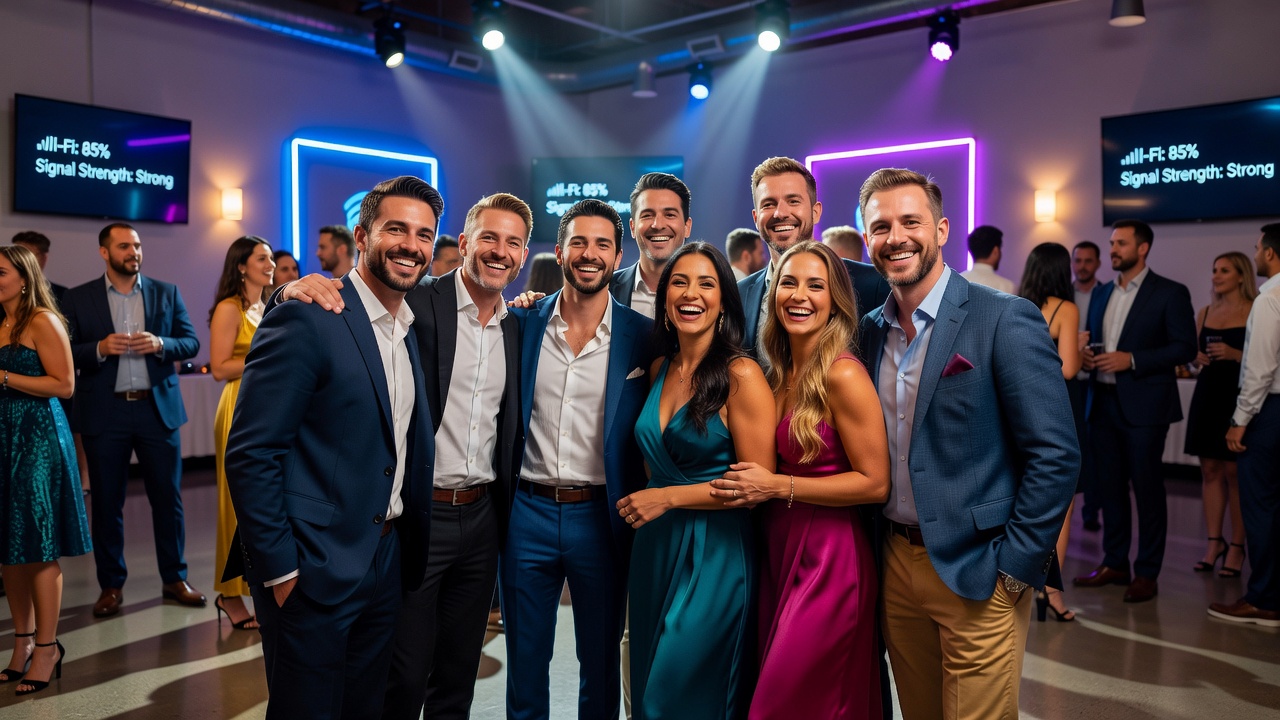
Picshots guest photo capture for any event venue: Venue Reality Check
Quick Answer (40–60 words): If you want guest photos to “just work,” treat each venue like a new environment. Lighting, sightlines, crowd flow, and Wi‑Fi reliability can break capture and upload. Picshots guest photo capture for any event venue uses a venue-first setup and adaptive workflow to keep capture consistent across challenges.

Introduction
At events, guest photo capture rarely fails because guests are “uncooperative.” It fails because real-world venue conditions weren’t accounted for: harsh spotlighting, mixed color temperatures, reflective walls, confusing line-of-sight, and Wi‑Fi that’s fast on paper but unstable under load. The result is a frustrating experience—missing shots, slow uploads, blurred moments, or guests moving on before photos finish processing.
This article is a practical venue reality check. You’ll learn what commonly goes wrong with lighting, room layouts, and Wi‑Fi at live events—and how to design a guest photo flow that adapts instead of relying on a one-size-fits-all approach. We’ll also explain how Picshots guest photo capture for any event venue stays reliable by matching capture and delivery to what the venue actually provides.
Featured snippet-ready takeaway: The fastest way to improve guest photo results is to run a short “venue readiness” checklist: confirm lighting direction and color, validate sightlines and traffic flow, then test upload reliability under real crowd conditions (not empty-room Wi‑Fi).
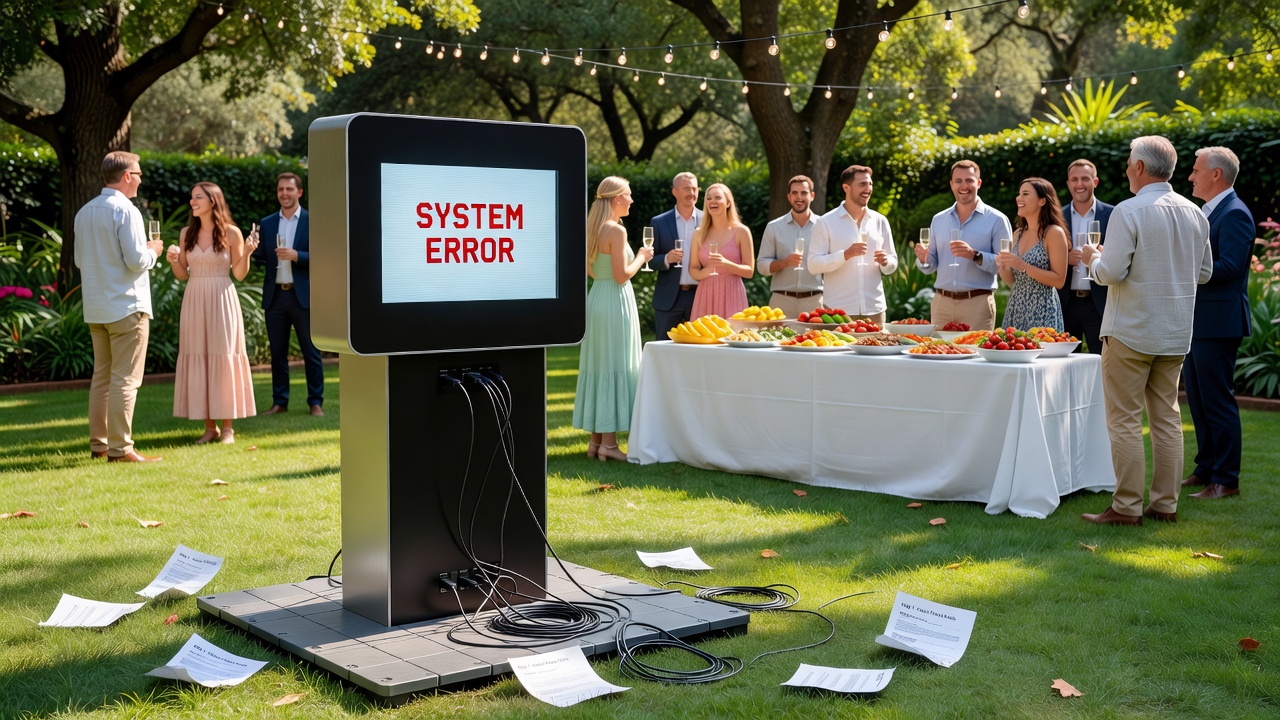
What makes guest photo capture break in the real world?
Most event photo problems are predictable. They come from a few recurring constraints that change from venue to venue.
Lighting affects exposure, skin tones, shadows, and autofocus/face tracking behavior.
Layout affects where guests stand, what backgrounds they see, and how consistently the camera “finds” faces.
Wi‑Fi affects how quickly photos upload, whether uploads pause, and whether guests experience delays that feel like “it’s not working.”
When these constraints aren’t addressed up front, the system you built can be perfectly fine—yet still fail at the event.
Venue-first vs. one-size-fits-all (and why it matters)
One-size-fits-all setups assume every venue has similar lighting quality, consistent sightlines, and stable connectivity. Venue-first setups assume the opposite: every venue has different glare, distance, background complexity, and network congestion. The practical lesson is simple: design the capture experience around conditions you can measure and adapt to.
That’s exactly the mindset behind Picshots guest photo capture for any event venue: adapt to the room, not the other way around.
Lighting reality check: how it impacts guest photos
Lighting isn’t just “bright or dim.” It’s about direction, color temperature, contrast, and consistency while guests move.
40–60 word answer: Guest photos go wrong when lighting causes harsh highlights, deep shadows, mixed color casts, or fluctuating brightness as stage lights sweep the room. Venue-first setups adjust capture settings and placement so faces stay evenly lit and colors remain natural—even when the room’s lighting changes throughout the event.
Common lighting problems (and what you’ll see)
- Mixed color temperature (orange + blue cast): Whites look tinted; skin can look uneven across frames. This often happens when ambient LEDs mix with daylight or stage lighting.
- Backlight and silhouette shots: Guests appear dark because the camera is seeing bright areas behind them.
- Specular highlights: Foreheads, cheeks, and glasses reflect bright points—detail disappears.
- Shifting stage lighting: Lights change during performances or transitions, causing exposure to swing.
- Low-contrast rooms: Backgrounds blend with clothing, making face detection less confident.
Venue-first lighting tactics that actually help
Rather than “set it and hope,” use a quick venue assessment and then adjust capture strategy.
- Choose placement for flattering direction: Position the photo area so faces receive light from the front or side, not only from behind.
- Stabilize color through environment control: If you can, aim for consistent overhead lighting at the capture point. If not, adjust the capture workflow to handle mixed conditions.
- Watch for reflective surfaces: Glossy walls, mirrors, glass partitions, and metallic signage can create glare and confusing background patterns.
- Plan for guests at multiple distances: Some venues put guests closer when they’re excited and farther when they’re waiting. Design the capture zone so the camera sees faces reliably across that range.
Picshots approach (conceptual): Instead of assuming one lighting preset works everywhere, Picshots setups are designed to work with the venue’s reality—so capture quality stays consistent even when the room lighting isn’t.
Room layout reality check: sightlines, crowd flow, and backgrounds
Layouts influence more than aesthetics. They directly affect whether guests can pose naturally and whether the camera can “lock on” to faces.
How layout breaks capture
Here are the layout failure modes that show up repeatedly:
- Sightline interruptions: Tall signage, columns, or people walking by block faces at the exact moment capture happens.
- Too many background distractions: Busy LED walls, patterned drapes, and reflective floors pull attention and confuse capture framing.
- Unpredictable guest spacing: If guests crowd too tightly or spread out, the camera’s field of view can miss faces.
- Traffic flow collisions: If guests queue where staff circulate, you get constant movement in the background and fewer successful shots.
- Pose friction: If it’s unclear where to stand, guests will “hover,” causing inconsistent framing and more retakes.
A simple venue layout checklist
Use this checklist before you finalize setup location and flow.
- Define the capture zone: Mark where guests should stand and where the camera “expects” faces.
- Test sightline blocking: Walk the route guests will take—watch for people or objects that repeatedly cross the camera.
- Check background complexity: Choose a background that’s visually simple at camera depth (not just “pretty to people” in the room).
- Confirm queue behavior: Make sure the line doesn’t spill into the shot area or into staff paths.
- Plan for eyewear and movement: People adjust glasses, turn their heads, and shift weight—design so minor movement still yields usable results.
Practical example: In a banquet hall, the “best spot” visually (near the center stage) might be worst for capture because guests drift into a glare-heavy zone. A venue-first approach often moves the capture position slightly off the main lighting axis so guests still feel connected to the event while photos remain consistent.
Wi‑Fi reality check: why “it’s connected” isn’t enough
Wi‑Fi failures are often subtle. A network can show a strong signal on a phone, yet still become unreliable under event load. Photo capture workflows are sensitive to upload latency and intermittent connectivity.
40–60 word answer: Wi‑Fi issues at events aren’t just about speed—they’re about consistency. Congestion, roaming, captive portals, and weak signal coverage can cause uploads to stall or fail right when guests expect instant results. Picshots guest photo capture for any event venue accounts for real-world connectivity variability.
Common Wi‑Fi quirks at events
- Congestion after check-in waves: Bandwidth drops when lots of devices connect simultaneously.
- Roaming instability: Devices hop between access points mid-upload.
- Captive portals: Guests’ devices may require login steps; automation workflows can’t assume those steps are completed.
- Weak coverage at the capture point: “Nearby” doesn’t guarantee stable throughput at the exact photo area.
- SSID/VLAN mismatches: Some venues separate guest Wi‑Fi into isolated networks that restrict device-to-device communication.
- Upload bottlenecks: Even if downloads are fine, uploads can degrade sharply.
What to test before the crowd arrives
To avoid surprises, test under conditions similar to the actual event.
- Signal and throughput at the capture point: Validate both, not just signal bars.
- Upload stability over time: Run a short upload test and watch for pauses or retries.
- Check whether captive portals exist: Confirm whether the network requires a browser sign-in.
- Validate device-to-service access: Ensure the capture device can reach the services it needs without blocked ports or restricted routing.
Tip: If the venue provides an on-site network, ask whether you can use a dedicated SSID/VLAN for event operations. If not, plan for the reality that connectivity may fluctuate.
Picshots approach (conceptual): Picshots systems are designed to keep the guest experience reliable even when network conditions change—so the workflow doesn’t collapse at the first sign of poor Wi‑Fi.
How Picshots stays reliable across different venue conditions
When teams say “our photos are reliable,” ask what reliability means in practice. Reliability usually comes from adaptability in three areas:
- Capture consistency: Maintain face visibility and exposure quality despite changing room lighting and guest movement.
- Workflow resilience: Keep the experience moving when upload timing varies due to Wi‑Fi quirks.
- Venue-first setup: Place and configure the capture experience based on the room, not generic assumptions.
Picshots guest photo capture for any event venue is built around that venue-first model: assess what the environment is doing, then adjust the capture and delivery experience so guests get usable results with fewer “wait, retry, refresh” moments.
Practical “venue adaptation” examples
- Rooftop evening event: You expect mixed lighting (twilight + warm LEDs). The venue-first approach prioritizes face lighting and framing so guests don’t look washed out or overly orange.
- Warehouse wedding with high ceilings: Distance and background complexity are the challenge. The setup is tuned so guests can consistently stand in the capture zone and be framed correctly against the space.
- Conference ballroom with heavy Wi‑Fi usage: Upload delays happen. A robust workflow helps reduce the “photos aren’t coming through” panic by keeping the experience responsive even if network performance varies.
What does “venue-first” planning look like for event teams?
Venue-first planning is not a huge project. It’s a disciplined workflow that prevents the most common failures.
Step-by-step: venue readiness in under 30 minutes
- Walk the space: Identify where guests naturally arrive, queue, and stand. Mark the capture zone.
- Observe lighting patterns: Note where glare or heavy shadows occur. If lights change, watch how quickly and how far the changes reach.
- Scan backgrounds: Look behind where guests will stand. If backgrounds are busy or reflective, adjust placement.
- Check Wi‑Fi coverage: Test at the capture point, not just in the lobby. Confirm if captive portal sign-in is involved.
- Run a short “real workflow” test: Capture a few sample photos and verify the end-to-end experience from capture to delivery.
Outcome: You’ll identify what to adjust before the crowd arrives—so guests see a smooth, confidence-building experience.
Common mistakes to avoid (so your setup doesn’t get blamed)
Even good teams fall into these traps.
7 mistakes that quietly ruin guest photo capture
- Assuming the venue’s Wi‑Fi is “good enough”: Speed tests in empty rooms don’t reflect event congestion.
- Choosing placement only for aesthetics: Beautiful positioning can produce glare, blocked sightlines, or inconsistent framing.
- Not accounting for guest behavior: People adjust posture, move, and wait—your camera must handle that reality.
- Skipping an end-to-end test: Checking only that the camera “works” misses upload and delivery issues.
- Overlooking reflective materials: Glass and glossy surfaces create hotspots and confusing backgrounds.
- Ignoring color casts: Mixed lighting can make photos look “off” even when exposure is technically correct.
- Waiting for the crowd to find problems: Fixes are faster and cheaper before peak guest arrival.
Costs, timelines, and trade-offs (what to ask before you commit)
Pricing and timing depend on guest volume, venue complexity, and the specific setup requirements. Instead of focusing only on cost, evaluate the trade-offs that affect reliability.
Questions to ask your vendor
- How do you adapt to venue lighting? Look for a process that recognizes lighting direction and color cast—not just generic camera settings.
- How do you handle Wi‑Fi variability? Ask what happens when uploads slow down or connections drop intermittently.
- What’s the venue readiness checklist? A good vendor should share a clear pre-event workflow.
- How do guests receive photos and how fast? Verify what “fast” means in your venue conditions.
- What support exists on event day? Confirm who monitors issues and how quickly adjustments can be made.
Professional help recommendation: If your venues vary widely (multi-site brands, large conferences, or high-variance lighting), consider bringing in an AV or event tech advisor. They can help you interpret lighting and network constraints so your photo experience remains stable.
Alternatives to consider (and when they’re the better fit)
Picshots is a tailored solution for reliable guest photo capture, but it’s not the only option. Here are common alternatives and their typical limitations.
Side-by-side: common approaches
| Approach | Best for | Likely pain points |
|---|---|---|
| Selfie stations (guest phones + prompts) | Small events, low expectations | Inconsistent framing, varying device cameras, unclear delivery |
| Single iPad/console capture | Simple workflows | Queue confusion, inconsistent results if guests stand in the wrong spot |
| Traditional photo booth with prints | High guest engagement | Costs/logistics; delivery is print-based, which may not match your sharing goals |
| Professional photographer | Coverage for key moments | Not scalable to high-volume guest capture; may miss “micro-moments” |
| Venue-adaptive guest photo capture (Picshots) | Brands optimizing reliability + sharing | Requires proper venue setup and pre-event readiness testing |
Bottom line: If reliability across many venues is a priority, venue-adaptive systems tend to outperform one-size setups. If your event is low volume and low variability, simpler approaches can be sufficient.
Key Takeaways
- Lighting, layout, and Wi‑Fi are the three most common causes of failed or inconsistent guest photo capture.
- Venue-first planning beats one-size-fits-all settings because real rooms vary in color cast, glare, sightlines, and connectivity.
- Test at the capture point (especially Wi‑Fi) and run a short end-to-end workflow check before the crowd arrives.
- Picshots guest photo capture for any event venue is designed to adapt to venue conditions so guests experience fewer delays and more usable photos.
- Ask vendors about adaptation (lighting), resilience (network variability), and event-day support.
Frequently Asked Questions
How do lighting issues affect guest photo capture?
Lighting issues can cause blown highlights, underexposed faces, mixed color casts, and shifting exposure as stage lights change. These effects make photos look “inconsistent” even when the camera technically captures images. Venue-first setups adjust placement and workflow so skin tones and facial visibility stay stable throughout the event.
What Wi‑Fi problems matter most during events?
Events often overload networks, causing intermittent throughput, upload retries, and roaming instability. Even if a venue’s Wi‑Fi feels fast on a phone, uploads can degrade under load at the exact capture point. Testing signal and upload stability before peak guest arrival is crucial for reliability.
Do I need a dedicated network for guest photos?
Not always, but it helps. Dedicated SSIDs/VLANs can reduce congestion and avoid captive portal friction. If you can’t get a dedicated network, choose a solution designed for variable connectivity—so uploads don’t fail silently or leave guests waiting with no feedback.
How can we set up the photo area to reduce retakes?
Guests retake when it’s unclear where to stand or when faces aren’t consistently framed. Mark the capture zone, minimize sightline interruptions, and choose backgrounds that don’t overwhelm the camera at depth. Then run a short end-to-end test so the workflow proves it works before the line forms.
What’s the fastest way to assess a venue before event day?
Walk the room and test the capture point. Check lighting direction and reflective surfaces, validate sightlines with people moving through the area, and test Wi‑Fi stability at the exact location where the capture device will operate. Finally, capture a few samples and verify photo delivery end-to-end.
How does Picshots help when venue conditions change mid-event?
Venue conditions can shift due to stage lighting changes, guest movement, or network congestion. Picshots guest photo capture for any event venue focuses on adaptive reliability—keeping capture quality and delivery behavior consistent enough that guests don’t experience repeated failures or confusing delays.
Is guest photo capture worth it compared to hiring a photographer?
It depends on your goals. Professional photographers excel at curated coverage, but they can’t match high-volume guest capture without significant scaling. Guest photo capture helps you collect authentic, shareable moments across the whole audience. Many brands combine both for best results.
What should event planners ask about support on event day?
Ask who monitors the workflow, how issues are detected, and how quickly adjustments can be made if lighting or network performance changes. Reliable systems include operational checklists and responsive troubleshooting—because the event clock doesn’t stop when conditions get weird.
Conclusion
Venue conditions aren’t a detail—they’re the reason guest photo capture succeeds or fails. When lighting direction, room layouts, and Wi‑Fi quirks aren’t accounted for, even a well-built system can underperform at the worst possible moment: when guests are ready now.
If you’re aiming for Picshots guest photo capture for any event venue, take the venue reality check seriously: plan for real lighting, design around real sightlines and queues, and test connectivity the way your event will stress it.
Ready to make it work anywhere? Reach out to the Picshots team to discuss your venue types, your guest flow, and how you want photos delivered—so you can turn venue variability into a reliable guest experience.
Quick answers
How do lighting issues affect guest photo capture?
Lighting issues can cause blown highlights, underexposed faces, mixed color casts, and shifting exposure as stage lights change. These effects make photos look “inconsistent” even when the camera technically captures images. Venue-first setups adjust placement and workflow so skin tones and facial visibility stay stable throughout the event.
What Wi‑Fi problems matter most during events?
Events often overload networks, causing intermittent throughput, upload retries, and roaming instability. Even if a venue’s Wi‑Fi feels fast on a phone, uploads can degrade under load at the exact capture point. Testing signal and upload stability before peak guest arrival is crucial for reliability.
Do I need a dedicated network for guest photos?
Not always, but it helps. Dedicated SSIDs/VLANs can reduce congestion and avoid captive portal friction. If you can’t get a dedicated network, choose a solution designed for variable connectivity—so uploads don’t fail silently or leave guests waiting with no feedback.
How can we set up the photo area to reduce retakes?
Guests retake when it’s unclear where to stand or when faces aren’t consistently framed. Mark the capture zone, minimize sightline interruptions, and choose backgrounds that don’t overwhelm the camera at depth. Then run a short end-to-end test so the workflow proves it works before the line forms.
What’s the fastest way to assess a venue before event day?
Walk the room and test the capture point. Check lighting direction and reflective surfaces, validate sightlines with people moving through the area, and test Wi‑Fi stability at the exact location where the capture device will operate. Finally, capture a few samples and verify photo delivery end-to-end.
How does Picshots help when venue conditions change mid-event?
Venue conditions can shift due to stage lighting changes, guest movement, or network congestion. Picshots guest photo capture for any event venue focuses on adaptive reliability—keeping capture quality and delivery behavior consistent enough that guests don’t experience repeated failures or confusing delays.
Is guest photo capture worth it compared to hiring a photographer?
It depends on your goals. Professional photographers excel at curated coverage, but they can’t match high-volume guest capture without significant scaling. Guest photo capture helps you collect authentic, shareable moments across the whole audience. Many brands combine both for best results.