
Wedding Planning
Speed Matters: Picshots Post-Ceremony Guest Photo Capture
Don’t let the energy drop between ceremony and reception. This guide shows you how to create a fast “photo moment,” keep guests engaged, and use Picshots post-ceremony guest photo capture to sustain participation during the ramp-up.
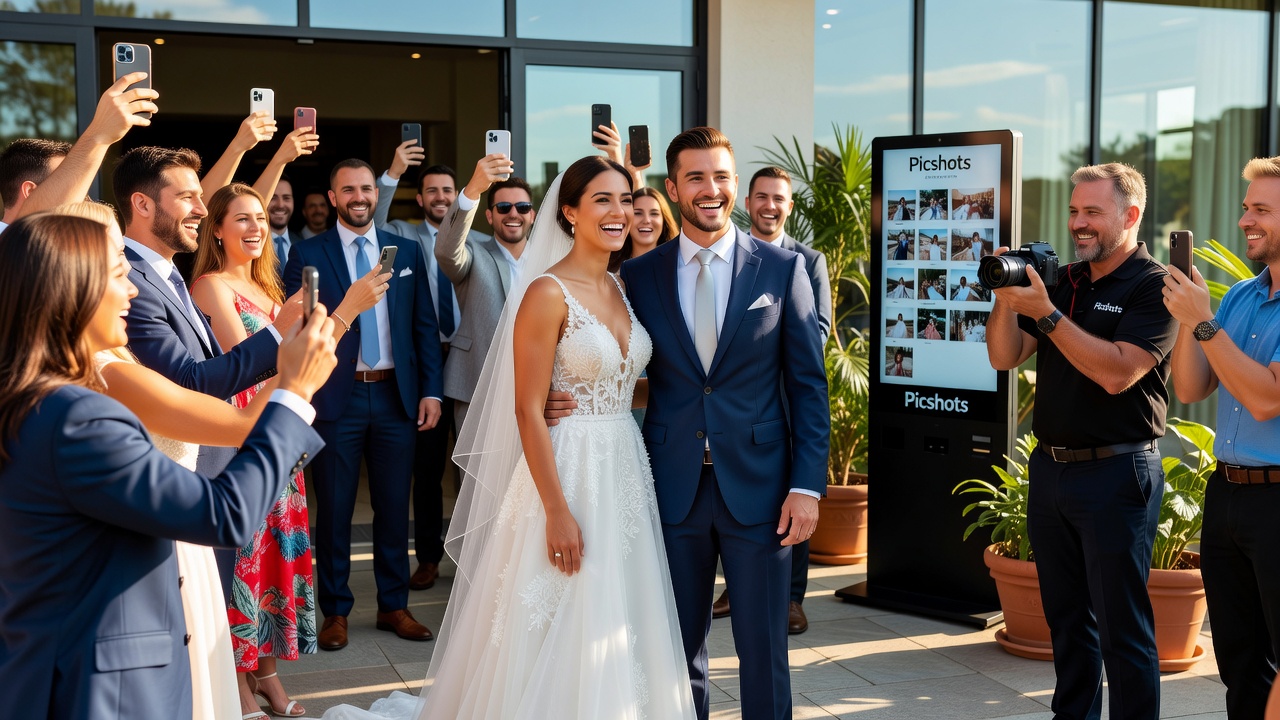
Speed Matters: Picshots post-ceremony guest photo capture
Quick Answer: The fastest way to keep guest photos coming after the ceremony is to schedule a short, clear “right-now” capture window—right after you exit the ceremony space. Use an easy prompt, reduce friction (Wi‑Fi/QR/one-tap flow), and keep the reception moving so guests stay engaged. Picshots helps maintain that participation during ramp-up.
Introduction
You worked hard to create a ceremony that feels meaningful—and then the moment ends. That’s when many wedding/event photos quietly stop: guests relax, conversations start, and the best candid opportunities pass while people wait for cues (or forget).
This post is for you if you want momentum to continue right after the ceremony—without slowing down your day. We’ll walk through the exact timing, guest-friendly prompting, and how Picshots post-ceremony guest photo capture keeps participation active during the reception ramp-up.
Search intent match: You’re looking for practical steps to increase the number (and quality) of photos from guests immediately after the ceremony, and for a simple way to manage capture during the early reception.
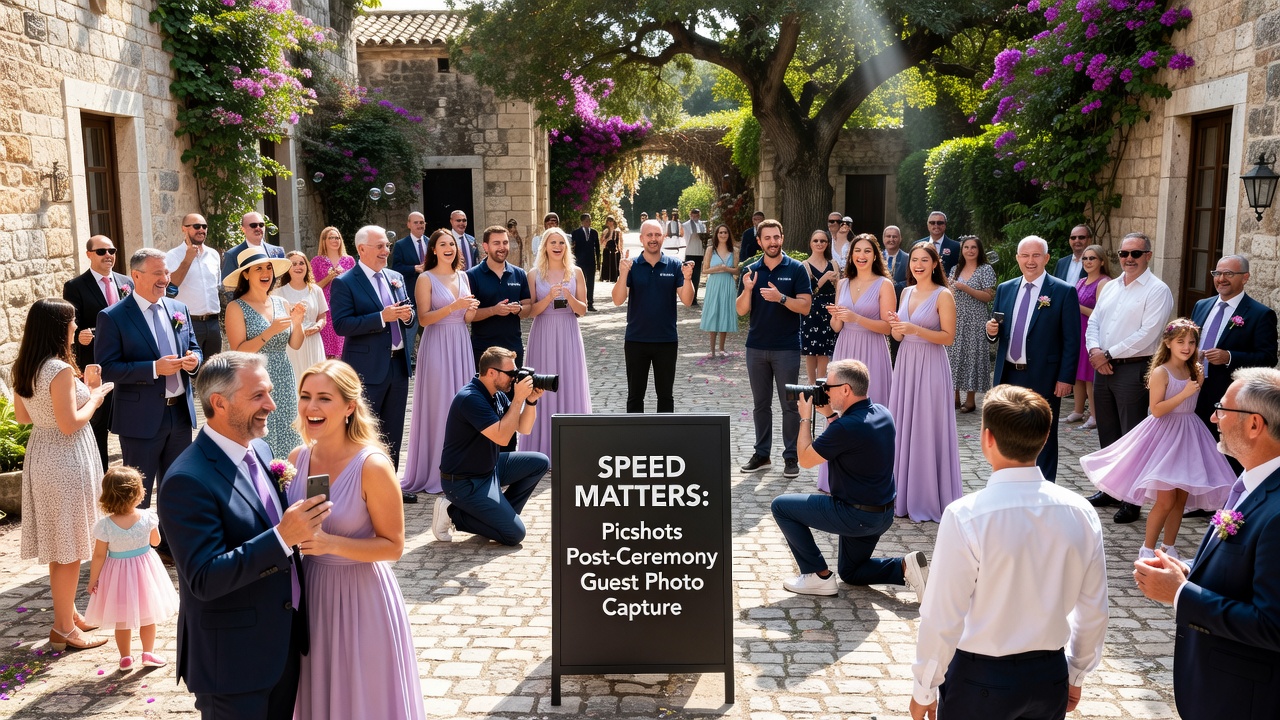
Why does the post-ceremony gap decide how many guest photos you get?
The first minutes after the ceremony are a behavior window. Guests are still in “event mode,” dressed for the occasion, and emotionally primed to document. But if you don’t give them a simple reason (and a simple way) to capture, they typically shift into low-friction defaults—talking, grabbing drinks, checking their phones later, or assuming someone else will handle photos.
In plain terms: photo momentum is a timing + friction problem.
What “photo momentum” really means
Photo momentum is the combination of:
- Time proximity: guests capture while feelings and scenes are fresh.
- Clarity: guests understand what moment to photograph and when.
- Ease: guests can join the capture flow without hunting for instructions.
- Purpose: guests feel their photos matter right now.
What is “Picshots post-ceremony guest photo capture”?
Definition: Picshots post-ceremony guest photo capture is a reception-friendly way to channel guest phone photos into an organized capture moment—starting immediately after the ceremony—so your coverage includes candid reactions, arrivals, congratulations, and early reception energy.
Instead of hoping guests remember to send photos “later,” you give them a straightforward, on-the-spot prompt that fits the natural flow of the day.
Why it’s built for reception ramp-up
The reception ramp-up is when people transition from:
- Ceremony exit (high emotion)
- Venue transition (new angles, new scenes)
- First rounds of mingling (candid laughter, greetings)
- Set-up moments (DJ/band cues, dinner prep, first entrances)
Those are exactly the scenes guests love to photograph—but only if you keep them from “stalling” in between.
How do you keep momentum high with a “3-minute capture window”?
To maximize guest photos, plan a very short, very obvious moment. Think: tell them what to capture, tell them when to capture, and make it easy to do it.
Step-by-step: the 3-minute guest photo moment
- Choose the moment: Typically right after you exit the ceremony space (or as you arrive at the reception entrance). This is where congratulations, hugs, and group reactions peak.
- Set a clear start cue: One announcement from the MC/DJ (or a coordinator) that guests can hear instantly.
- Give one simple direction: “Capture your favorite congratulations moment—phones up in 10 seconds!”
- Connect it to reception energy: Example cue: “Let’s kick off the reception with candid photos from everyone here.”
- Provide the capture method immediately: QR code on signage, a quick link on a program card, or a staff-handled “scan here” prompt.
- Repeat lightly if needed: If your venue layout makes it hard to hear, add a second cue after 90 seconds with a shorter line (“One more minute for congratulations photos!”).
- Close the window: When time is up, stop prompting so the reception flow remains smooth.
A ready-to-use announcement script (short and guest-friendly)
“Guests—this is your moment. For the next three minutes, please take photos of the couple’s arrival and your favorite congratulations reactions. When you’re ready, scan the QR code at the entrance to share your photos to the Picshots collection. Thank you—let’s keep the celebration coming!”
What should you tell guests to photograph (so photos aren’t random)?
If you only say “take photos,” you get random shots—too many of the same angle, not enough of what you actually want. You want variety while staying simple.
Use a “3 + 1” prompt: three themes plus one wild-card idea.
The “3 + 1” prompt
- 3 themes (pick your favorites):
- First reactions and hugs (true candid energy)
- Wedding party / family congratulations
- The couple walking into the reception space
- 1 wild-card: “Anything that made you smile in the last minute.”
Tip: Keep themes broad. You’re not asking for technical shots—just meaningful moments.
How does Picshots keep participation active during reception ramp-up?
Most “guest photo” ideas fail after the first cue. Guests may wonder what to do next, lose their motivation, or forget. Picshots is positioned to reduce those drop-offs by keeping the capture experience aligned with the reception’s early flow.
Practical ways Picshots supports momentum
- Fewer steps for guests: Guests can scan, share, and move on—no complicated “send later” instructions.
- Timing that matches real behavior: The best photo energy happens right after the ceremony and during early mingling.
- Participation feels intentional: The prompt communicates that guest photos belong to the story—not a separate side quest.
- Coverage of the “in-between scenes”: Arrival lines, greetings, venue moments, and early candid reactions.
Example reception ramp-up flow (from ceremony to candid coverage)
| Time | What guests are doing | Your cue / photo prompt | Why it works |
|---|---|---|---|
| 0–5 min | Arrivals + congratulations | Start “3-minute capture window” | Emotion is fresh |
| 5–15 min | First mingles, drinks, introductions | Optional second reminder (“Keep sharing your favorites”) | Guests transition to social mode |
| 15–30 min | Group formation + walking around | Light signage refresh or staff nudge | People notice cues at natural pauses |
| 30+ min | Dinner begins / showtime | Let the reception run (no heavy prompting) | You avoid slowing the day |
How do you reduce friction so guests actually share?
Friction kills participation. Your job is to remove it—without turning your event into a tech support desk.
Friction checklist (quick wins)
- Place instructions where guests already look: entrance signage, program stands, or a welcome table.
- Use one obvious action: scan the QR / tap the link / share to the collection.
- Keep the prompt short: Guests should understand it in 5 seconds.
- Consider connectivity: If your venue Wi‑Fi is unreliable, make sure the experience is designed to work smoothly for guests.
- Assign a point person: One coordinator or staff member can gently answer “What is this?” questions without derailing reception flow.
Important: Don’t over-instruct. If guests need a tutorial, you’ve already lost the window.
What are common mistakes that cause guest photo momentum to drop?
Most failures are predictable. Here are the pitfalls to avoid.
- Announcing too late: If you wait until the reception is fully underway, guests have already switched into conversation mode.
- No clear duration: “Take photos anytime” doesn’t give people a reason to act now.
- Unclear what to do next: If guests don’t know how to share, the photos stay in their camera rolls.
- Too many instructions: Long directions reduce compliance. Keep it one action.
- Prompting during the wrong moments: If you interrupt key reception cues (first dance, speeches, dinner setup), you reduce overall engagement.
- Forgetting signage and placement: A QR code “somewhere” is worse than a QR code guests can see instantly at entry.
- Assuming guests will remember later: People forget. Capture windows work because they match attention spans.
Pro tip: If you want more photos, don’t ask for “more time.” Ask for “right now.”
How much time and effort does this take on the planning side?
The goal is speed for you and guests. A “post-ceremony capture window” is usually lightweight compared to bigger production elements.
Typical planning effort (realistic ranges)
- Coordination: 20–40 minutes to align your MC/DJ and choose the exact cue moment.
- Signage / prompt assets: 30–60 minutes to finalize placement and messaging.
- Staff training: 10–20 minutes to ensure one person can answer basic “how do we share?” questions.
Costs: The main variables are signage/printing, any tech setup, and whether you use Picshots to power the sharing flow. Exact pricing depends on your event size and plan—confirm with Picshots directly for the most accurate options.
[Internal link: Pricing & setup guide for guest photo capture collections]
Are there alternatives to Picshots? When should you choose them?
Yes—there are other ways to encourage guest photos. The best choice depends on how “managed” you want the experience to be.
Quick comparison: options for guest photo momentum
| Option | Guest effort | Momentum | Best for |
|---|---|---|---|
| Manual sharing (email/social instructions) | High | Often drops after the cue | Very small guest lists |
| Dedicated photo booth | Medium | Strong for booth moments, weaker for candid scenes | Guests love structured prompts |
| QR-based guest sharing (Picshots) | Low | Best when aligned to post-ceremony window | Coverage of candid arrival + reception ramp-up |
Recommendation: If your goal is to keep participation active right after the ceremony, QR-based collections aligned to a short capture window are usually the most reliable path—especially for candid coverage.
[External link: Wedding photo timing and guest participation best practices from a photography authority]
What “good” looks like: examples you can copy
Here are a few ready scenarios that tend to generate better guest participation.
Example 1: Ceremony exit into reception entrance
Create a “walk-through and congratulations” moment at the reception entrance. Place signage where guests are already waiting, then run the 3-minute capture window as the couple arrives. This naturally produces candid reactions and authentic greetings.
Example 2: Weather backup plan
If you anticipate outdoor conditions, position photo prompting at an indoor entry point. The “3-minute window” still works, but signage placement must be visible from where guests gather.
Example 3: Two-chapter reception ramp-up
Use one short prompt at the entrance, then a second mini prompt during early mingling (e.g., right before the first group moment). Keep both cues short and end each prompt on time.
Key Takeaways
- Momentum drops in the post-ceremony gap—plan a short window right after the ceremony to capture fresh energy.
- Use a clear, timed prompt (like a 3-minute guest capture window) so guests act immediately.
- Reduce friction with one obvious “scan/tap and share” action and visible signage.
- Picshots supports reception ramp-up by helping keep guest participation active when the candid story is forming.
- Avoid over-instructing—guests don’t need a tutorial; they need a simple direction and an easy next step.
Frequently Asked Questions
How soon after the ceremony should guests be prompted to take photos?
Prompt guests within minutes of the ceremony ending—ideally as the couple exits and guests are still emotionally primed. The closer the cue is to the ceremony moment, the more likely guests will capture candid reactions instead of waiting until later.
What should we say so guests know exactly what to photograph?
Give a short “3 + 1” prompt: three broad themes (arrival reactions, hugs/congratulations, couple entering the reception space) plus one wild-card (“anything that made you smile”). Broad directions improve variety without confusing guests.
What if guests don’t want to scan a QR code or use a link?
Scanning is often the lowest-effort method for organized sharing, but you can still offer a simple backup path like signage with a short URL or staff-assisted support. The key is making the “next step” obvious and fast.
How do we keep guest photos from interrupting the reception schedule?
Use timed prompts and stop when the window ends. Announce once (or twice briefly) and then let dinner, speeches, and showtime flow. The goal is momentum, not constant interruptions.
Will guest photos be high quality, or will it create a lot of unusable shots?
You should expect a mix. The value is capturing candid reactions and authentic moments that professional photographers may not catch in real time. With clear prompts focused on specific scenes, you’ll naturally reduce irrelevant shots.
How do we ensure the prompt works for different phone types and skill levels?
Design the flow to be simple: one action, minimal steps, and clear placement. Avoid multi-step instructions. If possible, have one point person available during the first cue to answer basic questions quickly.
Can we use guest photo capture for both weddings and corporate events?
Yes. The same concept applies: capture momentum when people are most engaged. For corporate events, the prompts can shift to “speaker arrival,” “team celebrations,” or “award moments.” Picshots can be adapted to different event storytelling needs.
Is it better to rely on a photo booth instead of post-ceremony guest capture?
A photo booth is great for structured, repeatable images. But it often won’t cover candid greetings and early reception energy. Combining booth-style moments with a post-ceremony guest capture window typically produces a fuller story.
What should we do if Wi‑Fi coverage is unreliable at the venue?
Plan for the venue’s realities. Keep instructions short, use a flow designed to work smoothly for guests, and have signage placed where guests notice it. If staff can guide a few people, you can maintain participation even when connectivity varies.
Conclusion
The ceremony is the spark—your job is to keep the celebration burning. By creating a fast, clear “right after the ceremony” capture window and making sharing effortless, you can dramatically improve the number of guest photos that capture the real story of your day.
If you want a straightforward way to keep participation active during the reception ramp-up, Picshots post-ceremony guest photo capture is built for that exact moment: high emotion, quick action, and better coverage from the people who were there.
CTA: Talk to the Picshots team about setting up your post-ceremony guest photo capture plan—so your photos keep moving even when the ceremony ends.
Quick answers
How soon after the ceremony should guests be prompted to take photos?
Prompt guests within minutes of the ceremony ending—ideally as the couple exits and guests are still emotionally primed. The closer the cue is to the ceremony moment, the more likely guests will capture candid reactions instead of waiting until later.
What should we say so guests know exactly what to photograph?
Give a short “3 + 1” prompt: three broad themes (arrival reactions, hugs/congratulations, couple entering the reception space) plus one wild-card (“anything that made you smile”). Broad directions improve variety without confusing guests.
What if guests don’t want to scan a QR code or use a link?
Scanning is often the lowest-effort method for organized sharing, but you can provide a simple backup path like a short URL or staff-assisted support. The key is making the “next step” obvious and fast, right when the energy is highest.
How do we keep guest photos from interrupting the reception schedule?
Use timed prompts and stop when the window ends. Announce once (or twice briefly) and then let dinner, speeches, and showtime flow. The goal is momentum, not constant interruptions that pull attention away from your main moments.
Will guest photos be high quality, or will it create a lot of unusable shots?
You should expect a mix, but that’s not a problem. Guest photos add authenticity and candid reactions that professional photography may not capture in real time. Clear prompts tied to meaningful scenes reduce irrelevant images.
How do we ensure the prompt works for different phone types and skill levels?
Design for simplicity: one clear action, minimal steps, and visible placement. Avoid complicated instructions. If you can, assign one point person during the first cue to answer basic “how do we share?” questions quickly.
Can we use guest photo capture for both weddings and corporate events?
Yes. The same behavior pattern applies: guests document more when prompts align with peak engagement. For corporate events, you can shift prompts to arrivals, team celebrations, awards, or keynote moments while still using the post-event capture timing.
Is it better to rely on a photo booth instead of post-ceremony guest capture?
A photo booth is great for structured, repeatable images, but it doesn’t cover candid greetings and early reception energy. If your priority is guest participation during the ramp-up, a post-ceremony capture window typically adds more story coverage.
What should we do if Wi‑Fi coverage is unreliable at the venue?
Plan around the venue’s reality. Keep instructions short, use a guest capture flow designed to reduce complexity, and place signage where guests naturally gather. A staff point person can guide a few guests so participation stays strong even with variable connectivity.