
Wedding Photography & Planning
Reception Guest Photo Capture Tips with Picshots
Timing wins at weddings. This playbook shows exactly when to prompt guests for photos during cake cutting, toast moments, and the first dance wave—plus how Picshots helps you capture that energy without slowing the night.
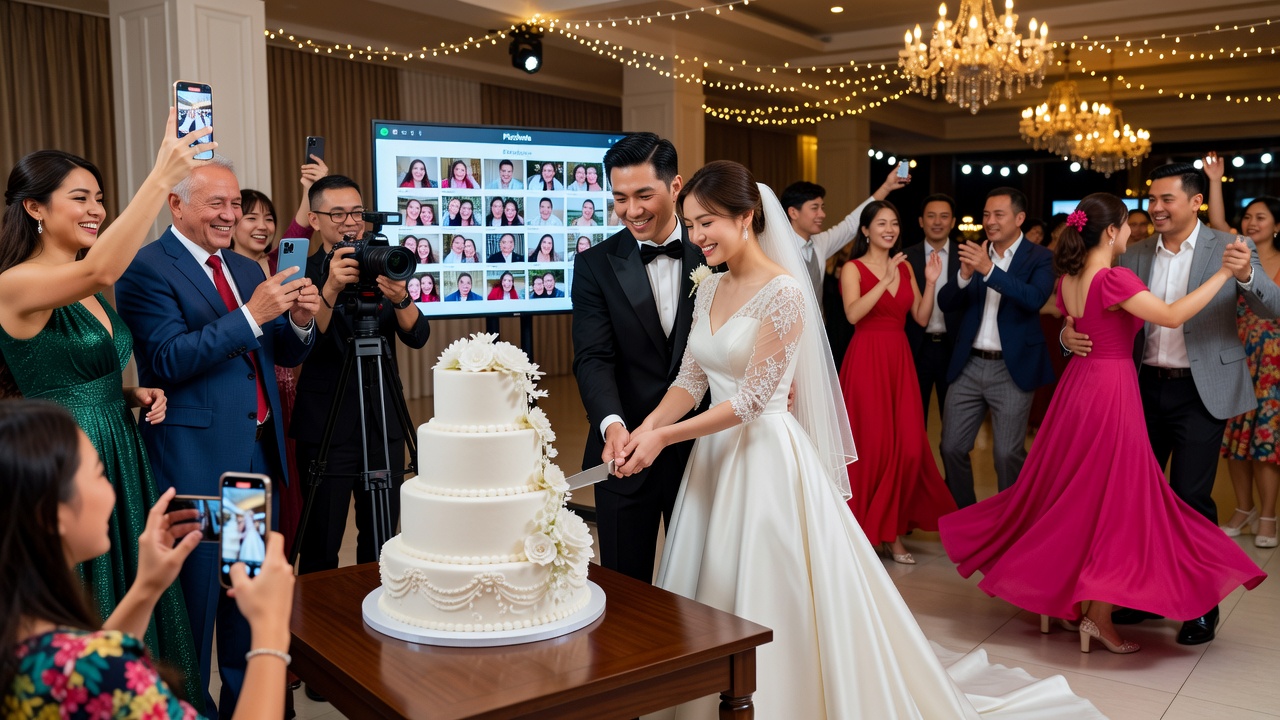
Reception Guest Photo Capture Tips with Picshots: The Reception Playbook
Quick Answer: Prompt guests at three high-energy beats: right before cake cutting, during the first toast lull, and at the first “rush” onto the dance floor. Use short, repeatable prompts, pre-brief your DJ/emcee, and capture with Picshots so guests keep taking photos while the reception’s flow stays smooth.
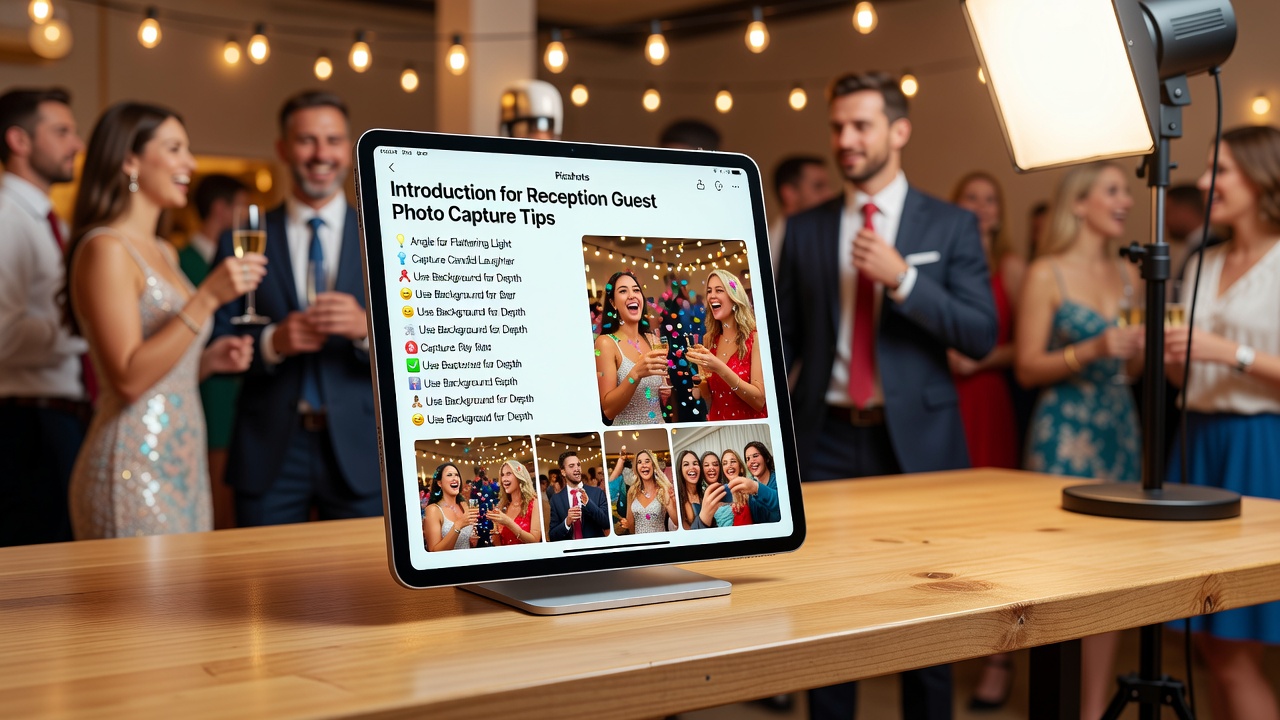
Introduction
Wedding receptions move fast, and “please smile” can turn into awkward downtime. If your goal is a full gallery of real emotion—without interrupting speeches, meals, or the party—timing is everything.
In this guide, you’ll learn the best times to prompt guests for photos during the reception beats named in the brief: cake cutting, toast moments, and the first wave on the dance floor. You’ll also see how reception guest photo capture tips with Picshots can help you gather lively guest energy while keeping the timeline moving.
Why timing matters for guest photos (and why the night slows when it’s wrong)
Most photo prompts fail for one simple reason: they happen at the wrong moment. Guests need a “reason to pause” (like cake in the spotlight) and a “reason to move” (like a toast moment or a dance-floor kickoff).
Definition: Photo prompting is a quick, event-specific instruction that encourages guests to capture a moment—without making them feel staged or stuck.
Here’s the practical logic:
- Moments with natural attention (cake cutting, a speaker finishing a point, the first dance wave) create built-in photo motivation.
- Moments with natural motion (walking in, cheering, dancing) let guests capture energy without needing to “pose.”
- Moments with natural rhythm (DJ transitions, toast pacing, plating timing) reduce awkward interruptions.
That’s also where Picshots fits: it’s designed to keep the capture loop light and event-friendly, so you’re not constantly stopping the room for “one more photo.”
Best times to prompt guests for photos—your “reception beat” checklist
If you want a featured-snippet friendly answer, use this order. It’s built around the exact beats your brief calls out:
- Cake cutting: prompt guests right before the knife, then again as the first slices are lifted.
- Toast moments: prompt guests during the brief pauses between speakers (or immediately after a heartfelt line lands).
- First wave on the dance floor: prompt guests at the DJ’s first “drop” and then capture the second wave as people find their flow.
Now let’s turn that into scripts, timing windows, and “do/don’t” rules.
How do you prompt guests for photos without disrupting the schedule?
Short answer: Give prompts that match the room’s current behavior—standing attention for cake, seated/listening attention for toasts, and movement for dancing. Keep prompts under 10 seconds, coordinate with the emcee/DJ, and use Picshots to streamline capture so guests don’t feel like it’s slowing them down.
Use the “10-second prompt” formula
Every prompt should be:
- Timed: at the moment guests naturally look up.
- Specific: “When the first slice happens…” beats “Everyone smile.”
- Action-based: “Take a quick photo of…” not “take your time.”
- Repeatable: the emcee can deliver the same line consistently.
Pre-brief your emcee/DJ (this is where you win)
Give them a two-sentence cue sheet, not a long plan. Example:
- Cake cue: “Right before cake cutting, we’ll do a 10-second guest photo moment—then we’re back to the music.”
- Toast cue: “During the brief pause between speakers, ask guests to capture reactions.”
- Dance cue: “At the first drop, we’ll invite quick photos and then let everyone keep dancing.”
This coordination matters because the emcee controls pacing. If they improvise, you’ll lose your timing windows.
Cake cutting: the exact timing and prompt that gets natural energy
Cake cutting is arguably the most “camera-ready” beat of the reception—everyone can see it, and it has a clear beginning and end. The trick is prompting guests at the right two moments.
Best timing window
Prompt in two passes:
- Pass 1 (10–20 seconds before): “About to cut!” gives guests a reason to raise phones without crowding the couple.
- Pass 2 (5–10 seconds after the first slice): This catches reactions and the moment the plates lift.
A practical guest prompt script
Use a line like:
“In 10 seconds, we’re doing the cake-cut moment—please grab one quick photo, then we’ll move right back into the celebration.”
Keep it short. Guests want permission to capture, not a mini lecture.
Picshots use case: capture without turning cake into a stoplight
When guest photo capture is supported through Picshots, you can encourage participation without turning the moment into a prolonged “everyone screenshot now” event. Guests feel guided, not interrupted, which keeps the room moving.
Common cake-cutting mistakes to avoid
- Prompting too early: If phones are up before the lighting changes or before the couple steps in, the photo quality drops and the room turns into a wall of screens.
- No second prompt: Only prompting “before the cut” misses the best reactions—the first slice and the laughter immediately after.
- Blocking sightlines: Tell guests to capture quickly and step back—especially if you have a photographer or videographer in the area.
Toast moments: how to capture reactions (not just faces)
Toasts are emotionally dense, which means they’re high value for photos. But they’re also easy to ruin: over-asking guests during speeches can break attention and increase noise.
Best timing window
Use prompts during micro-pauses—the few seconds where the room naturally resets:
- Between speakers: Ask guests to capture reactions and claps.
- Immediately after a strong line: Give guests a 10-second window to photograph the crowd’s response.
- When the couple turns toward the crowd: That turn is a cue that the room is ready to “look.”
Toast prompt script that respects the moment
Try:
“Quick photo moment—watch the couple’s reaction and the people around them. Take one shot during this pause, then phones down.”
That phrasing matters. It tells guests what to capture (reactions), not just who to photograph.
What to capture during toasts (quick guide)
Tell guests to aim for:
- Hands clapping: gives energy and emotion.
- Eyes and expressions: real reaction shots feel more authentic than posed selfies.
- Group framing: “show the room” photos document what it felt like.
Picshots positioning: keep the energy authentic
Toast photos are about atmosphere. Picshots supports guest capture in a way that helps you collect those moments while avoiding the “hold up the room” effect that can happen when every toast becomes a phone fest.
Toast mistakes that create empty albums
- Asking guests to photograph continuously: Phones up for a full toast can lead to blurry, low-effort photos and distracted guests.
- General prompts: “Smile!” produces a thousand near-identical pictures. Reaction-focused prompts produce a variety of emotional images.
- Wrong volume: If the emcee is too loud, guests hesitate. If they’re too quiet, guests miss the cue. Your goal is clear, brief, and timed.
The first wave on the dance floor: when the party starts (and what to capture)
The first wave is when guests stop watching and start participating. It’s chaotic in the best way—motion, laughter, and “we’re really doing this” energy.
Best timing window for the “first wave”
Use a two-part prompt:
- Wave 1 (at the first drop): invite quick photos in the first 10–15 seconds.
- Wave 2 (as people sync): prompt again once the crowd settles into motion—often the next chorus or transition.
Dance prompt script that doesn’t kill the groove
Try:
“Phones up for 10 seconds—capture the first wave and the couple’s reaction—then let’s dance!”
The goal is permission with a release. Guests want to capture, then immediately return to dancing.
What “good dance-floor guest photos” look like
Coach guests toward:
- Motion + faces: silhouettes with expressive reactions.
- Small crowd moments: groups cheering, not just wide shots.
- Couple focus: ask guests to capture where the couple is, not just where the music is.
Picshots advantage: energy capture without a stop-start dance floor
When guest capture is coordinated, the dance floor stays alive. Picshots helps you collect that “real party” feeling without turning the night into a sequence of interruptions that cause guests to disengage.
Dance-floor mistakes
- Prompting too late: If you wait until everyone is already dancing, you miss the moment when guests are closest to the couple and looking around.
- Letting prompts linger: Long prompts cause guests to stop dancing. Short prompts keep momentum.
- Ignoring lighting: If the dance floor lighting is too dim, guests get blurry shots. Consider a quick “light cue” from the DJ (e.g., move to brighter lighting for 15 seconds).
Reception planning tips that make guest photos better (and easier to collect)
1) Build a “capture arc” into your timeline
Think of the reception as an arc of attention:
- Attention-focused: cake cutting
- Emotion-focused: toast moments
- Movement-focused: first dance wave
Each beat has a different kind of photo success. Prompt according to the arc, not according to your calendar.
2) Create simple signage or a one-sentence cue
Guests love clarity. Even a small sign near the photo prompt area can reduce confusion. If you use QR signage with Picshots, keep it minimal:
- What to capture (“Cake cut. Reactions. First dance wave.”)
- When to capture (timed cues from the emcee)
- How to join (one-step instruction)
[Internal link: related article on creating a wedding reception timeline that supports photo moments]
3) Assign a “capture liaison” (optional but powerful)
If you have a planner, coordinator, or tech-savvy friend, assign one person to:
- Confirm the timing cues with the emcee
- Monitor that guests have access to capture
- Handle quick fixes if phones/QR aren’t working
This prevents last-minute chaos that can break photo momentum.
Pros, cons, and alternatives to Picshots for guest photo capture
Picshots is one approach to capture guest energy with less friction. Here are realistic options—and where they fit.
Option comparison
| Approach | Best for | Watch-outs |
|---|---|---|
| Picshots | Coordinated guest capture at key beats; energy without heavy interruptions | Requires light onboarding and timing coordination |
| Free-form guest photos (no system) | Casual coverage, low planning effort | Inconsistent results; hard to collect/curate; many missed moments |
| Photo booth station | Structured, fun portraits | Often competes with reception flow; may miss toast/cake candid reactions |
| Second shooter / event photographer | Professional quality and reliable coverage | Cost increases; still won’t capture every guest reaction unless coordinated |
| Guest hashtag campaign | Easy social sharing | Doesn’t guarantee timing or reaction-focused shots; cleanup is manual |
When to consider professional help
If your reception has complex logistics (multiple rooms, tight sightlines, or a dense schedule), a coordinator or photographer can help protect timing windows. Use Picshots as an enhancement, not a replacement, when you need consistent professional coverage.
How much does guest photo capture typically cost?
Costs vary widely because they depend on whether you’re adding a capture system, a coordinator, signage, and/or pro photography. In general:
- Guest capture tools often add a modest “production layer” compared with hiring additional shooters.
- Professional add-ons can be higher cost but deliver consistent, curated results.
If you’re budgeting, prioritize what impacts the three beats: cake cutting, toast moments, and the first dance wave. Those are the moments most likely to create emotional, shareable photos.
Key Takeaways
- Prompt at beats, not at random: cake cutting, toast pauses, and the first wave on the dance floor.
- Use short prompts (under 10 seconds): guests need permission and a quick release.
- Two-pass cake prompts work: before the cut and after the first slice.
- Toast prompts should be reaction-focused: “capture reactions” beats “smile.”
- Dance prompts need a release: “phones up for 10 seconds, then dance.”
- Picshots helps you capture guest energy without slowing the night: smoother coordination means better participation and less disruption.
Frequently Asked Questions
When is the best time to prompt guests for cake cutting photos?
Prompt twice: 10–20 seconds before the knife goes down, then again 5–10 seconds after the first slices lift. This captures both anticipation and real reactions—without forcing guests to hold phones up throughout the entire ceremony block.
How do I prompt guests during toasts without interrupting speeches?
Use micro-pauses: between speakers, right after a strong line lands, or when the couple turns toward the crowd. Keep it under 10 seconds and frame the task as reaction-focused (“watch the couple’s reaction”), not posed smiles.
What should I tell guests at the first dance-floor moment?
Invite a quick “first wave” capture: “Phones up for 10 seconds—capture the couple and your neighbors’ reactions—then let’s dance.” Short prompts prevent a phone wall and help guests return to the groove immediately.
Will too many photo prompts annoy guests?
Yes—if prompts feel constant or unclear. Limit prompts to the highest-attention beats (cake, toasts, dance kickoff) and use consistent phrasing. When guests understand “when” and “what,” the experience feels purposeful, not disruptive.
How can Picshots help keep the reception flow going?
Picshots is positioned to streamline guest photo capture around timed moments. Instead of repeatedly pulling people out of the event for instructions, you provide brief cues and let guests capture naturally—so the night keeps moving.
What’s the biggest mistake people make with guest photo capture?
The biggest mistake is prompting at the wrong moment—like during transitions where guests are distracted or during long stretches where photos don’t feel meaningful. Match the prompt to the room’s behavior: attention for cake/toasts, motion for dancing.
Should I assign someone to manage guest photo capture?
If you can, yes. A capture liaison can confirm timing cues with the emcee, keep signage visible, and troubleshoot quick issues. Even one dedicated person reduces last-minute friction and protects the three crucial beats.
What alternatives exist if we don’t use Picshots?
You can rely on free-form guest photos, a photo booth, hashtag sharing, or additional professional coverage. Each has trade-offs: results are less consistent without coordination, and manual collection can be time-consuming. Pairing any method with beat-based prompts improves outcomes.
Conclusion
The reception is a sequence of attention shifts. When you prompt guests around the right beats—cake cutting, toast moments, and the first wave on the dance floor—you collect photos that feel alive, not staged.
If you want a smoother way to capture that energy without slowing the night, consider a guest-photo flow supported by Picshots. [Internal link: related article on how to coordinate your emcee/DJ for photo moments] and start planning your cue sheet around these exact beats.
Quick answers
When is the best time to prompt guests for cake cutting photos?
Prompt twice: 10–20 seconds before the knife goes down, then again 5–10 seconds after the first slices lift. This captures both anticipation and real reactions—without forcing guests to hold phones up throughout the entire block.
How do I prompt guests during toasts without interrupting speeches?
Use micro-pauses: between speakers, right after a strong line lands, or when the couple turns toward the crowd. Keep it under 10 seconds and frame the task as reaction-focused (“watch the couple’s reaction”), not posed smiles.
What should I tell guests at the first dance-floor moment?
Invite a quick “first wave” capture: “Phones up for 10 seconds—capture the couple and your neighbors’ reactions—then let’s dance.” Short prompts prevent a phone wall and help guests return to the groove immediately.
How can Picshots help keep the reception flow going?
Picshots supports coordinated guest photo capture around timed moments. Instead of repeatedly pulling guests out for instructions, you provide brief cues and let them capture naturally—so the night keeps moving and energy stays high.
What’s the biggest mistake in guest photo capture?
Prompting at the wrong moment is the biggest mistake. Photos won’t land if guests are distracted during transitions or if the prompt feels meaningless for a long stretch. Match prompts to attention or motion—cake/toasts/dance beats.
Should we assign a “capture liaison” for guest photos?
If possible, yes. A capture liaison can confirm timing cues with the emcee, keep signage visible, and handle quick issues. Even one person reduces last-minute friction and protects the most important beats.
Are there alternatives if we don’t use Picshots?
You can use free-form guest photos, a photo booth, hashtag sharing, or additional professional coverage. Without coordination, results are less consistent and collection is harder. Beat-based prompts improve any alternative.