
Event Photography
QR Code Photo Sharing: The Complete Guide for Events of Every Size
QR code photo sharing lets event guests scan a code and instantly view and download every photo from your event into one shared gallery. This complete guide covers how the technology works, how to set it up, where to display the codes for maximum engagement, and why it is quickly becoming the standard for weddings, corporate events, birthdays, conferences, and social gatherings of every size.
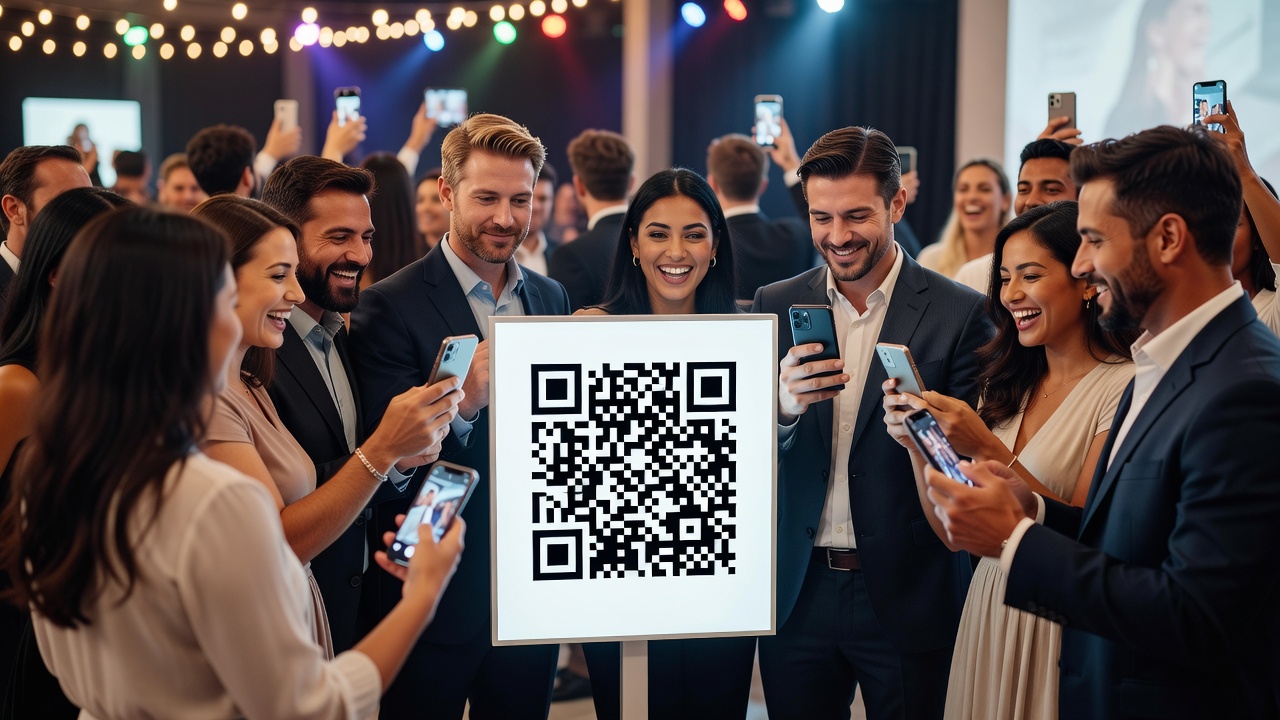
You planned the perfect event. The florals were flawless, the speeches moved the room, and the dance floor stayed packed until the lights came up. Yet weeks later, you are still scrolling through grainy guest shots and asking — where are all the photos? That one brilliant moment your uncle captured on his phone? It is trapped in his camera roll, never to be shared.
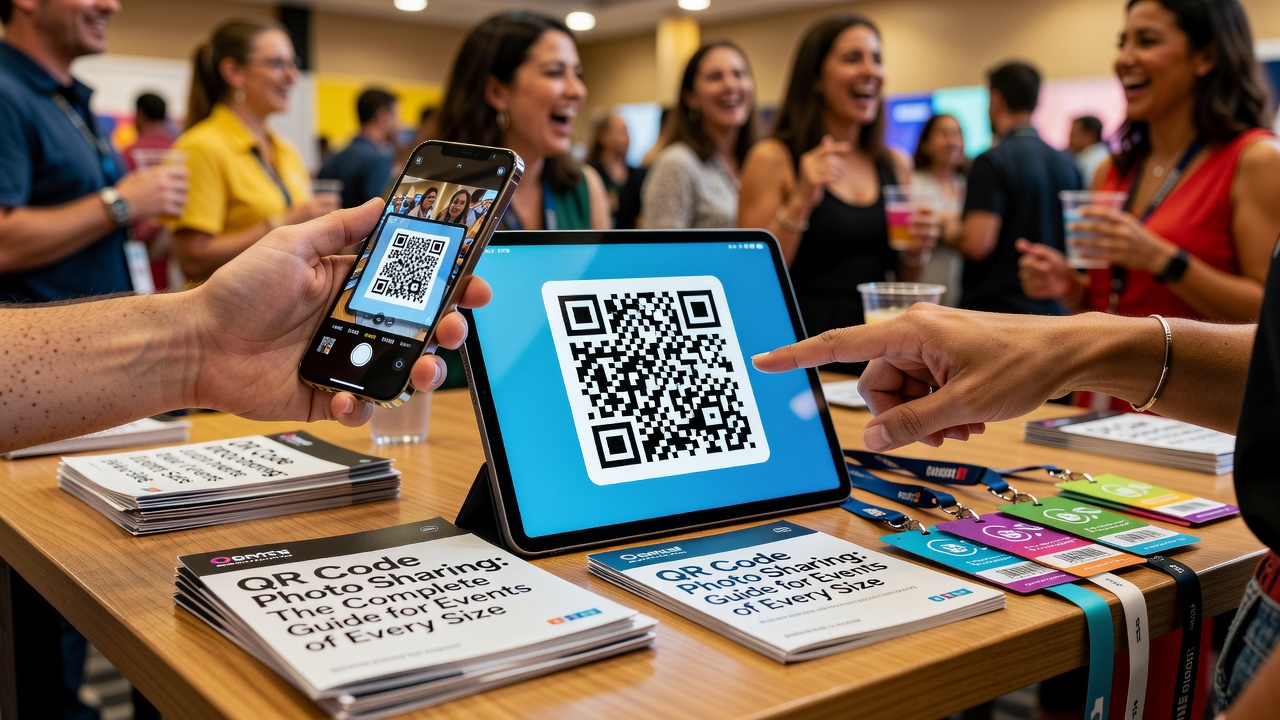
This is the single most common frustration for event organizers, and it has a surprisingly simple fix: QR code photo sharing. With QR code photo sharing, every guest scans a code — no app required — and lands in a shared, live-updating gallery of every photo taken at your event. They can view, download, and share to their hearts' content, and you get a complete, crowdsourced archive of the day nobody has to chase down.
In this complete guide, we will walk through everything you need to know: how the technology works under the hood, a step-by-step setup guide for organizers, proven display strategies to get people scanning, real examples across every event type, and why QR code photo sharing is rapidly becoming the new standard for events of every size.
What Is QR Code Photo Sharing?
QR code photo sharing is the practice of using a Quick Response (QR) code to give event guests fast, frictionless access to a shared photo gallery. Organizers attach a QR code to an online album — hosted by a platform like Picshots, Google Photos, Dropbox, or a dedicated event photography service — and guests scan it with the camera app already built into their phone. No special software, no account creation, and no friction. One scan, and they are in.
The genius of the QR code is its simplicity. Unlike a typed URL or a search-bar hunt, a QR code removes every barrier between the guest and your photos. It is why you now see these codes everywhere: on restaurant tables for menus, on posters for registrations, and increasingly on event signage for photo sharing.
How the Technology Actually Works
Understanding the mechanics helps you get the most out of the tool. QR code photo sharing relies on three moving pieces working together.
- URL encoding: A QR code is, at its core, an encoded URL. The scannable pattern of black squares stores a web address (like your photo gallery link) that a phone can read instantly. Part of the code's design includes error correction, which is why a slightly damaged or smudged code still scans correctly — a huge advantage in a busy venue.
- Scanning mechanics: Modern smartphones scan QR codes natively through the built-in camera app — no third-party reader required. When a guest points their camera at the code, the phone recognizes the pattern, reads the encoded URL, and prompts the user to open it with a single tap.
- Album and gallery linkage: Behind the scenes, that URL points to a dedicated album on a photo-hosting platform. Guests who scan immediately land in the shared gallery, where they can browse, download, and often upload their own photos. The album is the destination; the QR code is simply the express route there.
Because the QR code is just a link to a cloud gallery, you can update the destination or the contents of the album without ever reprinting the code. That flexibility is a big reason organizers love it.
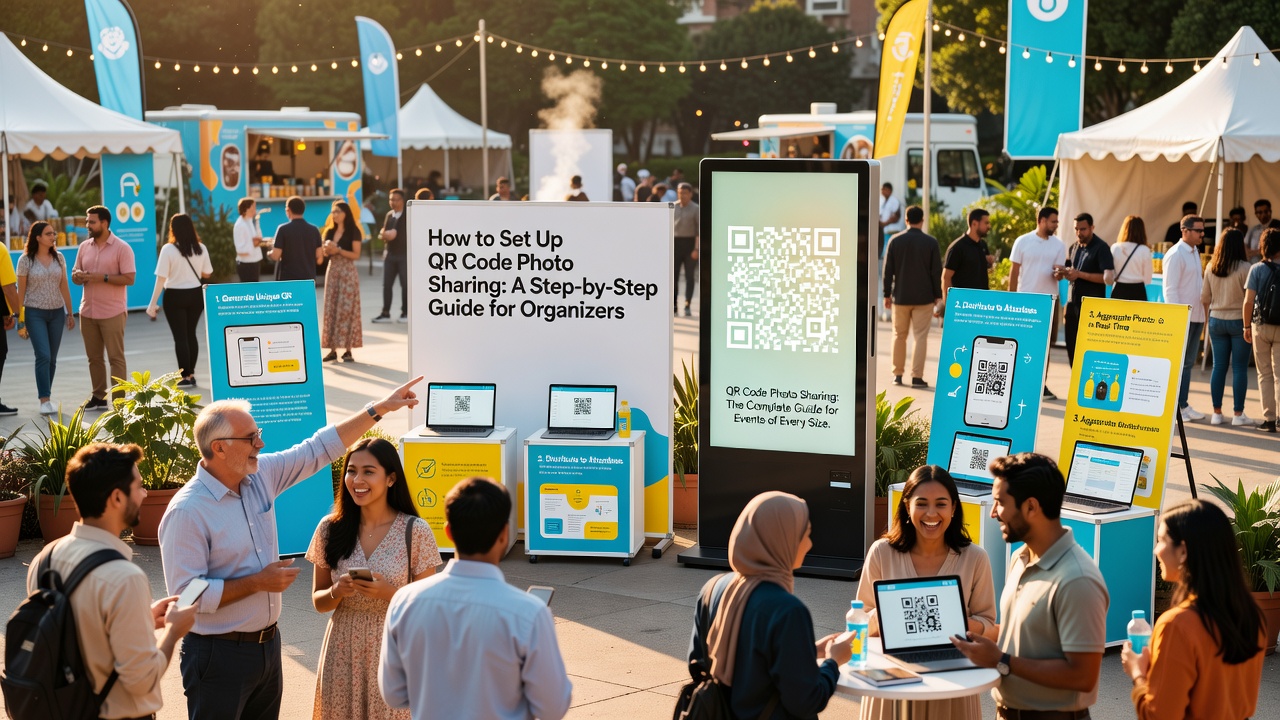
How to Set Up QR Code Photo Sharing: A Step-by-Step Guide for Organizers
Setting up QR code photo sharing takes under half an hour and requires no technical skills. Follow these steps and you will have a live, scannable gallery ready before your guests arrive.
Step 1: Choose Your Photo Hosting Platform
Your choice of platform determines how guests upload, download, and interact with photos. Compare options based on storage limits, upload flows, privacy controls, and brand polish. Dedicated event photo platforms (like Picshots) are designed specifically for this use case and offer the smoothest guest experience, while general tools like Google Photos or Dropbox work fine for smaller, private events.
Step 2: Create Your Event Album
- Create a dedicated album or gallery for the event and give it a memorable, searchable name (for example, "Maya & Jordan — June 2026").
- Set your upload settings to open contribution so every guest can add their own photos in real time, not just view yours.
- Enable download permissions so guests can save and share the shots they love.
- Configure privacy: private albums are best for weddings and birthdays; public albums suit large conferences and brand events.
Step 3: Generate Your QR Code
Every major platform lets you generate a QR code directly from your album's share link. You can also use a free QR generator; simply paste your album URL, and the tool produces a downloadable, high-resolution code. A few pro tips:
- Generate the code in vector format (PDF or SVG) so it stays crisp at any print size.
- Add your brand colors and a small logo in the center — most generators support customization, and a branded code gets scanned more.
- Always test the code before printing with both an iPhone and an Android device. Different cameras behave slightly differently.
Step 4: Design and Print Your Signage
The code is only as effective as the sign it lives on. Use a large minimum size (at least 7 cm / 3 inches) so it scans from across the room, include a short instruction line like "Scan to see and share today's photos," and laminate or weatherproof anything used outdoors. For venue-wide coverage, print multiple copies.
Step 5: Announce It and Monitor
Point guests to the code during your opening remarks, include it in your program and invitations, and post it on social stories. Throughout the event, check your platform's dashboard to see uploads coming in and, if needed, share the live gallery link at the close so stragglers stay in the loop.
Where and How to Display QR Codes for Maximum Engagement
A QR code only works if people notice it, understand it, and scan it. These display strategies are the difference between a gallery that fills itself and a code nobody touches.
Put Codes Where Eyes Already Go
- Entrance and registration tables: The first touchpoint of any event. A tent card on every registration table catches guests the moment they arrive.
- Table centerpieces: Print a small code on a card at every table so guests can scan during dinner and downtime.
- Restrooms and bars: A captive, waiting audience. A simple framed sign near these high-traffic areas reliably earns scans.
- Projection screens and stage backdrops: Display the code on loop during welcome, intermission, and farewell — it is hard to miss on a big screen.
Make Scanning the Obvious Next Move
- Use a clear instruction line next to every code: "Scan to see today's photos." Never assume guests know what the code leads to.
- Prime the crowd verbally. The event host should mention the photo gallery during opening and closing remarks, and again mid-event.
- Add it to the invitation and program. Scanning from home is the first win; include the code (or link) in save-the-dates, invites, and print programs.
- Repeat it on social. Post the code and live-gallery link to your event's Instagram stories and event page throughout the day.
Design for Scannability
- Keep the code large and high-contrast — dark on light is most reliable for phone cameras.
- Avoid placing codes on patterned, reflective, or low-lit surfaces.
- Laminate or weatherproof outdoor codes so smudges and moisture don't break the scan.
- Test the exact print size from the distance your guests will actually stand.
QR Code Photo Sharing for Every Event Type
The beauty of QR code photo sharing is that it scales to any gathering. Here is how it plays out across the most common event types.
Weddings
Weddings are the flagship use case. Couples want candid guest photos that no professional photographer could capture, and guests want an easy way to share their shots without a dedicated app. Place codes at each table, at the guest book, and by the bar. The result is a single, evolving album of ceremony, reception, and dance-floor candids that families revisit for years. Many couples also add a "photo guest book" where scanned pages display polaroid-style prints.
Corporate Events
From product launches to holiday parties and team off-sites, corporate teams use QR photo galleries for internal culture and external branding alike. A company-wide event gallery becomes a morale booster and a recruiting asset; a launch or conference gallery gives marketing a steady stream of authentic, on-brand imagery straight from attendees with permission to reuse.
Birthdays and Milestones
Birthday parties, graduations, baby showers, and milestone celebrations thrive on casual, spontaneous photos. A single code on the dessert table or welcome sign lets every guest contribute, so the birthday person ends up with a complete album of who was there and what happened — no chasing down aunts for their camera roll afterward.
Conferences and Trade Shows
Large gatherings benefit the most from QR code photo sharing because they generate hundreds of photos from dozens of contributors. Organizers place codes at registration, on lanyards, at booths, and on stage screens. Attendees walk away with a shareable record of speakers and sessions, sponsors get authentic content, and the event's social reach multiplies as guests post from the live gallery.
Social Gatherings
House parties, reunions, community events, sports days, and cultural festivals are perfect for lightweight, low-cost QR photo sharing. A printed code on a post or picnic table is enough to build a community album that attendees will actually use and share long after the event ends.
Why QR Code Photo Sharing Is Becoming the Standard
Photo sharing at events is not new — hashtags and shared cloud links have existed for a decade. But QR code photo sharing is displacing both because it solves their core problems in ways they never could. Here is why it is winning.
- It is zero-friction. Hashtags require guests to post publicly to social platforms and check them constantly. Shared links rely on guests saving a URL and typing it later. A QR code is a single scan with a single tap — no app, no account, no typing.
- It keeps photos in one place. Instead of photos scattered across Instagram, Facebook, and a hundred private camera rolls, everything lands in one organized, crowdsourced gallery. Organizers get a complete archive; guests get one reliable source.
- It is private and controllable. Unlike a public hashtag, a QR-linked album can be access-controlled. Organizers decide who can view, upload, and download, protecting guests' privacy at intimate events like weddings and birthdays.
- It is native and universal. Every modern smartphone scans QR codes through its built-in camera. There is no barrier to entry and nothing to install, which makes adoption near-universal across every age group and tech comfort level.
- It is cheap and flexible. Printing codes costs pennies, and because the code just points to a link, you can update the album, swap the destination, and reuse the infrastructure event after event.
- It drives genuine engagement. Guests who upload their own photos are more invested in the moment and more likely to share the gallery — which extends your event's reach long after it ends.
Add it up and the trend is clear: QR code photo sharing delivers the complete, accessible, shareable photo experience that modern guests expect and modern organizers need. From an intimate 20-person gathering to a 5,000-attendee conference, it is fast becoming the default — the new standard for events of every size.
QR Code Photo Sharing: Best Practices and Pro Tips
- Test, test, test. Confirm your code scans cleanly on both iPhone and Android before printing, and test it again at the venue's lighting and distance.
- Make it visible early and often. Put the code on the invitation, the welcome sign, every table, and the closing slide. Repetition is what drives scan rates.
- Tell people what happens when they scan. "Scan to see and share today's photos" removes the guesswork and boosts participation dramatically.
- Enable open contribution for candid coverage. Set albums so guests can upload, not just view — that is how you get the authentic shots a pro never captures.
- Provide a fallback link. Some guests' cameras mishandle scans. Print a short URL or have the host text the live link as backup.
- Brand your code. A custom-colored code with a logo scans just as well and looks professional on signage and invitations.
- Send a thank-you with the gallery. After the event, share the final album with a thank-you message. It closes the loop, extends engagement, and delights your guests.
- Respect privacy. Choose private albums for personal events and always get consent before repurposing guest photos for marketing.
Ready to Capture Every Moment?
The days of begging for photos after a great event are over. With QR code photo sharing, you give every guest instant access to a complete, living gallery — and you get the full archive you deserve, built automatically by the people who were actually there.
Your next step: pick a photo-sharing platform, create your event album, generate and print your QR code, and place it where your guests can't miss it. That is genuinely all it takes to turn every event into a picture-perfect memory everyone can keep and share.
Want to get started in minutes? Explore a dedicated QR photo-sharing platform today and see how effortless live galleries can be — for weddings, corporate events, birthdays, conferences, and everything in between. Scan, share, and relive.
Quick answers
Do guests need an app to use QR code photo sharing?
No. Guests simply open the camera app built into their smartphone, point it at the QR code, and tap the link that appears. No app download, account creation, or sign-in is required.
Can guests upload their own photos to a QR code sharing gallery?
Yes. If the organizer enables open contribution, any guest who scans the code can upload their own photos to the shared album in real time, alongside the official event photography.
What is the most common event size for QR code photo sharing?
It works for any size. It is frequently used for weddings, corporate events, birthdays, conferences, and social gatherings — from small private gatherings to events with thousands of attendees.
What happens if a QR code gets damaged or smudged?
QR codes include built-in error correction, so slightly damaged or partial codes usually still scan correctly. For high-traffic outdoor use, laminate or weatherproof the printed code to keep it scannable.
Can I reuse a QR code for multiple events?
A QR code simply points to a URL, so you can point a code at a new album or update the destination without reprinting. Many organizers generate a fresh, branded code per event for clarity and tracking.