
Wedding Planning Tips
How to Use a QR Code for Engagement Party Photos: Tips and Ideas
Discover how a wedding QR code can transform your engagement party into a shared photo experience that builds excitement for your big day. Learn practical tips to start the photo-sharing habit early.
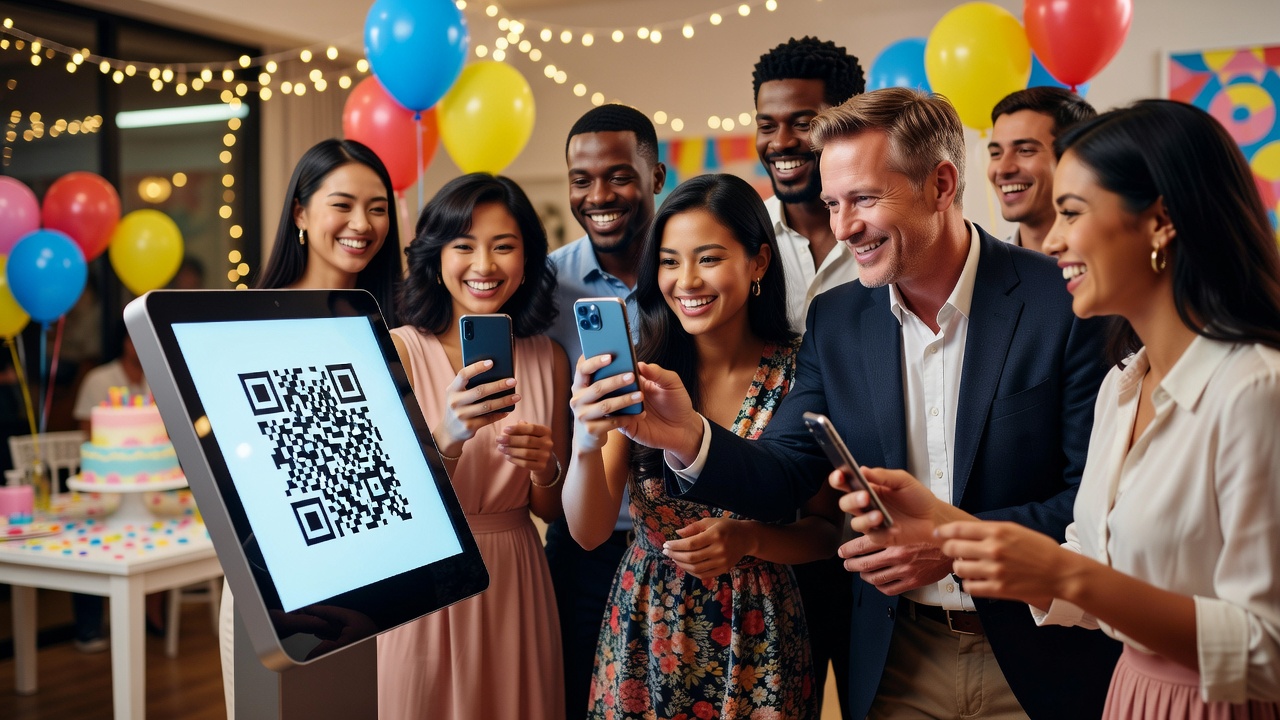
Why Start the Photo-Sharing Habit Early?
Your engagement party is the first celebration of your love story as a soon-to-be-married couple. It's also the perfect moment to introduce a wedding QR code that gets guests snapping, sharing, and saving memories from day one. Starting this habit early means by the time your wedding day arrives, everyone—from college friends to distant relatives—knows exactly how to contribute photos without awkward app downloads or scattered text threads.
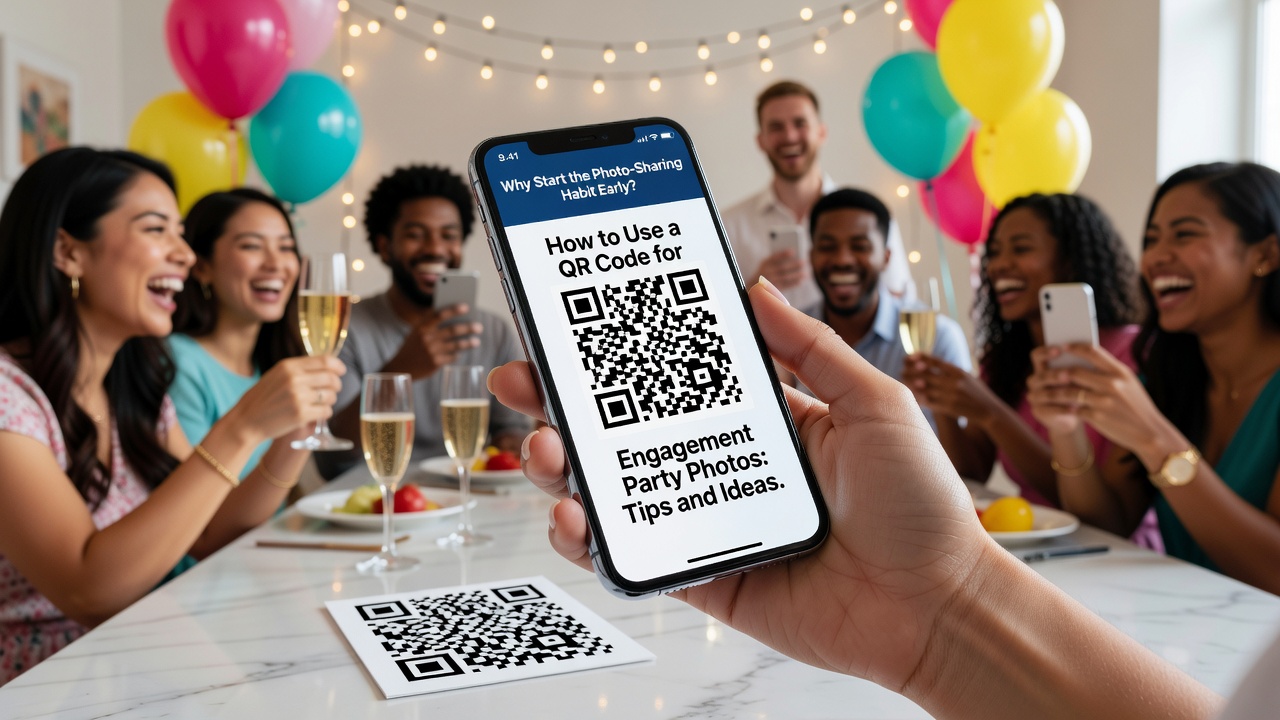
A wedding QR code placed strategically at your engagement party creates an effortless bridge between your guests' phones and a centralized photo gallery. No forgotten hashtags. No missing moments. Just every candid laugh, champagne toast, and group selfie collected in one beautiful place.
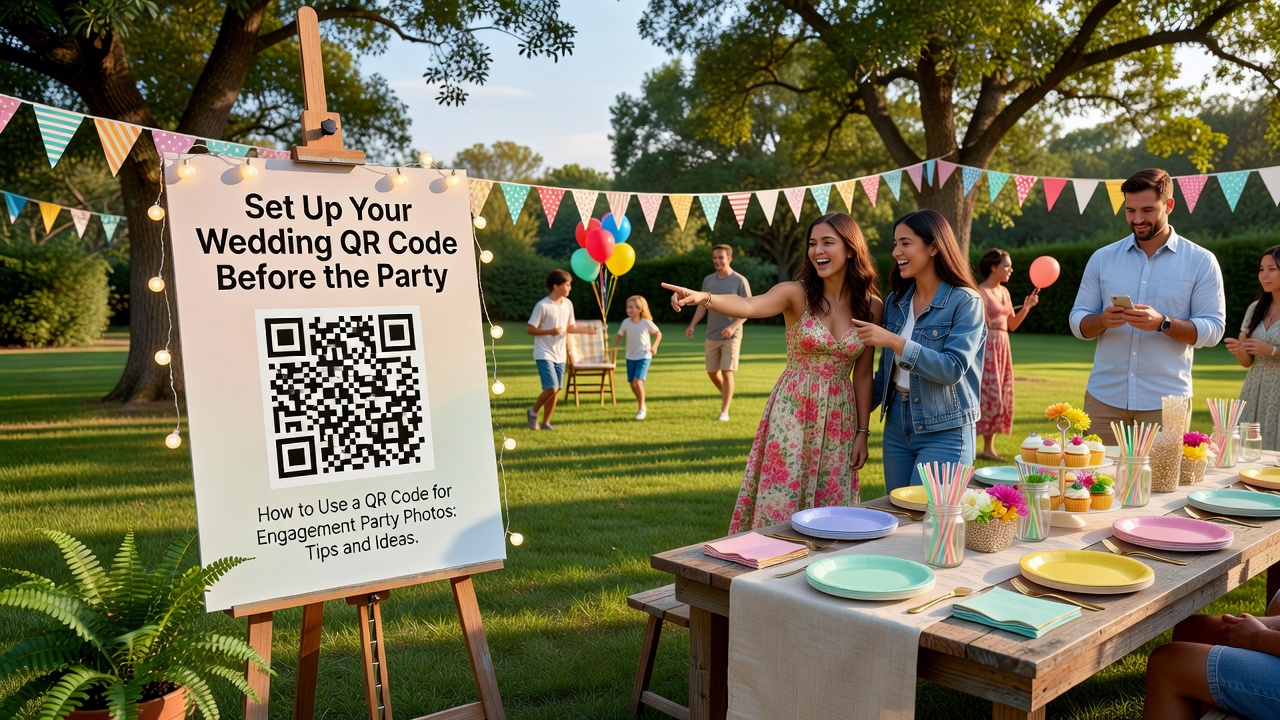
Set Up Your Wedding QR Code Before the Party
Preparation is everything. Before guests arrive, generate your wedding QR code and link it to a dedicated photo-sharing album or wedding website gallery. Test it on multiple devices to ensure it opens instantly. Print it on sturdy cardstock that won't wilt if someone spills their cocktail.
Consider creating a short, memorable URL as a backup. If a guest's phone camera struggles with the QR code, they can type the link directly. Place a brief instruction card nearby: "Snap, scan, share—help us capture every moment!"
Creative Placement Ideas for Maximum Engagement
Where you put your wedding QR code matters just as much as having one. At engagement parties, guests mingle freely, so visibility is key.
- Welcome table: Frame the QR code beside your guest book or signature cocktail menu so guests see it immediately upon arrival.
- Table centerpieces: Tuck small QR code tent cards among flowers or candles at each table.
- Photo booth area: If you have a backdrop or props station, post the QR code there so guests upload their silly shots instantly.
- Restroom mirrors: Sounds odd, but guests check their phones here constantly. A small sticker in the corner works surprisingly well.
- Party favors: Attach the QR code to favor tags or mini champagne bottles as a keepsake reminder.
Build Excitement for Your Wedding Day
The engagement party wedding QR code isn't just about collecting tonight's photos—it's a teaser for what's to come. Mention during your speech or toast that this same QR code (or a new one) will be active at the wedding, encouraging guests to start paying attention to your photo collection now.
Create anticipation by showing a live slideshow of uploaded engagement party photos toward the end of the night. Watching their own pictures appear on screen motivates guests to contribute even more. This builds a sense of participation and investment in your wedding story.
Practical Tips for Engagement Party Success
- Assign a photo ambassador: Ask your bridal party or a tech-savvy friend to help older relatives scan the wedding QR code.
- Post a few photos yourself: Seed the album with professional or candid shots so guests see the format and feel inspired to add theirs.
- Send a reminder: The next morning, text or email the link to guests who may have forgotten to upload.
- Download everything: Export the full gallery within a week while the memories are fresh and phones aren't overloaded.
FAQ
Do guests need to download an app to use a wedding QR code?
No. Most modern smartphones scan QR codes directly through the camera app. Guests simply point, click, and upload without installing anything.
Can I reuse the same wedding QR code at my wedding?
You can, but creating a fresh QR code for the wedding day keeps engagement photos separate and organized. Many couples use the engagement party QR to build a "story so far" album, then launch a new one for the wedding.
What if the QR code gets damaged during the party?
Always print multiple copies and place them in different locations. Having a short URL backup ensures guests can still contribute even if one sign gets splashed or smudged.
How do I encourage shy guests to share their photos?
Make it fun, not forced. Mention the QR code casually in conversation, show the live slideshow, and ask close friends to upload first. When guests see others participating, they'll join in naturally.
Start Your Wedding Photo Story Now
Your engagement party sets the tone for every celebration to come. By introducing a wedding QR code at this very first event, you train your guests to capture and share moments effortlessly. You build excitement. You create anticipation. And most importantly, you ensure that no laugh, tear, or toast goes undocumented—from "Yes!" to "I do."
Quick answers
Do guests need to download an app to use a wedding QR code?
No. Most modern smartphones scan QR codes directly through the camera app. Guests simply point, click, and upload without installing anything.
Can I reuse the same wedding QR code at my wedding?
You can, but creating a fresh QR code for the wedding day keeps engagement photos separate and organized. Many couples use the engagement party QR to build a 'story so far' album, then launch a new one for the wedding.
What if the QR code gets damaged during the party?
Always print multiple copies and place them in different locations. Having a short URL backup ensures guests can still contribute even if one sign gets splashed or smudged.
How do I encourage shy guests to share their photos?
Make it fun, not forced. Mention the QR code casually in conversation, show the live slideshow, and ask close friends to upload first. When guests see others participating, they'll join in naturally.