
Event Planning
The Psychology of Guest Photo Sharing: Why People Don't Share (And How to Fix It)
Guest photo sharing stalls because of friction, privacy fears, and simple forgetfulness — here's the psychology behind each barrier and how to design around them.
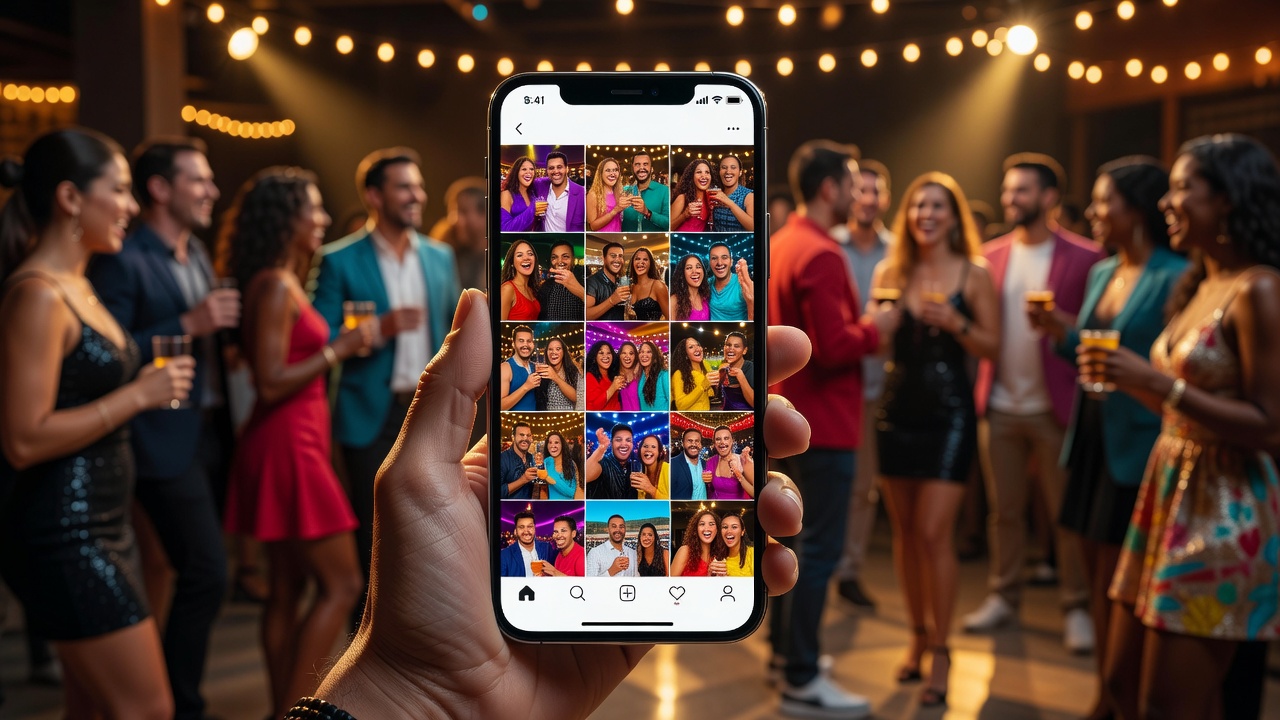
Guest photo sharing sounds simple in theory: you host an event, your guests take photos on their phones, and everyone shares them so the whole group can enjoy the memories. Yet time and again, event hosts discover the same frustrating pattern — the photos never arrive. Guests go home, life gets busy, and those candid moments vanish into camera rolls, never to surface again. Understanding why this happens requires looking past the technology and into the psychology of human behavior.
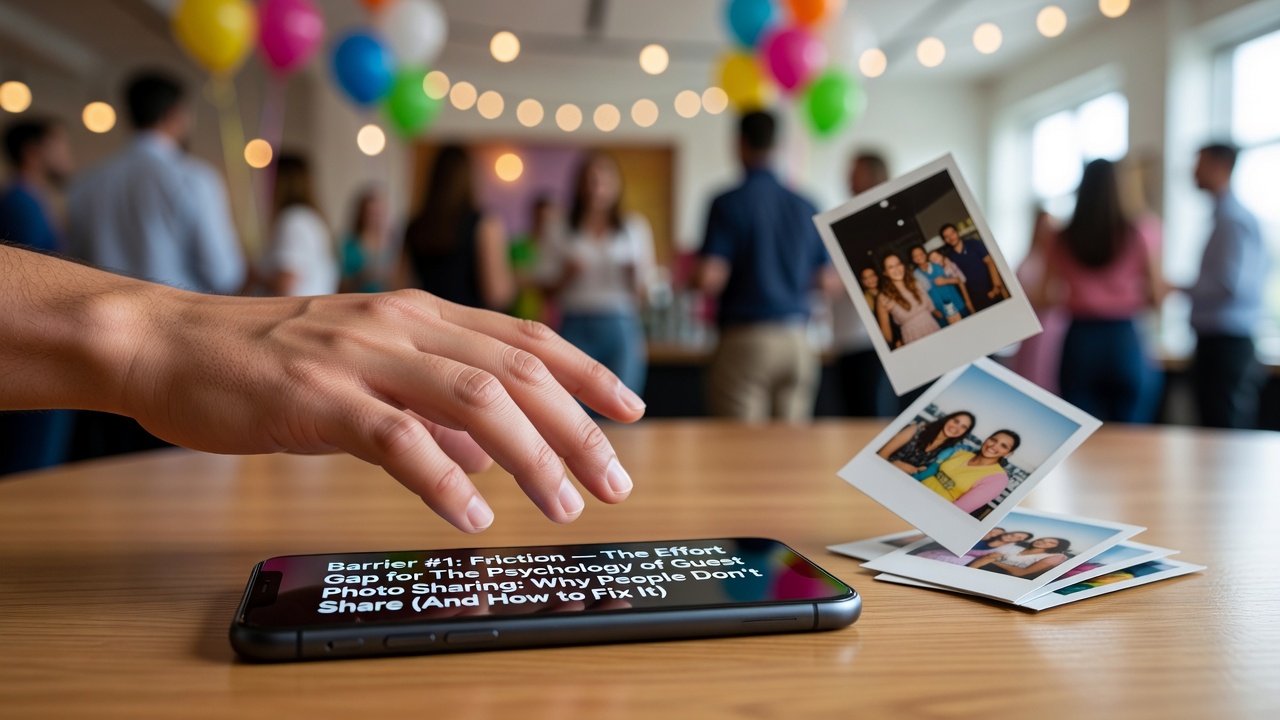
When you understand the mental barriers that prevent guest photo sharing, you can design experiences that gently nudge people past them. This article breaks down the three biggest psychological obstacles — friction, privacy concerns, and forgetfulness — and offers practical, research-informed strategies to overcome each one.
Barrier #1: Friction — The Effort Gap
Friction is the single most powerful enemy of guest photo sharing. In behavioral psychology, this falls under the Law of Least Effort: humans naturally gravitate toward the option that requires the least physical and cognitive exertion. When sharing a photo requires multiple steps — finding the right app, selecting images, navigating to a shared album, waiting for an upload, and confirming permissions — most guests simply won't bother.
Studies in behavioral economics consistently show that even small amounts of friction produce dramatic drops in completion rates. A famous study by friction-research firm Common Sense Advisory found that adding just one extra step to a digital process can reduce participation by up to 36%. Applied to guest photo sharing, that means every additional tap, login prompt, or app download chips away at the likelihood a guest will follow through.
The friction problem is compounded by what psychologists call decision fatigue. By the end of an event — after hours of socializing, making small talk, and navigating logistics — a guest's willingness to expend mental energy on a new, unfamiliar task is nearly zero. Asking them to download a new app at 11 PM, create an account, and figure out the interface is a non-starter.
How to Reduce Friction
- Use QR codes at the event. Place scannable QR codes on tables, signage, and even in event programs. One scan opens a shared album in the phone's native browser — no app download required. The fewer steps between "scan" and "upload," the higher the participation rate.
- Enable browser-based uploads. Avoid requiring guests to install anything. Web-based photo-sharing tools that work through Safari or Chrome eliminate the single biggest friction point: the app store.
- Offer one-tap upload. Once a guest lands on the shared album page, uploading should be a single action: select photos, tap upload, done. No captions required, no metadata to fill in, no account to create.
- Provide clear, visible instructions. A simple sign that says "Scan here to share your photos" with a visual arrow reduces cognitive load. Guests shouldn't have to wonder what to do.
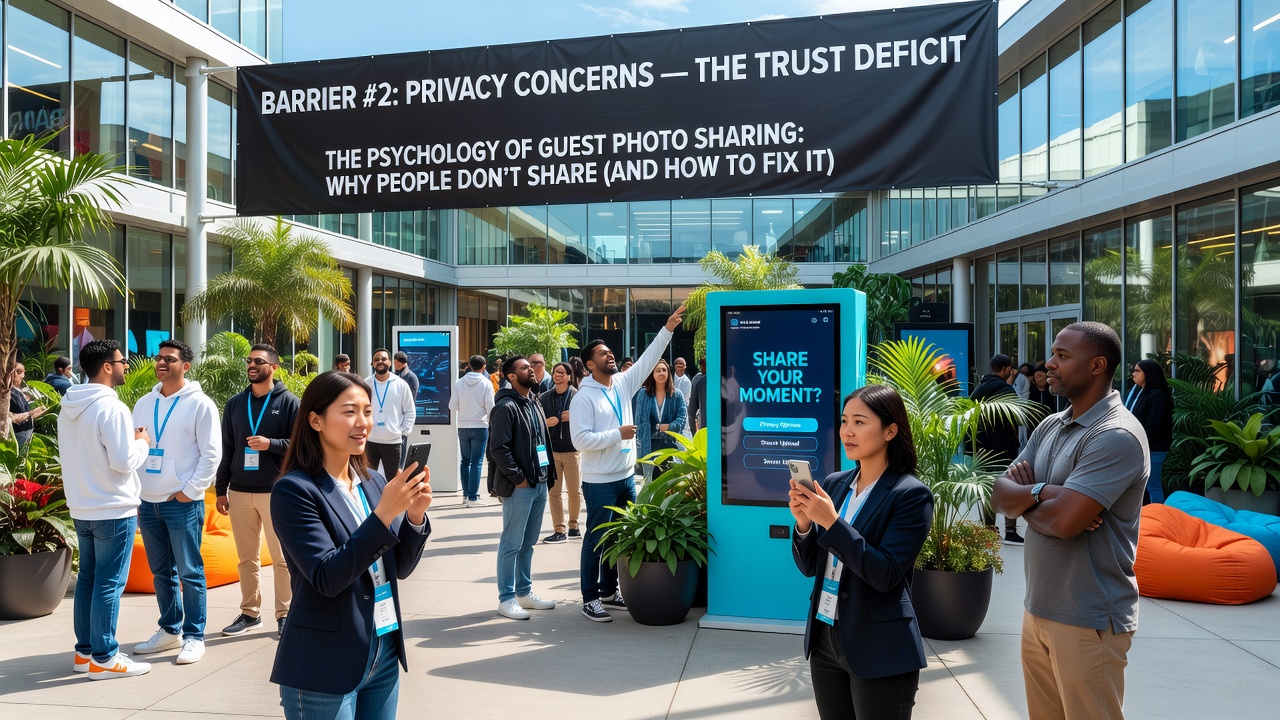
Barrier #2: Privacy Concerns — The Trust Deficit
Even when friction is low, many guests hesitate because of privacy anxiety. Sharing photos of oneself is one thing; sharing photos that include other people — especially children, plus-ones, or people who may not want their image circulated — triggers a genuine ethical concern. Psychologists call this the privacy paradox: people say they care about privacy, yet their behavior doesn't always match. But when it comes to sharing images of others, the concern is real and well-founded.
Privacy concerns around guest photo sharing fall into three sub-categories:
- Self-presentation anxiety: Guests worry about how they look in candid photos and don't want unflattering images circulating publicly.
- Third-party consent: A guest may be comfortable sharing a photo of themselves but hesitant to share one that includes a friend's child or a colleague who hasn't given permission.
- Platform distrust: People are increasingly wary of uploading personal images to unfamiliar platforms, fearing data misuse or images appearing in places they didn't intend.
These concerns are amplified by high-profile data breach stories in the media. A 2024 Pew Research survey found that 71% of adults have taken some action to reduce their digital footprint, and 52% have decided not to use an app or service specifically because of data collection concerns. That distrust extends to event photo-sharing platforms.
How to Build Trust and Address Privacy
- Use closed, event-specific albums. Make it clear that the shared album is private — only accessible to people with the QR code or link, not indexed by search engines, and not visible to the public. Display this prominently on the upload page.
- Allow anonymous uploads. Don't require guests to sign in with their name, email, or social account. The less personal data you collect, the more comfortable people feel contributing.
- Offer a moderation option. Let guests flag or request removal of any photo they appear in. Knowing there's a safety net reduces the anxiety of being photographed.
- Set expectations early. Include a note in your event invitation: "We'll have a private photo album for guests to share — link coming at the event." Pre-announcement normalizes the concept and gives people time to get comfortable with it.
- Avoid public social media by default. Don't funnel guest photos to a public Facebook album or Instagram hashtag. Keep sharing within the event community first; guests can always post their own selections to social media on their own terms.
Barrier #3: Forgetfulness — The Intention-Action Gap
Of the three barriers, forgetfulness is the most underestimated — and often the most common. Guests genuinely intend to share their photos. They leave the event thinking, "I'll upload those tomorrow." Then tomorrow comes, and so does work, school pickups, grocery runs, and the thousand small demands of daily life. The intention never converts to action.
Psychologists call this the intention-action gap, and it's one of the most well-documented phenomena in behavioral science. A landmark study by Sheeran and Webb found that intentions predict behavior only about 28% of the time — meaning nearly three-quarters of the time, people who intend to do something don't actually do it. For guest photo sharing, this means the vast majority of your guests will never follow through, no matter how much they mean to.
Forgetfulness is also tied to the recency effect. Photos are most top-of-mind in the hours immediately after an event. As time passes, the emotional charge fades, the photos get buried under new content, and the motivation to share drops to near zero. After 48 hours, the likelihood that a guest will upload their photos is vanishingly small.
How to Close the Intention-Action Gap
- Send a reminder within 24 hours. A simple text, email, or message that says, "Loved seeing you! Don't forget to share your photos — here's the link" can dramatically boost participation. The 24-hour window is when motivation is still warm and the photos are still easy to find in the camera roll.
- Make the reminder personal. Generic "please share your photos" messages feel like marketing. A warm, personal note from the host makes the request feel relational rather than transactional.
- Show what others have shared. When a guest sees that 15 other people have already uploaded photos, social proof kicks in — they don't want to be the one who didn't contribute. A "See photos from other guests" preview in the reminder is a powerful motivator.
- Set a gentle deadline. "We'll close the album on Friday so we can create a highlights reel" creates urgency without pressure. Deadlines convert intentions into actions by forcing a decision point.
- Tie sharing to a tangible outcome. Tell guests their photos will be used to create a shared keepsake — a digital slideshow, a printed photo book, or a thank-you collage. When people see a clear purpose for their contribution, they're more likely to follow through.
Bringing It All Together: A Design Checklist for Guest Photo Sharing
Overcoming these three barriers — friction, privacy, and forgetfulness — doesn't require a massive budget or complex technology. It requires thoughtful design that works with human psychology rather than against it. Here's a quick checklist:
- Friction: QR code access, browser-based upload, one-tap process, no account required.
- Privacy: Closed album, anonymous uploads, moderation option, clear communication about who can see the photos.
- Forgetfulness: 24-hour reminder, personal tone, social proof preview, gentle deadline, tangible outcome.
When you address all three barriers simultaneously, guest photo sharing transforms from a hopeful wish into a predictable outcome. The key is to respect your guests' cognitive load, their privacy boundaries, and the reality that good intentions alone don't produce shared memories. Design for human behavior, and the photos will follow.
FAQ: Guest Photo Sharing
Why don't guests share their photos after an event?
Three main reasons: friction (the upload process is too complicated), privacy concerns (guests worry about where their images end up), and forgetfulness (the intention to share fades quickly as daily life takes over). Addressing all three barriers with thoughtful design significantly increases sharing rates.
What's the best way to collect photos from guests?
A QR code linked to a browser-based, no-account-required shared album is the most effective method. It eliminates app downloads, reduces steps, and works on any smartphone. Pair it with a 24-hour reminder message to counter forgetfulness.
How can I make guests feel comfortable sharing photos of others?
Use a closed, event-specific album that isn't publicly searchable. Allow anonymous uploads so guests don't have to attach their identity. Provide a way for people to request photo removal. Communicate these privacy protections clearly so guests know their boundaries will be respected.
When should I send a reminder to share photos?
Within 24 hours of the event ending. This is the window when photos are still fresh in the camera roll and the emotional energy from the event is still present. After 48 hours, sharing rates drop dramatically as the intention-action gap widens.
Quick answers
Why don't guests share their photos after an event?
Three main reasons: friction (the upload process is too complicated), privacy concerns (guests worry about where their images end up), and forgetfulness (the intention to share fades quickly as daily life takes over). Addressing all three barriers with thoughtful design significantly increases sharing rates.
What's the best way to collect photos from guests?
A QR code linked to a browser-based, no-account-required shared album is the most effective method. It eliminates app downloads, reduces steps, and works on any smartphone. Pair it with a 24-hour reminder message to counter forgetfulness.
How can I make guests feel comfortable sharing photos of others?
Use a closed, event-specific album that isn't publicly searchable. Allow anonymous uploads so guests don't have to attach their identity. Provide a way for people to request photo removal. Communicate these privacy protections clearly so guests know their boundaries will be respected.
When should I send a reminder to share photos?
Within 24 hours of the event ending. This is the window when photos are still fresh in the camera roll and the emotional energy from the event is still present. After 48 hours, sharing rates drop dramatically as the intention-action gap widens.