
Wedding Planning & Photography
Pre-Wedding Engagement Set Expectations Early (Picshots)
Guests capture more memorable moments when they know what to expect. This guide shows how to set expectations early for a pre-wedding engagement using friendly reminders powered by Picshots.
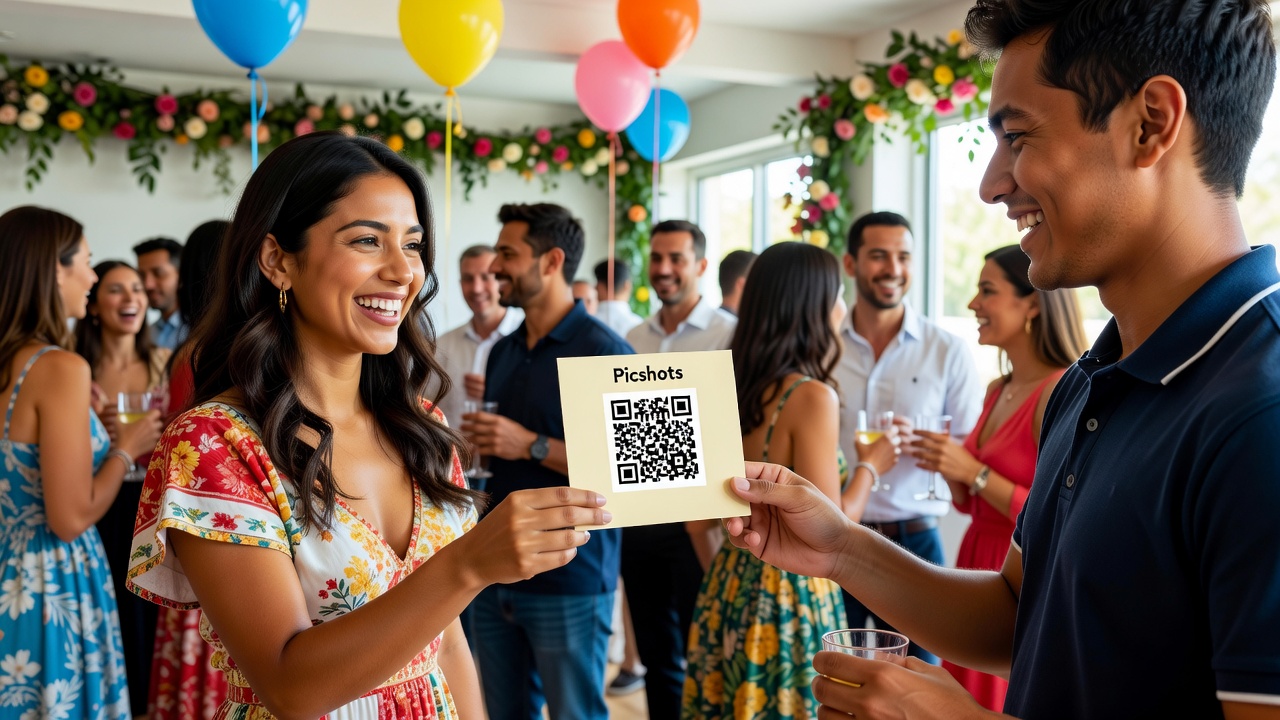
Pre-Wedding Engagement: Set Expectations Early — Picshots engagement event photo capture guide
Quick Answer: When guests know what you want captured—and how to participate—they arrive prepared, not confused. Share a short, friendly reminder plan before your pre-wedding engagement, including which moments matter, how to use Picshots, and simple do’s/don’ts. You’ll get better participation and more usable photos with less last-minute explaining.

Introduction
A pre-wedding engagement is supposed to feel exciting and low-pressure—yet the photo side can get chaotic. Guests don’t always know when to raise a phone, what moments to prioritize, or how to submit photos afterward.
That’s exactly why set expectations early. When people understand the plan ahead of time, they show up ready to capture. In this article, we’ll walk through a guest-friendly reminder strategy using Picshots so participation feels easy, warm, and organized.
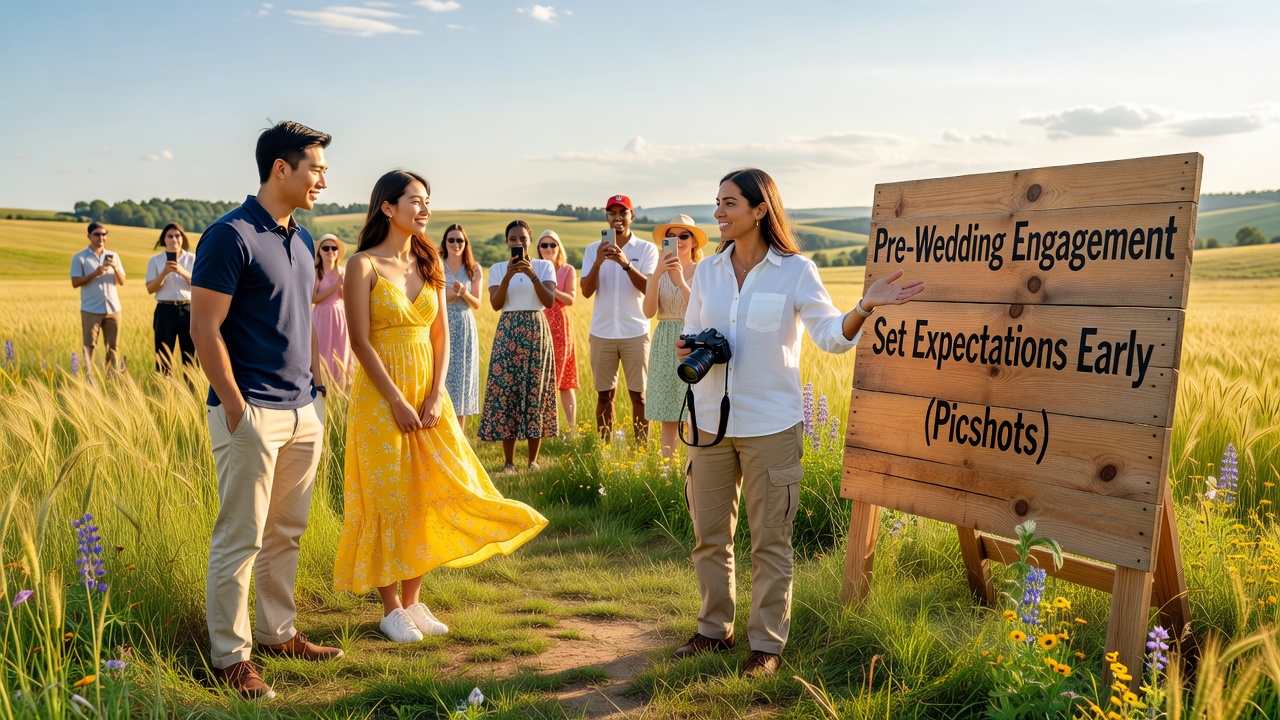
Why does setting expectations boost guest photo capture?
Quick Answer: Guests hesitate when they’re unsure what’s happening, what to photograph, or how to contribute. Clear expectations reduce uncertainty and confidence friction. A simple pre-event message (what/when/how) helps guests participate naturally—especially for spontaneous moments like candid smiles, family greetings, and quick location “settle-in” shots.
Think of it like hosting. If you tell guests:
- what moments matter most (not every single moment),
- when those moments happen, and
- how to share photos (with Picshots),
…you make it easier for guests to act without interrupting the event.
What should guests know before a pre-wedding engagement?
The best expectation-setting isn’t a long lecture. It’s a short “operating manual” that answers the questions guests are already thinking.
Share these 5 essentials
- Purpose: “We want everyone to capture the moments that professional cameras might miss.”
- Timing: “Look for 3 photo windows: arrivals, the quiet in-between moments, and the final group send-off.”
- What to capture: Candids, reactions, details (rings, signs, flowers), and short storytelling shots.
- How to capture & submit: Use your Picshots link/QR code and follow the quick upload steps.
- Respect & consent: Encourage discretion—avoid filming sensitive moments, and focus on consent-friendly shots.
Featured snippet tip: If you want a “copy/paste” checklist, reuse the list above in your reminder messages.
[Internal link: Pre-Wedding Photo Timeline Checklist] [Internal link: Engagement Party Guest Etiquette & Consent Tips]
Picshots engagement event photo capture guide: reminders that work
If you’ve ever watched people show up with enthusiasm… but freeze because they don’t know what to do—this section is for you. This Picshots engagement event photo capture guide approach is simple: remind gently, specify clearly, and make contribution effortless.
Step-by-step reminder strategy (friendly, not pushy)
| Reminder | When to send | What it should include | Why it helps |
|---|---|---|---|
| 1) “Purpose + what to capture” | 7–10 days before | Moments that matter + 1–2 examples | Creates anticipation and reduces uncertainty |
| 2) “Picshots how-to” | 3–4 days before | Picshots link/QR + 2–3 simple instructions | Makes participation feel doable |
| 3) “Event-day map” | Morning of (or evening before) | Photo windows + backup plan if tech fails | Prevents last-minute confusion |
| 4) “Thank you + what’s next” | After the event (within 24–48 hours) | Appreciation + how/when you’ll share results | Builds trust and future participation |
Make the Picshots part feel effortless
Without over-technical details, clearly answer: Where do I click? What do I submit? When? If Picshots gives you an event capture link, album, or QR code, treat it like a “magic door” and repeat it consistently across reminders.
Example (short “How-to” reminder):
“Use this Picshots link/QR to upload your photos during the engagement. Focus on reactions, details, and candid moments. If you miss a moment, that’s okay—upload whenever you can after.”
How do you write a friendly pre-event reminder guests will read?
Quick Answer: Write like you’re texting a helpful friend: warm tone, short sentences, clear bullets, and a single call-to-action. Put the Picshots link/QR where people can find it quickly, and include one “what to capture” line so guests don’t guess. End with a no-pressure message.
Reminder tone formula (works for most guest lists)
- Warm opening: “We’re so excited to share this day with you…”
- Expectation: “We’d love your help capturing…”
- Clarity: “Please focus on…” (3 items max)
- How-to: “Open Picshots here…”
- No-pressure close: “If you only get a few photos, that’s perfect.”
Message templates you can copy
Template A (7–10 days before)
“Hi everyone! We’re hosting a pre-wedding engagement and we’d love your help capturing the little moments—laughs, reactions, and detail shots that professional photos sometimes miss. Our goal is simple: show the vibe. If you’re game, look out for one quick Picshots link reminder soon.”
Template B (3–4 days before)
“Quick how-to for Picshots: use this link/QR to upload your photos during the engagement. Helpful focus: arrivals, candid reactions, and the small details (rings, flowers, signage). No need to be perfect—just capture what you notice. Can’t make it? No worries at all—thanks for celebrating with us!”
Template C (event-day map)
“Event-day heads up ✨ Photo windows to watch: (1) arrivals + greetings, (2) in-between candid moments, (3) group send-off. When you see those moments, open Picshots and upload. If your phone storage is full, just capture and share what you can later.”
Common mistakes to avoid (so guests don’t freeze)
Even great plans can fail if the expectations are vague or demanding. Here are the most common pitfalls:
- Overloading guests with rules: More instructions often reduce action. Keep it to 3–5 essentials.
- Not specifying “when”: If you don’t name photo windows, guests don’t know when to pay attention.
- Forgetting the “how-to”: If Picshots participation is unclear, enthusiasm drops.
- Assuming guests know your photography style: Tell them whether you want candid reactions, detail shots, or portraits.
- Ignoring accessibility: If someone has limited data or prefers not to upload right away, offer a flexible “upload later” option.
What’s the cost and time investment to run a reminder plan?
Quick Answer: The core investment is time, not complexity. In most cases, you can draft and schedule reminders in under an hour. Picshots usage may vary by plan or event features, so budget according to your setup—but the communication workload stays lightweight.
- Setup time: 30–60 minutes to create reminder messages and finalize your Picshots link/QR.
- Execution time: 10–20 minutes to send or schedule messages across multiple guest groups.
- Post-event: 10 minutes to thank guests and confirm what you’ll share (and when).
Professional help note: If you’re running a larger event with complex guest segmentation (VIPs, mixed tech comfort levels, multiple venues), consider a part-time coordinator or social media manager to keep communications consistent.
Alternatives if you’re not using Picshots
If Picshots isn’t a fit, you can still set expectations early. The key is the same: purpose + timing + simple contribution method.
- QR code album: Use a single upload destination (photo album or shared folder) and message guests with “scan → upload → done.”
- “Capture checklist” cards: Hand guests a tiny list of 3 moments to capture. Great for older guests or those who don’t want app steps.
- Photo buddy roles: Assign 2–4 guests as “candid capture buddies” so participation doesn’t rely on everyone’s initiative.
- Share-by-channel: Collect photos through a single channel with clear deadlines (“Upload by 10pm”).
[Internal link: Wedding Photography Coordination Roles for Hosts]
Key Takeaways
- Set expectations early: Guests participate more confidently when they know what to capture and when.
- Use a reminder sequence: 7–10 days (purpose), 3–4 days (how-to), event-day (photo windows), and post-event (thanks).
- Make Picshots easy: Repeat the link/QR and keep instructions to 2–3 steps.
- Ask for specific moments: Name 3 photo windows (arrivals, candid reactions, send-off/details).
- Keep it no-pressure: Guests feel safer contributing “imperfectly,” which increases overall participation.
Frequently Asked Questions
How far in advance should I send the first pre-wedding engagement reminder?
For most guest groups, send the first reminder 7–10 days before. This gives guests time to read it, save the Picshots link/QR, and feel comfortable participating. If your guest list is small and tech-friendly, you can shorten to 3–5 days, but don’t leave it for the last minute.
What are the best moments for guests to capture during an engagement?
Prioritize moments with high emotion and low complexity: arrivals and greetings, candid reactions during speeches or quiet transitions, close-ups of meaningful details (rings, flowers, signage), and the group send-off. These are easier for guests to notice and capture without interrupting the flow.
Do guests need to know camera settings?
No. Guests don’t need camera settings—your reminders should focus on story moments, not technical quality. Encourage framing and simple steadiness, but avoid over-instruction. When people feel confident, they take more photos, which improves your overall photo variety.
How do I handle guests who don’t want to upload photos right away?
Build flexibility into your reminders. Let guests know it’s fine to upload whenever they can, or after the event. If Picshots supports later uploads, say so explicitly. If not, offer a backup method (a shared folder, email, or “send later” option through a host).
Should we mention privacy or consent in the reminder?
Yes, briefly. You don’t need legal language, but a short reminder helps guests feel safe and respectful. For example: “Please avoid filming sensitive moments and focus on consent-friendly, positive memories.” This reduces awkwardness and helps everyone participate responsibly.
How can Picshots improve guest participation compared to “take photos and send them later”?
Picshots participation can reduce friction because guests have a clear destination (link/QR) and a simple submission flow. When the “where to upload” and “what to capture” are both stated upfront, guests are more likely to follow through. Less uncertainty typically means more photos submitted.
What if guests forget the link on event day?
Send the link twice: once in the how-to reminder and once in the event-day message. You can also designate a quick “link reminder” at the start of the gathering (a posted QR code or a host holding up the QR). The goal is to minimize searching and hesitation.
Can we do this without making guests feel pressured?
Absolutely. Use warm language, keep requests small, and add a no-pressure line like “A few photos are perfect.” Frame it as storytelling support for the couple, not a requirement. When guests feel valued rather than monitored, participation stays higher.
Is it worth doing reminders for a small engagement?
Yes. Small events still benefit because expectations reduce confusion. Even if only 5 people participate, clear timing and a simple Picshots how-to can dramatically improve photo consistency. Reminders also help you capture candid moments that might otherwise be missed.
Conclusion
Setting expectations early turns guest energy into real photo participation. With a simple, friendly reminder plan—and a clear Picshots workflow—you help guests know what to capture, when to capture it, and how to contribute without stress.
CTA: If you’re planning a pre-wedding engagement, set up your Picshots reminder sequence now: choose your 3 photo windows, share the Picshots link/QR in advance, and send a no-pressure thank-you after. The result is a richer set of memories—and happier guests who know exactly how to show up.
[External link: GDPR/Privacy guidance on consent for personal data sharing] [External link: U.S. Copyright Office guidance on copyright and photographs (general info)]
Quick answers
How far in advance should I send the first pre-wedding engagement reminder?
For most guest groups, send the first reminder 7–10 days before. This gives guests time to read it, save the Picshots link/QR, and feel comfortable participating. If your guest list is small and tech-friendly, you can shorten to 3–5 days, but don’t leave it for the last minute.
What are the best moments for guests to capture during an engagement?
Prioritize moments with high emotion and low complexity: arrivals and greetings, candid reactions during speeches or quiet transitions, close-ups of meaningful details (rings, flowers, signage), and the group send-off. These are easier for guests to notice and capture without interrupting the flow.
Do guests need to know camera settings?
No. Guests don’t need camera settings—your reminders should focus on story moments, not technical quality. Encourage framing and simple steadiness, but avoid over-instruction. When people feel confident, they take more photos, which improves your overall photo variety.
How do I handle guests who don’t want to upload photos right away?
Build flexibility into your reminders. Let guests know it’s fine to upload whenever they can, or after the event. If Picshots supports later uploads, say so explicitly. If not, offer a backup method (a shared folder, email, or “send later” option through a host).
Should we mention privacy or consent in the reminder?
Yes, briefly. You don’t need legal language, but a short reminder helps guests feel safe and respectful. For example: “Please avoid filming sensitive moments and focus on consent-friendly, positive memories.” This reduces awkwardness and helps everyone participate responsibly.
How can Picshots improve guest participation compared to “take photos and send them later”?
Picshots participation can reduce friction because guests have a clear destination (link/QR) and a simple submission flow. When the “where to upload” and “what to capture” are both stated upfront, guests are more likely to follow through. Less uncertainty typically means more photos submitted.
What if guests forget the link on event day?
Send the link twice: once in the how-to reminder and once in the event-day message. You can also designate a quick “link reminder” at the start of the gathering (a posted QR code or a host holding up the QR). The goal is to minimize searching and hesitation.
Can we do this without making guests feel pressured?
Absolutely. Use warm language, keep requests small, and add a no-pressure line like “A few photos are perfect.” Frame it as storytelling support for the couple, not a requirement. When guests feel valued rather than monitored, participation stays higher.
Is it worth doing reminders for a small engagement?
Yes. Small events still benefit because expectations reduce confusion. Even if only 5 people participate, clear timing and a simple Picshots how-to can dramatically improve photo consistency. Reminders also help you capture candid moments that might otherwise be missed.