
Wedding Photography & Planning
Picshots Pro Tips: More Guest Photos, Less Effort
Want a richer wedding photo story without chasing guests? This final roundup shares Picshots pro tips—placement, timing, prompts, and mission ideas—to increase guest participation and capture more of what matters.
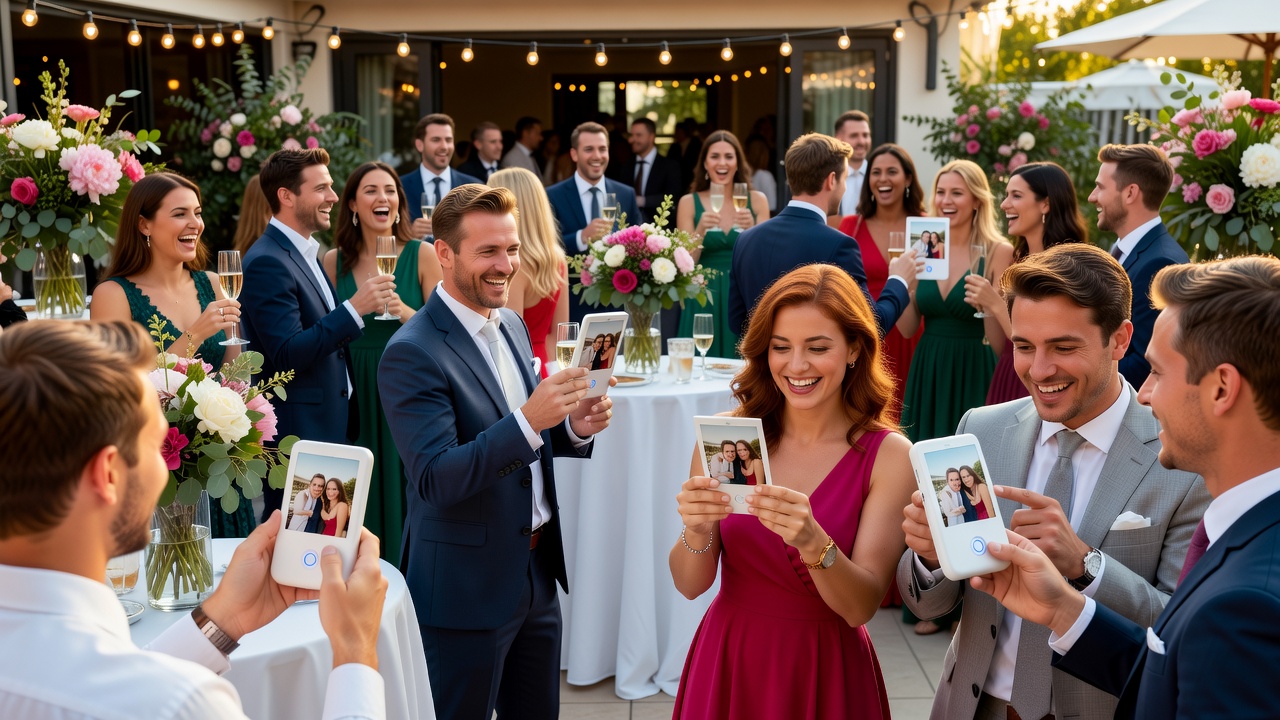
Picshots Pro Tips: Picshots tips for more guest photo capture at weddings
Quick Answer: To get more guest photos with less effort, set up clear photo “missions,” place Picshots prompts where guests naturally gather, trigger missions at high-energy moments (arrivals, golden hour, speeches, dancing), and give simple, specific prompt language. The result: more participation and a more complete wedding photo story.
Introduction
If you’ve ever looked through a wedding gallery and thought, “We’re missing real guest moments,” you’re not alone. The good news: you can dramatically improve participation and photo coverage without turning your event into a photo production.
These Picshots tips for more guest photo capture at weddings focus on the practical stuff that actually moves the needle—where you put the prompts, when you launch photo missions, what you tell guests to photograph (and how you phrase it), and how you keep the experience fun instead of awkward.
By the end, you’ll have a ready-to-run “final roundup” approach you can adapt for any wedding or event size.
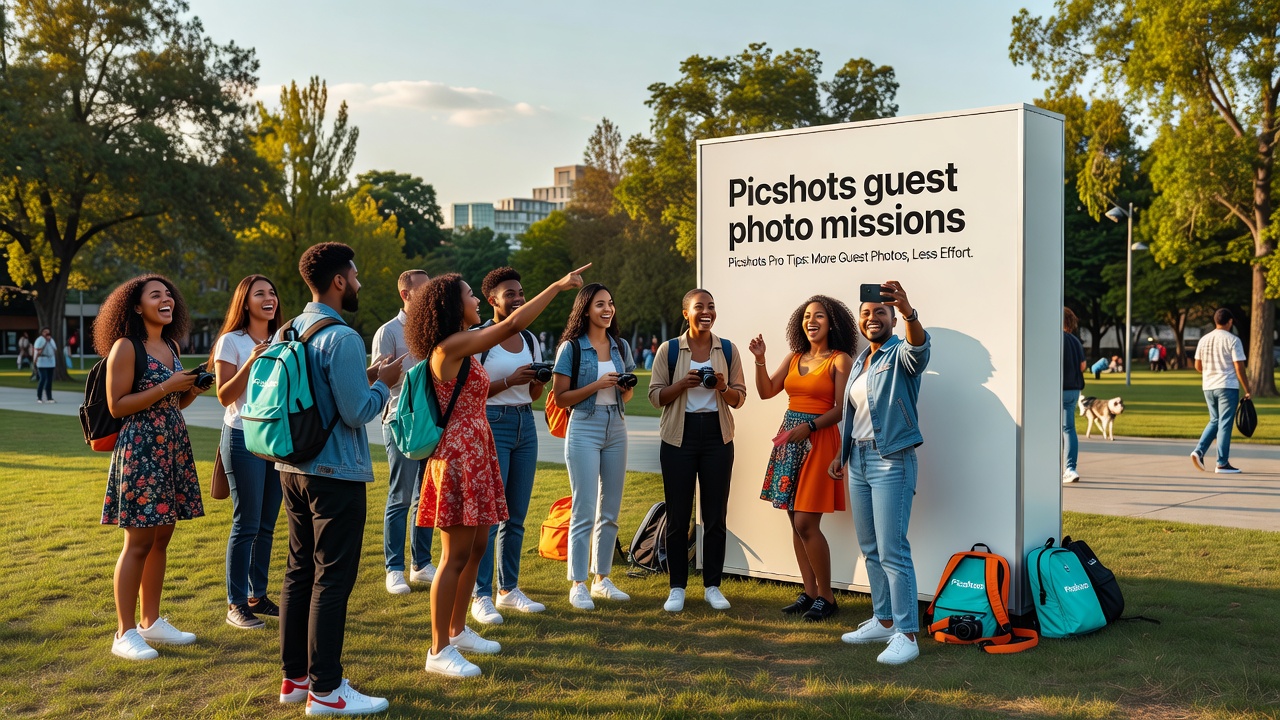
What are “Picshots guest photo missions” (and why they work)?
Quick Answer (40–60 words): A guest photo mission is a short, themed instruction that tells guests exactly what to photograph for a limited window. Missions work because they reduce guesswork, create momentum, and make it easy for everyone (including less-confident photographers) to contribute. They also help you collect complementary angles that professionals can’t always capture.
A mission usually includes:
- A specific subject (e.g., “detail shots of shoes, rings, and invitations”)
- A clear timing window (e.g., “15 minutes after guests arrive”)
- A simple success rule (“capture one close-up and one candid interaction”)
- Optional theme constraints (season, colors, “tell a story,” etc.)
Think of it as adding structure to guest creativity—without controlling it.
Final roundup: Placement, timing, prompts, and mission ideas
Below is a practical system. Use it as-is, or pick the ideas that fit your venue, guest count, and schedule.
1) Placement: put prompts where people already are
Quick Answer (40–60 words): Placement beats “perfect messaging.” Guests capture more photos when prompts sit in high-traffic zones and match real behavior: checking phones near seating, chatting near the bar, and gathering before photos. Aim for multiple small “touchpoints,” not one lonely sign.
Use these placement zones as a baseline:
- Welcome / arrivals area: Guests are curious and waiting.
- Bar & drink stations: People linger and naturally pick up their phones.
- Seating / cocktail hour edges: Perfect for candid snapshots.
- Near professional photo moments (without blocking): Add prompts near where guests can turn while waiting for their turn.
- Restrooms / hallway corners (tastefully): Great for a second “tap” reminder, not for spamming.
Placement checklist (fast):
- Do guests see the prompt within 3–5 seconds of entering the area?
- Is the prompt at eye level and not behind signage crowds?
- Is there a natural “pause” nearby (line, seating, barstool spacing)?
- Can guests photograph the mission without standing in the aisle?
Common mistake: putting everything near the dance floor only. Dancing is great for energy, but early coverage often comes from arrival and cocktail hour zones.
2) Timing: launch missions at moments guests actually want to document
Quick Answer (40–60 words): The best timing aligns with guest psychology. People take photos when they feel “this is happening” (first look, golden hour, speeches, cake cutting) or “I’m part of this moment” (group interactions, themed activities). Launch short missions right before or during those peaks.
Use a simple timing rhythm:
- Pre-ceremony (arrival → pre-ceremony): Warm-up missions for details and reunions.
- Ceremony transition / golden hour: Quick “story frames” that complement formal photos.
- Cocktail hour: Best window for candid interactions and atmosphere.
- Speeches & key events: Tight missions that capture emotion and reactions.
- First dance / party start: Fun missions focused on motion, portraits, and table scenes.
Ready-to-use timing windows (examples):
| Event moment | Mission window | What guests capture best |
|---|---|---|
| Arrival & welcome | 0–20 minutes after guests arrive | Hell yes-detail shots, reunions, “we’re here” moments |
| Golden hour / transition | 10–15 minutes | Atmosphere, hands, rings, reactions, venue vibes |
| Cocktail hour | 30–60 minutes | Candids, groups, food/drink moments, laughter |
| Speeches | 1–2 speech blocks | Facial expressions, audience reactions, heartfelt frames |
| Cake / dessert | 5–10 minutes | Hands, first bites, smiles, “look what we did” energy |
| Dance start | 15–20 minutes | Motion, silhouettes, table-to-dance-floor moments |
Pro tip: Use fewer missions with tighter windows. Guests don’t mind contributing—people mind feeling responsible for “keeping up.”
3) Prompts: tell guests exactly what to shoot (in human language)
Quick Answer (40–60 words): Prompts work when they’re specific, short, and confidence-friendly. Instead of “take photos,” use “capture one close-up and one candid reaction” or “focus on hands, rings, and smiles.” Give simple composition rules and avoid photography jargon.
Here are prompt styles that consistently generate better results:
- “Pick one” prompts: lower effort and reduce decision fatigue.
- Two-shot challenges: guarantee variety (detail + candid).
- Reaction prompts: capture emotion rather than just objects.
- Story prompts: ask for “before/after” or “then/now” frames.
Prompt templates you can copy:
- Detail + candid: “Take a close-up detail (rings, bouquet, invitations) and one photo of someone reacting to the couple. 2 photos total.”
- Hands & emotion: “Capture hands during meaningful moments—point fingers, holding glasses, wiping happy tears.”
- Perspective swap: “Get one photo from waist height (not overhead) and one from eye level.”
- Venue story: “Show how the room feels—lighting, place settings, flowers, candid laughter.”
- ‘Find the best corner’: “Walk the room and find one detail most guests overlook. Photograph it.”
What to avoid in prompts:
- Overly long instructions (people won’t read them mid-event).
- Too many rules (guests will comply halfway).
- Strict “must-have” composition (instead, specify what to emphasize: hands, faces, reactions).
- Generic themes like “be creative” without guidance.
4) Mission ideas: build a “coverage map” of the story
Quick Answer (40–60 words): Mission ideas should cover the story in layers: details, relationships, emotion, atmosphere, and energy. If you plan missions to hit each layer at the right moment, you’ll collect photos that feel like a cohesive narrative—not random snapshots.
Here’s a practical set of mission ideas you can mix and match.
Arrival & welcome missions (fast wins)
- “We made it!” Capture one photo of a welcome moment (signage, hugs, reunions).
- “Dress & details” Close-ups of accessories, nails, shoes, boutonnieres, bouquets.
- “Table universe” One photo of a table setting + one candid moment of someone discovering it.
Ceremony / transition missions (make guests feel included)
- “Before the start” Get one calm, atmospheric shot of the venue from a guest perspective.
- “Hands moment” During transitions, capture hands holding programs, flowers, or clasped together.
- “Reaction frame” Focus on faces and emotion (tears, smiles, laughter).
Cocktail hour missions (the highest-capture zone)
- “The room is the story” Photograph lighting, décor, and conversations in motion.
- “Food/drink + friend” One shot featuring a drink or snack and someone’s expression.
- “Old friends angle” Capture a reunion or “remember when” moment (with consent).
Speeches & heartfelt moments (quality over quantity)
- “Audience reactions” One photo per speech segment showing emotion in the room.
- “One supportive gesture” Capture hand squeezes, supportive nods, or shared laughter.
- “Significant quotes” If guests are near signage, capture the couple reading notes or looking at the speaker (avoid filming faces if it feels intrusive).
Dessert & celebration missions (high energy)
- “First bite” Capture cake/dessert moments and the first reaction.
- “Toast to us” A glass-raise photo challenge during a toast window.
- “Night turns on” Silhouettes, dance floor energy, and table-to-dance transitions.
Party missions (keep it fun, keep it simple)
- “Dance floor portraits” One portrait while someone is dancing or celebrating.
- “Motion blur on purpose” Encourage creative motion shots for a short burst of time.
- “Table takeover” Capture group laughs at tables—candid beats after dancing.
Mission design rule: Each mission should be doable in 30–90 seconds. Guests are busy. Your prompts should respect that.
How to increase guest participation without sounding bossy
Quick Answer (40–60 words): Participation rises when you communicate in the same tone you’d use for a toast: friendly, short, and permission-based. Frame missions as “help us remember” rather than “you must photograph.” Add light incentives—like a fun bonus mission—without turning it into a contest.
Use messaging like:
- Consent-first: “If you see something special, snap it—only if it feels comfortable.”
- Low-pressure: “One photo is perfect. Two is even better.”
- Purpose: “We want guest perspectives so the story feels real.”
- Time-bound: “We’ll run this mission for the next 15 minutes.”
Make it social (optional): Ask a host or DJ to remind guests once per mission window. Even 10 seconds helps.
Featured snippet help: a quick “do this next” checklist
Quick Answer (40–60 words): If you only implement one improvement, do this: place one Picshots prompt at arrivals, one at the bar/cocktail area, and one near a major event moment. Launch 4–6 missions with 10–60 minute windows. Use short, specific prompts that ask for details + reactions.
- Choose 4–6 missions covering details, emotion, atmosphere, and energy.
- Place prompts in high-traffic pause zones (arrival, bar, seating edges).
- Time missions to peak moments (arrival, golden hour, cocktail, speeches, party).
- Write prompts in plain language (“capture a close-up + a reaction photo”).
- Remind once per window (host, signage, or quick announcement).
- Keep windows short to reduce mental load.
Common mistakes (and how to fix them)
Quick Answer (40–60 words): Most “not enough guest photos” issues come from unclear prompts, poor placement, and timing that misses guest attention. Fix the three fundamentals: put prompts near pauses, launch missions when energy is high, and write instructions that are doable in under a minute.
7 common mistakes:
- One prompt, one location: Guests won’t all pass the same sign. Add touchpoints.
- Missions that are too broad: “Take photos of everything” produces random coverage. Make each mission specific.
- Too many missions: Guests burn out mentally. Fewer, better missions win.
- Launching at dead time: If nothing is happening, phones come out less often. Align with transitions.
- Photography jargon: “Rule of thirds” isn’t useful mid-party. Use simple cues like “faces + smiles.”
- Prompts that feel optional-but-forced: Use permission-based language (“if you’d like,” “only if it feels good”).
- No variety plan: If you only ask for portraits, you’ll miss details. Balance details, emotion, and atmosphere.
Costs, effort, and alternatives (so you can choose the right approach)
Quick Answer (40–60 words): The “cost” of guest photo missions is mostly planning time: prompt writing, placement, and a few timing reminders. The best approach is usually low-budget and scalable. If you want alternatives, you can use other guest photo collection tools or assign a second-shooter for specific moments.
Effort profile:
- Low effort: 4 missions, 3–4 prompt touchpoints, simple templates.
- Medium effort: add timing announcements + tailored missions per section of the event.
- Higher effort: curated themes (e.g., “blue detail week”), more missions, more signage.
Cost note: Pricing depends on the specific Picshots plan and what features you enable. For exact numbers, check the provider’s current pricing page.
Alternatives (if Picshots isn’t the right fit):
- QR-code galleries connected to a shared album (guest uploads)
- Dedicated sharing hashtags (works best with easy instructions)
- Second-shooter coverage for key emotion moments (but it doesn’t replace real guest perspectives)
Best practice regardless of tool: Missions + clarity + timing are what increase participation.
Examples you can steal: prompt + timing combos
Here are ready-to-run examples that combine placement, timing, and messaging.
Example 1: “Arrival stories”
- Placement: welcome area and near coat/entry seating
- Timing: 0–20 minutes after doors open
- Prompt: “Capture one reunion hug and one close-up detail (rings, bouquet, table décor). Two photos total.”
Example 2: “Speeches emotion set”
- Placement: near seating edges and the speech holding area
- Timing: during one speech block (or 2 short speech segments)
- Prompt: “One photo of the speaker + one photo of the room’s reaction. Focus on faces and feeling.”
Example 3: “Party energy burst”
- Placement: near the bar (queue) and near a safe dance perimeter
- Timing: first 15 minutes after dancing starts
- Prompt: “Take one motion shot (dancing or celebratory moment) and one candid portrait. Keep it fun—no pressure.”
Key Takeaways
- Use missions, not generic instructions. Specific prompts create clearer outcomes.
- Place prompts in pause zones (arrivals, bar/cocktail areas, seating edges).
- Time missions to energy peaks (golden hour, speeches, cake, first dance).
- Write prompts in plain language with “one close-up + one reaction” structure.
- Keep mission windows short to avoid guest fatigue.
- Balance story layers: details, relationships, emotion, atmosphere, energy.
Frequently Asked Questions
How many Picshots missions should we run at a wedding?
For most weddings, 4–6 missions works best. Each mission should have a clear subject and a short time window (10–60 minutes). Too many missions can overwhelm guests and reduce participation. Fewer, well-timed prompts usually create a richer, more coherent photo story.
What placement locations get the most guest photos?
Guests photograph more when prompts are near where they pause and check their phones: arrivals/welcome areas, the bar or drink stations, and seating edges during cocktail hour. A second touchpoint (tastefully placed) helps catch guests who miss the first sign.
What should we write in the prompts so non-photographers participate?
Use simple, confidence-friendly instructions like “capture one close-up detail and one candid reaction.” Avoid photography jargon. If you give one or two practical composition cues (faces, hands, emotions), most guests can follow along quickly—even with basic phone cameras.
When is the best time to launch a mission for guest photos?
The best timing matches peaks in attention: arrival moments, golden hour, cocktail hour, speeches, cake cutting, and the first phase of dancing. Launch missions right before guests naturally feel the “now is happening” moment, and keep windows short.
How do we keep guest photo missions from feeling awkward or disruptive?
Make it permission-based and low-pressure: “If you’d like, snap one photo—only if it feels comfortable.” Also, remind guests briefly once per mission window instead of repeated interruptions. The goal is to invite participation, not to manage it like a task.
How can we encourage guests to include emotional reactions (not only objects)?
Prompt guests to photograph people, not just details. Use language like “focus on faces and feeling,” “capture one reaction photo,” or “hands moment.” Missions centered on reactions during speeches and key events reliably yield more expressive storytelling.
Will guest photos affect professional photography or the wedding schedule?
They shouldn’t if you plan carefully. Keep missions time-boxed and avoid blocking aisles or crowding around formal photo moments. Place prompts where guests already stand. Professional photographers can continue their workflow while guests capture complementary perspectives.
What if guests don’t have great phone cameras?
That’s normal—and it’s why missions should emphasize story, not technical quality. Prompt for close-ups of meaningful items, candid reactions, and atmosphere shots. Phone cameras can still capture emotion and context well, especially with bright lighting and clear subjects.
Are there privacy concerns with guest photo sharing?
Yes—always be mindful of consent. Use prompts that encourage comfortable, non-invasive capturing and allow guests to skip photos of people who prefer not to be photographed. If your event has special circumstances, consider adding clear guidance for respectful participation.
What are alternatives if we don’t use Picshots?
You can use QR-code album uploads, shared gallery links, or a dedicated hashtag (with clear instructions). The same principles still apply: missions, good placement, and strong timing. Alternatively, hire additional coverage (like a second shooter) for specific emotion-heavy moments.
Conclusion
Getting more guest photos doesn’t require more work—it requires better structure. Use these Picshots tips for more guest photo capture at weddings to place prompts in high-traffic pause zones, launch missions at high-energy moments, and give simple, story-forward prompts that anyone can follow. You’ll end up with a richer wedding photo story that feels genuinely lived-in.
CTA: If you’re planning your event timeline, build your mission list next—choose 4–6 missions, assign each to a timing window, and write your prompts using the templates above. Then share the plan with your host or event lead so your guests get clear, low-pressure direction.
Quick answers
How many Picshots missions should we run at a wedding?
For most weddings, 4–6 missions works best. Each mission should have a clear subject and a short time window (10–60 minutes). Too many missions can overwhelm guests and reduce participation. Fewer, well-timed prompts usually create a richer, more coherent photo story.
What placement locations get the most guest photos?
Guests photograph more when prompts are near where they pause and check their phones: arrivals/welcome areas, the bar or drink stations, and seating edges during cocktail hour. A second touchpoint (tastefully placed) helps catch guests who miss the first sign.
What should we write in the prompts so non-photographers participate?
Use simple, confidence-friendly instructions like “capture one close-up detail and one candid reaction.” Avoid photography jargon. If you give one or two practical composition cues (faces, hands, emotions), most guests can follow along quickly—even with basic phone cameras.
When is the best time to launch a mission for guest photos?
The best timing matches peaks in attention: arrival moments, golden hour, cocktail hour, speeches, cake cutting, and the first phase of dancing. Launch missions right before guests naturally feel the “now is happening” moment, and keep windows short.
How do we keep guest photo missions from feeling awkward or disruptive?
Make it permission-based and low-pressure: “If you’d like, snap one photo—only if it feels comfortable.” Also, remind guests briefly once per mission window instead of repeated interruptions. The goal is to invite participation, not to manage it like a task.
How can we encourage guests to include emotional reactions (not only objects)?
Prompt guests to photograph people, not just details. Use language like “focus on faces and feeling,” “capture one reaction photo,” or “hands moment.” Missions centered on reactions during speeches and key events reliably yield more expressive storytelling.
Will guest photos affect professional photography or the wedding schedule?
They shouldn’t if you plan carefully. Keep missions time-boxed and avoid blocking aisles or crowding around formal photo moments. Place prompts where guests already stand. Professional photographers can continue their workflow while guests capture complementary perspectives.
Are there privacy concerns with guest photo sharing?
Yes—always be mindful of consent. Use prompts that encourage comfortable, non-invasive capturing and allow guests to skip photos of people who prefer not to be photographed. If your event has special circumstances, consider adding clear guidance for respectful participation.