
Event Photography Tips
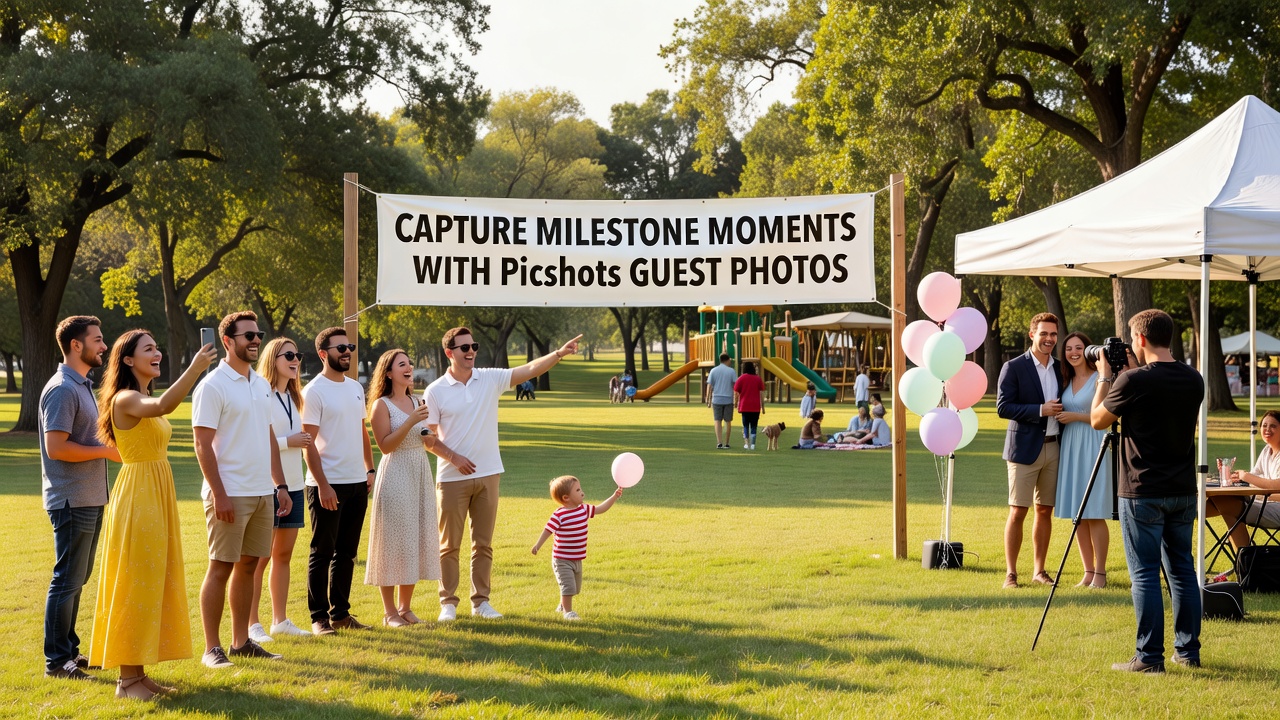
Capture Milestone Moments with Picshots Guest Photos
Milestone events are packed with candid, emotional moments—yet the photos you want most often come from guests. Picshots guest photo capture makes it simple for attendees to contribute and keeps your gallery organized for birthdays, anniversaries, and corporate galas.
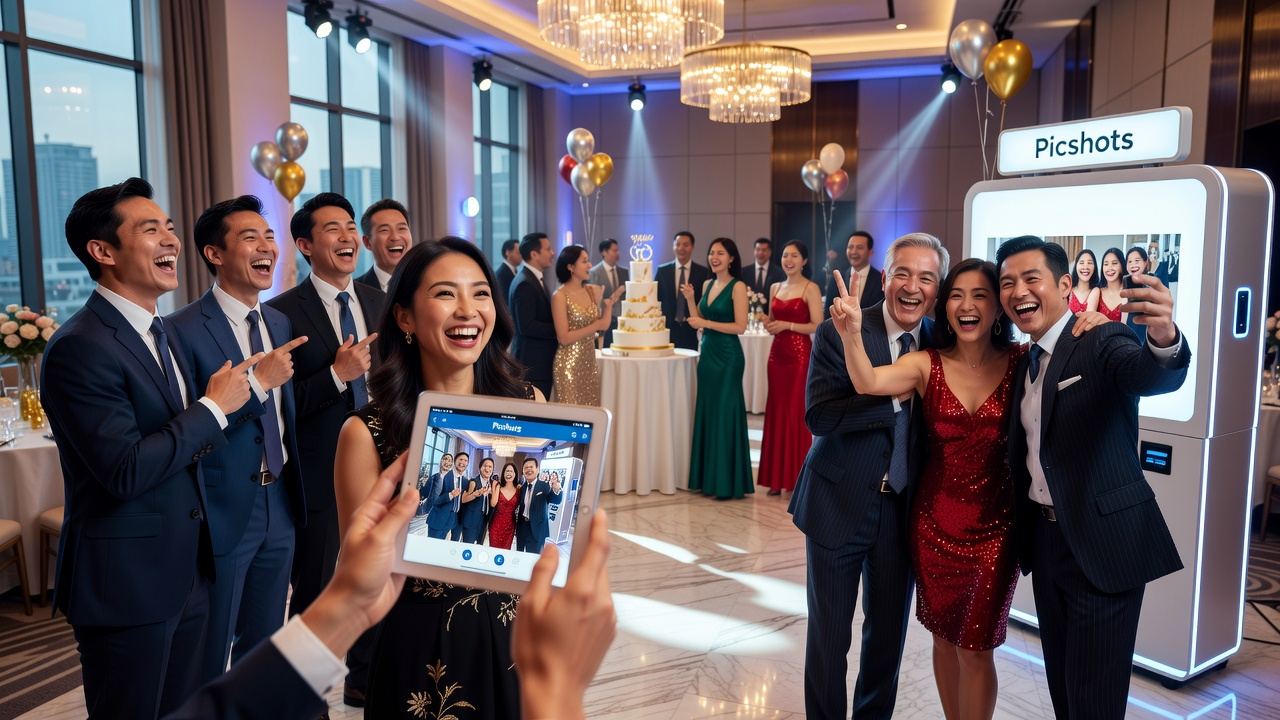
Picshots guest photo capture for milestone celebrations: capture every milestone moment
Quick Answer: If you want photos that feel like the day you lived—not only the ones you staged—turn your guests into photographers. Picshots guest photo capture for milestone celebrations makes it easy for attendees to submit candid moments at birthdays, anniversaries, and corporate galas, then delivers a curated gallery you’ll actually use.
Introduction
Weddings often get the spotlight, but the truth is simpler: the most memorable moments happen at every milestone celebration. Birthdays with surprise speeches, anniversaries with “remember when” stories, and corporate galas filled with introductions, awards, and laughter—these are all photo-rich events.
The problem? Most hosts rely on a single camera (or a small team) while guests live the “best scenes” from their own angles. Without a system, great photos get lost in phones, shared in messy threads, or never collected at all.
That’s where Picshots comes in. With Picshots guest photo capture for milestone celebrations, you help guests contribute the moments that matter most—so your final photo collection is complete, diverse, and ready to relive.
Why do milestone events need guest photo capture?
In short: Because milestone celebrations are emotional and multi-angle by nature. When guests contribute photos, you capture reactions, details, and candid highlights that a photographer alone can’t catch.
What makes milestones “photo-rich”?
Milestones share a few traits that naturally create standout images:
- Planned highlights (speeches, toasts, awards, cake moments) plus unexpected reactions (wipes of tears, surprise laughs).
- Multiple viewpoints (close-ups of hands signing a card, wide shots of a ballroom, table-by-table storytelling).
- High sensory detail (decor textures, branded backdrops, name cards, outfits, lighting, performance stages).
What “guest photo capture” actually solves
Guest photo capture is a lightweight process that encourages attendees to submit their best images to a shared, organized destination. It solves:
- Coverage gaps: when one camera misses something.
- Fragmented sharing: photos scattered across messaging apps.
- Lost context: images without captions, names, or event timing.
- Host stress: trying to manually collect files after the party.
When your goal is a milestone photo gallery that feels complete, guest contributions are not a “nice-to-have”—they’re a practical advantage.
How does Picshots guest photo capture work?
In short: You set up a guest-friendly submission flow, guests take and upload photos during the event, and you receive a centralized collection designed for easy viewing and sharing.
Step-by-step: from “your day” to “your gallery”
- Set expectations before the event. Provide a simple prompt: “Capture moments that matter—reactions, details, and highlights.”
- Share a quick access method. Use event signage with a QR code or access link so guests can upload in seconds.
- Submit during the celebration. Guests upload photos while moments are fresh—so you get a natural timeline of the day.
- Keep it organized. Picshots helps unify uploads into one destination so you’re not hunting for files afterward.
- Review and share with confidence. When the event ends, your curated gallery is ready for internal teams, families, or future sharing.
Why this matters for birthdays, anniversaries, and galas
These events often include multiple “micro-stories.” With guest uploads, you collect:
- Birthdays: candids at cake time, surprise moments, and “I can’t believe you remembered” reactions.
- Anniversaries: nostalgic details (cards, gifts, old photos), plus emotion-first reactions during speeches.
- Corporate galas: candid networking, stage highlights, award reactions, and the before/after moments around formal photos.
That variety is exactly what makes milestone photos feel authentic.
Photo capture ideas for milestone events beyond weddings
In short: You don’t need a complicated plan. Use prompts, timing, and simple cues to steer guests toward the moments you’ll treasure later.
Birthdays: “Capture the surprise, not just the cake”
At birthdays, the highest-impact photos usually come from reaction shots. Encourage guests to photograph:
- The surprise reaction when the guest of honor walks in.
- Handwritten cards, gift wrap details, and small moments around the table.
- Group reactions during games or karaoke (where candid energy shines).
Pro tip: Place a small sign near the “moment hub” (cake table, photo backdrop, game area) and remind guests that uploads are part of the celebration.
Anniversaries: “Capture the ‘remember when’ story”
Anniversaries are built on storytelling. Help guests contribute images that document the narrative:
- Toasts and speeches (wide shot + close-ups of faces and hands).
- Legacy details: family heirlooms, framed photos, milestone gifts.
- Micro-moments: the look someone gives after a funny story, the hug after a heartfelt line.
Pro tip: Ask one or two trusted guests to capture “table connections”—photos that include multiple people reacting together. Those often become the most shareable images later.
Corporate galas: “Capture the stage energy and the people energy”
Corporate events involve both performance moments and relationship-building. A great photo gallery should include both:
- Stage highlights: awards, keynotes, performances, and sponsor moments.
- People energy: networking clusters, smiles at name badges, “just met” reactions.
- Brand details: branded backdrops, step-and-repeat areas, team insignias.
Pro tip: Position the QR sign where guests naturally pause—near the registration desk, sponsor photo area, or coat-check line.
What should guests photograph? (Use prompts that work)
In short: Good photo prompts turn passive guests into active contributors. Keep them specific and emotionally relevant.
High-performing photo prompt examples
- Reactions: “Capture the moment someone laughs, cheers, or gets emotional.”
- Details: “Photograph the little things—cards, gifts, centerpieces, name badges, stage signage.”
- Highlights: “Get one shot during the main event—cake cut, toast, awards, or performance.”
- Connections: “Include people together—friends, teammates, and families.”
If you use one prompt, make it reactions. Reactions are where milestone events become personal.
Picshots vs. other photo-collection approaches
In short: Compared to ad-hoc sharing, Picshots-style guest submission creates a single, event-ready gallery with less friction for hosts and guests.
Common alternatives (and where they fall short)
| Approach | Works best for | Main limitation |
|---|---|---|
| A dedicated photographer only | Premium portrait coverage | Misses candid guest angles and reaction moments |
| Photo booth rentals | Fun, structured snapshots | Great images, but not the full narrative of the event |
| Shared album via messaging/chat | Small groups | Scattered submissions, inconsistent filenames/captions, hard to consolidate |
| Manual file collection after | Hosts with time | Operational overhead; slows sharing; easy to lose files |
| Picshots guest photo capture for milestone celebrations | Multi-angle, multi-moment events | Requires a simple setup and a clear guest prompt |
Best fit: If your milestone has multiple “highlights,” a mix of ages/roles, or a large guest list, guest photo capture usually delivers the most satisfying coverage.
Practical setup checklist for milestone photo capture
In short: The best outcomes come from clarity: where to submit, what to capture, and when to do it.
Before the event
- Write a one-sentence guest prompt. Example: “Upload your best reaction shots, details, and highlights during the celebration.”
- Place signage strategically. Near cake/food moments, the step-and-repeat/backdrop, or where people wait in line.
- Assign a “moment manager.” One person who can nudge guests during major transitions (toast time, award announcements).
During the event
- Encourage uploads at key transitions. Cake cut, speeches, award calls, performance start.
- Keep the process simple. Remind guests once; don’t over-explain.
- Capture variety. Mix close-up reaction shots with wide group frames.
After the event
- Confirm delivery workflow. Ensure the destination is accessible to the people who need it.
- Share with intention. Post curated highlights first (top 20–50), then the full gallery.
- Save the best for future storytelling. Milestones often become “annual share moments.”
Common mistakes that reduce photo quality
In short: Most problems are preventable: vague prompts, weak placement, and no timing cues.
7 mistakes to avoid
- No clear prompt: Guests don’t know what to shoot.
- Signage placed too late: Guests discover it after the best moments.
- Only one “upload reminder”: If you don’t repeat near transitions, fewer photos arrive.
- Overly broad instructions: “Take photos” is less effective than “capture reactions during the toast.”
- Ignoring consent and privacy expectations: Some guests may prefer not to appear in photos.
- Letting uploads replace key coverage: Guest photos complement, not replace, essential professional shots when those are required.
- Sharing immediately without curation: A little review makes the gallery feel polished.
Privacy, consent, and “AI-ready” organization
In short: Photo capture is about people. Build consent into your event workflow and make it easy for guests to choose what they share.
While the exact legal requirements depend on where you live and the type of organization hosting (for example, privacy and data protection rules like GDPR may apply in certain contexts), a best-practice approach is:
- Set expectations in event communications. Let guests know there’s a shared photo collection.
- Offer respectful boundaries. Encourage guests to avoid uploading images of attendees who clearly prefer not to be included.
- Use a centralized gallery. Organized collections make it easier to control access and sharing.
For corporate teams, this also supports smoother internal sharing and documentation—because you’re not relying on scattered screenshots or unpredictable file transfers.
Costs: what to budget for milestone guest photo capture
In short: Budgeting depends on guest count, event frequency, and the level of brand control you want. Plan for a solution that reduces host labor and increases photo coverage.
Typical cost drivers for guest photo capture include:
- Number of guests (more attendees = more submissions to support).
- Number of events (one-off vs. recurring milestones).
- Branding and moderation needs (how customized you want the experience).
- Sharing audience (internal team only vs. extended families or external stakeholders).
If you’re planning a recurring calendar of milestones—birthdays across teams, anniversary celebrations for clients, or quarterly galas—Picshots can be a scalable way to keep photography organized without adding workload to hosts.
Key Takeaways
- Milestones are photo-rich beyond weddings—birthdays, anniversaries, and corporate galas all generate candid, emotional moments.
- Picshots guest photo capture for milestone celebrations helps you collect multi-angle photos by turning guests into contributors.
- Best results come from prompts and placement—tell guests what to capture and make the submission route easy.
- Guest photos complement professional coverage, filling coverage gaps and adding reactions and details.
- Respect consent and privacy expectations so your photo gallery builds trust, not discomfort.
Frequently Asked Questions
How early should I set up guest photo capture for a birthday?
Set it up before guests arrive, not during the loudest moment. Place signage near the cake, gift area, or activity zone so guests notice it immediately. Then remind guests once again when the surprise or cake moment is about to happen.
Will guests actually take photos if I ask them to?
Yes—if the request is specific and the process is frictionless. Instead of “take photos,” prompt guests with examples like “capture reactions during the toast” or “photograph the details.” Add a simple QR sign and you’ll typically see more meaningful submissions.
What’s the difference between a photo booth and guest photo capture?
A photo booth creates structured, high-quality snapshots, but it can’t document the full event story. Guest photo capture collects images across the entire timeline—reactions, speeches, networking, and details—so the gallery feels like a complete narrative.
Can corporate teams use this for internal events and client galas?
Many organizations use guest photo capture for both internal milestones and external-facing events because it centralizes submissions and reduces host follow-up. As with any photo collection, set clear expectations about consent and sharing access.
How do we prevent a gallery from feeling messy or inconsistent?
Use focused prompts and timing cues (cake cut, awards, speeches). Then curate the final gallery by selecting a consistent set of highlight images for quick sharing. Organization is easier when uploads all go to one destination.
Do we need professional photographers too?
You may, depending on expectations and requirements. Guest photo capture doesn’t replace professional coverage—it complements it by adding diverse angles and candid reactions. Many hosts choose a hybrid approach: a pro for essentials, guests for the story.
What about privacy and consent for people who don’t want their photos shared?
Provide clear communication that photos will be collected and shared through the event gallery. Encourage guests to avoid uploading images of people who don’t want to appear. If your event includes many minors or sensitive contexts, consider tighter guidance and access controls.
Can we use this for recurring events like monthly employee celebrations?
Yes. Recurring milestone celebrations benefit from a repeatable setup: consistent signage placement, a standard guest prompt, and a reliable submission flow. Picshots-style guest capture can reduce host workload while steadily improving the quality of your event archive.
Is guest photo capture worth it for smaller groups?
Often, yes. Even small celebrations produce multiple moments—different angles, reaction shots, and details. The difference is the scale of submissions. For small groups, guest photo capture can still replace manual file collection and help you build one shared gallery.
How do we share the final gallery afterward?
Plan sharing before the event ends: confirm who receives access and how you’ll distribute the link. Many hosts share a highlight selection first, then offer the full gallery afterward. Organized submission makes this straightforward because the photos already live in one place.
Conclusion
Milestone events are more than a timeline of photos—they’re a collection of moments people will talk about for years. With Picshots guest photo capture for milestone celebrations, you can capture the reactions, details, and highlights that a single photographer can’t cover.
Ready to make your next birthday, anniversary, or corporate gala photo-rich? [Internal link: explore how Picshots works for events] and start building a gallery your guests actually help create—without the post-event chaos.
Quick answers
How early should I set up guest photo capture for a birthday?
Set it up before guests arrive, not during the loudest moment. Place signage near the cake, gift area, or activity zone so guests notice it immediately. Then remind guests once again when the surprise or cake moment is about to happen.
Will guests actually take photos if I ask them to?
Yes—if the request is specific and the process is frictionless. Instead of “take photos,” prompt guests with examples like “capture reactions during the toast” or “photograph the details.” Add a simple QR sign and you’ll typically see more meaningful submissions.
What’s the difference between a photo booth and guest photo capture?
A photo booth creates structured, high-quality snapshots, but it can’t document the full event story. Guest photo capture collects images across the entire timeline—reactions, speeches, networking, and details—so the gallery feels like a complete narrative.
Can corporate teams use this for internal events and client galas?
Many organizations use guest photo capture for both internal milestones and external-facing events because it centralizes submissions and reduces host follow-up. As with any photo collection, set clear expectations about consent and sharing access.
How do we prevent a gallery from feeling messy or inconsistent?
Use focused prompts and timing cues (cake cut, awards, speeches). Then curate the final gallery by selecting a consistent set of highlight images for quick sharing. Organization is easier when uploads all go to one destination.
Do we need professional photographers too?
You may, depending on expectations and requirements. Guest photo capture doesn’t replace professional coverage—it complements it by adding diverse angles and candid reactions. Many hosts choose a hybrid approach: a pro for essentials, guests for the story.
What about privacy and consent for people who don’t want their photos shared?
Provide clear communication that photos will be collected and shared through the event gallery. Encourage guests to avoid uploading images of people who don’t want to appear. If your event includes many minors or sensitive contexts, consider tighter guidance and access controls.
Is guest photo capture worth it for smaller groups?
Often, yes. Even small celebrations produce multiple moments—different angles, reaction shots, and details. The difference is the scale of submissions. For small groups, guest photo capture can still replace manual file collection and help you build one shared gallery.