
planning-tips
Photo Sharing for Guests at a Baby Shower: The Complete Setup Guide
Photo sharing for guests makes every baby shower unforgettable. Here's how to collect photos from family, set up live displays, and build a keepsake gallery.
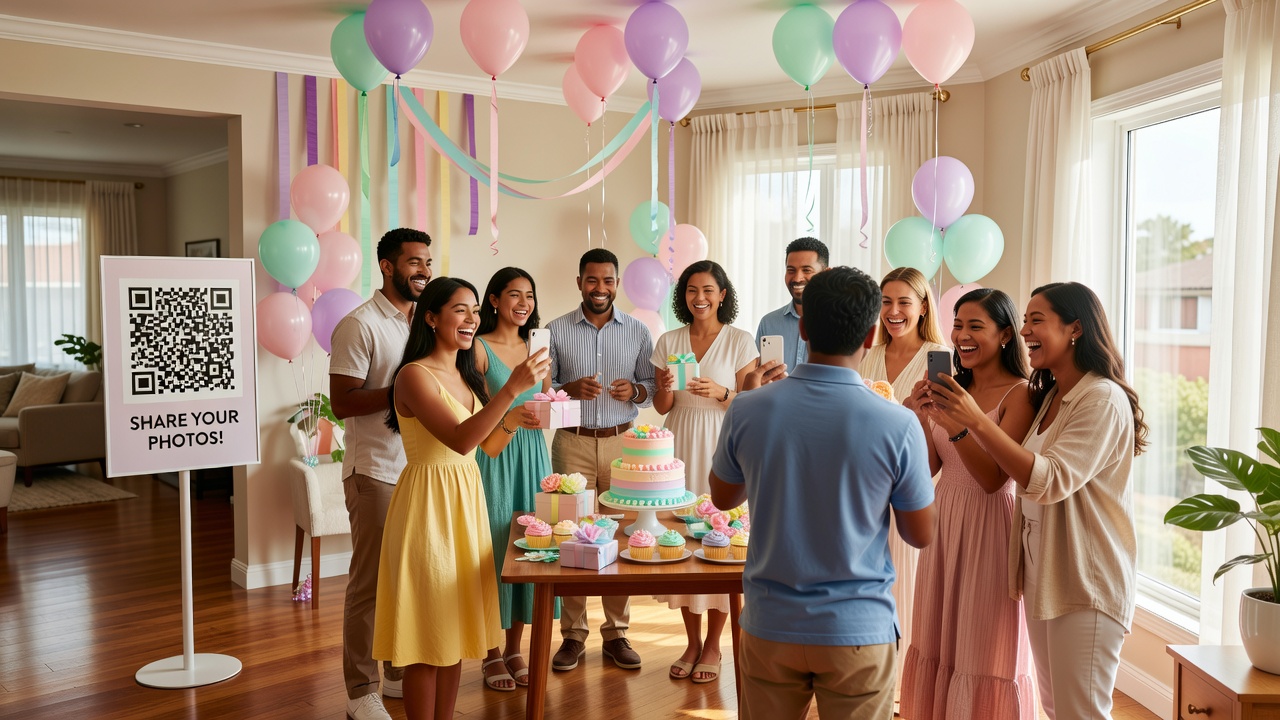
Photo sharing for guests is the secret ingredient that turns a baby shower from a lovely afternoon into a memory vault the parents-to-be will treasure forever. You've planned the games, the food, the decorations — but when the last guest leaves, what remains? The photos. And if you don't have a plan to collect them, most of those candid moments stay scattered across everyone's phones, never to be seen again.
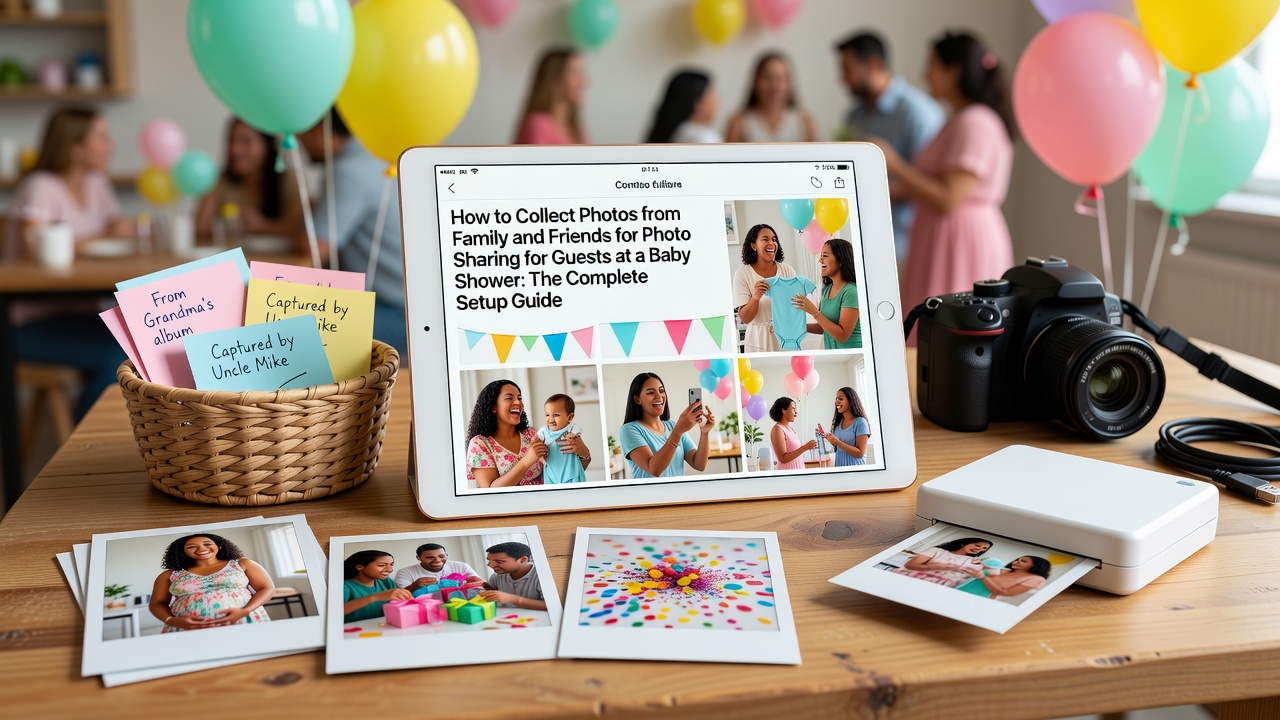
This guide walks you through three simple steps: how to collect photos from every guest, creative ways to display them during the party, and how to turn everything into a keepsake gallery the new parents will revisit for years.
How to Collect Photos from Family and Friends
Getting photos from guests doesn't have to mean chasing people down after the event. The key is making it effortless — the less friction, the more photos you'll get.
QR Code Shared Albums
The simplest approach: create a shared Google Photos or Apple iCloud album, generate a QR code that links directly to it, and place the code on table tents, welcome signs, or even the party favors. Guests scan, upload, done. Tools like QR Code Generator (qr-code-generator.com) or Canva let you design a pretty QR code that matches your baby shower theme. One scan and they're in — no app download, no account creation needed if you set the album to public.
Event Hashtags
If your crowd is active on Instagram or Facebook, create a unique event hashtag — something like #BabySmithShower2026 or #WelcomingBabyMia. Print it on a sign near the dessert table or photo backdrop. After the party, you can use tools like Later or EmbedSocial to pull every tagged post into one gallery. Just make sure the hashtag isn't already in use by searching it first.
Dedicated Photo Sharing Apps
Apps built specifically for event photo sharing for guests take the hassle out of collecting pictures. Guestpix lets you create a private event where guests upload directly through a link — no app install required. WedUploader (despite the name, works for any event) generates a custom upload page guests access via QR code. The Guest by The Knot offers a similar experience with a clean interface. All of these let guests contribute photos in real time, and you get everything in one organized place.
Old-School Digital Drop
Not every guest is tech-savvy. Set up a simple Google Drive folder or Dropbox link, print the URL on a card, and place it at each table. Some guests prefer emailing photos after the event — include a small note in the thank-you cards with an email address where they can send their best shots.
Display Ideas for the Event
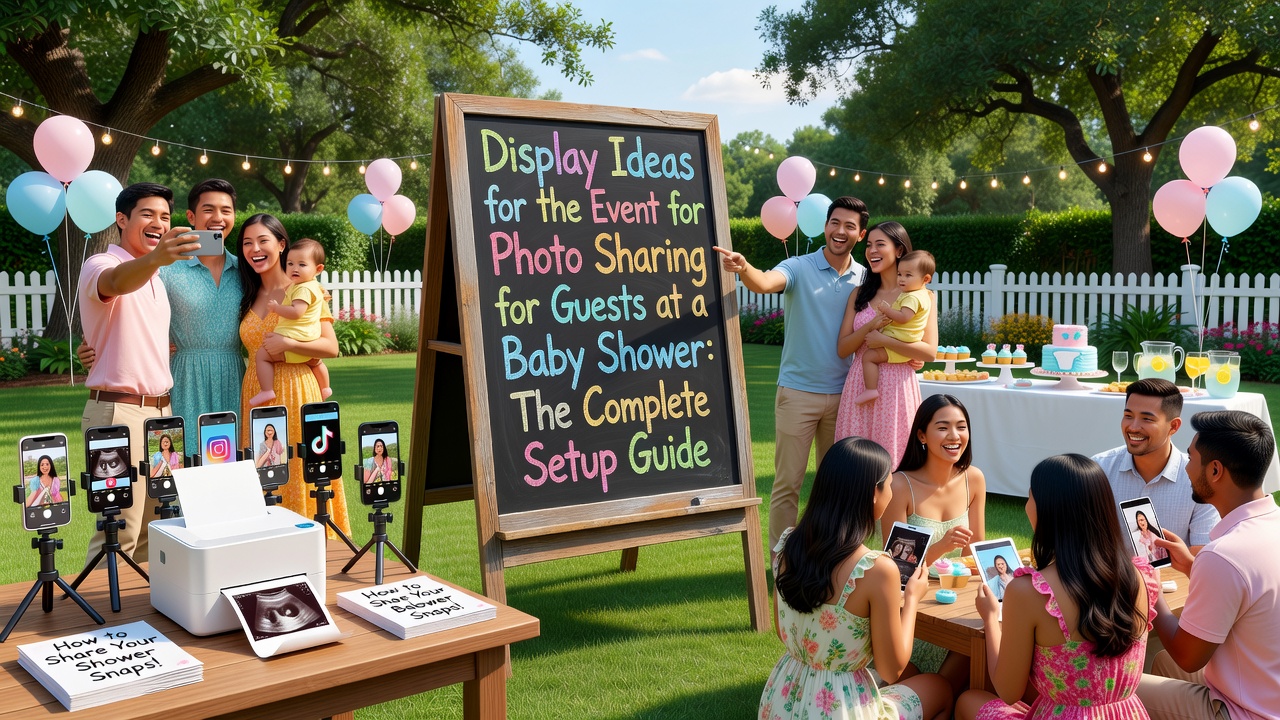
Collecting photos is half the fun. Displaying them during the baby shower creates instant joy and encourages more guests to participate.
Live Digital Slideshow
Set up a tablet, laptop, or TV screen running a live slideshow of photos as they come in. Connect the shared album to a slideshow app — Google Photos has a built-in slideshow feature, and Slideshow Maker apps for iPad or Android work well. Position the screen near the gift table or food area where guests naturally gather. Watching their own photos appear on screen in real time is surprisingly addictive — it turns passive guests into active contributors.
Polaroid or Instax Station
A Polaroid or Fujifilm Instax camera with a stack of film creates instant physical photos guests can hang on a twine-and-clothespin display. Set up a small table with the camera, extra film, mini clothespins, and a decorated string or wire frame. Guests snap a photo, clip it up, and by the end of the party you have a physical photo garland the parents-to-be can take home that same day.
Photo Backdrop with Props
Create a designated photo area with a themed backdrop — think pastel balloons, floral arches, or a simple fabric drape in the baby shower colors. Add props like "Mommy-to-Be" sashes, tiny baby shoes, ultrasound photo frames, and chalkboard signs where guests can write messages. When the backdrop looks good, guests naturally take more photos — and those photos tend to be the best ones in the collection.
Projection Wall
For evening or indoor showers, a simple projector casting the shared album onto a blank wall creates a stunning visual centerpiece. It's low-effort, high-impact, and doubles as ambient decor. Guests love spotting themselves on the "big screen."
Creating a Keepsake Gallery for the Parents-to-Be
The real gift isn't the photos — it's what you do with them afterward. A curated keepsake turns scattered snapshots into something the new parents will actually look at.
Digital Photo Book
Services like Mixbook, Shutterfly, and Artifact Uprising let you design a beautiful hardcover photo book from the collected images. Most have baby-themed templates ready to go. Organize the book chronologically — arrival and setup, games, gift opening, candid moments, and group shots. Add captions with guest names and short messages. A 20-page book takes about an hour to design and costs roughly PHP 1,500–3,000 depending on the service and page count.
Video Montage
Combine photos and short video clips into a 3–5 minute montage set to a meaningful song. Animoto and Canva both have drag-and-drop video makers with baby shower templates. Include video messages from guests who couldn't attend — ask them ahead of time to record a short clip. The result is something the parents-to-be will watch on repeat during late-night feedings.
Private Online Gallery
Create a permanent online home for the collection using Google Photos (shared album with view-only access), a private Facebook album, or a simple Notion page with embedded photos and guest messages. Share the link with close family and the parents-to-be. Unlike social media posts that get buried, a dedicated gallery stays accessible forever.
Physical Keepsake Box
Print the best 20–30 photos, tuck them into a beautiful keepsake box along with the baby shower invitation, a copy of the guest list, and any handwritten notes or advice cards guests filled out. It's tactile, personal, and doesn't require a screen. Years later, pulling out that box will mean more than any digital file.
Frequently Asked Questions
What's the easiest way to get photos from guests who aren't tech-savvy?
Set up a simple email address (like babysmithphotos@gmail.com) and print it on a card at each table. After the event, send a follow-up message with the email address and a friendly reminder. Most people are happy to email their best 5–10 shots — they just need to know where to send them.
How do I make sure guests actually use the photo sharing setup?
Make it visible and make it easy. Place QR codes in multiple spots — on the welcome sign, at the dessert table, on each table setting. Announce it during the party: "We've set up a shared album — scan the QR code on your table to add your photos!" A quick mention goes a long way. The live slideshow also works as social proof — when guests see photos appearing, they want to join in.
Can I do all of this without spending much money?
Absolutely. Google Photos shared albums are free. QR codes from qr-code-generator.com have a free tier. Canva's free plan includes video and photo book templates. The only costs you might incur are printing (PHP 200–500 for signs and QR code cards) and optional extras like a Polaroid camera rental (around PHP 800–1,500) or a printed photo book (PHP 1,500–3,000).
The Bottom Line
Photo sharing for guests is one of those things that takes a little planning but pays off enormously. A shared album, a QR code or two, and a simple display setup is all it takes to capture every laugh, every hug, and every "aww" from your baby shower. The parents-to-be will be too busy opening gifts and greeting family to take their own photos — that's what the village is for.
Planning more than just the photo setup? WedPlanner helps you organize every detail of your celebration — from guest lists and RSVPs to timelines and vendor coordination — all in one place. Create your free wedding website and start planning today.
Quick answers
What's the easiest way to get photos from guests who aren't tech-savvy?
Set up a simple email address and print it on a card at each table. After the event, send a follow-up message with the email address and a friendly reminder. Most people are happy to email their best 5–10 shots — they just need to know where to send them.
How do I make sure guests actually use the photo sharing setup?
Make it visible and make it easy. Place QR codes in multiple spots — on the welcome sign, at the dessert table, on each table setting. Announce it during the party and use a live slideshow as social proof — when guests see photos appearing, they want to join in.
Can I do all of this without spending much money?
Absolutely. Google Photos shared albums are free. QR codes have free tiers. Canva's free plan includes video and photo book templates. The only costs are printing (PHP 200–500) and optional extras like a Polaroid rental (PHP 800–1,500) or a printed photo book (PHP 1,500–3,000).