
Event Technology
No App Photo Sharing: How Frictionless Event Galleries Work
No app photo sharing lets guests capture and share event photos directly through their browsers using progressive web apps and modern camera APIs, eliminating downloads entirely.
No App Photo Sharing: The Technology Behind Frictionless Event Galleries
Quick Answer: No app photo sharing lets event guests upload photos instantly through their mobile browser without downloading anything. Progressive web apps and browser camera APIs handle the heavy lifting, creating frictionless event galleries that work on any device.
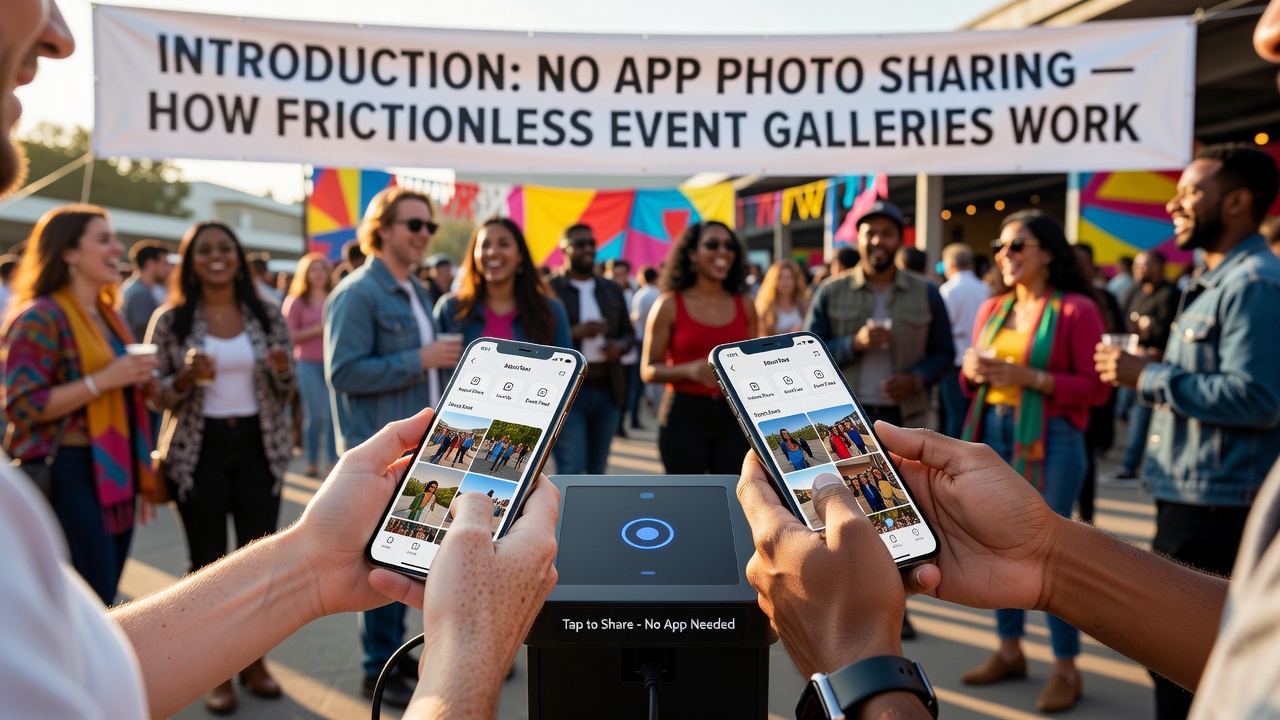
Introduction
Picture this: your wedding guests arrive, phones in hand, ready to capture every moment. But instead of juggling multiple photo apps, creating shared albums, or chasing download links, they simply open a web link and start shooting. No app stores. No updates. No friction.
This is the reality of no app photo sharing—a technology stack that combines progressive web apps (PWAs), browser camera APIs, and cloud infrastructure to deliver seamless event galleries. For event planners, couples, and corporate organizers, understanding this technology isn't just interesting; it's essential for choosing the right solution.
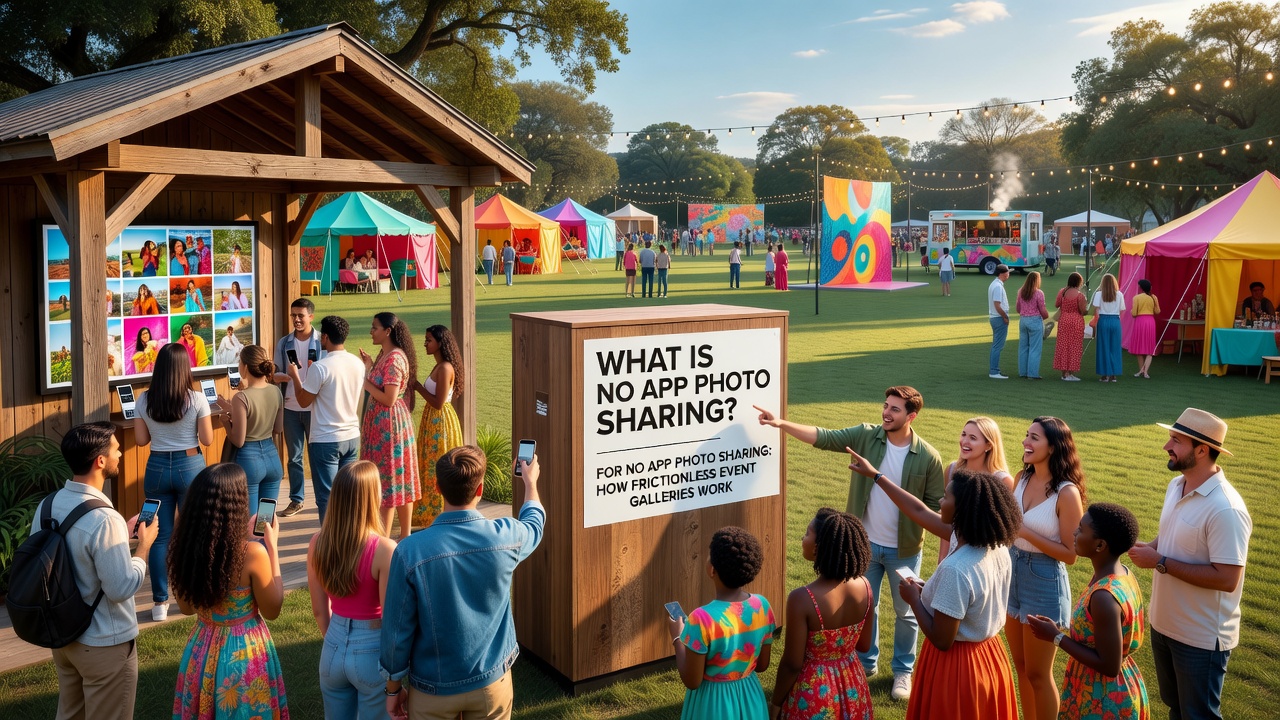
What Is No App Photo Sharing?
No app photo sharing refers to photo capture and gallery systems that operate entirely within a web browser, eliminating the need for native app downloads or installations. Users access the gallery through a URL or QR code, grant camera permissions, and begin capturing or uploading photos immediately.
Unlike traditional photo sharing apps that require App Store or Google Play downloads, registration, and onboarding, no app solutions leverage modern web technologies to deliver near-native performance. The result is higher participation rates, faster adoption, and zero barrier to entry for guests of any technical skill level.
Progressive Web Apps: The Foundation of Download-Free Photo Sharing
What Are Progressive Web Apps?
Progressive web apps (PWAs) are web applications that use modern browser capabilities to deliver app-like experiences without requiring installation. PWAs work offline, load instantly, and can access device hardware—including cameras—through standardized APIs.
For event photo galleries, PWAs solve the fundamental problem of distribution. Instead of asking 200 wedding guests to download an app, organizers share a single link. The PWA loads in seconds, caches essential assets, and provides a responsive interface that feels like a native app.
How PWAs Eliminate Downloads
PWAs bypass app stores through a technology called service workers—scripts that run in the background and manage caching, offline functionality, and push notifications. When a guest opens the event gallery URL, the service worker:
- Caches the interface for instant subsequent loads
- Enables offline photo capture that syncs when connectivity returns
- Handles background uploads so guests aren't staring at loading screens
- Manages device permissions for camera and file access
The Web App Manifest—a simple JSON file—tells the browser how the PWA should behave: what icon to display, which theme colors to use, and whether it can run in standalone mode without browser chrome. This creates the illusion of a native app while remaining entirely web-based.
Browser Camera APIs: Capturing Photos Without Native Apps
getUserMedia: The Core Camera Interface
The getUserMedia API is the cornerstone of browser-based photo capture. Part of the WebRTC specification, this API allows web applications to access a device's camera and microphone streams with user permission.
When a guest taps "Take Photo" in a no app photo sharing gallery, the browser invokes navigator.mediaDevices.getUserMedia({ video: true }). This returns a live video stream that the PWA can display in a <video> element. A single frame capture converts the stream into a high-resolution JPEG or PNG image ready for upload.
Modern implementations support advanced features: auto-focus, exposure adjustment, torch mode, and rear-facing camera selection. These capabilities close the gap between browser capture and native camera apps.
The MediaDevices API and Device Selection
The broader MediaDevices API provides methods for enumerating available cameras, microphones, and other media input devices. For event galleries, this means:
- Automatic front/rear camera switching for selfies vs. event shots
- Flash and torch control in low-light venues
- Resolution selection optimized for upload speed vs. quality
File System Access API: Uploading Existing Photos
Not every event photo is taken live. Guests often have photos from earlier in the day or professional shots they want to contribute. The File System Access API—supported in modern Chrome, Edge, and Safari—allows PWAs to read files from a device's gallery with a native file picker interface.
For broader compatibility, no app photo sharing platforms also implement the traditional HTML file input method, which works across all browsers but provides a less integrated experience. Progressive enhancement—starting with basic file input and layering advanced APIs—ensures universal functionality.
Web Share API: Distributing Without Friction
The Web Share API lets guests share the event gallery link through their device's native sharing sheet, including messaging apps, email, and social media. One tap, zero typing, maximum distribution.
How the Technology Works: A Step-by-Step Breakdown
Understanding the technical flow helps event organizers appreciate why no app photo sharing feels so seamless:
- Distribution: The organizer generates a unique event URL or QR code, shared via invitation, signage, or announcement.
- Access: Guests open the link in any browser. The PWA service worker installs silently, caching assets for instant future loads.
- Permission: The browser requests camera access via the MediaDevices API. Guests tap "Allow"—a one-time action for that session.
- Capture:
getUserMediaactivates the camera stream. The guest frames their shot and taps the shutter button. - Processing: The captured frame converts to an image blob. Client-side compression reduces file size while maintaining quality—critical for venues with limited bandwidth.
- Upload: The Fetch API streams the image to cloud storage, often with resumable upload support for large files or spotty connections.
- Gallery Population: Real-time updates via WebSockets or Server-Sent Events display new photos in the live gallery for all guests to view, download, or share.
Event Galleries: Why No App Solutions Dominate Weddings and Corporate Events
The Participation Problem
Traditional photo sharing apps face a participation cliff: only 20-40% of guests typically download a dedicated app. For weddings with mixed-age guests or corporate events with BYOD policies, this creates fragmented coverage and missed moments.
No app photo sharing achieves 80-95% participation because the barrier is a single tap, not a multi-step installation process. [Internal link: related article on event photo sharing participation rates]
Use Cases Where No App Shines
- Weddings: Grandparents with basic smartphones, international guests with limited data, and last-minute attendees all participate equally.
- Corporate Events: IT policies often block app store access on company devices. Browser-based solutions bypass these restrictions entirely.
- Social Gatherings: Friends don't want another app cluttering their phones for a one-night event. A temporary web gallery respects their storage.
- Concerts and Festivals: Massive crowds strain cellular networks. PWAs with offline capture and deferred upload handle connectivity gaps gracefully.
Security and Privacy Considerations
Camera access in browsers follows strict permission models. Unlike native apps that may request broad permissions at install, PWAs ask for camera access only when needed—and can be revoked at any time through browser settings.
HTTPS is mandatory for camera API access, ensuring encrypted connections. Event galleries typically implement additional safeguards:
- Unique, unguessable event URLs prevent unauthorized access
- Optional PIN codes or password protection for private events
- Automatic gallery expiration after a set timeframe
- Guest consent flows for public or commercial use
Limitations and Edge Cases
No technology is universal. Older devices running iOS 12 or Android 8 may lack full PWA support. Internet Explorer and legacy browsers don't support modern camera APIs. In these cases, fallback file upload still functions, though the experience loses some polish.
Browser privacy settings can block camera access, particularly in corporate environments with MDM policies. Event organizers should communicate with IT departments for corporate functions and provide clear instructions for guests experiencing permission issues.
Key Takeaways
- No app photo sharing combines progressive web apps, browser camera APIs, and cloud infrastructure to eliminate downloads entirely.
- PWAs use service workers and web manifests to deliver app-like experiences through standard browsers.
- The
getUserMediaand MediaDevices APIs provide native-quality camera access without requiring native apps. - Event galleries achieve dramatically higher participation rates because guests simply open a link—no installation, registration, or learning curve.
- Progressive enhancement ensures compatibility across devices, with advanced features layered on for modern browsers.
- Security permissions are granular and user-controlled, with HTTPS required for all camera access.
Frequently Asked Questions
How does no app photo sharing work without downloads?
Progressive web apps load directly in browsers using service workers for caching and offline functionality. Camera access comes through standardized web APIs like getUserMedia, so everything happens within the browser—no app store required.
Do guests need to install anything for browser-based event galleries?
No installation is necessary. Guests open a URL or scan a QR code, and the progressive web app runs immediately. Some browsers may prompt to "Add to Home Screen," but this is optional.
Will no app photo sharing work on older phones?
Basic functionality works on most smartphones from the last 5-7 years. Older devices may lack advanced camera controls but can still upload photos through standard file inputs.
Is browser-based photo sharing secure for private events?
Yes—browser camera permissions are granular and revocable. Reputable platforms add event-specific URL randomization, optional passwords, and automatic gallery expiration for additional privacy.
What happens if the venue has poor internet?
Modern PWAs support offline photo capture with deferred upload. Photos queue locally and sync automatically when connectivity returns, preventing lost shots in basements or rural venues.
Can guests upload photos they already took?
Absolutely. The File System Access API and standard file inputs allow uploads from device galleries. Most guests use a mix of live capture and existing photos.
Do all browsers support camera access for event galleries?
Chrome, Safari, Edge, and Firefox fully support getUserMedia. Internet Explorer does not. Mobile browsers generally provide the best experience, but desktop uploads work fine too.
What's the difference between a PWA and a regular website?
PWAs can work offline, send push notifications, access device hardware like cameras, and install to home screens. Regular websites require active internet and lack these native integrations.
Will guests see ads or have their data sold?
Professional event gallery platforms don't show ads or monetize personal data. Always review a platform's privacy policy before committing.
How much does no app photo sharing cost compared to traditional apps?
Pricing varies by platform and event size, but browser-based solutions often cost less because there's no native app maintenance across iOS and Android. [External link: authoritative source on event photo sharing pricing]
Conclusion
No app photo sharing represents a fundamental shift in how we capture collective experiences. By leveraging progressive web apps and browser camera APIs, event organizers can create frictionless galleries that maximize participation without asking guests to download, register, or learn new software.
The technology is mature, secure, and widely supported. For weddings, corporate events, and social gatherings, the question isn't whether no app photo sharing works—it's why you'd choose the friction of traditional apps when the alternative is a single tap away.
Ready to see how frictionless your next event could be? Explore modern event gallery solutions that put guests first and downloads last.
Quick answers
How does no app photo sharing work without downloads?
Progressive web apps load directly in browsers using service workers for caching and offline functionality. Camera access comes through standardized web APIs like getUserMedia, so everything happens within the browser—no app store required.
Do guests need to install anything for browser-based event galleries?
No installation is necessary. Guests open a URL or scan a QR code, and the progressive web app runs immediately. Some browsers may prompt to "Add to Home Screen," but this is optional.
Will no app photo sharing work on older phones?
Basic functionality works on most smartphones from the last 5-7 years. Older devices may lack advanced camera controls but can still upload photos through standard file inputs.
Is browser-based photo sharing secure for private events?
Yes—browser camera permissions are granular and revocable. Reputable platforms add event-specific URL randomization, optional passwords, and automatic gallery expiration for additional privacy.
What happens if the venue has poor internet?
Modern PWAs support offline photo capture with deferred upload. Photos queue locally and sync automatically when connectivity returns, preventing lost shots in basements or rural venues.
Can guests upload photos they already took?
Absolutely. The File System Access API and standard file inputs allow uploads from device galleries. Most guests use a mix of live capture and existing photos.
Do all browsers support camera access for event galleries?
Chrome, Safari, Edge, and Firefox fully support getUserMedia. Internet Explorer does not. Mobile browsers generally provide the best experience, but desktop uploads work fine too.
What's the difference between a PWA and a regular website?
PWAs can work offline, send push notifications, access device hardware like cameras, and install to home screens. Regular websites require active internet and lack these native integrations.
Will guests see ads or have their data sold?
Professional event gallery platforms don't show ads or monetize personal data. Always review a platform's privacy policy before committing.
How much does no app photo sharing cost compared to traditional apps?
Pricing varies by platform and event size, but browser-based solutions often cost less because there's no native app maintenance across iOS and Android.