
Event Marketing & Engagement
Micro-Missions: Event Photo Missions Guests Love
Micro-missions make event photos feel effortless for guests and more memorable for hosts. Here are ready-to-use prompt ideas—plus how Picshots helps guests complete them quickly.
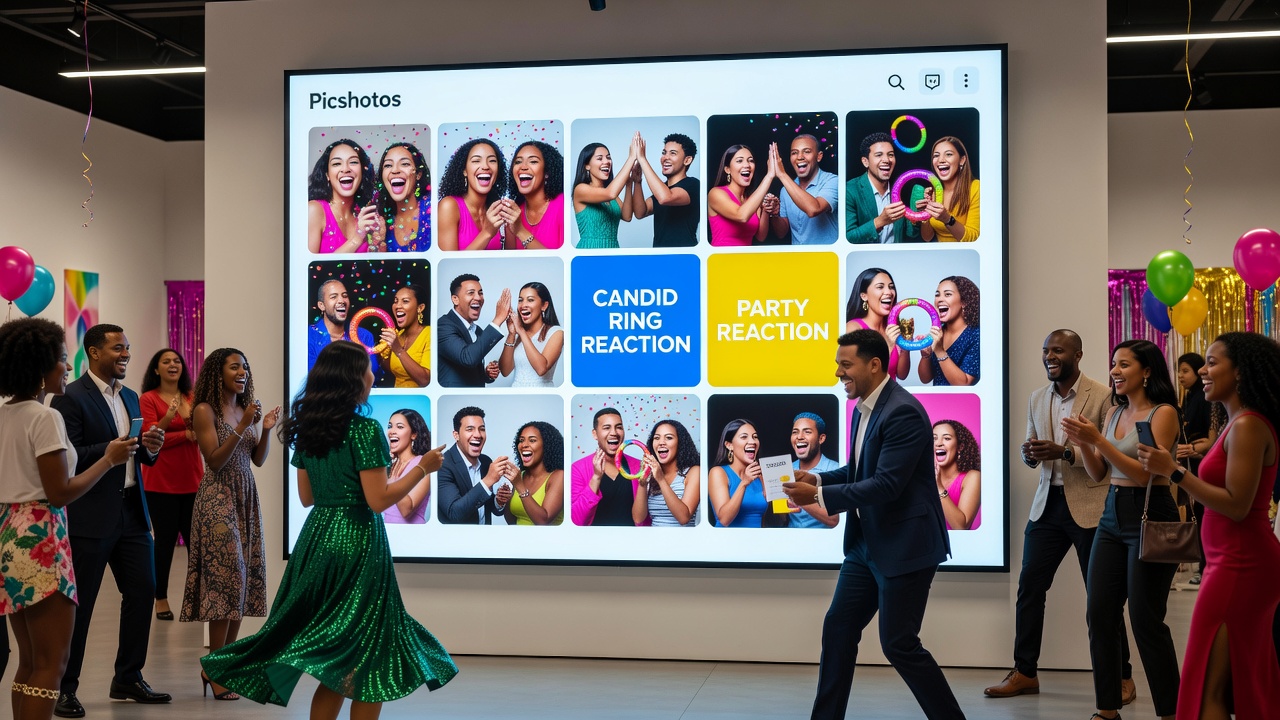
Event photo missions for guests with Picshots: micro-missions that work
Quick Answer: Micro-missions are small, specific photo prompts guests can complete in seconds—like candid ring shots, party reactions, or best-dressed details. They increase participation because guests know exactly what to capture. With Picshots, you can share missions clearly, collect submissions in one place, and turn event moments into a rewarding, easy experience.
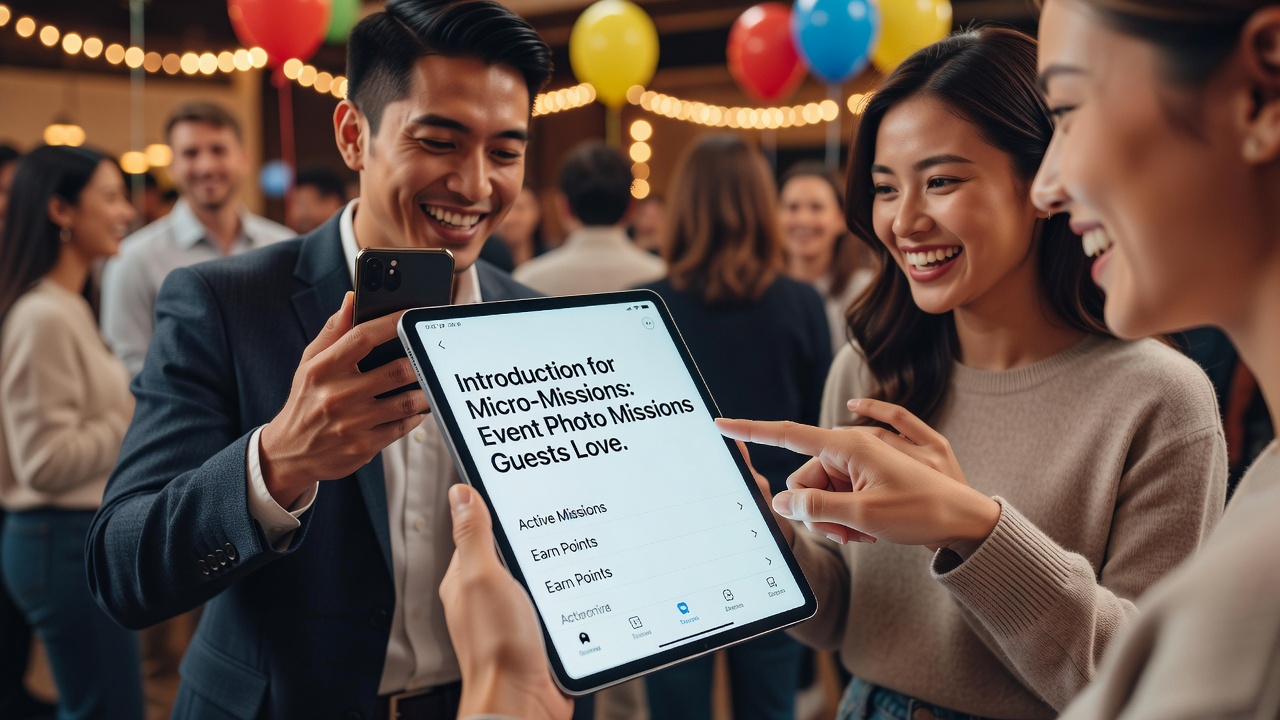
Introduction
At most events, the biggest photo problem isn’t motivation—it’s uncertainty. Guests want to help, but “take good pictures” is too vague. They don’t know what will matter later, which moments to prioritize, or how to fit it into the flow of the night.
This is where micro-missions shine: small “missions” with one clear outcome. Instead of asking everyone to guess, you give them a simple target—then make participation feel satisfying, not stressful.
In this guide, you’ll learn what to ask guests to capture, why these prompts work for photography (and for people), and how to run them smoothly using event photo missions for guests with Picshots so participation stays high from arrival to last dance.
What are micro-missions (and why guests actually do them)?
Micro-missions are brief, mission-like photo prompts designed to be completed quickly between moments—often in under 20–60 seconds. They reduce decision fatigue and help guests capture the “story pieces” your event needs.
Why guests participate:
- Clear instructions (“ring on a napkin,” not “get a nice photo”).
- Short time horizon (no setup, no long waiting).
- Social reward (people enjoy being part of a shared outcome).
- Confidence boosts (everyone can succeed at a small, specific task).
How do you design event photo missions that don’t feel cringe?
When micro-missions feel cheesy, guests tune out. The trick is to write prompts like friendly coaching—not homework. Aim for “instant mission + obvious success criteria.”
Use this simple formula: Subject + angle + timing + acceptance.
- Subject: what to shoot (ring, reaction, outfit detail).
- Angle: how to frame it (close-up, over-the-shoulder, candid).
- Timing: when it happens (right before the toast, during the chorus).
- Acceptance: what counts (sharp enough, visible emotion, recognizable detail).
Featured snippet: 10 ready-to-use micro-missions
If you want a quick start, copy these mission prompts. They’re designed for real-world event conditions: low light, crowded rooms, and guests with seconds to spare.
- Candid ring close-up: “Capture the ring—macro-style, natural light if possible, 1–2 seconds after it’s shown.”
- Hands + emotion: “Photograph hands doing something meaningful (holding hands, adjusting a boutonnière, passing a drink).”
- Party reaction: “Shoot the moment someone laughs—get faces in frame, don’t chase perfection.”
- Best-dressed detail: “One close-up detail that shows style—shoes, cuff, necklace, dress texture.”
- Venue vibe shot: “Capture the room’s mood (decor, lighting, signage) with a person in the foreground for scale.”
- Toast moment: “When the toast starts, capture speaker + at least one reaction face.”
- Movement freeze: “Get a quick shot during the best dance moment—motion blur is okay if it feels alive.”
- Table story: “Photograph a single table with food/drinks and one interaction (pointing, sharing, clinking).”
- ‘Before’ candid: “Capture a candid moment just before a highlight (photos, ceremony, awards, cut the cake).”
- After-glow: “Capture the quiet moment after the main event—warm light, relaxed faces, meaningful stillness.”
Which photo missions should you assign at different event moments?
Good micro-missions match the event’s rhythm. Here’s a practical mapping you can adapt for weddings, birthdays, conferences, brand parties, and community gatherings.
Arrival & getting settled
- “Best-dressed detail” (shows individuality quickly).
- “Venue vibe shot” (establishes the story).
- “Hands + emotion” (a handshake, a hug, a first greeting).
Main highlight (ceremony, speeches, awards)
- “Toast moment” (speaker + reactions).
- “Before candid” (what guests looked like right before it began).
- “Hands + emotion” (ring adjustments, program handoffs, applause gestures).
Party time (music, dancing, group energy)
- “Party reaction” (laughter, singing, big facial expressions).
- “Movement freeze” (action and atmosphere).
- “Table story” (small interactions that feel real).
Final act (cake, last song, goodbye)
- “After-glow” (the decompression moment).
- “Quiet gratitude shot” (shared smiles, calm conversation).
- “Before the exit” (goodbyes, hugs, last impressions).
How Picshots makes missions easy and rewarding for guests
Even the best prompts can fail if guests can’t figure out where to submit, what to upload, or what “good enough” looks like. Picshots helps by turning micro-missions into a guided, participant-friendly flow—so guests feel confident and motivated to contribute.
What “easy and rewarding” looks like in practice:
- Clear mission prompts so guests understand the target instantly.
- Frictionless participation (guests focus on capturing moments, not figuring out logistics).
- Collect-and-share experience that turns individual snapshots into a shared event story.
- Positive momentum: when missions are short, guests can complete multiple prompts without burnout.
Mission pacing tip: Offer 3–5 missions total for the first hour, then add 2–4 as the event hits its peak. This keeps participation high without overwhelming people.
Step-by-step: run your first micro-mission with guests
1) Choose a “photo story” goal
Before you write prompts, decide what the gallery should feel like. For example:
- Emotions-first: reactions, hugs, hands, close-ups.
- Style-first: best-dressed details, textures, accessories.
- Atmosphere-first: venue vibe shots with scale and lighting.
This prevents your missions from becoming random “cover shots.”
2) Write prompts that are outcome-based
A mission should tell guests what success looks like. Compare:
- Vague: “Take a cool photo of the ring.”
- Mission-ready: “Candid ring close-up—capture the ring within 10 seconds of it being shown.”
3) Keep each mission short
Guests are busy. If your prompt takes longer than a breath to read, simplify the wording.
Ideal prompt length: 10–20 words.
4) Allow “good enough” examples
You don’t need perfection—you need usable moments. If you provide examples, keep them lightweight and representative (close-up, face in frame, readable detail).
5) Add a gentle encouragement line
One sentence can change participation. Examples:
- “Quick close-ups count—your shot will help tell the story.”
- “Capture what feels true in the moment. The reaction matters most.”
Pros and cons: micro-missions vs. open-ended “take photos”
| Approach | What it improves | What can go wrong |
|---|---|---|
| Micro-missions | Higher participation, clearer story coverage, more consistent photo types | Needs prompt clarity; too many missions can overwhelm |
| Open-ended requests | Minimal prep, guests do what they want | Photos skew random; key moments may be missing |
Common mistake #1: assigning missions that require special skills
Don’t require “perfect composition” or “professional macro.” Use prompts that depend on observation and emotion (which everyone has).
Common mistake #2: only asking for wide group shots
Group shots are great, but they often fail to capture the event’s texture. Balance wide coverage with close-ups: rings, outfit details, reaction faces, hands, and the small interactions that make photos feel personal.
Privacy, consent, and respectful photo sharing (quick checklist)
Photo sharing is a social win, but guests should feel safe. Consider these practical steps:
- Be explicit: tell guests what photos will be used for (a gallery, recap, brand page, etc.).
- Offer opt-out paths: provide an easy way for guests to avoid participation if needed.
- Be mindful with children: follow your event’s policies and relevant local guidance for minors and consent.
- Moderate respectfully: avoid publishing clearly identifying content if consent wasn’t clear.
If you’re unsure about obligations for your location, consider speaking with a qualified legal/privacy professional.
External reference opportunities: [External link: GDPR overview and lawful bases for personal data processing - https://eur-lex.europa.eu/ ] [External link: UK ICO guidance on data protection - https://ico.org.uk/ ]
Costs: what do event hosts typically pay for photo mission tools?
Costs depend on features like number of events, storage, moderation controls, and how the gallery is shared. A sensible planning approach is to treat it like “one small tool” that reduces organizer workload and increases the amount of usable content you receive.
What to compare when evaluating tools:
- Guest experience (how fast missions are completed)
- Collection flow (where submissions go)
- Branding/sharing options (how you publish results)
- Moderation and privacy controls
- Storage and download options after the event
Alternatives to Picshots (and when you should use them)
You can run micro-missions without a dedicated tool, but you’ll likely trade convenience for effort. Here are common alternatives:
Alternative 1: shared hashtag + social posting
- Pros: familiar, fast for guests
- Cons: mixed quality, harder to curate, harder privacy control
Alternative 2: QR code to a form or folder
- Pros: structured uploads, clearer collection
- Cons: guests still need to understand the workflow; fewer “mission” vibes
Alternative 3: email submission
- Pros: simple in concept
- Cons: messy inboxes, inconsistent file handling, more organizer work
Best practice: If you want guests to complete multiple missions smoothly, tools that package prompts + submissions into one flow usually perform better than manual alternatives.
Best practices for maximizing submissions (without pestering guests)
Choose the right number of missions
For most events, start with 5–9 missions total. You can scale up for very large events, but keep missions short and stagger them.
Use “mission timing” instead of “mission volume”
It’s better to give fewer missions at the right moments than many missions all at once.
Make the mission shareable
Guests contribute more when they can easily understand where their photo will go and how it will be used.
Close the loop
When guests see the results (even a preview during the event), they’re more likely to contribute next time.
Internal-link opportunities: [Internal link: Event photo tips for capturing candid reactions] [Internal link: How to create a wedding/branded event photo recap] [Internal link: Guest engagement ideas for parties and conferences]
Key Takeaways
- Micro-missions work because they reduce decision fatigue and give guests a clear, quick target.
- Use missions like candid ring shots, party reactions, and best-dressed details to cover emotions, style, and atmosphere.
- Write prompts with subject + angle + timing + acceptance so guests know what “good enough” looks like.
- Picshots helps guests participate smoothly by turning prompts into an easy, rewarding mission flow.
- Balance photos across moments (arrival, highlights, dancing, after-glow) to tell a complete story.
Frequently Asked Questions
What should I ask guests to photograph at an event?
Ask for photos tied to clear, moment-specific prompts: candid ring close-ups, party reaction faces, best-dressed details, and venue vibe shots. These missions create a consistent story and give guests confidence, because they don’t have to guess what matters most.
How many event photo missions should I give guests?
For most events, start with 5–9 total missions. Stagger them by event phase (arrival, highlights, party peak, final moments). Fewer, well-timed prompts usually produce more consistent participation than many missions given all at once.
Will micro-missions reduce creativity?
No—micro-missions actually protect creativity by setting a simple target. Guests can still choose their own framing style within the prompt. The goal is to ensure you capture the event’s key story elements, not to control artistry.
How do I make the missions feel fun instead of like work?
Keep prompts short (10–20 words), friendly, and outcome-based. Add a one-line encouragement and focus on emotion and moments guests can quickly notice. When missions are small and timely, they feel like a game.
Do guests need a professional camera to participate?
Not at all. Micro-missions are designed for everyday smartphone photography. Close-ups (rings, accessories), reaction shots, and atmosphere details are forgiving and don’t require special gear or advanced settings.
How does Picshots help with collecting event photos?
Picshots streamlines participation by making missions easy to follow and submissions easier to collect in one place. Instead of chasing scattered uploads, hosts can guide guests through a simple mission flow and build a cohesive event gallery.
What if guests accidentally submit photos that don’t match the mission?
That’s normal—especially with first-time participants. You can improve match rates by using clearer prompts and providing a simple acceptance rule (e.g., “faces visible” for reactions, “ring visible” for ring shots). Light moderation helps too.
How do I handle privacy and consent for guest photos?
Be transparent about where photos will be shared and offer a practical way to opt out when needed. If your event involves minors or sensitive content, consider getting local legal/privacy guidance to ensure your process is respectful and compliant.
Are there good alternatives if we don’t use Picshots?
Yes: shared hashtags, QR codes to upload forms, or curated recap systems can work. However, they may increase friction, reduce mission clarity, or make curation harder—so participation can be lower or results less consistent.
Conclusion
Micro-missions turn “please take photos” into a simple, rewarding guest experience—especially when you choose prompts like candid ring shots, party reactions, and best-dressed details. When missions are short and specific, more people participate and your event gallery becomes a true story, not a random collection.
Ready to make it easy for your guests? Create your first set of micro-missions and run them with Picshots so participation feels effortless—and the memories you want are exactly the ones you get.
Quick answers
What should I ask guests to capture at my event?
Ask for small, specific “story pieces” like candid ring close-ups, party reaction faces, best-dressed outfit details, and one venue vibe shot with a person in frame. These prompts are easy to execute and cover the emotional + stylistic + atmospheric range most event recaps need.
How do event photo missions increase participation?
Because micro-missions reduce decision fatigue. Guests get a clear target, a quick timing cue, and a simple acceptance rule (“ring must be visible,” “faces visible for reactions”). When the task feels doable in seconds, participation rises without needing complicated instructions.
Can guests use smartphones for these missions?
Yes. Micro-missions are designed for everyday smartphone photography. Close-ups (rings, accessories), reaction shots, and atmosphere details work well on phones because success depends more on observation and emotion than on advanced camera gear or perfect composition.
How many missions should we run during the event?
A strong starting range is 5–9 missions total. Stagger them by event phase: arrival, highlights, peak party moments, and after-glow. This pacing helps guests contribute multiple times without feeling overwhelmed or pulled away from conversations.
What makes a good mission prompt?
A good prompt specifies the subject, suggested angle/framing, timing, and what counts as success. A simple format is: subject + angle + timing + acceptance. That clarity prevents “random photo syndrome” and ensures your gallery includes the moments you planned for.
How does Picshots make missions rewarding for guests?
Picshots helps by turning prompts into an easy participation flow, then collecting guest submissions into a unified experience. Guests feel guided instead of confused, and they see that their contribution becomes part of a shared event recap—motivating more participation.
What privacy and consent steps should we consider?
Tell guests where photos will be shared, provide a practical opt-out path, and be mindful when minors may appear. If you’re unsure about local requirements, consult a qualified privacy/legal professional. Good processes protect guests and build trust.
What are alternatives to Picshots?
Alternatives include shared hashtags, QR-code upload forms, or email-based submissions. They can work, but they often add friction and make curation harder. A tool that packages prompts + submissions usually produces more consistent results with less organizer workload.