
SEO / Weddings & Events
Turn Guests Into Photo Heroes With Picshots
Picshots makes it easy for guests to capture and share real wedding and event moments—so you get candid smiles, authentic reactions, and lasting memories fast.
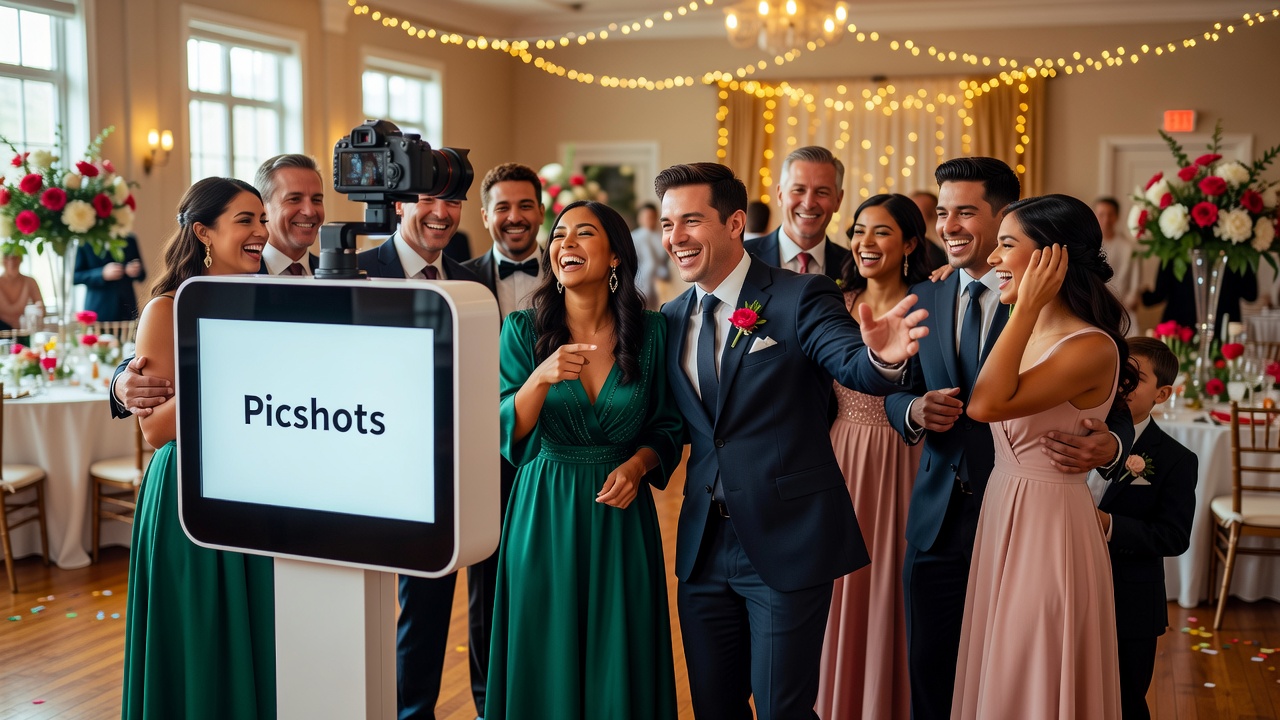
Picshots guest photo capture for weddings and events: Turn Guests Into Photo Heroes
Quick Answer: Picshots gives guests a simple, no-fuss way to snap and share photos during your wedding or event—usually in seconds. Instead of relying on a few photographers or forgettable group selfies, you collect real reactions, candid smiles, and genuine memories in one place, ready to relive later.
Introduction
You want your wedding or event to feel like the moment it happened—not like a posed slideshow. The problem is that the best photos often come from guests who are present, excited, and moving through the experience naturally. But most sharing setups are either too complicated, too slow, or depend on guesswork (hashtags, permissions, “send it to me,” and missing photos).
That’s exactly where Picshots guest photo capture for weddings and events helps. With a simple setup and an effortless guest flow, Picshots helps you collect real reactions, candid smiles, and real memories—fast.
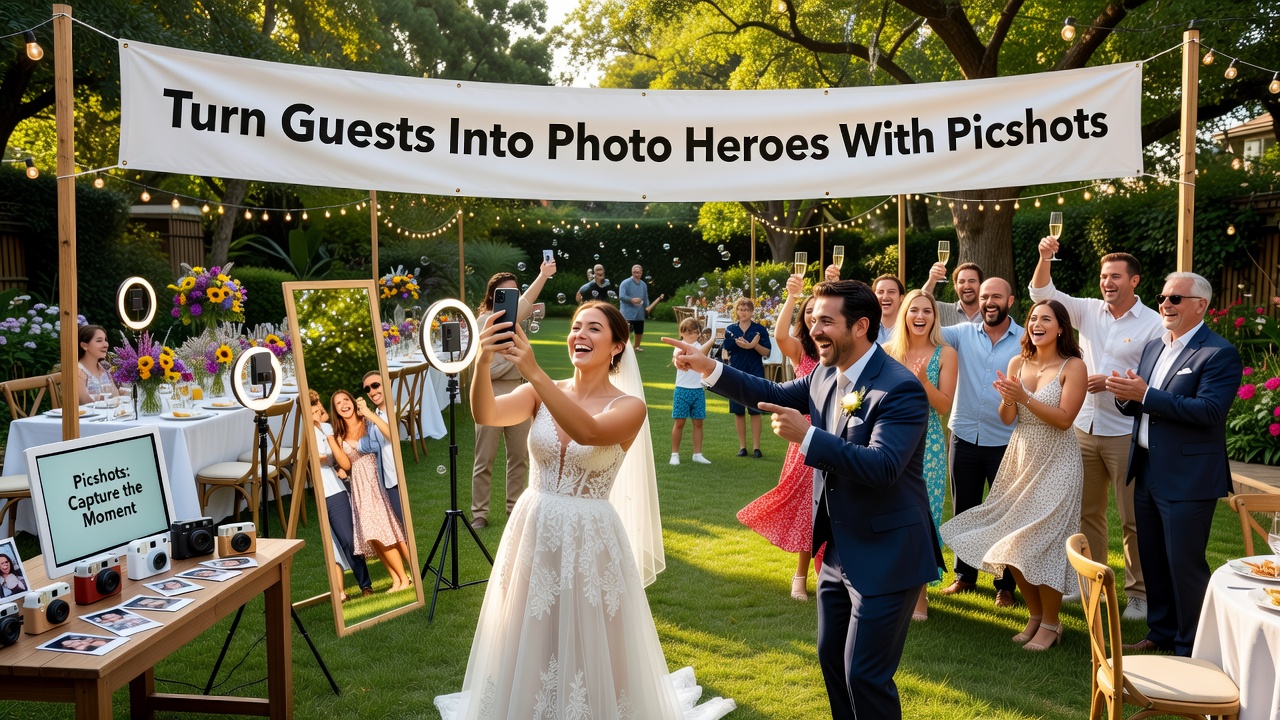
What is Picshots (and why it works for real-life moments)?
Picshots is a guest-friendly photo capture and sharing experience designed for events like weddings, celebrations, and parties. It focuses on one thing: reducing friction for guests while increasing the chances you’ll collect the moments you actually care about.
Here’s the difference:
- Traditional sharing: guests post later, forget, miss the moment, or don’t know where to send photos.
- Picshots guest flow: guests capture and share with minimal effort, so more photos are captured during the event—not after.
Featured snippet: how it’s set up
- Place easy-to-use capture cards/signage in high-traffic spots (near entrances, bars, the dance floor, or gift tables).
- Guests scan and follow a fast prompt to upload photos.
- You view and curate the shared collection after the event.
Result: more authentic photos of the people who were there.
How do guests capture photos with Picshots? (A simple step-by-step)
When guests don’t need to “figure out the system,” they participate naturally. Picshots is built around a short, intuitive sequence that feels almost as effortless as taking a photo.
Step 1: Put the capture prompt where guests already are
Think like a guest. The best placements are places people naturally pause—waiting for a drink, checking their seats, heading to photos, or watching the ceremony highlights.
- Ceremony area: near the aisle or seating entrance.
- Reception: cocktail hour zone, bar line, lounge corners.
- High-energy moments: near the dance floor or photo-friendly corners.
Step 2: Guests scan and upload in a few taps
Most smartphones can scan QR-style codes and open links quickly. The key advantage is speed: guests can share without leaving the moment behind.
What makes it “effortless”? The capture flow is designed to be short. Fewer decisions means fewer abandoned uploads.
Step 3: You collect real reactions and candid smiles in one place
Instead of hoping people “remember to tag you,” you get a shared stream of photos and reactions from the people who actually witnessed everything.
Practical example: During the toast, you’ll get candid reactions—laughing faces, unexpected tears, and spontaneous “you had to be there” moments—that a traditional photo schedule often misses.
What moments does Picshots capture best?
Picshots is especially powerful when you want the kind of photos guests naturally take—those in-between moments that make the event feel alive.
- Real reactions: the look on someone’s face when the groom sees the first surprise, or the bridesmaids laughing at a heartfelt speech.
- Candid smiles: photos taken while people are relaxed, not posing for instructions.
- Real memories: perspective variety—guests notice different details than the professional photographer.
- Event story beats: ceremony cues, dance-floor energy, group mingling, and “last night we were there” moments.
Why are guest-captured photos so valuable?
Professional photography is great at capturing the “headline moments.” Guest photos add the “behind-the-scenes truth.” Together, they create a more complete story.
Definition: Candid event photography refers to images taken during natural activity—often unposed—so emotions and atmosphere are preserved.
Why that matters:
- More viewpoints: you see the event from multiple angles.
- More emotions: reactions and micro-moments appear naturally.
- More relatability: guests remember the day through faces, gestures, and in-between scenes.
AEO short answer (40–60 words): Guest-captured photos are valuable because they document emotions in real time. While photographers plan shots, guests capture what they feel—reactions, candid laughter, and spontaneous details. When you centralize guest uploads with Picshots, you turn those individual memories into a complete, shareable event story.
How do you set up Picshots in minutes? (Venue-ready checklist)
You don’t need complicated logistics. Think “fast setup, clear signage, consistent placements.” Use this checklist on event day.
Pre-event (before guests arrive)
- Choose placements: 2–6 locations depending on venue size (higher traffic areas win).
- Confirm visibility: ensure signs are near where guests naturally pause.
- Plan with timing: put prompts out before the ceremony or reception starts.
During the event
- Maintain clarity: keep signs unobstructed and readable.
- Encourage lightly: a quick announcement or emcee mention can boost adoption.
- Watch for bottlenecks: if a station is crowded, shift focus to another location.
After the event
- Review the shared collection: look for story beats you want to highlight.
- Curate thoughtfully: select favorites and group by moments (ceremony, speeches, dance floor).
- Share with your community: turn guest memories into a unified keepsake.
[Internal link: related article on planning an effortless guest experience for weddings]
[Internal link: related article on turning user-generated content into an album or keepsake]
[Internal link: related article on event day timelines and mic/emcee talking points]
Common mistakes to avoid (and how to fix them)
If guest photo capture feels inconsistent, it’s usually not “guest behavior”—it’s setup friction. Here are the most common pitfalls and what to do instead.
- Mistake: Too few capture points
If guests have to walk across the venue to share, participation drops. Add more placement spots in high-traffic areas.
- Mistake: Unclear instructions
Guests shouldn’t need a tutorial. Use simple signage and keep the flow short.
- Mistake: Waiting until the last minute
Set prompts out before the best moments—ceremony arrival, first dances, toasts, and peak energy.
- Mistake: Overcomplicated “rules”
Long checklists make people hesitate. The fastest guest flow wins.
- Mistake: Forgetting consent and expectations
Guests should know they’re uploading to a shared event collection. Use opt-in language on signage where appropriate.
Picshots vs. alternatives: what’s the real difference?
There are several ways to collect event photos. The best choice depends on your goals—especially whether you want candid, emotionally rich moments from real guests.
| Option | Best for | Typical friction | What you miss |
|---|---|---|---|
| Hashtags + manual sharing | Casual social posting | Remembering to tag, checking later | Photos that never get shared |
| Traditional photo booths | Posed, themed fun | Line-ups, setup constraints | In-between reactions during speeches/toasts |
| Photographer-only coverage | High-quality official shots | Limited perspective count | Guest emotions and spontaneous moments |
| Picshots guest photo capture | Full event story | Minimal—designed for speed | Fewer guest photos when setup is unclear |
Recommendation: If you want real reactions and candid smiles—not just posed images—Picshots-style guest capture usually creates the most complete story.
Privacy, consent, and trust: what you should communicate
Modern guest photo sharing works best when guests feel comfortable. While exact policies depend on your event preferences, the guiding principle is simple: clarity beats surprise.
- Be transparent: tell guests their photos will be added to a shared collection.
- Make expectations easy: signage should clearly communicate where photos go.
- Encourage respectful sharing: remind guests to keep uploads appropriate for the event context.
[External link: privacy and consent best practices overview from a reputable organization (e.g., consumer privacy guidance from a government or standards body)]
How much does Picshots cost?
Pricing varies by event needs (venue size, number of placements, and how you want to manage the shared collection). The most accurate approach is to check Picshots options for your event type—then choose the plan that matches the number of guests and moments you want to capture.
AEO short answer (40–60 words): Picshots cost depends on your event scope—how many capture placements you need and how you plan to share the final collection. For wedding and event teams, the best cost decision is usually tied to coverage: more high-traffic placements typically means more guest photos and a richer album.
Featured snippet: “What do I need to launch Picshots at my wedding?”
You mainly need three things:
- Placement points: where guests already are (arrival, reception flow, dance area).
- Clear guest prompts: simple signage so the flow feels instant.
- A quick encouragement moment: one announcement from the host or emcee can boost participation.
That’s how Picshots guest photo capture for weddings and events turns guests into photo heroes without turning the day into a tech project.
Key Takeaways
- Picshots guest photo capture for weddings and events makes guest sharing fast and effortless.
- You collect real reactions, candid smiles, and a fuller story of the day.
- Fast setup comes from smart placements, clear signage, and minimal steps for guests.
- Guest photos complement professional coverage—more viewpoints, more emotion, more authenticity.
- Clear consent expectations help guests feel comfortable participating.
Frequently Asked Questions
How does Picshots help guests share photos without feeling complicated?
Picshots is designed around a short guest journey: guests scan a prompt and upload quickly during the event. When the steps are few and signage is clear, guests are more likely to participate while the moment is happening—so you get more real reactions and fewer missed uploads.
Will Picshots work for small weddings or large venues?
Yes. For small events, fewer placement points can be enough to reach most guests. For larger venues, adding capture prompts to multiple high-traffic areas increases participation and coverage—especially for speeches, dance-floor moments, and cocktail hour.
Do we need to rely on guests for “the best photos”?
No. Professional photographers still deliver the classic, high-quality images. Picshots adds guest perspective—candid smiles, emotional reactions, and in-between moments—so your final story feels complete rather than limited to one team’s shot list.
What types of moments are most successful with guest photo capture?
Moments with natural emotion and movement perform best: toasts and speeches, the first dance, surprise reveals, laughter during candid conversations, and spontaneous group shots. These are often the memories people want to remember most—but they can’t plan to capture them perfectly.
How do we encourage guests to participate without interrupting the event?
Use a light-touch approach: a brief emcee mention or a short host note works well. Since the process is built to be fast, the invitation can be simple—no long instructions. Guests will naturally join when it doesn’t slow the flow.
Is guest photo capture safe and respectful for everyone?
Respect and comfort depend on clear expectations. Provide simple signage that explains the shared collection, encourages appropriate sharing, and clarifies any consent language you want to include. If your event has stricter rules, align them upfront so guests know what’s okay.
Can we curate or organize the photos after the event?
In most event workflows, you’ll review the collection after the event and curate favorites by moment (ceremony, speeches, dancing, etc.). This helps you turn hundreds of guest photos into a coherent album—without spending hours manually chasing uploads.
How is Picshots different from a hashtag campaign?
Hashtags rely on guests remembering to tag and posting later. Picshots is built for in-the-moment capture and sharing, which usually increases the number of real photos you receive during the experience. The result is a richer story with fewer missing moments.
What’s the best placement strategy for weddings?
Place prompts where guests already pause and mingle: near entrances for arrivals, near the bar or cocktail area for casual conversation, and near the dance floor or lounge for high-energy moments. Multiple placements reduce walking and make participation feel effortless.
Conclusion
If you want your wedding or event to feel like it did in real life, don’t rely only on scheduled shots. Picshots guest photo capture for weddings and events turns guests into photo heroes—collecting real reactions, candid smiles, and real memories with a fast, effortless experience.
Ready to launch Picshots? [Internal link: Request a Picshots demo / pricing overview] and see how simple it can be to set up guest capture that your community will actually use.
Quick answers
How does Picshots help guests share photos without feeling complicated?
Picshots is designed around a short guest journey: guests scan a prompt and upload quickly during the event. When the steps are few and signage is clear, guests are more likely to participate while the moment is happening—so you get more real reactions and fewer missed uploads.
Will Picshots work for small weddings or large venues?
Yes. For small events, fewer placement points can be enough to reach most guests. For larger venues, adding capture prompts to multiple high-traffic areas increases participation and coverage—especially for speeches, dance-floor moments, and cocktail hour.
Do we need to rely on guests for the best photos?
No. Professional photographers still deliver the classic, high-quality images. Picshots adds guest perspective—candid smiles, emotional reactions, and in-between moments—so your final story feels complete rather than limited to one team’s shot list.
What moments are most successful with guest photo capture?
Moments with natural emotion and movement perform best: toasts and speeches, the first dance, surprise reveals, laughter during candid conversations, and spontaneous group shots. These are often the memories people want most—but can’t plan to capture perfectly.
How do we encourage guests to participate without interrupting the event?
Use a light-touch approach: a brief emcee mention or a short host note works well. Since the process is built to be fast, the invitation can be simple—no long instructions. Guests will join naturally when it doesn’t slow the flow.
Is guest photo capture respectful and privacy-friendly?
Respect and comfort depend on clear expectations. Provide simple signage that explains the shared collection, encourages appropriate sharing, and clarifies any consent language you want to include. If your event has stricter rules, align them upfront so guests know what’s okay.
Can we curate or organize photos after the event?
In most event workflows, you’ll review the collection after the event and curate favorites by moment (ceremony, speeches, dancing, etc.). This helps you turn many guest photos into a coherent album—without chasing uploads later.
How is Picshots different from a hashtag campaign?
Hashtags rely on guests remembering to tag and posting later. Picshots supports in-the-moment capture and sharing, which usually increases how many real photos you receive during the experience. The result is a richer story with fewer missing moments.