
Sports Technology
How to Use an Event QR Code for Sports Team Photos
Discover how sports teams, clubs, and community groups can use an event QR code to easily collect and share photos from tournaments, end-of-season celebrations, and club gatherings without complicated apps or email chains.
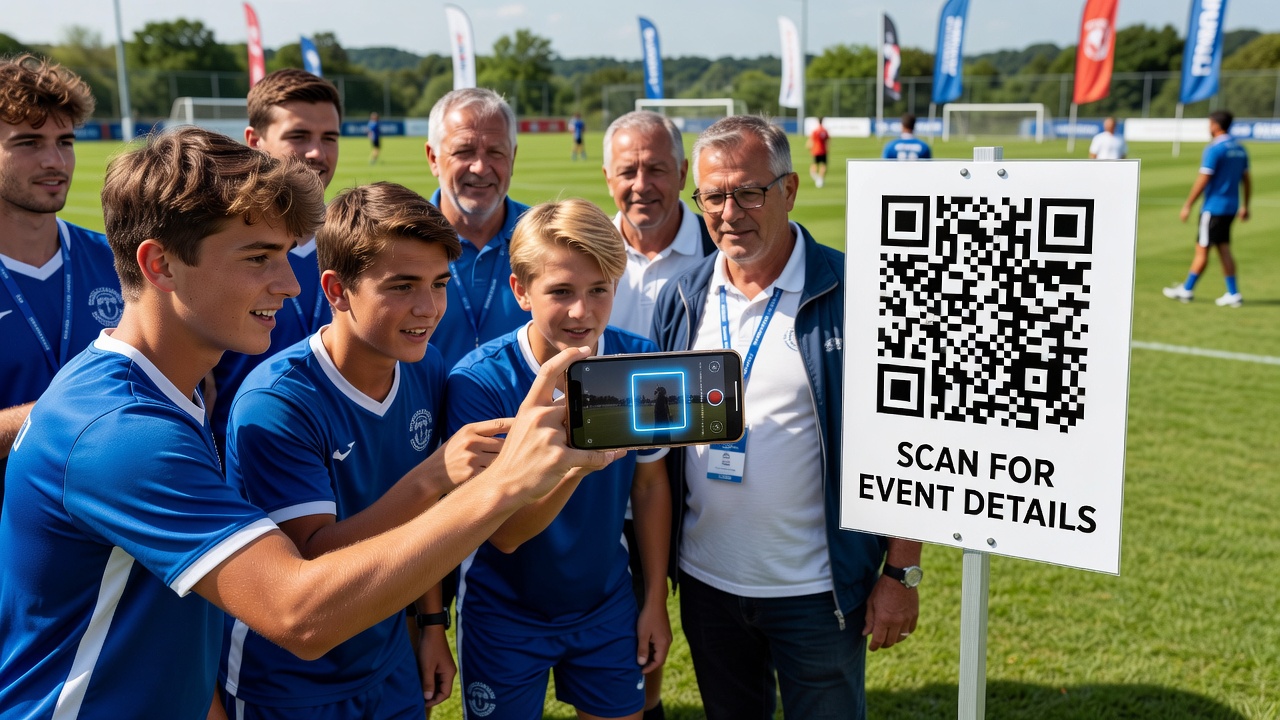
How to Use an Event QR Code for Sports Team and Club Event Photos
Quick Answer: An event QR code lets anyone scan with their phone camera to upload photos to a shared album instantly. For sports teams and clubs, this means parents, players, and volunteers can contribute tournament and party photos in real time — no apps, accounts, or email attachments required.
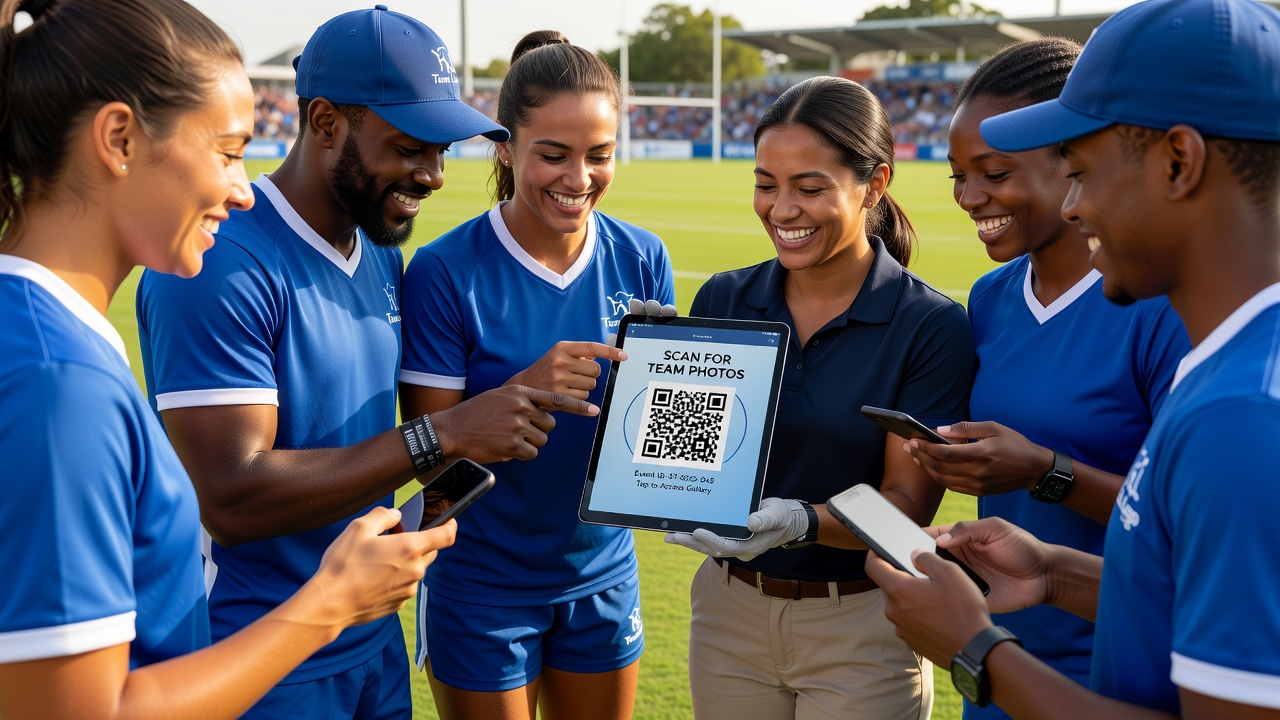
Introduction: The Photo Collection Problem Every Sports Team Faces
If you have ever tried gathering photos from a weekend tournament or end-of-season party, you know the pain. Parents take great shots on their phones. Coaches capture action from the sidelines. Committee members document the award ceremony. Then the season ends, and those photos disappear into individual camera rolls, scattered across dozens of devices and chat threads.
Email chains become unmanageable. Cloud folder invites go ignored. Social media groups bury images under months of unrelated chatter. The result? Your club's visual history vanishes — or lives only in the memories of whoever remembered to hit "save."
This guide is for sports team managers, coaches, club organizers, and community group leaders who need a simple, reliable way to collect event photos from multiple people. We will walk through exactly how an event QR code solves this problem, when to use one, and how to set it up so your next tournament or celebration captures every moment.
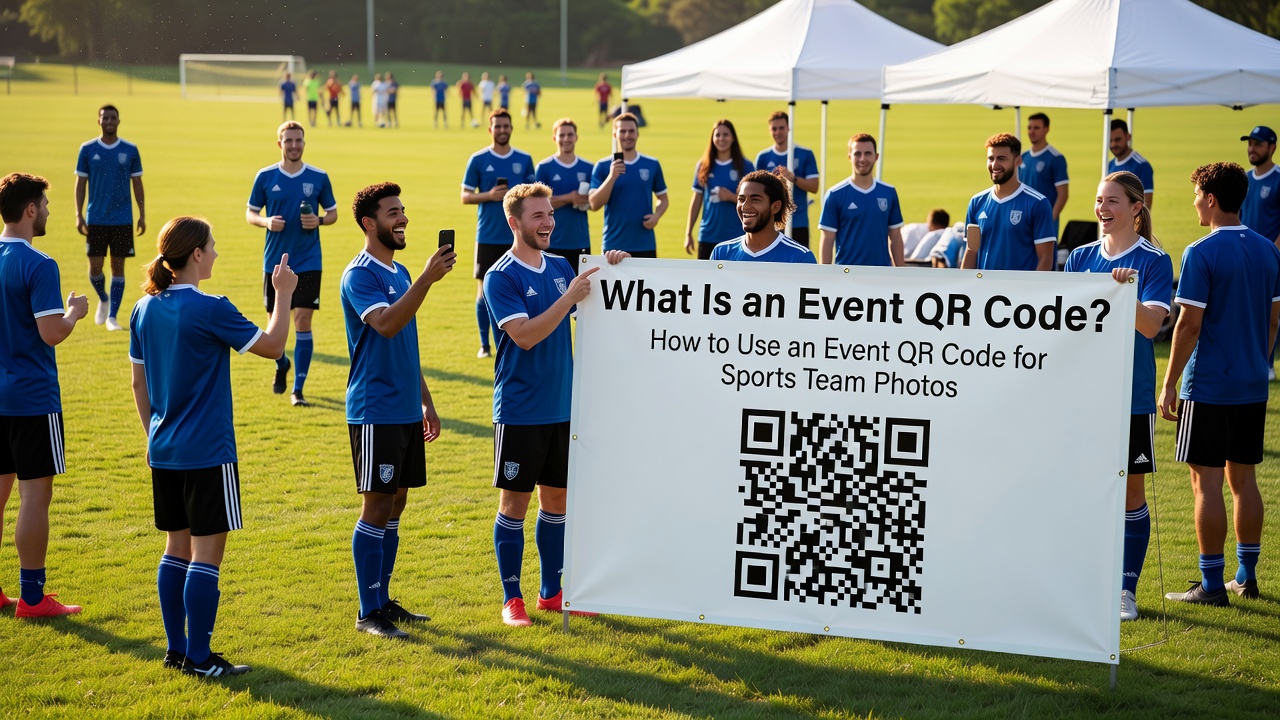
What Is an Event QR Code?
A QR code (Quick Response code) is a two-dimensional barcode readable by smartphone cameras. An event QR code is a code generated specifically for a single occasion — a tournament, match, party, or club gathering — that directs scanners to a digital destination such as a photo upload page, shared album, or gallery.
Unlike permanent QR codes for business listings or websites, event QR codes are typically temporary and task-specific. Someone scans the code, taps the prompt on their phone, and immediately accesses the upload interface. No typing URLs. No downloading apps. No creating accounts.
For sports teams, this removes the biggest barrier to photo sharing: technical friction. Parents who struggle with cloud storage apps can participate. Younger players with parental supervision can contribute shots. Coaches focused on the game do not need to manage distribution logistics.
Why Sports Teams and Clubs Struggle with Photo Sharing
Before diving into solutions, let us acknowledge why this problem persists in community sports:
Fragmented Devices and Platforms
Your team might include iPhone users, Android users, and the one parent who still prefers email. Each platform handles photo sharing differently. iPhones default to iCloud links. Android users rely on Google Photos. Cross-platform sharing often compresses images or creates compatibility issues.
The "Did Anyone Get That Shot?" Problem
Great moments happen once. The winning goal, the trophy presentation, the team huddle after the final whistle. When photo collection depends on someone remembering to share later, these moments often vanish. Real-time upload via QR code capture ensures images are saved while the moment is still fresh.
Privacy and Consent Complications
Community groups must navigate photo consent, especially with minors. Scattered photos in private chats create governance problems. Centralized collection through a QR code system lets organizers control who accesses images and maintain proper consent records.
Volunteer Burnout
Club organizers are volunteers with day jobs. Managing photo collection should not become a part-time role. Automated upload through QR codes reduces manual chasing and organization.
How an Event QR Code Works for Sports Photo Collection
The mechanics are straightforward. Understanding the flow helps you explain it to committee members and parents who may be skeptical about "another tech solution."
Step 1: Generate Your Event QR Code
Use a QR code generator platform that supports photo uploads. Many services allow you to create a code linked to a specific upload page or folder. Set the destination before generating the code.
Step 2: Display the Code at Your Event
Print the QR code on signs, include it in event programs, or display it on a tablet at the registration table. Visibility matters — if people do not see the code, they will not use it.
Step 3: Attendees Scan and Upload
Anyone with a smartphone camera scans the code. Their phone opens the linked upload page. They select photos from their camera roll and submit. The images appear in your designated folder or gallery.
Step 4: Organize and Share
After the event, access the collected photos, curate the best shots, and share the final gallery with participants. Some platforms allow automatic moderation or approval workflows.
Specific Use Cases for Sports Teams and Clubs
Different events have different photo collection needs. Here is how an event QR code fits specific scenarios:
Tournaments and Multi-Match Days
Weekend tournaments generate hundreds of photos across multiple fields and age groups. A single event QR code displayed at the main pavilion or clubhouse lets parents upload shots from any match. Consider creating separate codes for each division if your platform supports multiple galleries.
Pro tip: Add the code to your tournament schedule or email it to registered teams before the event. Early exposure increases participation.
End-of-Season Celebrations
Award ceremonies, team dinners, and presentation nights are emotional moments worth preserving. The energy is high, and people are already socializing. A QR code on table centerpieces or projected on a screen lets guests upload candid shots throughout the evening without interrupting the flow.
Club Events and Fundraisers
Open days, charity matches, and club anniversary celebrations often involve the broader community. These events benefit from wider photo contribution — members, supporters, and local attendees all capture different perspectives. An event QR code makes inclusive documentation possible.
Training Camps and Development Programs
Multi-day camps create progression stories that single-day events cannot match. Coaches and parents can document skill development over time. QR codes at camp check-in or meal areas encourage consistent uploading across the program duration.
Setting Up Your First Sports Event QR Code
Implementation does not require technical expertise. Here is a practical setup process:
Choose Your Platform
Select a service that supports direct photo uploads via QR code. Look for:
- No required app downloads for uploaders
- Mobile-optimized upload pages
- Moderation or approval controls
- Reasonable storage limits for your expected volume
- Privacy settings (password protection, link expiration)
Configure the Upload Destination
Create a dedicated folder or gallery for your event. Name it clearly — "U12 Summer Tournament July 2026" rather than "New Folder." Clear naming prevents confusion if you run multiple events.
Generate and Test the Code
Create the QR code and test it with multiple devices: iPhone, Android, older phones. Verify that scanning opens the upload page correctly and that the upload process completes without errors.
Prepare Display Materials
Print the code at a size that scans easily from a reasonable distance. A4 or letter size works for tables; larger formats suit walls or fences. Include brief instructions: "Scan to upload your photos" with a small phone icon.
Communicate Before the Event
Mention the QR code in your pre-event communications. Parents who know about the system arrive prepared to contribute. This also manages expectations about how photos will be shared and used.
Best Practices for Sports Team Photo Collection
Success depends on more than just having a code. These practices maximize participation and photo quality:
Place Codes Where People Naturally Pause
Registration tables, snack bars, and seating areas work better than high-traffic pathways where people are moving quickly. Think about where parents stand while waiting for matches to start.
Use Multiple Display Points
One code in one location reaches only a fraction of attendees. Spread printed codes across venues or rotate a display tablet through different areas during multi-hour events.
Remind People Throughout the Event
A single announcement at the start is not enough. Mention the QR code in halftime updates, between matches, or during natural breaks in the program. Brief verbal reminders significantly increase upload rates.
Respect Privacy and Consent
Display a brief privacy notice near your QR code. Explain who will see uploaded photos and how they will be used. For youth sports, confirm you have appropriate consent for sharing images of minors. [Internal link: related article on sports photography consent guidelines]
Monitor Uploads During the Event
If possible, check the gallery periodically. This lets you spot technical issues early and adjust placement if certain areas are underutilized. It also helps you catch inappropriate uploads before they become problems.
Common Mistakes to Avoid
Even simple tools fail when implementation is poor. Watch for these pitfalls:
Using a code that requires app downloads. Every additional step reduces participation. If scanning the code prompts users to install software, many will abandon the process.
Forgetting to test on older devices. Not everyone has the latest smartphone. Test your QR code on a range of devices, including older Android models that parents and grandparents might carry.
Creating codes with insufficient contrast. Dark codes on dark backgrounds or overly complex designs scan poorly. Keep codes high-contrast and simple.
Failing to back up collected photos. QR code platforms are services, not permanent archives. Download and back up your event photos to your club's storage system within days of the event.
Ignoring the post-event phase. Photo collection is half the job. Organizers who collect images but never share the final gallery waste the effort and discourage future participation.
Alternatives and When to Use Them
QR codes are not the only solution. Understanding alternatives helps you choose the right tool:
Dedicated Photo Sharing Apps
Apps like Google Photos shared albums or specialized sports team management platforms offer more features: face recognition, automatic sorting, comment threads. The trade-off is that every participant must install and learn the app. Use these for ongoing team communication, not one-off events.
Social Media Hashtags
Creating an event hashtag works for public events where broad sharing is the goal. However, you lose control over image quality, privacy settings, and organization. Private club events rarely benefit from public social media exposure.
Professional Event Photography
Hiring photographers guarantees quality and consistency. For major tournaments or presentation nights, professional coverage complements — rather than replaces — crowd-sourced photos. The QR code captures candid moments professionals miss.
Costs and Considerations
Most QR code generation and basic photo upload services offer free tiers sufficient for small to medium events. Paid plans typically unlock larger storage, longer retention, advanced moderation, and branding removal.
Factor in printing costs for physical displays — minimal for home-printed pages, more substantial for professional signage. Compare this against the volunteer hours saved by eliminating manual photo collection.
For regular events, annual subscriptions to photo management platforms may justify themselves through time savings and improved club archives. [External link: authoritative source on youth sports technology adoption rates]
Key Takeaways
- An event QR code lets anyone with a smartphone camera upload photos instantly — no apps, accounts, or technical knowledge required
- Sports teams and clubs face unique photo collection challenges: fragmented devices, real-time moments, privacy concerns, and volunteer limitations
- QR codes work best for tournaments, end-of-season parties, club events, and training camps where multiple people capture different perspectives
- Success requires visible placement, clear communication, privacy awareness, and post-event follow-through
- Test your setup across multiple devices before the event and remind attendees throughout the day
- Back up collected photos promptly — QR code platforms are tools, not permanent archives
Frequently Asked Questions
Do people need a special app to scan an event QR code?
No. Modern smartphones scan QR codes using the built-in camera app. iPhones automatically recognize codes; Android phones use camera scanning or Google Lens. No downloads are necessary for basic scanning and uploading.
Can I use one QR code for multiple events?
Technically yes, but it is not recommended. Reusing codes mixes photos from different events and creates organizational confusion. Generate a fresh code for each tournament, party, or gathering to keep galleries clean.
How do I handle photo consent for youth sports events?
Display a brief notice near your QR code explaining how photos will be used. Collect appropriate consent through your club's registration process. Consider making galleries password-protected or accessible only to team families rather than publicly viewable.
What if someone uploads an inappropriate photo?
Choose a platform with moderation features. Check uploads periodically during the event. Most services allow you to remove individual images and block uploaders if necessary. Clear guidelines displayed near the code discourage misuse.
How many photos can people upload through a QR code?
This depends on your chosen platform. Free tiers often limit total storage or individual file sizes. Paid plans typically offer higher limits. Communicate any practical limits to attendees if you expect heavy usage.
Will QR codes work without internet connectivity?
No. Both the device scanning the code and the platform hosting the upload page need internet access. For outdoor tournaments with spotty coverage, position codes near areas with reliable signal or provide WiFi details if available.
Can I download all the collected photos at once?
Most platforms offer bulk download options. Check this feature when choosing your service. Download the full gallery within days of the event and back up to your club's permanent storage system.
How long should I keep an event QR code active?
Keep codes active for one to two weeks after the event to capture late uploads from people who forgot during the busy day. Then deactivate or archive the gallery. Extended availability increases storage costs and privacy exposure.
Can QR codes handle video uploads too?
Some platforms support video uploads through QR codes, though file sizes are larger and upload times longer. Check your platform's capabilities. For sports teams, short video clips of goals or celebrations can complement still photography.
What if a parent is not comfortable using QR codes?
Always offer an alternative. Some platforms provide a direct URL alongside the QR code. Parents can type this link or share it through familiar methods like email or messaging apps. QR codes should simplify, not exclude.
Conclusion: Capture Every Moment of Your Sports Season
Photo collection for sports teams and clubs does not need to be complicated. An event QR code transforms a logistical headache into a simple, inclusive process that lets everyone contribute to your club's visual story.
The best moments in community sports happen organically — the unscripted celebration, the candid team interaction, the parent's perspective from the sideline. These images matter to your club's history and to the families who invest their time and energy in your programs.
Your next tournament, end-of-season party, or club gathering is an opportunity to capture these moments before they fade. Set up your event QR code, communicate clearly with your community, and focus on what matters most: the game, the team, and the memories you are creating together.
Ready to simplify photo collection for your sports team or club? Start by choosing a QR code platform that supports direct photo uploads, test it with your committee, and introduce it at your next event. Your team's visual history is worth the small effort of setup.
Quick answers
Do people need a special app to scan an event QR code?
No. Modern smartphones scan QR codes using the built-in camera app. iPhones automatically recognize codes; Android phones use camera scanning or Google Lens. No downloads are necessary for basic scanning and uploading.
Can I use one QR code for multiple events?
Technically yes, but it is not recommended. Reusing codes mixes photos from different events and creates organizational confusion. Generate a fresh code for each tournament, party, or gathering to keep galleries clean.
How do I handle photo consent for youth sports events?
Display a brief notice near your QR code explaining how photos will be used. Collect appropriate consent through your club's registration process. Consider making galleries password-protected or accessible only to team families rather than publicly viewable.
What if someone uploads an inappropriate photo?
Choose a platform with moderation features. Check uploads periodically during the event. Most services allow you to remove individual images and block uploaders if necessary. Clear guidelines displayed near the code discourage misuse.
How many photos can people upload through a QR code?
This depends on your chosen platform. Free tiers often limit total storage or individual file sizes. Paid plans typically offer higher limits. Communicate any practical limits to attendees if you expect heavy usage.
Will QR codes work without internet connectivity?
No. Both the device scanning the code and the platform hosting the upload page need internet access. For outdoor tournaments with spotty coverage, position codes near areas with reliable signal or provide WiFi details if available.
Can I download all the collected photos at once?
Most platforms offer bulk download options. Check this feature when choosing your service. Download the full gallery within days of the event and back up to your club's permanent storage system.
How long should I keep an event QR code active?
Keep codes active for one to two weeks after the event to capture late uploads from people who forgot during the busy day. Then deactivate or archive the gallery. Extended availability increases storage costs and privacy exposure.
Can QR codes handle video uploads too?
Some platforms support video uploads through QR codes, though file sizes are larger and upload times longer. Check your platform's capabilities. For sports teams, short video clips of goals or celebrations can complement still photography.
What if a parent is not comfortable using QR codes?
Always offer an alternative. Some platforms provide a direct URL alongside the QR code. Parents can type this link or share it through familiar methods like email or messaging apps. QR codes should simplify, not exclude.