
Marketing & Event Planning
How to Use an Event QR Code for Family Reunion Photos: A Guide for 50+ Relatives of All Ages
Collect reunion photos from 50+ relatives of every age with a single event QR code. This plain-language guide covers step-by-step setup, tips for each generation from teens to grandparents, and large-group logistics — plus two verified free QR generator tools.
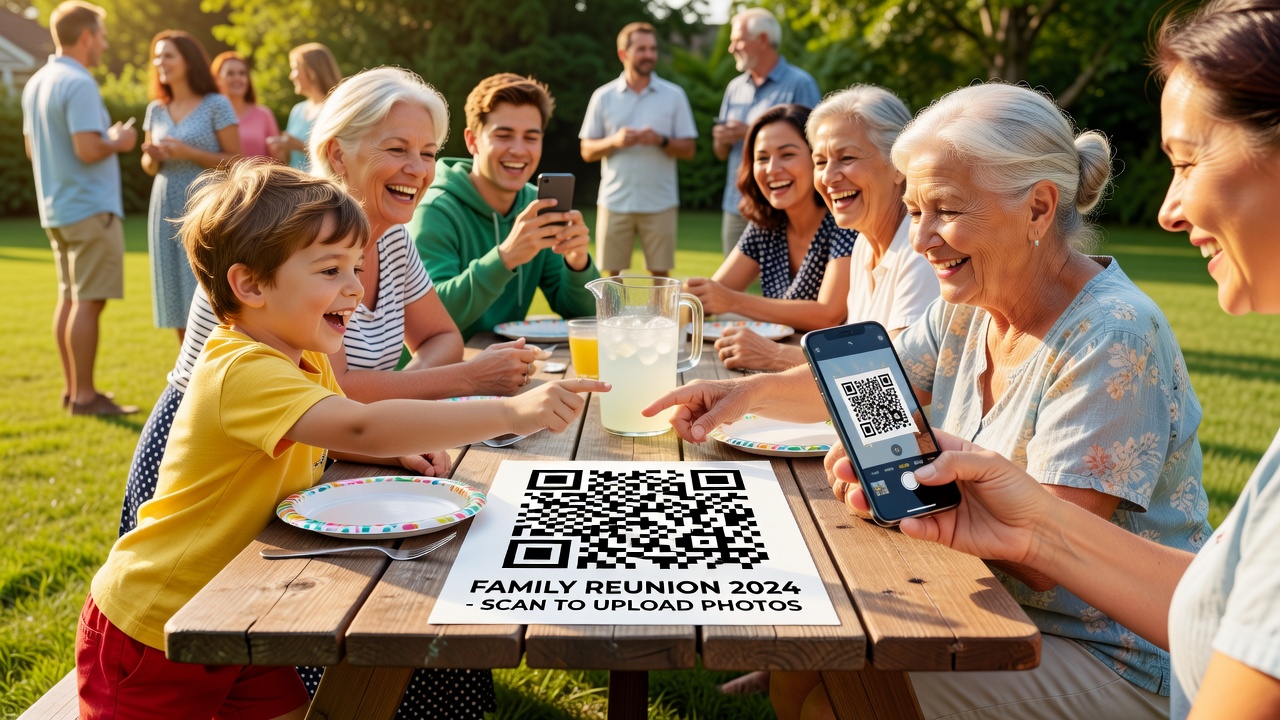
Picture this: fifty-two cousins, aunts, uncles, and grandparents spread across a sunny lawn, and somewhere between the barbecue and the group photo you realize tonight your relatives will be texting, emailing, and posting photos into five different group chats. Some will go to your inbox. Others will live forever on a forgotten phone. By the time Grandma's famous potato salad is gone, you'll have lost half the memories.
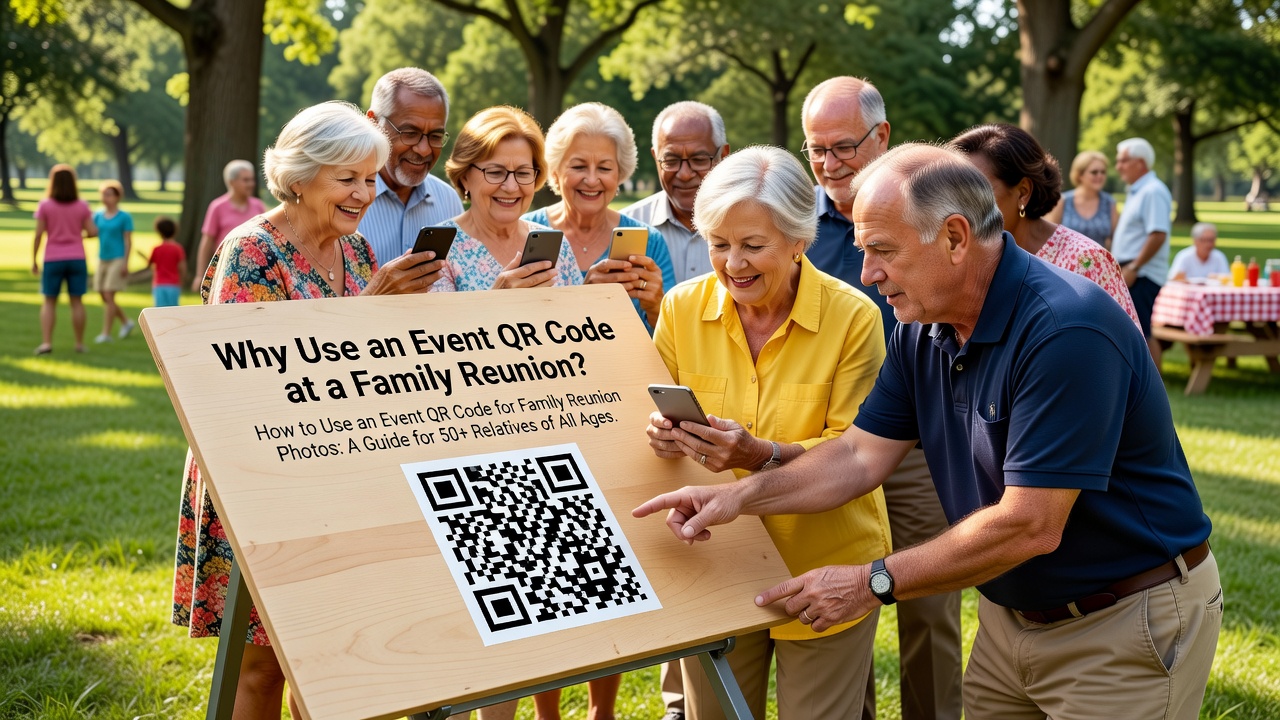
There's a better way, and it doesn't involve passing around a notebook or chasing down every phone number. A single event QR code can gather every photo from every device — from your tech-savvy teenage cousin to your grandfather who still calls every smartphone "the computer." Here's exactly how to set one up for a family reunion of 50+ people of all ages.
Why Use an Event QR Code at a Family Reunion?
An event QR code is simply a QR code that points to a page where people can upload photos. Someone scans it, opens a simple upload page, picks their best shots, and hits send. That's it. No app to install, no account to create, no confusing instructions.
The magic is that one code works for everyone. Teens scan it with their camera app like it's nothing. A grandmother scans it with the same camera app she's been using to scan menus at restaurants. Everyone lands in the exact same shared album, and the photos pile up in one place instead of scattering across six different group chats.
For a reunion with 50+ relatives, that centralization is everything. You stop being the family photo collector and start being the person who just organized the year's best album.
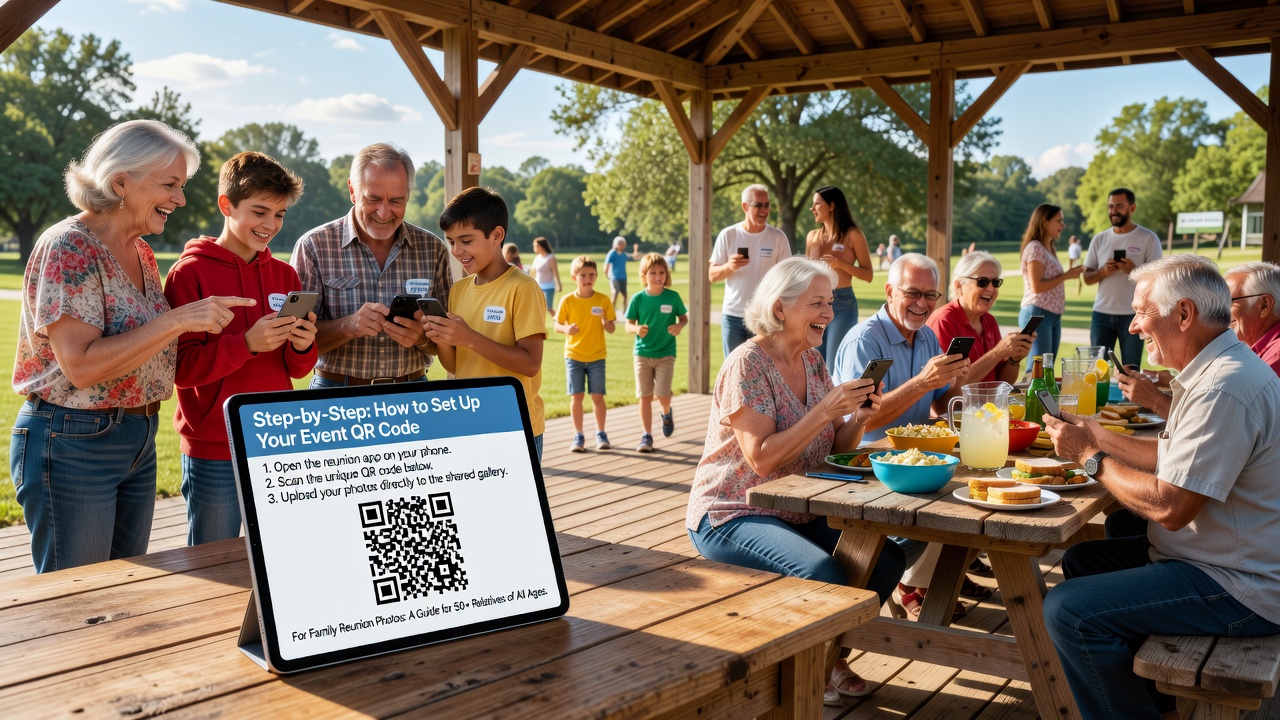
Step-by-Step: How to Set Up Your Event QR Code
Setting this up takes about ten minutes. Here's the whole process, in plain language.
Step 1: Create your shared album or upload page
Pick where the photos will go. Two easy, free options:
- Google Photos shared album — anyone with the link can add photos. It's familiar to most people and lives free in the cloud.
- Dropbox or Google Drive upload folder — create a folder set to "anyone with the link can upload." Digital files wind up in full resolution, great for printing later.
If you want to keep it dead simple for non-tech relatives, Google Photos is usually the smoothest because most people have used it before.
Step 2: Copy your link
Once your album or folder is ready, grab its share link. This is the address you'll bake into your QR code.
Step 3: Generate your event QR code with a free tool
Now create the code itself. Two excellent free tools we verified still work:
- QRCode Monkey (qrcode-monkey.com) — 100% free. It lets you add a logo (your family monogram, maybe?) and colors, and download a high-quality image to print. Great for making a code that actually looks good on a poster.
- QR Code Generator (qr-code-generator.com) — free for static QR codes, with a built-in design editor and scan tracking so you can see how many people scanned. Handy if you want to know whether the sign actually got used.
In either tool: choose the "URL" option, paste your album link, customize the design if you like, and download the image. Don't pay for anything — a static event QR code pointing to a link is all you need.
Step 4: Test it — twice, on two devices
Before the big day, scan your code with your own phone, then with a second device. Confirm it opens the upload page and that the upload actually works end to end. A QR code that goes nowhere on reunion morning is a small disaster you can avoid in two minutes.
Step 5: Print big, place well
Print the code large enough to scan from a few feet away (at least 4 inches on a sign). Place copies where people naturally wait: the check-in table, the food line, the bathroom hallway, and on every printed program. The easier it is to see, the more photos you'll get.
Tips by Age Group: Making It Work for Every Generation
A family reunion means a huge range of tech comfort. Here's how to reach each group.
For tech-savvy teens and young adults
Teens will breeze through this. Their phones scan QR codes natively, and they're already comfortable uploading photos. Win them over by making it feel like a fun challenge — "whoever uploads the best candid wins bragging rights." They're also your best allies: ask one or two teens to help grandparents who get stuck. They'll jump at being the "tech helper."
For parents and middle-age relatives
This group usually handles QR scanning fine, but they're busy herding kids. Keep their path short: one scan, one upload page, no login wall. If they hit a roadblock, they'll likely give up — so no extra steps. Make the code accessible and they'll contribute the most photos, since they're the ones chasing the kids.
For grandparents and less tech-savvy relatives
This is where the plan wins or loses. Keep it gentle and patient:
- Print simple instructions beside the code — one line like: "Point your camera at the square, tap the link that pops up, then upload your photos."
- Say "scan" in simple words. Many older users know "take a picture of the square" better than "scan the QR code." Use whatever language they already use.
- Offer a human helper station. Post a friendly relative near the sign for the first hour — a teen works great — whose whole job is helping grandparents through the scan.
- Don't rely on apps. The camera app is the way in. Older phones often need to open the camera first; reassure them there's no app to download.
When a grandparent gets their first photo in, celebrate it. That positive moment turns them from hesitant into repeat uploaders.
Large-Group Logistics for 50+ People
Big crowds need a little planning. These tips keep everything smooth at reunion scale.
- Put up multiple codes. One sign in the corner won't cut it for 50+ people. Place 4–6 codes around the venue so no one walks far to find one.
- Make every code different-sized. Full-size posters for the main areas, plus small printed cards tucked into welcome packets people can carry to their seats.
- Designate a "photo team". Don't rely on random uploads for key memories. Ask 3–4 relatives (preferably different age groups) to each be responsible for capturing a slice of the day — kids' games, the food, candid conversations, the formal group shot.
- Announce it more than once. At the welcome speech, at lunch, and before the group photo, remind everyone: "Scan the code, upload your photos!" Repetition is what actually drives participation.
- Set an upload deadline — say, end of the week. It keeps momentum high right after the reunion and stops the album from trickling in for months.
- Have a backup plan. If someone's phone can't scan, a helper can upload on their behalf, or you can collect via a quick direct message. Grace over perfection.
- Test internet access. The upload page needs data. If the venue has weak cell signal, add a Wi-Fi network and print the Wi-Fi password next to the codes.
Frequently Asked Questions
Do people need an app to scan a QR code?
No. Every modern smartphone has a built-in camera that scans QR codes automatically — just open the camera app and point it at the square. There's nothing to download, which is exactly why this works well for older relatives.
Is a free QR code good enough for a family reunion?
Absolutely. A free, static event QR code that points to a permanent link works perfectly for a reunion. You only need a paid, dynamic code if you plan to change the destination link after printing — rarely necessary here.
Should I worry about my QR code expiring?
No. Free online QR generators like QRCode Monkey and QR Code Generator are the most popular choices, so you can create a code that becomes active instantly and stays valid as long as the destination link exists. Always test it on two devices before the event to confirm it still works.
What's the fastest way to get grandparents to participate?
Pair every printout with one simple sentence of instructions, and have a friendly helper at the sign for the first hour. Most grandparents scan happily once someone shows them once — it's the fear of the unknown that holds people back, not the technology.
Your Next Step: Create Your Reunion's Event QR Code Today
A single event QR code can turn a scattered pile of phone photos into one clean, shared album your whole family will treasure — and it takes just ten minutes to set up. No apps, no accounts, no tech headaches, no matter who's holding the phone.
Start now: create a shared Google Photos album, grab the link, and generate your free QR code at QRCode Monkey or QR Code Generator. Print it, put it up, and tell everyone to scan. When the uploads start rolling in from teenagers and grandparents alike, you'll be the hero who saved this year's memories — all in one place.
Quick answers
Do people need an app to scan a QR code?
No. Every modern smartphone has a built-in camera that scans QR codes automatically — just open the camera app and point it at the square. There's nothing to download, which is exactly why this works well for older relatives.
Is a free QR code good enough for a family reunion?
Absolutely. A free, static event QR code that points to a permanent link works perfectly for a reunion. You only need a paid, dynamic code if you plan to change the destination link after printing — rarely necessary here.
Should I worry about my QR code expiring?
No. Free online QR generators like QRCode Monkey and QR Code Generator are the most popular choices, so you can create a code that becomes active instantly and stays valid as long as the destination link exists. Always test it on two devices before the event to confirm it still works.
What's the fastest way to get grandparents to participate?
Pair every printout with one simple sentence of instructions, and have a friendly helper at the sign for the first hour. Most grandparents scan happily once someone shows them once — it's the fear of the unknown that holds people back, not the technology.