
Event Planning
How to Use a Event QR Code for Anniversary Party Photos
Discover how an event QR code simplifies collecting both archived and live photos for anniversary celebrations, creating a shared digital album guests contribute to in real time.
How to Use a Event QR Code for Anniversary Party Photos: A Complete Guide
An event QR code lets anniversary party guests upload decades-old family photos and capture new party moments into one shared digital album—no apps, no complicated setup, just scan and share.
Introduction
Planning a milestone anniversary party means juggling venues, catering, guest lists, and one detail that often gets overlooked: the photos. Not just the snapshots guests will take during the event, but the decades of memories that came before—the wedding album, the family vacations, the candid shots from years past.
Traditionally, collecting these photos meant asking relatives to dig through boxes, email files one by one, or bring physical prints to the party. It was time-consuming, fragmented, and often resulted in duplicates or missing gems. An event QR code changes this entirely by creating a single, simple entry point where everyone can contribute photos from any era, using devices they already have.
This guide walks you through implementing QR code photo collection specifically for anniversary celebrations—from gathering archived memories to capturing new moments as they happen.
What Is an Event QR Code for Photo Collection?
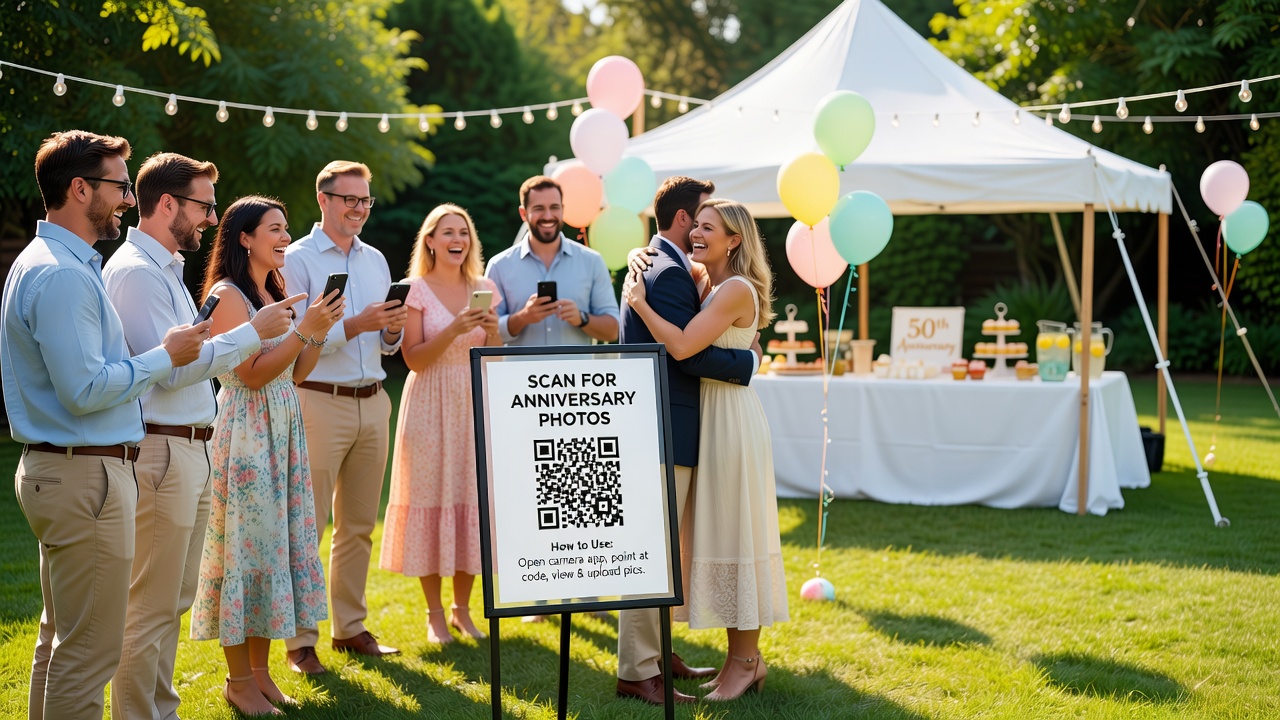
An event QR code is a scannable code that links directly to a photo upload page or digital album. When guests scan it with their phone camera, they are taken to a web-based gallery where they can view existing photos and upload their own—no app installation required.
For anniversary parties, this creates two distinct photo streams:
- Archived photos: Scanned prints, digitized slides, or old digital files from years past
- Live event photos: New pictures taken during the celebration itself
Both streams feed into the same gallery, building a comprehensive visual story of the couple's journey together.
Why Anniversary Parties Benefit from QR Code Photo Collection
Anniversary celebrations differ from other events because of their unique emotional and logistical characteristics:
Decades of Memories to Gather
A 25th, 40th, or 50th anniversary spans generations of photographs. Family members often hold the best shots, but coordinating collection beforehand rarely happens. A QR code distributed with invitations lets people upload photos at their convenience weeks before the event.
Multi-Generational Guest Lists
Anniversary guest lists typically include grandparents, parents, adult children, and grandchildren. Not everyone uses the same photo-sharing apps or cloud services. A QR code works universally—iPhone, Android, or tablet—removing technical barriers.
The Surprise Element
Many anniversary parties are surprises organized by adult children. A QR code shared discreetly with close family lets them collect photos for a slideshow or memory book without alerting the honored couple.
Immediate Sharing Without Social Media
Not all guests want to post party photos publicly. A private QR code gallery keeps sharing intimate and controlled while still allowing real-time contributions during the event.
Setting Up Your Anniversary Photo QR Code: Step-by-Step
Step 1: Choose Your Photo Collection Platform
Select a service that generates QR codes and provides upload galleries. Look for these features:
- Simple upload from any device
- Automatic organization by upload time or uploader name
- Download options for the host after the event
- Privacy controls (password protection or link-only access)
- No guest account creation required
Popular options include dedicated photo-sharing apps, event planning platforms with built-in galleries, or general QR code generators linked to cloud storage folders.
Step 2: Create and Customize Your QR Code
Generate a QR code that links to your upload page. Customize it with:
- The couple's names or anniversary year (e.g., "Johnson 50th")
- Event date for reference
- A brief instruction message explaining what to upload
Test the QR code on multiple devices before distribution to confirm it opens correctly and uploads function properly.
Step 3: Distribute Before the Event for Archived Photos
Send the QR code with save-the-date cards, formal invitations, or family group messages 3-4 weeks early. Include clear instructions:
"We're collecting photos from Mom and Dad's 50 years together for a surprise memory book. Scan this code to upload your favorites—from their wedding day to last Christmas. All contributions welcome!"
This early distribution is critical for archived photos, which require time to locate, scan, and digitize.
Step 4: Display at the Event for Live Photos
During the party, display the QR code prominently where guests naturally gather:
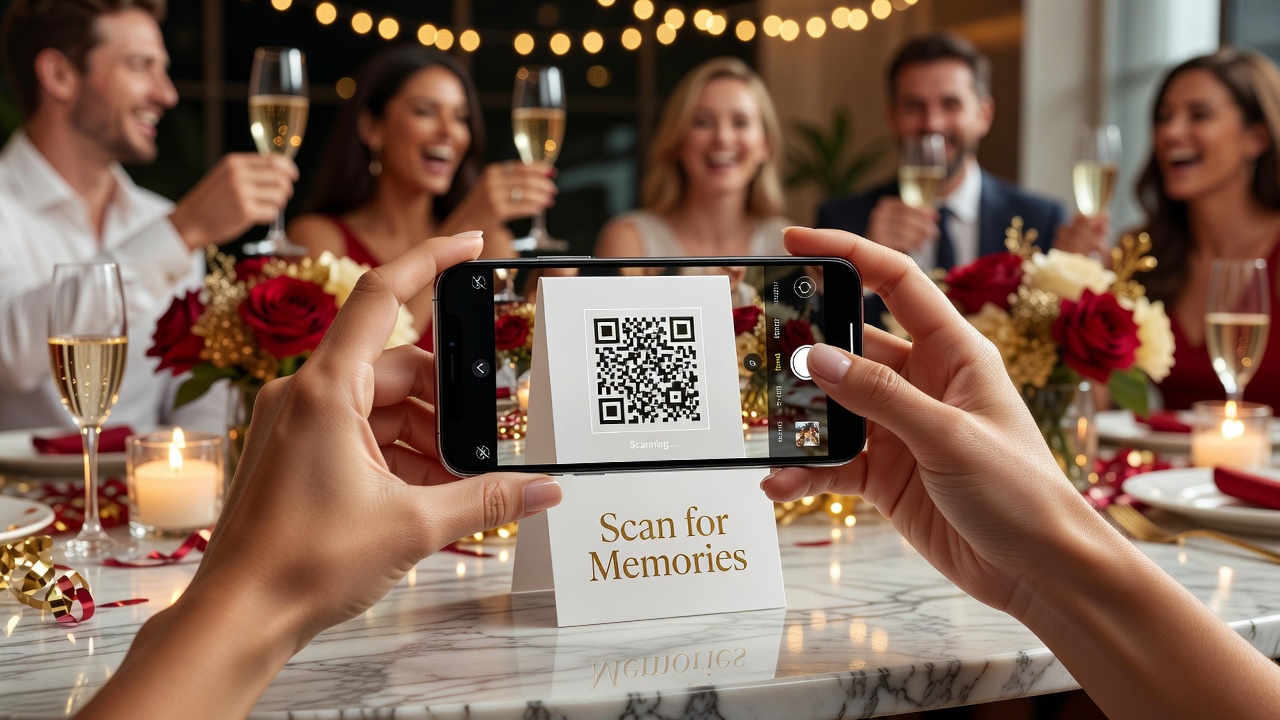
- Table tents on dining tables
- Signage near the entrance or gift table
- Digital display on a loop during slideshows
- Printed on napkins, programs, or place cards
Consider adding a brief announcement during speeches or toasts reminding guests to scan and share their shots.
Step 5: Organize and Share After the Party
Once the event concludes, download all contributions from your gallery. Most platforms let you export photos in bulk or generate a shareable link to the complete collection. Send the final album to guests as a thank-you gesture, and use selected photos for thank-you cards or a printed memory book.
Collecting Archived Photos: The Pre-Event Stream
The archived photo stream distinguishes anniversary celebrations from typical parties. Here's how to maximize contributions:
Give Guests Clear Timeframes
Specify which eras you're collecting—wedding day only, or the full marriage? Early dating photos? Family milestones? Clear guidance prevents random uploads and helps guests curate meaningfully.
Accept Various Photo Formats
Not everyone has digitized their old prints. Encourage guests to:
- Upload existing digital files directly
- Use phone cameras to photograph physical prints (works surprisingly well with good lighting)
- Submit scans if they have access to flatbed scanners
Label Contributions with Context
Ask uploaders to include dates, locations, or brief descriptions. A photo from 1987 means more when labeled "Family vacation, Yellowstone, kids were 4 and 7." Many platforms allow caption fields during upload.
Handle Duplicates Gracefully
Multiple family members may upload the same popular shot. Review contributions before finalizing albums and select the highest-quality version of each image.
Capturing Live Photos: The Event Stream
While archived photos tell the story of the marriage, live photos capture the celebration itself. Here's how to encourage quality contributions during the event:
Strategic QR Code Placement
Guests won't upload if they can't find the code. Place multiple displays at:
- Each table (small tent cards work well)
- The bar area (guests check phones naturally here)
- Near the photo booth or portrait station
- Restroom areas (unexpected but effective high-traffic spots)
Timing Matters
Guest engagement follows the event flow. Uploads spike during:
- Cocktail hour (guests mingling, phones in hand)
- After speeches (emotional moments captured)
- Dance floor peaks (energy and movement shots)
- Cake cutting (traditional photo opportunity)
Brief reminders at natural breaks keep the QR code top-of-mind without being intrusive.
Quality Over Quantity Reminders
Gently encourage guests to be selective—upload their best 5-10 shots rather than every blurry frame. This keeps the gallery manageable and meaningful.
Guest Engagement and Social Dynamics at Anniversary Parties
Anniversary celebrations have unique social dynamics that affect photo-sharing behavior:
The Memory Lane Effect
When guests view uploaded archived photos during the party, it sparks conversation and storytelling. Display a live slideshow of early submissions during cocktails to create immediate engagement and encourage more uploads.
Cross-Generational Interaction
Adult children often become the technical facilitators for older relatives who may struggle with QR codes. Encourage this dynamic—it's bonding in itself. Adult children can help grandparents navigate the upload process, creating shared moments before the formal celebration begins.
The Surprise Factor
For surprise parties, early photo collection must happen discreetly. Share the QR code only with co-organizers and close family members who are already aware of the event. Use vague language ("family photo project") if there's any risk of the guest of honor seeing communications.
Respecting Privacy Preferences
Older generations may be less comfortable with digital sharing. Make uploads optional and emphasize that the gallery is private, not public social media. Some guests may prefer to share photos directly with hosts rather than uploading to a shared gallery—respect this preference and offer alternative submission methods.
Common Mistakes to Avoid
Based on real anniversary party experiences, here are pitfalls to sidestep:
- Waiting until the event to distribute the QR code: Archived photos need lead time. Distribute 3-4 weeks early minimum.
- Requiring app downloads: Any barrier reduces participation. Use web-based uploads only.
- Insufficient signage at the venue: One poster isn't enough. Multiple displays ensure guests actually see the code.
- No backup plan for non-smartphone users: Have a designated person with a tablet available to assist or accept photos via email.
- Forgetting to test the upload flow: Always upload a test photo yourself before sharing the code widely.
- Neglecting to download photos promptly: Some platforms delete galleries after a set period. Download everything within a week post-event.
Creative Ways to Use Collected Photos
Once you've gathered both archived and live photos, consider these anniversary-specific applications:
- Slideshow presentation: Chronological journey from wedding to present day, shown during the party
- Printed memory book: Professional photo book combining both photo streams as a keepsake gift
- Thank-you cards: Personalized cards featuring a memorable group shot from the event
- Anniversary website: A simple webpage preserving the full gallery for extended family access
- Framed timeline collage: Key moments across decades, professionally printed and framed
Key Takeaways
- An event QR code creates a single upload point for both decades-old archived photos and new live event shots at anniversary celebrations
- Distribute the QR code 3-4 weeks before the event to allow time for locating, scanning, and uploading historical photos
- Display multiple QR code signs strategically during the party to capture live moments as they happen
- Choose platforms requiring no app downloads and offering simple upload from any device
- Include brief instructions and context requests (dates, descriptions) to make the collection more meaningful
- Respect generational comfort levels with technology and offer assistance for less tech-savvy guests
- Download and organize photos promptly after the event while the gallery is still accessible
Frequently Asked Questions
Do guests need to download an app to use an event QR code for photos?
No. Modern QR codes open directly in the phone's web browser. Guests scan with their camera app, tap the link, and upload photos immediately without installing anything.
How far in advance should I send the QR code for an anniversary party?
Send the QR code 3-4 weeks before the event. This gives family members time to locate old photos, scan physical prints, and digitize slides before the celebration.
Can guests upload photos taken at the party in real time?
Yes. Guests can scan the same QR code during the event and upload photos immediately from their phone's camera roll. Many platforms organize uploads by timestamp automatically.
What if older relatives don't know how to scan a QR code?
Ask adult children or tech-comfortable family members to assist older relatives. Alternatively, designate someone to collect photos via email or physical submission and upload them on behalf of the guest.
Are the photos private, or can anyone with the link see them?
Privacy depends on your chosen platform. Most offer password protection or link-only access. Confirm settings before distributing the QR code, and communicate privacy terms to guests.
What photo formats work best for uploading through a QR code gallery?
Standard JPEG and PNG files upload universally. For physical prints, phone camera photos of the original image work well in good lighting. Very large files may take longer to upload depending on venue WiFi quality.
Can I use the same QR code for both archived and live photos?
Yes. One QR code can serve both purposes. The gallery simply accumulates uploads over time—early submissions from family members before the event, plus new photos added during the party itself.
What should I do with the photos after the anniversary party?
Download all contributions promptly. Use them for thank-you cards, a printed memory book, a slideshow for guests who couldn't attend, or a private family website preserving the full collection.
How many QR code displays should I have at the venue?
Place at least one display per 8-10 guests, with multiple signs at tables, the bar area, near the entrance, and by any photo booth or portrait station. Visibility drives participation.
Can I create a slideshow from the uploaded photos to show during the party?
Absolutely. Download submissions as they arrive and create a chronological slideshow combining archived and live photos. Display it during cocktail hour or dinner to spark conversation and encourage additional uploads.
Conclusion
An event QR code transforms anniversary photo collection from a logistical headache into a collaborative celebration. By creating one simple entry point for both decades of memories and fresh party moments, you give guests an easy way to contribute to a shared visual history.
Start early with your distribution to capture the archived photo stream, then keep the code visible during the event for live contributions. The result is a comprehensive digital album spanning the full arc of a marriage—from wedding day to this year's toast.
Ready to simplify photo collection for your upcoming anniversary celebration? Set up your event QR code today and start gathering the memories that matter most.
Quick answers
Do guests need to download an app to use an event QR code for photos?
No. Modern QR codes open directly in the phone's web browser. Guests scan with their camera app, tap the link, and upload photos immediately without installing anything.
How far in advance should I send the QR code for an anniversary party?
Send the QR code 3-4 weeks before the event. This gives family members time to locate old photos, scan physical prints, and digitize slides before the celebration.
Can guests upload photos taken at the party in real time?
Yes. Guests can scan the same QR code during the event and upload photos immediately from their phone's camera roll. Many platforms organize uploads by timestamp automatically.
What if older relatives don't know how to scan a QR code?
Ask adult children or tech-comfortable family members to assist older relatives. Alternatively, designate someone to collect photos via email or physical submission and upload them on behalf of the guest.
Are the photos private, or can anyone with the link see them?
Privacy depends on your chosen platform. Most offer password protection or link-only access. Confirm settings before distributing the QR code, and communicate privacy terms to guests.
What photo formats work best for uploading through a QR code gallery?
Standard JPEG and PNG files upload universally. For physical prints, phone camera photos of the original image work well in good lighting. Very large files may take longer to upload depending on venue WiFi quality.
Can I use the same QR code for both archived and live photos?
Yes. One QR code can serve both purposes. The gallery simply accumulates uploads over time—early submissions from family members before the event, plus new photos added during the party itself.
What should I do with the photos after the anniversary party?
Download all contributions promptly. Use them for thank-you cards, a printed memory book, a slideshow for guests who couldn't attend, or a private family website preserving the full collection.
How many QR code displays should I have at the venue?
Place at least one display per 8-10 guests, with multiple signs at tables, the bar area, near the entrance, and by any photo booth or portrait station. Visibility drives participation.
Can I create a slideshow from the uploaded photos to show during the party?
Absolutely. Download submissions as they arrive and create a chronological slideshow combining archived and live photos. Display it during cocktail hour or dinner to spark conversation and encourage additional uploads.