
Event Planning
How to Set Up Guest Photo Sharing for a Surprise Party
Learn how to coordinate photo sharing for guests at a surprise party without spoiling the secret, plus tips for capturing genuine reactions.

Why Surprise Party Photo Sharing Needs a Different Approach
Planning photo sharing for guests at a surprise party comes with a unique challenge: the guest of honor cannot know what is happening. Unlike a regular event where you can send invitations weeks in advance and create a public photo album, a surprise party requires secrecy, quick coordination, and discreet communication. Every message, every app invite, and every photo stream must be hidden from the one person you are celebrating.
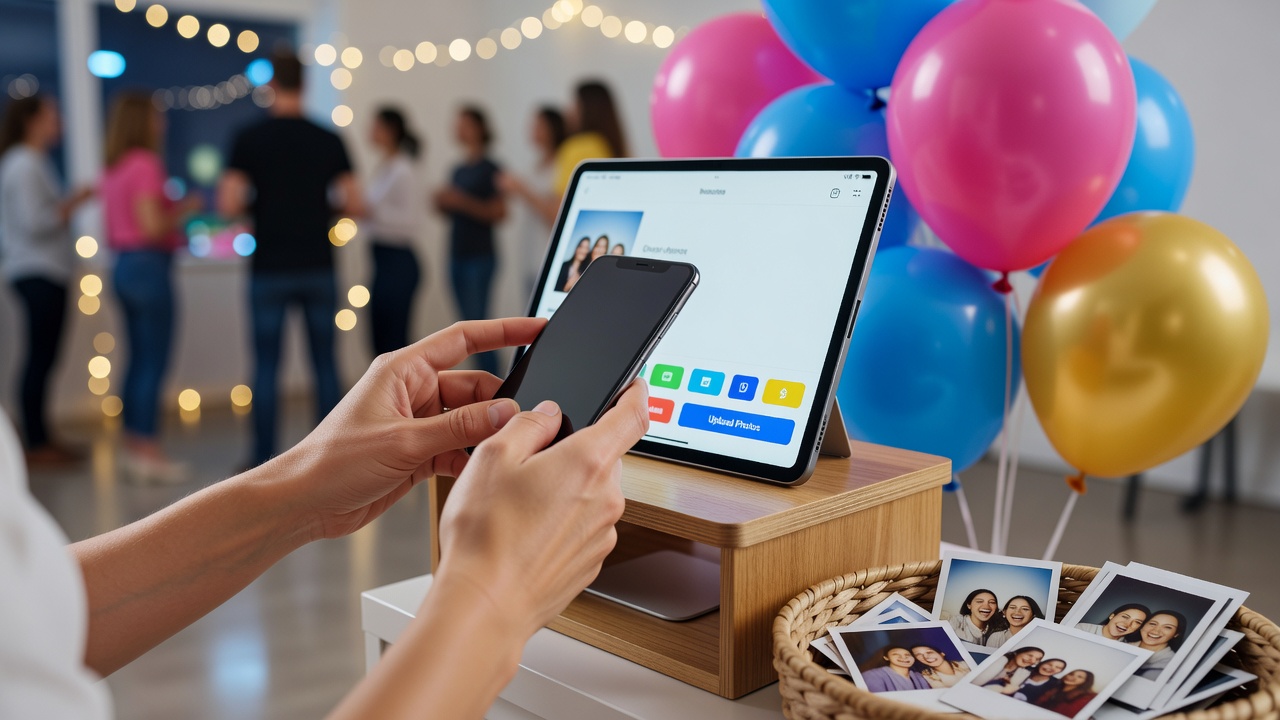
The good news? With the right strategy, you can coordinate photo sharing for guests seamlessly, capture the big reveal moment beautifully, and build a shared gallery everyone can enjoy after the surprise is over.
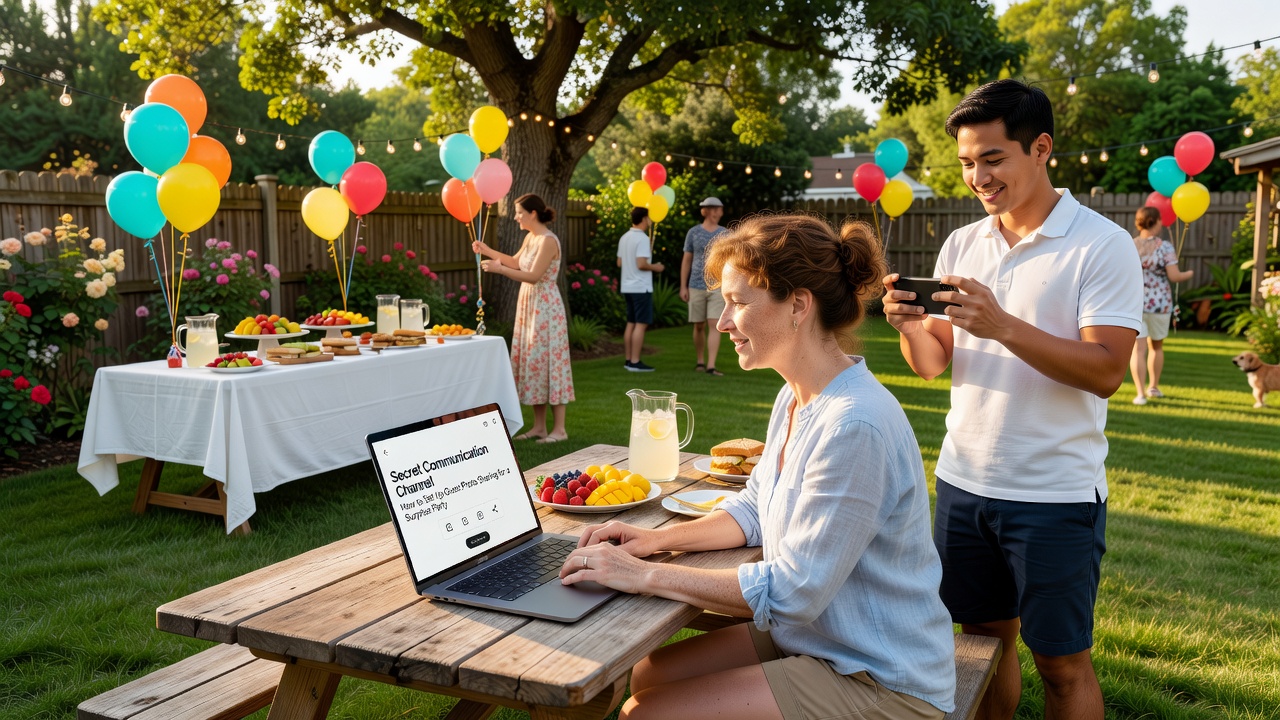
Step 1: Choose a Secret Communication Channel
The foundation of surprise party photo coordination is a communication method the guest of honor will not see. Avoid group texts on their usual messaging apps or social media groups they might stumble across.
- Group chat apps: Create a dedicated group on WhatsApp, Signal, or GroupMe that excludes the guest of honor. Name it something vague like “Weekend Plans” rather than “SURPRISE PARTY.”
- Email thread: A simple email chain works well for older guests or family members who prefer not to download new apps.
- Shared note: Use Apple Notes or Google Keep shared among trusted guests for logistics and reminders.
Whatever channel you choose, use it to explain the plan, share arrival times, and coordinate who is responsible for what on the big day.
Step 2: Set Up a Photo Sharing Platform Before the Party
You do not want to be fumbling with app settings while guests arrive. Set up your photo sharing for guests platform days in advance so everything is ready when the moment arrives.
- Shared cloud album: Google Photos, Apple Shared Albums, and Amazon Photos all let you create a shared album and invite guests by link or email. Guests can upload photos and videos directly from their phones.
- Dedicated event app: Apps like WedPlanner or Eventjoy offer built-in photo galleries where guests can contribute and browse each other's shots.
- QR code shortcut: Generate a QR code linking to your shared album and print it on small cards. Place these cards on tables so guests can scan and upload instantly after the reveal.
Send the album link through your secret channel a few days before the party so guests know exactly where to send their photos.
Step 3: Assign Photo Roles Before Guests Arrive
Not everyone will remember to take photos during a surprise party, especially when they are busy shouting “Surprise!” and hugging the guest of honor. Assigning specific roles ensures key moments are captured.
- The Reveal Photographer: Choose one or two people whose main job is to capture the surprise moment. Position them near the entrance with phones or cameras ready.
- The Reaction Videographer: Assign someone to record video of the reveal. Genuine reactions are priceless and video captures emotion better than still photos.
- The Candid Shooter: Ask one or two guests to roam and capture candid moments throughout the party, not just posed group shots.
- The Upload Reminder: Designate someone to send a reminder through your secret channel halfway through the party: “Don't forget to upload your photos to the shared album!”
Step 4: Capture the Reveal Without Spoiling It
The reveal is the entire point of a surprise party, and capturing it requires a balance of readiness and stealth.
- Position photographers early: Have your reveal photographer in place at least 10 minutes before the guest of honor is expected to arrive. They should be discreet, blending into the crowd.
- Use burst mode: The surprise moment happens fast. Burst mode on smartphones captures multiple frames in seconds, increasing the chances of getting the perfect reaction shot.
- Record video first: Video captures the full reaction arc, from confusion to realization to joy. You can always grab still frames from video later.
- Silence notifications: Ask all guests to silence their phones before the reveal. A chime or vibration can tip off the guest of honor before they walk in.
Step 5: Coordinate Timing So Everyone Is Ready
Timing can make or break a surprise party photo plan. If guests arrive late or are not in position, the reveal falls flat.
- Stagger arrivals: Ask all guests to arrive at least 20–30 minutes before the guest of honor. This gives everyone time to settle, silence phones, and get into position.
- Send countdown updates: Use your secret channel to send timing updates: “Guest of honor leaving in 10 minutes,” “5 minutes out,” “Everyone in position!”
- Have a decoy plan: The person bringing the guest of honor should have a believable reason for the stop so the surprise is not obvious. Coordinate this through your secret channel so everyone knows the cover story.
Step 6: Get Photos Uploaded Quickly
Momentum matters. The sooner guests upload their photos, the more complete your shared album will be.
- Remind guests during the party: A gentle reminder midway through the event keeps uploads top of mind. Use your secret channel or make a casual announcement.
- Make it easy: If you set up a QR code, make sure it is visible and accessible. The fewer steps between taking a photo and uploading it, the more photos you will collect.
- Follow up next day: Send a message through your group channel the morning after: “Thanks everyone! Please upload any remaining photos to the shared album today.” People are more likely to comply with a same-day reminder.
Step 7: Create a Final Gallery for the Guest of Honor
After the party, curate the best photos and videos into a highlight reel or album to share with the guest of honor. This is their chance to see the party from everyone else's perspective.
- Organize by moment: Group photos into sections: arrival and reveal, mingling and food, cake and speeches, and group shots.
- Create a short video montage: Use free tools like CapCut or iMovie to stitch together reaction clips and candid moments. Add music for a polished finish.
- Share as a gift: Present the curated album or video as a follow-up gift. The guest of honor gets to relive a moment they never saw coming.
Common Mistakes to Avoid
- Sending invitations too early through the wrong channel: If the guest of honor sees a notification preview or a stray message, the surprise is ruined. Always use a separate, private channel.
- Forgetting to assign a dedicated photographer: Relying on everyone to take photos organically leads to gaps in coverage, especially during the fast-paced reveal moment.
- Not testing the shared album link: Test your photo sharing link before the party to make sure guests can access and upload without issues.
FAQ
How do I keep the surprise party photo group hidden from the guest of honor?
Create a separate group chat or email thread that only includes guests, not the guest of honor. Use a vague group name and avoid sending messages through any app the guest of honor has access to. Double-check that no one in the group might accidentally forward or screenshot the conversation.
What is the best app for guest photo sharing at a surprise party?
Google Photos shared albums, Apple Shared Albums, and Amazon Photos are all excellent free options. They allow guests to upload photos and videos by link without creating an account in some cases. For a more full-featured experience, dedicated event apps like WedPlanner offer built-in photo galleries with additional planning tools.
How can I make sure guests actually upload their photos after the party?
Send a reminder through your secret communication channel the morning after the party. Keep the upload process simple with a direct link or QR code, and set a gentle deadline like “Please upload by Friday so we can share the full album with the guest of honor.”
Conclusion
Coordinating photo sharing for guests at a surprise party takes a bit of extra planning, but the results are worth it. By choosing a secret communication channel, setting up a shared album in advance, assigning photo roles, and timing everything carefully, you will capture the reactions, candid moments, and joy that make surprise parties so memorable. The guest of honor gets to experience the magic twice: once in the moment, and again through the photos everyone else captured.
Quick answers
How do I keep the surprise party photo group hidden from the guest of honor?
Create a separate group chat or email thread that only includes guests, not the guest of honor. Use a vague group name and avoid sending messages through any app the guest of honor has access to.
What is the best app for guest photo sharing at a surprise party?
Google Photos shared albums, Apple Shared Albums, and Amazon Photos are all excellent free options. They allow guests to upload photos and videos by link without creating an account in some cases.
How can I make sure guests actually upload their photos after the party?
Send a reminder through your secret communication channel the morning after the party. Keep the upload process simple with a direct link or QR code, and set a gentle deadline.