
Photography
How to Handle Guest Photo Privacy at Your Wedding: A Complete Guide
A warm, practical guide to collecting wedding guest photos while protecting everyone's privacy — covering photo approval workflows, private gallery setup, guest consent best practices, and how to balance sharing with your guests' comfort.
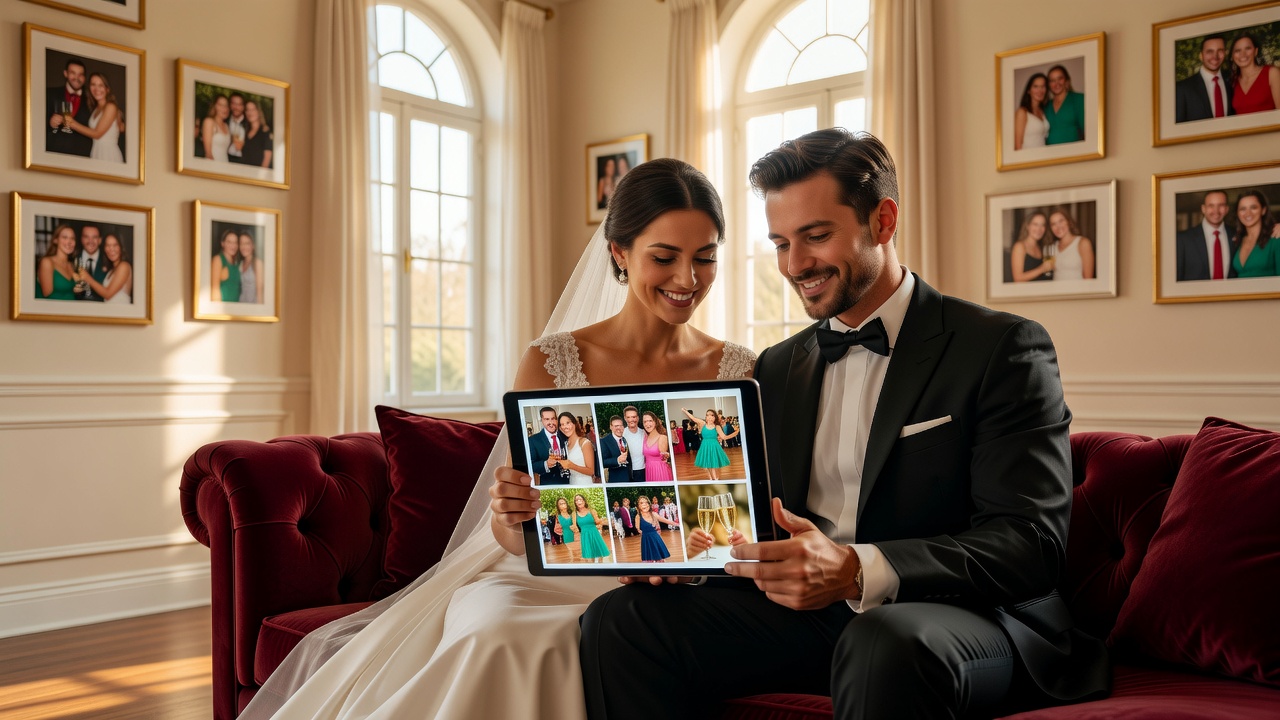
Your wedding day is packed with once-in-a-lifetime moments — and in 2026, half the magic is captured not by your photographer, but by the phones of the guests seated around you. Candids of your ninongs laughing, your friends mid-toast, your lola dabbing a tear — these are the shots you can't plan for. But collecting hundreds of wedding guest photos means you're also handling something delicate: the privacy of every person in those frames.
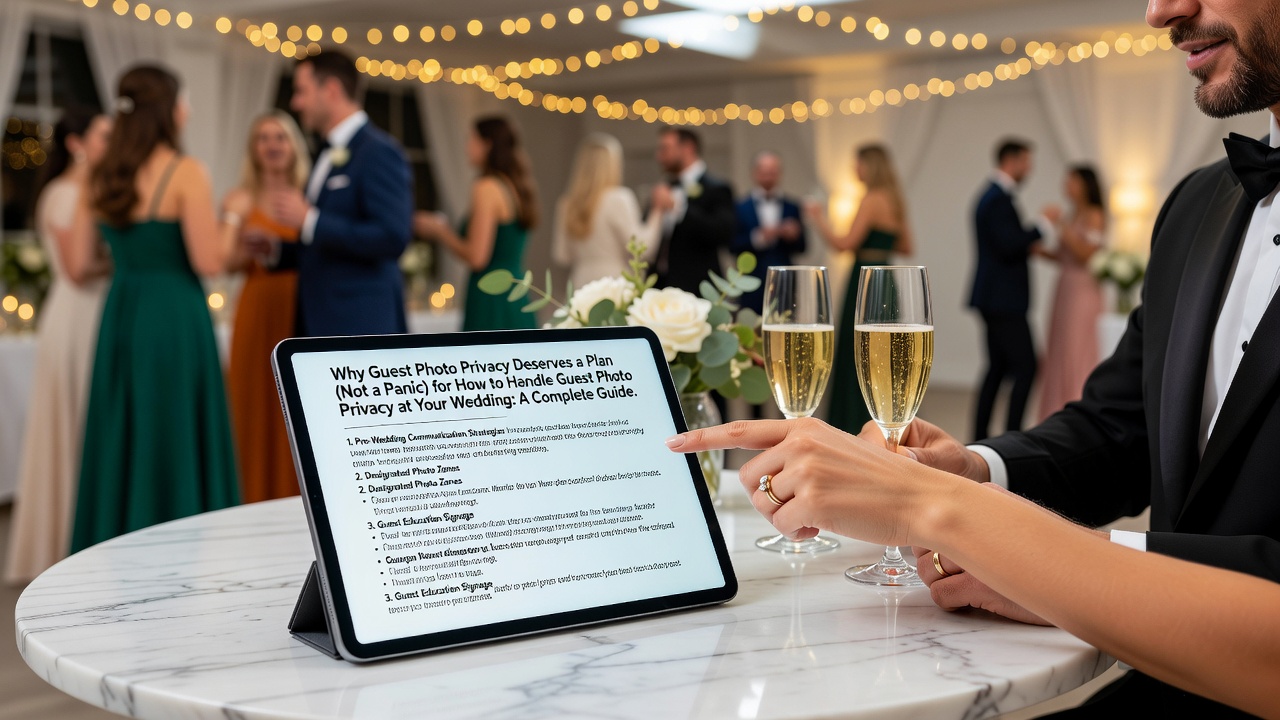
Here's the good news. You can have a gallery overflowing with guest photos and respect everyone's comfort — you just need a clear, warm plan before the big day. This complete guide walks you through photo approval workflows, private gallery setup, guest consent best practices, and how to share the joy without stepping on anyone's preferences.
Why Guest Photo Privacy Deserves a Plan (Not a Panic)
When a guest snaps a photo at your wedding, they own the copyright to that image — the same way your professional photographer owns theirs. When they upload it to the folder or gallery you've set up, there's an unspoken understanding that they're giving it to you to keep and enjoy. Personal use (albums, printing, framing, a thank-you slideshow) is completely fine.
The questions only get real when you go public — posting, tagging, or repurposing photos that feature other people. A candid of your friend mid-ugly-cry is "yours to keep," but that doesn't mean everyone in the photo wants it broadcast to the internet.
The good news: for a personal wedding, formal consent law almost never applies. Under GDPR, activities that are "purely personal or household" are exempt — and in the U.S., CCPA targets businesses, not couples running their own gallery. So this is more about courtesy than courtrooms. That's precisely why a thoughtful plan matters: it keeps your guests happy and your memories safe.
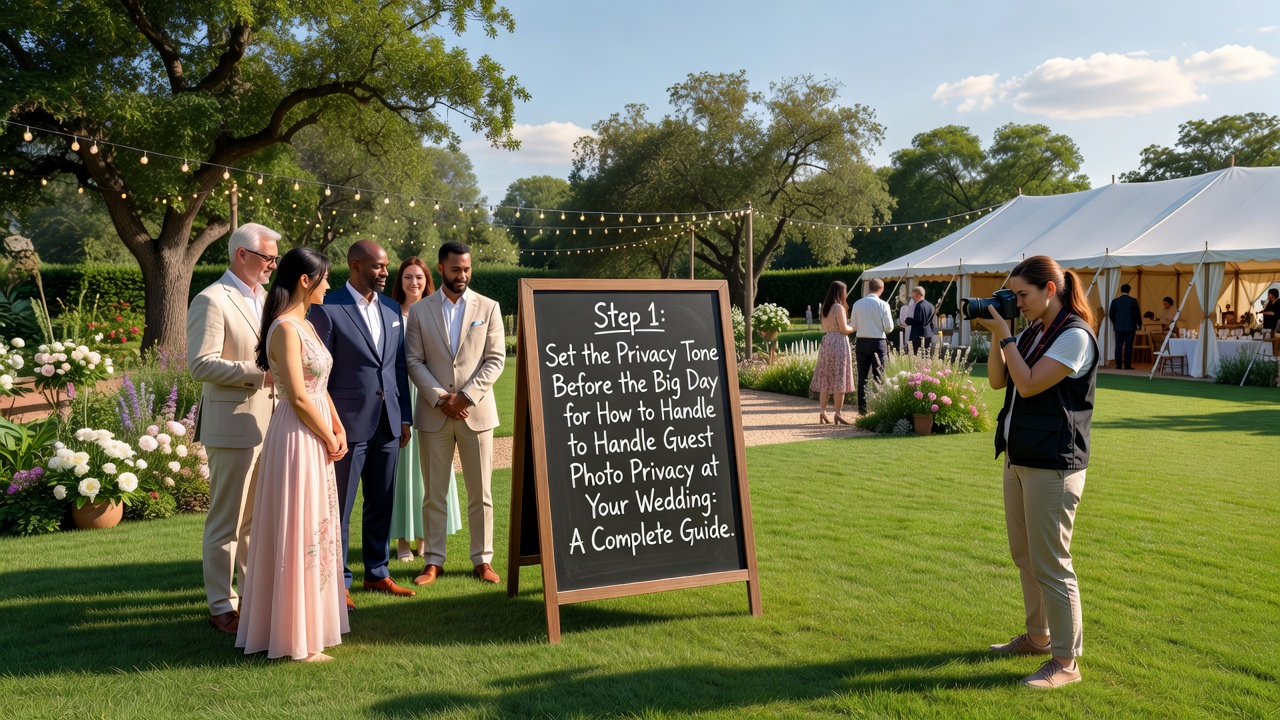
Step 1: Set the Privacy Tone Before the Big Day
Great guest photo privacy starts weeks before anyone walks down the aisle. A little advance communication prevents 99% of awkward moments later.
Share What You're Collecting (and Why)
When you share your event code or upload link, add one friendly sentence: "Photos you upload go to our private gallery, visible to the couple and your fellow guests, and we'll delete them six months after the wedding." That single line tells guests exactly what they're signing up for — and builds trust.
Offer an Opt-Out From the Start
Let guests know they can simply not upload, or ask to be left out of shared photos entirely. Some people have private jobs, some are navigating breakups, some parents are careful about their kids online. Making the opt-out normal — not a big deal — is the kindest thing you can do.
Decide Your Own Sharing Rules Early
Consent runs both ways. If you're a private couple who wants to post first, say so kindly in advance. Many couples ask for a 24-hour grace period before guests post ceremony shots publicly, so the couple shares first. Others are thrilled by instant sharing. There's no wrong answer — just communicate what feels right for you.
Step 2: Choose a Private Gallery Over a Public Hashtag
This is the single biggest privacy win in your control. Collecting guest photos through a private gallery instead of a public hashtag creates a calm, contained, respectful environment. Guests who'd never post publicly are often delighted to send images straight to you — it's lower pressure for everyone.
Private gallery platforms do the heavy lifting. Popular options include WedUploader, The Guest, GuestPix, JoinMyMoment, EventSnap, and QR-code-based tools like WeddingQR and Photobooth. Most work the same way: guests scan a QR code on your wedding sign or program, and their photos upload directly into your private collection — no public feed, no tagging strangers, no full-resolution copies splashing across the internet.
If you're already using a wedding-planning app, check whether it includes a gallery feature so your photos live alongside your guest list and timeline instead of in five separate apps.
What to Look For in a Private Gallery Tool
- Password or event-code access — so only guests in the loop can see the album, not the whole internet.
- Guest-controlled uploading — no app required for guests to contribute is a big plus for older relatives.
- Retention controls — the ability to set (and honor) a deletion window like 30 days, 6 months, or a year.
- Per-person sorting — so you can find every photo of your ninongs without scrolling forever.
- Easy deletion — for both you and guests who change their minds.
Step 3: Build a Photo Approval Workflow You'll Actually Follow
A photo approval workflow is simply your agreed process for deciding which guest photos go public — and which stay private. It doesn't need to be bureaucratic; it needs to be consistent.
The Simple Two-Bucket System
- Private bucket: every photo guests upload, by default. This is your safe, complete archive.
- Public bucket: only the photos you actively approve, one batch at a time, after a quick review.
This "private by default, public by exception" model is the heart of respectful sharing. Nothing goes public unless a human (you!) looks at it first.
A 3-Point Review Before You Post
- Who's in the shot? If it's a flattering group photo, post away. If someone looks bad, is mid-cry, or is in a sensitive situation, skip it — or check in with them first.
- Is anyone's privacy requested? Honor any guest who's asked not to be posted, without comment or drama.
- Are there minors? Photos of other people's kids deserve extra care — and parental consent before anything goes public.
When to Ask Permission
You rarely need formal consent forms (please don't hand out paperwork at a wedding!). Just use judgment: if a photo feels borderline, ask. Two seconds of effort saves real hurt feelings later.
Step 4: Honor Guest Consent — Both Sides of the Coin
Guest privacy isn't just about the couple posting. It's a two-way street that many couples forget.
Guests Sharing Your Photos
Your guests are taking photos of you too. If you're private people, or you don't want your ceremony all over Facebook before you've left the reception, that's a consent conversation — only now you're the one whose comfort matters. Communicate your preference clearly and warmly, ahead of time. An unplugged ceremony (where you politely ask guests to put phones away during the vows) is one popular way to protect the most intimate moments.
Don't Forget the Photographer's Photos
Your professional photographer's work is a separate conversation governed by your shoot contract, not gallery privacy. Photos remain their intellectual property unless the contract says otherwise — so agree in writing on what you can share and how.
Step 5: Handle Retention and Deletion Gracefully
"Forever, just in case" is not a retention policy — and it makes privacy-minded guests uneasy. Pick a window that matches how you'll actually use the photos, then tell guests and follow through.
- Set a published retention window (e.g., delete six months after the wedding unless you've curated prints first).
- Let guests pull their photos any time — the album should be theirs to download while it exists.
- Honor deletion requests — if a guest asks to remove their photos or themselves, do it promptly and kindly.
- Actually delete on your announced date. A graceful goodbye is part of good privacy.
Step 6: Build a No-Stress Comms Kit for Guests
Clear communication at every touchpoint makes privacy effortless. Here's where a sentence or two goes a long way:
- Invitation or wedding website: a line about how you're collecting photos and how they'll be shared.
- Program or order of service: the upload link or QR code, plus one privacy note.
- Wedding WhatsApp/Viber group: a friendly reminder before and during the day.
- Signage at the reception: "Scan here to add your photos to our private album!" with a note that nothing is posted without your review.
If you've built a wedding website with RSVPs, you can fold the photo link right into the guest experience — one place for the whole journey.
Your Guest Photo Privacy Checklist (Print This)
- [ ] Tell guests how photos are collected and stored (one sentence is enough).
- [ ] Offer a normal, drama-free opt-out.
- [ ] Use a private gallery with event-code or password access — skip the public hashtag.
- [ ] Set a retention window and share it.
- [ ] Review every photo (3-point check) before anything goes public.
- [ ] Honor deletion requests promptly.
- [ ] Treat photos of minors with extra care.
- [ ] Agree with your photographer in writing on what you can share.
Frequently Asked Questions
Do I need consent forms to use my guests' wedding photos?
Almost never. For a personal wedding, formal consent law (like GDPR's household exemption or the U.S. CCPA) generally doesn't apply. This is mostly a courtesy question: keep personal use free, and use judgment before posting photos that feature other people publicly.
Who owns the photos my guests take at my wedding?
Your guests own the copyright to the photos they take — just like your professional photographer does. When they upload to your private gallery, there's an implied gift for your personal use. Public or commercial use (like a vendor using the photo in marketing) is where you need real permission.
How do I keep guest photos private?
Collect them through a private gallery with a password or event code instead of a public hashtag. Keep the album private by default, review before posting, honor opt-outs, set a retention window, and treat minors' photos with extra care.
What should I do if a guest asks me to remove their photo?
Honor the request promptly, kindly, and without pushing back. Guests should be able to pull their own uploads and ask to be taken out of shared photos at any time — that's the foundation of guest trust.
Share the Joy, Respect the People
Wedding guest photos are some of your most honest, joyful keepsakes — but every frame holds a person with their own comfort zone. The couples who handle this best aren't the ones with the strictest rules; they're the ones who make privacy feel warm and normal.
Collect privately, review thoughtfully, share kindly, and let your guests set the pace. That's how you fill an album with laughter and keep every person in it comfortable.
Want help keeping your guest list, photos, and timeline in one calm, beautiful place? Explore WedPlanner — or book a consultation with our planning team and we'll help you design a guest-photo plan that feels exactly like you.
Quick answers
Do I need consent forms to use my guests' wedding photos?
Almost never. For a personal wedding, formal consent law (like GDPR's household exemption or the U.S. CCPA) generally doesn't apply. This is mostly a courtesy question: keep personal use free, and use judgment before posting photos that feature other people publicly.
Who owns the photos my guests take at my wedding?
Your guests own the copyright to the photos they take — just like your professional photographer does. When they upload to your private gallery, there's an implied gift for your personal use. Public or commercial use (like a vendor using the photo in marketing) is where you need real permission.
How do I keep guest photos private?
Collect them through a private gallery with a password or event code instead of a public hashtag. Keep the album private by default, review before posting, honor opt-outs, set a retention window, and treat minors' photos with extra care.
What should I do if a guest asks me to remove their photo?
Honor the request promptly, kindly, and without pushing back. Guests should be able to pull their own uploads and ask to be taken out of shared photos at any time — that's the foundation of guest trust.