
Wedding Planning
How to Collect Photos from a Hybrid Wedding (Complete Guide)
Discover practical strategies for collecting and organizing wedding photos from both in-person attendees and remote guests, creating a beautiful unified gallery that captures every moment of your hybrid celebration.
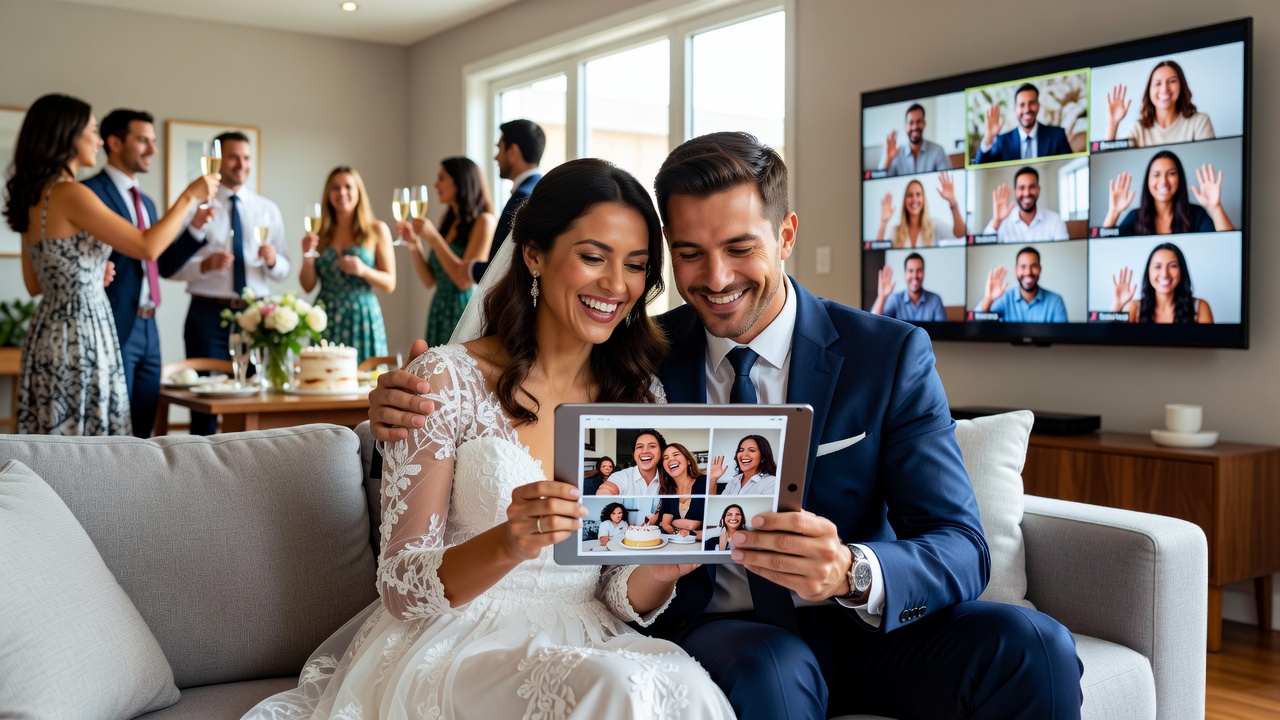
How to Collect Photos from a Virtual or Hybrid Wedding: Remote Guest Guide
Quick Answer: To collect photos from a hybrid wedding, set up a shared guest photo upload platform accessible to both in-person and virtual attendees, create clear instructions for each group, and use automated tools to organize all submissions into a single, unified gallery.
Introduction
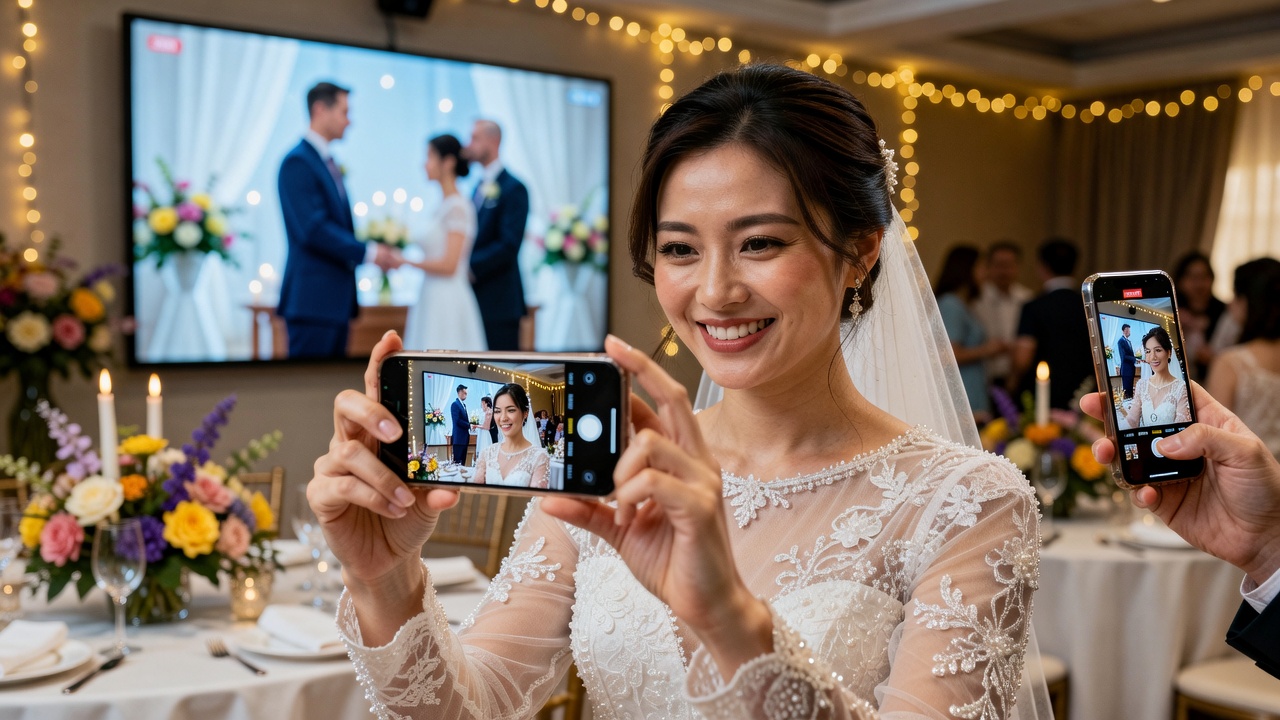
Hybrid weddings are here to stay. With couples embracing both in-person guests and virtual attendees, the challenge of collecting and sharing photos from all sources has become a practical concern. You want every perspective captured—the candid shot from your college roommate Zooming in from Tokyo, the professional angles from your photographer, and the blurry-but-perfect dance floor moments from your cousin's phone.
This guide walks you through setting up a guest photo upload system that works for everyone, regardless of location. We'll cover tools, strategies, and best practices to ensure no precious moment gets lost in the digital shuffle.
Understanding the Hybrid Wedding Photo Collection Challenge
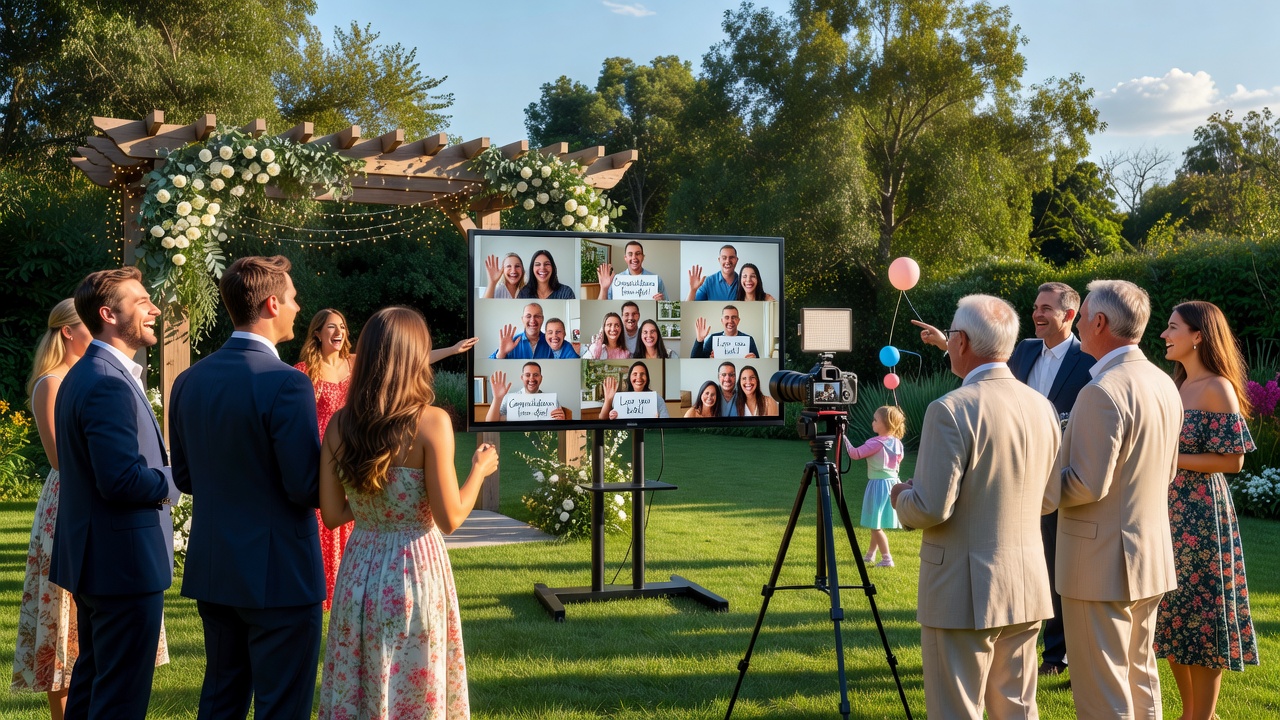
A hybrid wedding creates a unique photo collection scenario. You have two distinct groups contributing content:
- In-person guests capturing candid moments, table shots, and dance floor energy
- Remote attendees watching via livestream and taking screenshots or photos of their viewing setup
The goal isn't just gathering files—it's creating a cohesive narrative that tells the complete story of your day from every available perspective.
Setting Up Your Guest Photo Upload System
Choosing the Right Platform
Select a guest photo upload solution that accommodates both groups seamlessly. Consider these factors:
- Accessibility: No app downloads required for remote guests
- Upload methods: QR codes for in-person guests, direct links for virtual attendees
- Storage limits: Weddings generate hundreds of photos—ensure adequate space
- Organization features: Automatic sorting, tagging, or album creation
- Privacy controls: Password protection or invitation-only access
Popular options include dedicated wedding photo apps, shared cloud folders, and social media aggregation tools. [Internal link: related article on wedding photo sharing apps comparison]
Creating Separate Upload Channels
While your end goal is a unified gallery, temporary separation helps organization:
For in-person guests:
- Print QR codes for table tents and welcome signs
- Include instructions in welcome bags or programs
- Designate a tech-savvy friend as the "photo wrangler"
For remote guests:
- Share the upload link in the livestream chat or pre-event email
- Include clear instructions about screenshot timing and photo context
- Set up a dedicated email address for less tech-savvy relatives
Best Practices for In-Person Guest Photo Collection
QR Code Strategy
QR codes bridge the physical and digital worlds perfectly. Place them strategically:
- Welcome table or sign-in area
- Each reception table centerpiece
- Bathroom mirrors (surprisingly effective!)
- Next to the photo booth or disposable camera station
Test your QR codes thoroughly before the event. Multiple guests will scan with different devices and lighting conditions.
Encouraging Participation
Guests need gentle encouragement to actually upload photos. Try these approaches:
- Mention the photo sharing during welcome speeches
- Create a friendly competition ("Best candid shot wins a bottle of champagne")
- Send a follow-up reminder 24 hours post-wedding when the excitement is still fresh
Timing matters—guests are most likely to upload within 48 hours of your event.
Engaging Remote and Virtual Wedding Guests
Pre-Event Preparation
Remote guests need different guidance than in-person attendees. Prepare them with:
- A "how to participate" guide sent 48 hours before the wedding
- Suggestions for creating a festive viewing environment
- Clear instructions for the guest photo upload process
Capturing the Virtual Experience
Remote guests contribute a unique perspective—their own viewing experience. Encourage them to capture:
- Screenshots of meaningful ceremony moments
- Photos of their own celebration setup (decorations, snacks, formal attire)
- Group shots of household members watching together
- Reactions and emotional moments on their end
These images add a meta-narrative layer to your wedding album, showing how your celebration rippled outward to touch people in their own spaces.
Real-Time Interaction During the Event
Coordinate with your tech person or MC to acknowledge virtual guests:
- Schedule a dedicated "virtual guest moment" during the reception
- Have the photographer capture the screen showing remote attendees
- Encourage remote guests to use the livestream chat for real-time well-wishes
Creating a Unified Multi-Source Wedding Gallery
Automated Organization Strategies
Modern tools can significantly reduce manual sorting work:
- AI-powered tagging: Automatic face recognition and scene detection
- Timestamp synchronization: Align photos from different devices to chronological order
- Duplicate detection: Remove redundant uploads of the same moment
- Quality scoring: Prioritize sharper, well-composed shots
Manual Curation Best Practices
Technology helps, but human judgment creates the best gallery:
- Review all submissions within one week while context is fresh
- Look for photos that tell a story, not just technically perfect shots
- Include a representative sample from both in-person and remote contributors
- Consider creating separate "chapters" for ceremony, reception, and virtual perspectives
Gallery Presentation Options
Choose a format that honors all contributions:
- Chronological slideshow: Simple, universally accessible
- Themed albums: "Getting Ready," "Ceremony," "Reception," "Virtual Guests"
- Interactive gallery: Guests can comment and tag each other
- Printable book: Curated selection for physical keepsakes
Tools and Platforms Comparison
Dedicated Wedding Photo Apps
Specialized platforms offer wedding-specific features:
- WedShoots: Guest-friendly, no account required
- WeddingWire Guest Photo App: Integrated with planning tools
- The Knot Guest Photos: Seamless vendor integration
General Photo Sharing Services
Flexible options for tech-comfortable guests:
- Google Photos: Unlimited storage, powerful search
- Dropbox: Professional workflow, easy bulk download
- Apple Shared Albums: Native for iPhone users, limited cross-platform support
Social Media Aggregation
Leverage existing guest behavior:
- Instagram hashtag monitoring: Requires proactive hashtag promotion
- Facebook event albums: Familiar interface for most guests
Privacy and Permission Considerations
Wedding photos involve complex privacy dynamics:
- Guest consent: Make upload participation opt-in, not required
- Photo rights: Clarify that uploading grants sharing permission within the wedding party
- Professional photographer coordination: Ensure guest uploads complement rather than conflict with contracted work
- Social media boundaries: Respect guests who prefer not to appear in public posts
Common Mistakes to Avoid
Learn from other couples' experiences:
- Assuming technical proficiency: Provide multiple upload options for different comfort levels
- Waiting too long to set up: Test your system at least two weeks before the wedding
- Overlooking backup plans: Have a secondary collection method ready
- Ignoring the virtual experience: Remote guests often feel secondary—make their contributions equally valued
- Neglecting follow-through: Collecting photos is step one; creating the gallery is the real goal
Key Takeaways
- Set up a dedicated guest photo upload system accessible to both in-person and virtual attendees before your wedding day
- Use QR codes strategically for in-person guests and direct links for remote participants
- Create separate temporary channels for organization, then merge into a unified gallery
- Encourage remote guests to capture their own viewing experience, not just screenshots
- Choose tools based on your guests' technical comfort, not just feature lists
- Plan for privacy, consent, and professional photographer coordination
- Follow up within 48 hours when guest enthusiasm is highest
Frequently Asked Questions
What's the easiest way for guests to upload wedding photos?
A QR code linking to a simple upload page works best for in-person guests. For remote attendees, share a direct link via email or chat. Choose platforms requiring no app downloads or account creation to maximize participation.
How do I collect photos from guests who aren't tech-savvy?
Provide multiple options: QR codes for smartphone users, a dedicated email address for direct attachments, and consider appointing a "photo helper" friend who can assist elderly relatives or collect photos via text message.
Can remote wedding guests contribute meaningful photos?
Absolutely. Encourage virtual guests to capture their own celebration environment, reactions, and group viewing moments. These photos add a unique perspective showing how your wedding celebration extended into their homes.
What's the best free tool for collecting wedding guest photos?
Google Photos shared albums offer unlimited storage and easy access. For more wedding-specific features, WedShoots provides a guest-friendly experience with no account requirements.
How do I prevent duplicate photos in my wedding gallery?
Use platforms with duplicate detection features, or manually review uploads within a week. Encourage guests to upload only their best shots rather than entire camera rolls by setting clear expectations in your instructions.
Should I share my professional photographer's photos alongside guest uploads?
Yes, but consider separate albums. Guest photos capture candid, emotional moments professionals might miss, while professional shots provide polished, composed images. Both perspectives tell a complete story.
How soon should guests upload their photos after the wedding?
Prompt guests to upload within 24-48 hours when excitement is fresh and phones haven't been cleared. Send a friendly reminder the day after with a direct link to your guest photo upload page.
What privacy settings should I use for my wedding photo gallery?
Password-protect your gallery and share access only with wedding guests. Consider creating a public "highlights" album and a private full collection. Always get explicit consent before sharing photos featuring children or vulnerable guests.
How can I make remote guests feel included in the photo collection?
Specifically request their perspective, acknowledge their contributions equally in the final gallery, and consider a dedicated "Virtual Guests" section. During the event, have the photographer capture the livestream screen showing remote attendees.
What's the best way to organize hundreds of wedding photos from multiple sources?
Use automated tools for initial sorting by timestamp and duplicate removal. Then manually curate into chronological or themed albums. AI-powered face recognition can help group photos by guest, making it easier to share relevant moments with specific people.
Conclusion
Your hybrid wedding deserves a complete visual story that includes every perspective—those present in person and those joining from afar. A thoughtful guest photo upload strategy ensures no moment goes uncaptured and no guest feels excluded from the collective memory.
Start planning your photo collection system at least two weeks before your wedding. Test every QR code, verify your upload links, and brief your designated photo coordinator. The effort you invest in preparation will reward you with a comprehensive gallery that captures the full, beautiful complexity of your celebration.
Ready to start planning your perfect hybrid wedding experience? [Internal link: related article on hybrid wedding planning checklist]
Quick answers
What's the easiest way for guests to upload wedding photos?
A QR code linking to a simple upload page works best for in-person guests. For remote attendees, share a direct link via email or chat. Choose platforms requiring no app downloads or account creation to maximize participation.
How do I collect photos from guests who aren't tech-savvy?
Provide multiple options: QR codes for smartphone users, a dedicated email address for direct attachments, and consider appointing a "photo helper" friend who can assist elderly relatives or collect photos via text message.
Can remote wedding guests contribute meaningful photos?
Absolutely. Encourage virtual guests to capture their own celebration environment, reactions, and group viewing moments. These photos add a unique perspective showing how your wedding celebration extended into their homes.
What's the best free tool for collecting wedding guest photos?
Google Photos shared albums offer unlimited storage and easy access. For more wedding-specific features, WedShoots provides a guest-friendly experience with no account requirements.
How do I prevent duplicate photos in my wedding gallery?
Use platforms with duplicate detection features, or manually review uploads within a week. Encourage guests to upload only their best shots rather than entire camera rolls by setting clear expectations in your instructions.
Should I share my professional photographer's photos alongside guest uploads?
Yes, but consider separate albums. Guest photos capture candid, emotional moments professionals might miss, while professional shots provide polished, composed images. Both perspectives tell a complete story.
How soon should guests upload their photos after the wedding?
Prompt guests to upload within 24-48 hours when excitement is fresh and phones haven't been cleared. Send a friendly reminder the day after with a direct link to your guest photo upload page.
What privacy settings should I use for my wedding photo gallery?
Password-protect your gallery and share access only with wedding guests. Consider creating a public "highlights" album and a private full collection. Always get explicit consent before sharing photos featuring children or vulnerable guests.
How can I make remote guests feel included in the photo collection?
Specifically request their perspective, acknowledge their contributions equally in the final gallery, and consider a dedicated "Virtual Guests" section. During the event, have the photographer capture the livestream screen showing remote attendees.
What's the best way to organize hundreds of wedding photos from multiple sources?
Use automated tools for initial sorting by timestamp and duplicate removal. Then manually curate into chronological or themed albums. AI-powered face recognition can help group photos by guest, making it easier to share relevant moments with specific people.