
Wedding Planning
How to Collect Photos from a Destination Wedding: Tips for Remote Guests
Planning wedding photo collection for your destination wedding? Here's how to gather guest photos across devices and connectivity levels wherever they travel.
Your Wedding Photo Collection Starts Here
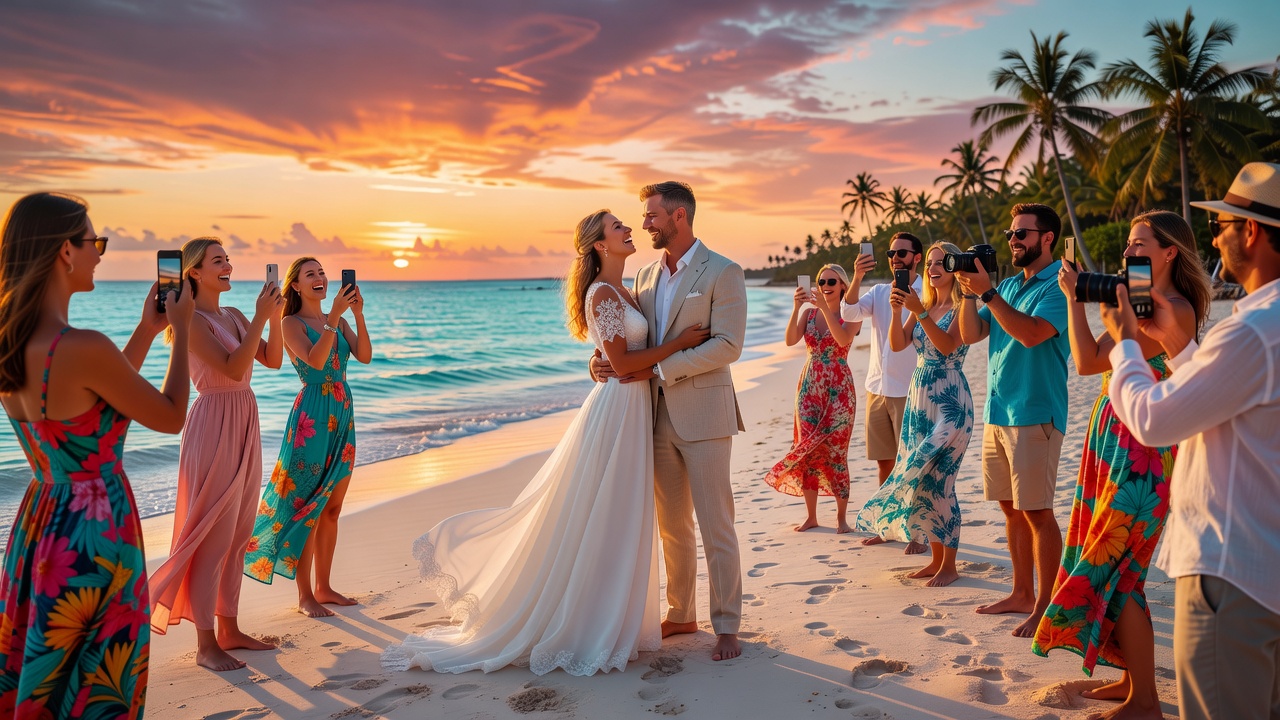
You planned a beautiful destination wedding — beachfront in Siargao, a garden celebration in Tagaytay, or tropical Boracay. Guests are flying in from different countries with different phones and different Wi-Fi situations. The big question: paano mo makukuha ang lahat ng photos nila?
A solid wedding photo collection strategy is your answer. Whether guests are tech-savvy or not, have strong data or none at all, the right approach ensures you don't miss a single candid moment. Here's your practical guide to collecting photos from every guest at your destination wedding.
Why Destination Weddings Need a Different Approach
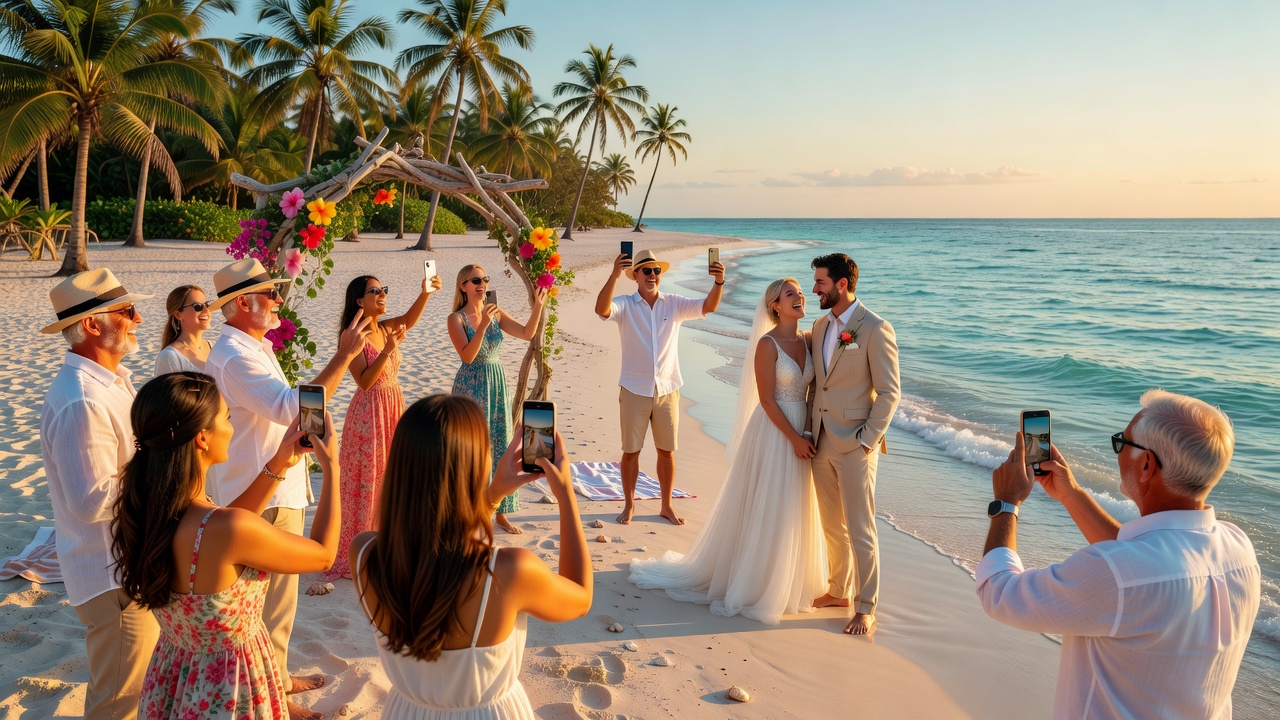
Destination weddings add layers your local wedding won't have: international roaming that discourages data use, a mix of iPhones and Android devices, guests spread across time zones, and beachfront venues with spotty Wi-Fi. Your wedding photo collection plan needs to work for lola with her basic smartphone and your cousin with the latest iPhone. Kailangan ng backup plan for every situation.
High-Tech Solutions
Google Photos Shared Album
Free, works on iOS and Android, and guests contribute via a share link without needing a Google account. Create the album, generate the link, and share it on your wedding website or as a QR code at the reception. Best for guests with smartphones and reliable Wi-Fi.
Dropbox File Request
Create a link where guests upload photos directly — no account needed on their end. Handles full-resolution files, perfect for bulk uploads when guests return to hotel Wi-Fi. Best for sharing high-quality images.
Wedding Apps (The Knot, WeddingWire)
Built-in photo sharing integrated with your wedding website. Guests already using these apps can upload in one tap. Best for couples already using these platforms.
WedShoots
Dedicated wedding photo sharing app. Create a private event, generate a QR code, collect photos in real time. No account needed for guests. Best for couples who want a private wedding photo hub.
Low-Tech Solutions
SMS and Email Upload
Create a dedicated wedding email — ourweddingphotos@gmail.com — and print it on cards at each table. Guests email photos when they get back to Wi-Fi. For SMS, services like Text-2-Share let guests send photos via text. Best for older relatives, guests with basic phones, and anyone with limited roaming data.
QR Code to Web Uploader
Generate a QR code linking to a simple web upload form (Jotform, Google Form, UploadCare). Print the code on table numbers and welcome bag tags. Guests scan, select photos, and upload through their browser — no app required. Best for international guests who don't want to install anything.
Destination-Specific Tips
Offer Multiple Upload Windows
Some guests upload during the reception, others at the hotel that night, and a few not until they're home. Remind everyone through your website and thank-you messages that uploads are open for weeks.
Print Your Instructions
Don't rely on digital-only directions. Print tent cards for each table with clear steps in both English and the local language. Include the QR code, upload link, and email address.
Assign a Photo Captain
Designate one trusted person who understands all your upload methods. This person helps older relatives, troubleshoots issues, and ensures no guest feels left out. Sa kasal, laging may tita na nagpapapicture — give them a way to share.
Prepare for Connectivity Gaps
Test your venue's Wi-Fi speed ahead of time. Consider a portable hotspot or a dedicated upload station. Let guests know what connectivity to expect so they can plan their uploads.
Accommodate Time Zones
Guests flying from the US, Europe, or Australia will be jet-lagged. Make instructions available everywhere — website, welcome bag, app, follow-up email — so they can contribute whenever they're connected.
Choosing Your Photo Collection Approach
- Tech-savvy crowd + strong Wi-Fi: Google Photos shared album plus QR codes. Intuitive and zero explanation needed.
- Mixed ages and tech levels: Google Photos for younger guests, dedicated email with printed instructions for everyone else.
- Remote venue with poor connectivity: Focus on email and SMS methods guests can trigger quickly and upload later.
- International guests from many countries: Avoid region-locked apps. Stick with browser uploaders and email.
- Budget-friendly: A simple Google Form or Facebook group album costs nothing.
Frequently Asked Questions
What's the best wedding photo collection method for a destination wedding?
Combine a high-tech option (Google Photos shared album) with a low-tech fallback (dedicated email address). This ensures every guest can contribute regardless of device or connectivity.
Do guests need to download an app to share photos?
No. Browser-based uploaders via QR code, email submissions, and Dropbox File Request all work without app downloads. App-based solutions are optional extras.
How do I collect photos from guests with limited internet abroad?
Provide printed QR codes and upload links so guests can submit when they reconnect to Wi-Fi at their hotel or airport. Offer email as the lowest-bandwidth option.
What's the easiest method for older, less tech-savvy relatives?
A dedicated wedding email address on a printed card is simplest. Assign a younger relative or your photo captain to walk them through it once.
Can I get high-resolution photos from guests?
Yes — use Dropbox File Request or a web uploader for full-resolution images. App-based sharing typically compresses photos, so offer a direct upload option alongside apps.
Collect Every Memory
Your destination wedding will have countless moments your professional photographer won't catch — lolo dancing during the reception, your bridesmaids fixing your train, the golden hour selfie with college friends. A thoughtful wedding photo collection strategy ensures none get lost, even with guests across continents using different devices. Choose one high-tech and one low-tech backup. Print the instructions. Assign a photo captain. Test the venue Wi-Fi. And most importantly — enjoy your day, knowing every guest has a way to share their perspective.
Quick answers
What's the best wedding photo collection method for a destination wedding?
Combine a high-tech option (Google Photos shared album) with a low-tech fallback (dedicated email address). This ensures every guest can contribute regardless of device or connectivity.
Do guests need to download an app to share photos?
No. Browser-based uploaders via QR code, email submissions, and Dropbox File Request all work without app downloads. App-based solutions are optional extras.
How do I collect photos from guests with limited internet abroad?
Provide printed QR codes and upload links so guests can submit when they reconnect to Wi-Fi at their hotel or airport. Offer email as the lowest-bandwidth option.
What's the easiest method for older, less tech-savvy relatives?
A dedicated wedding email address on a printed card is simplest. Assign a younger relative or your photo captain to walk them through it once.
Can I get high-resolution photos from guests?
Yes — use Dropbox File Request or a web uploader for full-resolution images. App-based sharing typically compresses photos, so offer a direct upload option alongside apps.