
Wedding Planning
How to Back Up Your Wedding Guest Photos: A Complete Safety Guide
Learn the essential strategies for protecting your wedding photo collection with cloud storage, local backups, and redundancy plans that ensure every guest-captured moment stays safe forever.
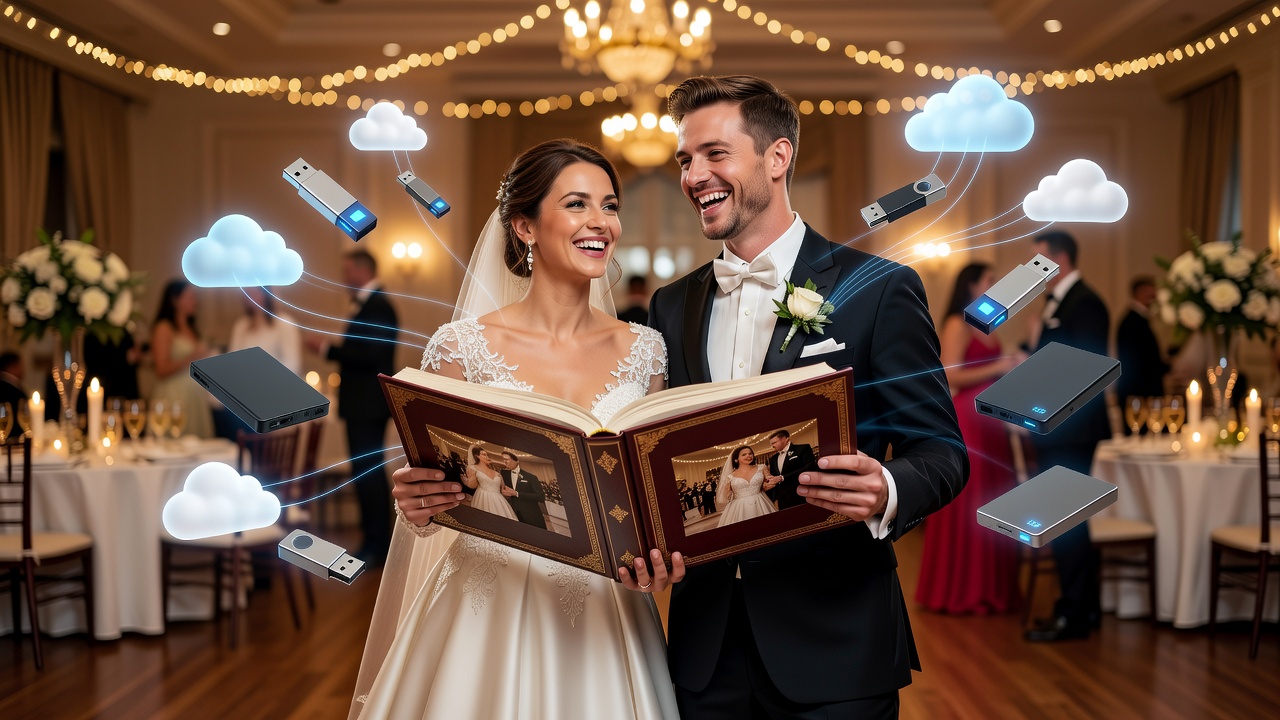
Your wedding photo collection is one of the most precious treasures you'll ever own. While professional photographers capture the formal moments, guest photos often hold the candid, emotional shots that tell the real story of your day. Losing these irreplaceable memories due to a failed hard drive, lost phone, or corrupted file is a nightmare no couple should face. This guide walks you through a complete backup strategy to protect every single photo.
Why Your Wedding Photo Collection Needs Protection
Guest photos come from dozens of sources—phones, cameras, tablets—each with different storage lifespans and failure rates. A 2023 data recovery study found that 21% of smartphone users lose photos annually due to device failure, accidental deletion, or theft. For weddings, this risk compounds: hundreds of contributors, multiple file formats, and no single point of control.
The solution isn't hoping nothing goes wrong. It's building a redundant, tested backup system before your wedding day arrives.
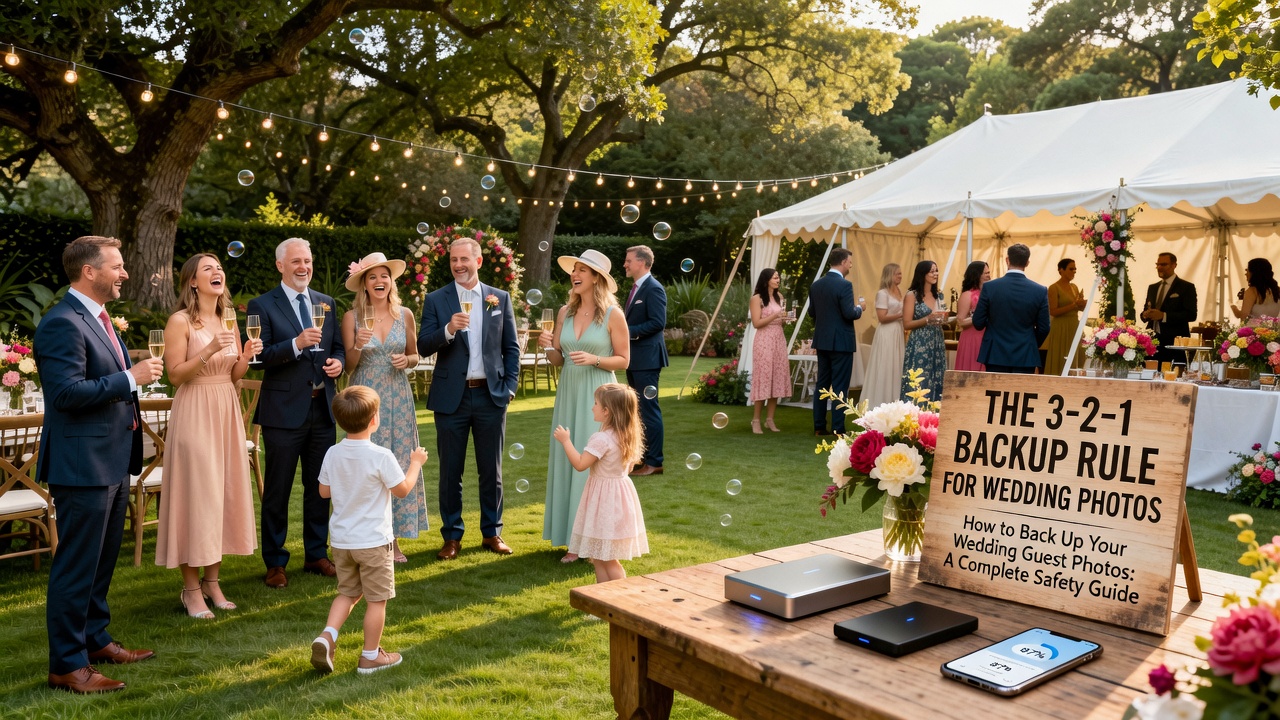
The 3-2-1 Backup Rule for Wedding Photos
The gold standard for data protection applies perfectly to your wedding photo collection:
- 3 copies of every photo
- 2 different storage media (cloud + local)
- 1 offsite copy separated physically from the others
This rule ensures that no single failure—device crash, house fire, or service outage—can wipe out your memories.
Cloud Storage Solutions for Guest Photos
Cloud backup is your first and most accessible layer of protection. These services offer automatic syncing, sharing features, and robust redundancy on their end.
Google Photos provides 15GB free (shared with Gmail/Drive) and excellent sharing via albums. Enable backup from guest phones before the wedding. iCloud Photos works seamlessly for Apple users with 5GB free tier. Amazon Photos offers unlimited full-resolution backup for Prime members—a standout value.
For collaborative collection, Dropbox and Microsoft OneDrive allow shared folders where guests can upload directly. Create a dedicated wedding folder and share the link via QR code at reception tables.
Pro tip: Test upload speeds at your venue beforehand. Rural locations may have poor connectivity—have a backup plan for post-wedding uploads.
Local Backup Strategies
Cloud services can have outages, account lockouts, or subscription lapses. Local backups give you physical control.
External SSDs are fastest and most reliable for bulk photo transfers. A 2TB portable SSD costs under $150 and holds 50,000+ RAW photos. USB flash drives work for distributing copies to family members. NAS (Network Attached Storage) devices like Synology or QNAP offer automated backup from multiple devices and RAID redundancy.
On your wedding night, designate a trusted person to copy all photos from the photographer's cards to two separate drives. This takes 15 minutes and creates your first two local copies immediately.
Building Your Redundancy Plan
Redundancy means overlapping protections so gaps don't align. Here's a practical wedding-day setup:
- Pre-wedding: Create shared cloud albums and share upload links with guests
- During wedding: Photographer shoots to dual memory cards (in-camera backup)
- Reception: Station a laptop with external drive for immediate photo dumps from family cameras
- Day after: Consolidate all cloud uploads, photographer files, and local copies
- Week after: Verify all copies, then create a final archive on a third medium
File Organization and Naming Conventions
Chaos kills backups. A disorganized photo collection leads to missed files during transfers and duplicates that waste storage.
Use this structure: Wedding_YYYY-MM-DD/Source_PhotographerName. Examples: Wedding_2026-09-15/Guest_JohnSmith or Wedding_2026-09-15/Pro_SarahJones. Include date in every filename for chronological sorting. Run duplicate detection software (Duplicate Cleaner, Gemini 2) after consolidation.
Testing and Verification
Backups you don't test are Schrödinger's backups—simultaneously safe and lost until verified.
Monthly spot-checks: open random files from each storage layer. Annually, perform a full restore test to a separate device. Check file integrity with hash verification tools if you're technically inclined. Most importantly, verify your backup system before the wedding, not after.
FAQ
What's the easiest way to collect guest photos automatically?
Create a shared Google Photos or Dropbox album and share the upload link via QR code on table cards or your wedding website. Guests can upload directly from their phones without creating accounts.
How much storage space do I need for a typical wedding photo collection?
Expect 2,000-5,000 photos totaling 15-50GB from guest phones (compressed JPEGs). Professional RAW files add 50-100GB more. Budget 200GB minimum for complete peace of mind.
Should I back up photos before or after the wedding?
Both. Set up cloud albums before the wedding for real-time guest uploads. Perform full consolidated backups within 48 hours after, while devices are accessible and memories are fresh.
Is cloud storage safe for irreplaceable wedding photos?
Reputable services (Google, Apple, Amazon) encrypt data and maintain geographic redundancy. However, use them as one layer in your 3-2-1 strategy, not your only copy. Account hacks and service changes do happen.
Final Checklist: Protect Your Wedding Photo Collection
- ☐ Create shared cloud albums and test sharing links
- ☐ Purchase two external SSDs (2TB minimum)
- ☐ Designate a backup coordinator for wedding day
- ☐ Set up automatic phone backup for key family members
- ☐ Verify photographer shoots with dual card slots
- ☐ Consolidate all copies within 48 hours post-wedding
- ☐ Create organized folder structure with dates and sources
- ☐ Test restore from each backup medium within one month
- ☐ Maintain 3-2-1 compliance: 3 copies, 2 media types, 1 offsite
Your wedding photo collection represents unrepeatable moments of joy, laughter, and love. Technology fails, devices get lost, and accidents happen—but with a systematic backup approach, your memories remain untouchable. Implement this guide before your big day, and you'll spend your anniversary looking at photos instead of mourning lost ones.
Quick answers
What's the easiest way to collect guest photos automatically?
Create a shared Google Photos or Dropbox album and share the upload link via QR code on table cards or your wedding website. Guests can upload directly from their phones without creating accounts.
How much storage space do I need for a typical wedding photo collection?
Expect 2,000-5,000 photos totaling 15-50GB from guest phones (compressed JPEGs). Professional RAW files add 50-100GB more. Budget 200GB minimum for complete peace of mind.
Should I back up photos before or after the wedding?
Both. Set up cloud albums before the wedding for real-time guest uploads. Perform full consolidated backups within 48 hours after, while devices are accessible and memories are fresh.
Is cloud storage safe for irreplaceable wedding photos?
Reputable services (Google, Apple, Amazon) encrypt data and maintain geographic redundancy. However, use them as one layer in your 3-2-1 strategy, not your only copy. Account hacks and service changes do happen.