
Wedding Planning
Guest Photo Sharing for Multi-Day Wedding Weekends
Discover how to organize guest photo sharing across every event of your multi-day wedding weekend using QR codes, shared albums, and smart timing strategies.
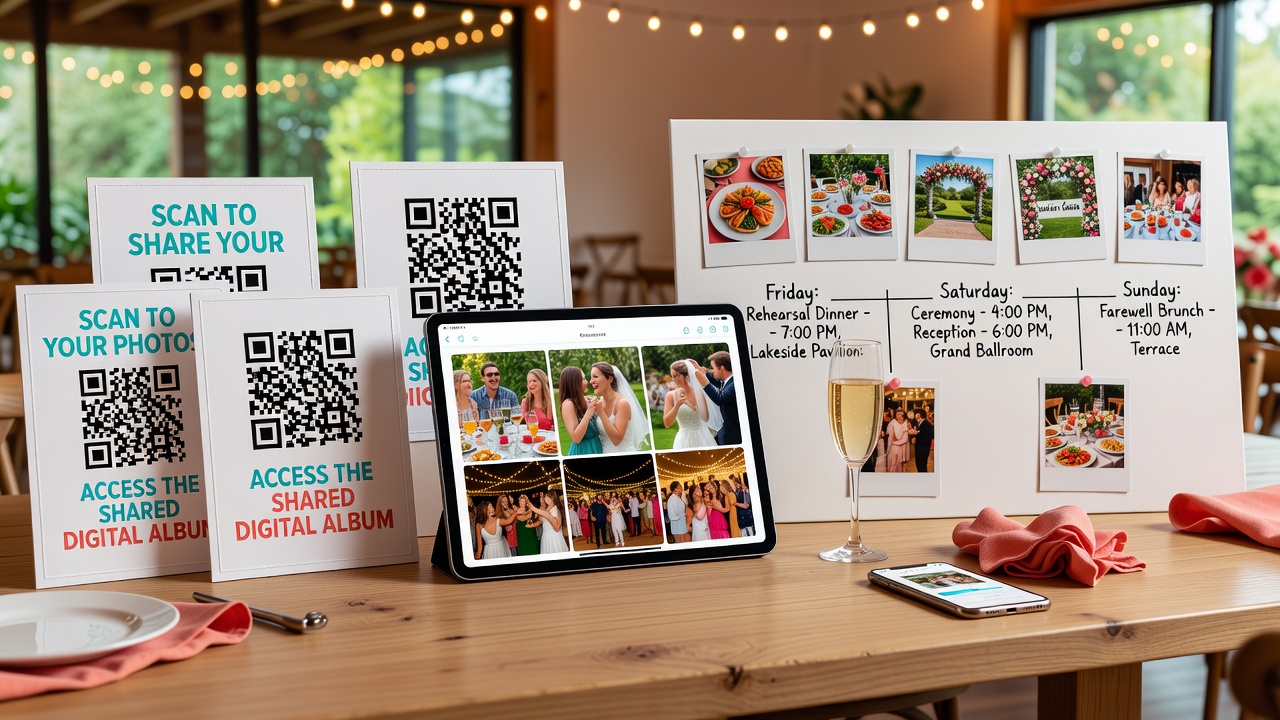
How to Set Up Guest Photo Sharing for a Multi-Day Wedding Weekend
Quick Answer: Create a dedicated event photo gallery for each wedding event using QR codes, shared digital albums, and clear guest communication. Set up albums before the rehearsal dinner, display QR codes at each venue, and appoint a photo coordinator to keep everything organized across your multi-day celebration.
Introduction
Your wedding weekend isn't just one day—it's a tapestry of moments spanning rehearsal dinners, ceremonies, receptions, and farewell brunches. Each event holds memories you'll want to treasure forever, and your guests are capturing hundreds of photos you'll never see if you don't have a system in place.
The challenge? Coordinating photo sharing across multiple events without creating digital chaos. Scattered text messages, forgotten hashtags, and mixed-up albums can turn your precious memories into a frustrating scavenger hunt.
This guide walks you through setting up a streamlined guest photo sharing workflow for your entire wedding weekend. You'll learn event-specific strategies for each celebration, practical technical setups that actually work, and communication tips to ensure every guest knows exactly how to share their best shots.
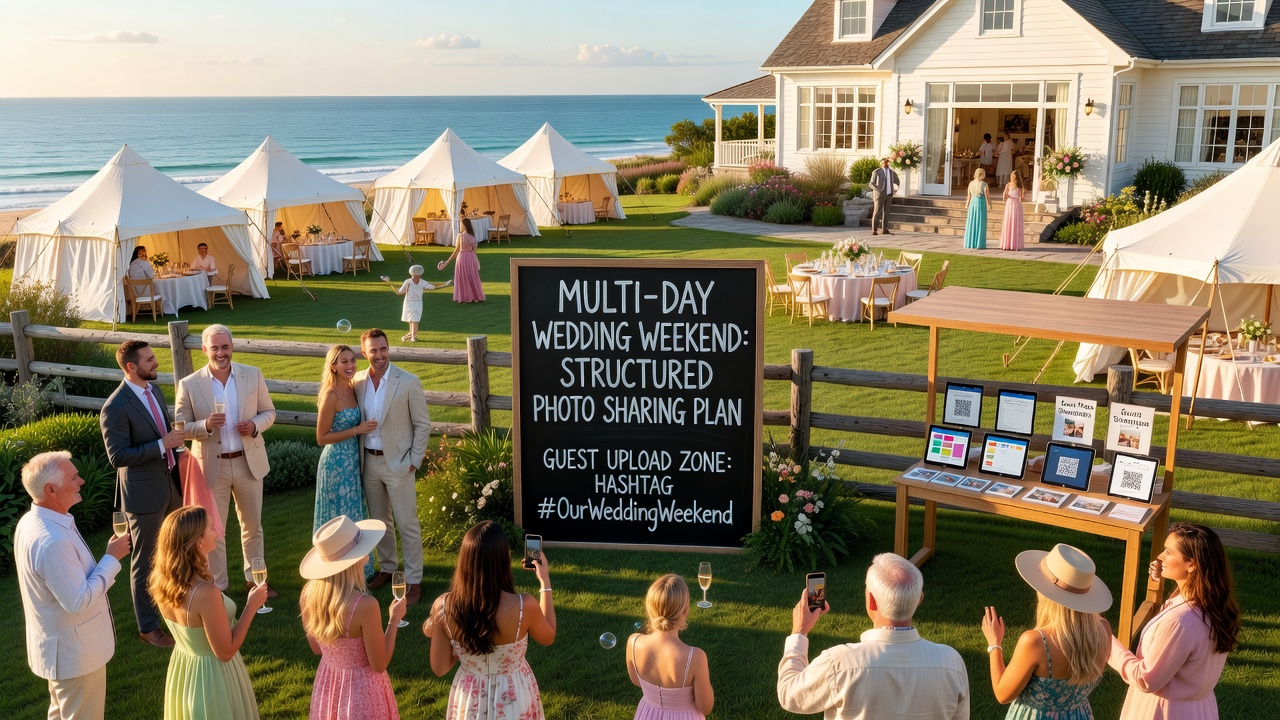
Why Multi-Day Weddings Need a Structured Photo Sharing Plan
Multi-day celebrations create unique photo management challenges that single-day weddings simply don't face:
- Volume: Four events mean 4x the photos—and 4x the potential for disorganization
- Guest overlap variations: Not everyone attends every event, creating different photo pools
- Momentum loss: Guests forget to upload photos after the first event
- Timeline complexity: Photos from different days get mixed together without clear structure
A structured approach solves these problems before they start, ensuring every toast, dance, and candid moment finds its way to your permanent collection.
Event-by-Event Photo Sharing Strategy
Rehearsal Dinner: Setting the Stage
Best approach: Use this intimate gathering to introduce your photo sharing system and get guests comfortable with the process.
The rehearsal dinner is your trial run. With a smaller, more relaxed group, you can test your QR code placement, troubleshoot any technical issues, and create early momentum for photo sharing.
Setup tips:
- Create your first shared album specifically for rehearsal dinner photos
- Display a welcome sign with the QR code and brief instructions at the venue entrance
- Ask your wedding party to model the behavior by uploading photos during the event
- Include a note in your welcome speech mentioning the photo album
Timing: Share the album link 24 hours before the rehearsal dinner so early arrivals can start contributing photos from their travel and pre-wedding activities.
[Internal link: related article on rehearsal dinner planning checklist]
Ceremony: Capturing the Sacred Moments
Best approach: Balance guest photography with professional shots while capturing candid ceremony moments respectfully.
The ceremony requires the most sensitivity around photography. Some couples prefer an unplugged ceremony, while others welcome discreet guest photos. Whatever your choice, communicate it clearly.
Setup tips:
- If allowing guest photos, place QR code cards on ceremony programs or seating cards
- Create a separate "Ceremony" album to keep these photos distinct from reception festivities
- Consider designating specific moments (like the recessional) as photo-friendly times
- Ask ushers to remind guests about the shared album before the ceremony begins
Important: Respect your photographer's contract terms. Many professionals include clauses about guest photography during key moments. [External link: authoritative source on wedding photography etiquette]
Reception: The Photo Sharing Peak
Best approach: Maximize participation with multiple QR code touchpoints and real-time album engagement.
The reception generates the highest volume of guest photos—dancing, speeches, cake cutting, and candid table moments. This is where your photo sharing system proves its worth.
Setup tips:
- Place QR code table tents at every table and near the bar
- Create sub-albums or use album features that auto-sort by time if your platform supports it
- Assign a "photo ambassador" from your wedding party to encourage uploads throughout the night
- Set up a photo booth with a dedicated QR code for instant booth photo sharing
- Consider a brief announcement during speeches reminding guests to upload their photos
Pro tip: If your venue has TVs or screens, some platforms allow live photo feeds—guests upload photos and they appear on screen in real-time. This creates instant engagement and encourages more uploads.
Brunch: Capturing the Final Moments
Best approach: Use this relaxed gathering for group photos and final farewell shots while the sharing momentum is still strong.
The farewell brunch often gets overlooked in wedding photo planning, but it captures some of the most genuine moments—relaxed conversations, group goodbye shots, and travel-weary but happy faces.
Setup tips:
- Create a final "Farewell Brunch" album or add photos to your main weekend album
- Display QR codes on brunch menus or place cards
- Encourage group photos by suggesting specific shots ("Everyone who traveled from out of state—group photo!")
- Set a gentle deadline for photo uploads (e.g., "Share by Sunday evening")
Technical Setup: Tools and Platforms
Choosing Your Photo Sharing Platform
Several platforms work well for wedding photo sharing. Consider these options based on your needs:
| Platform | Best For | Key Feature |
|---|---|---|
| Google Photos | Universal access | Free storage, easy sharing |
| Apple Shared Albums | iPhone-heavy guest lists | Native iOS integration |
| Wedshoots | Wedding-specific features | Guest upload without account |
| Dropbox | Professional backup | High-resolution preservation |
| Wedding-specific apps | All-in-one wedding management | Guest list integration |
Choose one platform and stick with it. Asking guests to use multiple systems guarantees confusion and incomplete uploads.
QR Code Strategy
QR codes eliminate the friction of typing URLs or searching for albums. Here's how to use them effectively:
- Size matters: QR codes should be at least 2x2 inches for reliable scanning
- Placement: Entrance signs, table tents, programs, bathroom mirrors (seriously—people check their phones there)
- Backup text: Always include the album URL in text below the QR code for guests with older phones
- Testing: Test every QR code with multiple phones before printing
- Multiple touchpoints: Don't rely on a single QR code location
Common mistake: Creating one QR code for the entire weekend. Create separate codes for each event or one code that links to a master page with links to each day's album.
Album Organization Structure
Organize your albums logically so you can find photos later:
- "Smith-Johnson Wedding Weekend" (master album)
- "Friday: Rehearsal Dinner"
- "Saturday: Ceremony"
- "Saturday: Reception"
- "Sunday: Farewell Brunch"
This structure makes it easy to find specific moments without scrolling through hundreds of unrelated photos.
Guest Communication Strategy
Even the best technical setup fails without clear communication. Here's your guest communication timeline:
Before the Wedding (2-3 Weeks Out)
- Include photo sharing instructions in your wedding website
- Mention the shared album in your welcome bags or out-of-town guest information
- Share the first album link with the wedding party for testing
Day Before Each Event
- Send a brief text or email reminder with the album link
- Include simple instructions: "Tap the link, upload your favorites"
During Events
- QR codes at every venue
- Verbal reminders from wedding party or officiant
- Signage with clear, friendly instructions
After the Wedding (1-2 Weeks)
- Send a thank-you message that includes the final album link
- Set a gentle deadline for remaining uploads
- Download and back up all photos to your personal storage
Common Mistakes to Avoid
- Waiting until the wedding day to set up albums: Test everything at least a week early
- Creating too many albums: One per event maximum—guests won't navigate complex folder structures
- Forgetting about Android users: Test QR codes and links on both iOS and Android
- Not backing up photos: Download everything after the wedding—platforms change, links break
- Expecting professional quality: Guest photos are candid and imperfect—that's their charm
- Ignoring privacy concerns: Some guests may not want photos shared publicly—use private albums by default
Key Takeaways
- Create separate albums for each wedding weekend event to maintain organization and make photos easy to find later
- Use QR codes strategically placed at multiple touchpoints—entrance signs, table tents, programs, and bathroom mirrors
- Test your photo sharing setup during the rehearsal dinner with a smaller group before the main events
- Communicate photo sharing instructions clearly before, during, and after each event
- Choose one platform and stick with it—multiple systems create confusion and incomplete uploads
- Always include the direct URL as backup text below every QR code for guests with older phones
- Download and back up all photos within two weeks of your wedding while links and platforms are still active
- Appoint a "photo ambassador" from your wedding party to encourage uploads and troubleshoot issues during events
Frequently Asked Questions
What's the best free platform for wedding photo sharing?
Google Photos offers the best free option with 15GB of storage, universal access across devices, and simple album sharing without requiring guests to create accounts. For iPhone-heavy guest lists, Apple Shared Albums work seamlessly but require Apple devices.
How do I handle guests who don't have smartphones?
Ask a tech-savvy family member or wedding party member to collect photos from non-smartphone guests via email or physical photo sharing after the wedding. Include the album URL in printed materials so they can view photos even if they can't upload.
Should I create one album or separate albums for each event?
Create separate albums for each event. With potentially thousands of photos across a multi-day celebration, one massive album becomes unwieldy. Separate albums make it easier to find specific moments and share selectively with guests who attended only certain events.
When should I send guests the photo album links?
Share the first album link 24-48 hours before the rehearsal dinner. Send reminder links the morning of each event. After the wedding, send a final reminder with a gentle upload deadline of one week.
How do I prevent inappropriate photos from appearing in the shared album?
Most platforms allow album owners to moderate uploads. Enable moderation features before sharing the album link. Appoint a trusted wedding party member as a co-moderator to remove inappropriate content quickly during events.
Can I use the same QR code for the entire wedding weekend?
Avoid using one QR code for everything. Either create separate QR codes for each event's album, or create one master QR code that links to a simple webpage listing links to each day's album. Single QR codes linking to one album create confusion and mixed-up photos.
What's the best way to encourage guests to actually upload their photos?
Make it effortless with QR codes placed everywhere, give verbal reminders during speeches, and create social momentum by having the wedding party upload photos first. Consider offering incentives like "Best photo wins a gift card" to boost participation.
How long should I keep the photo albums active?
Keep albums active for at least 3-6 months after the wedding. Download all photos to your personal backup storage within two weeks. Some platforms have storage limits or delete inactive albums after extended periods.
Should I hire a professional photographer if guests are taking photos?
Professional photographers capture entirely different quality and moments than guest photos. Guest photography complements but never replaces professional coverage. Professionals handle lighting, composition, and key moments while guests capture candid, behind-the-scenes perspectives.
How do I share photos with guests who couldn't attend?
Create a "Wedding Weekend Highlights" album with your favorite photos from each event. Share this curated album via email or social media with absent guests. Consider sending a digital photo book link as a thoughtful follow-up gesture.
Conclusion
A multi-day wedding weekend creates an incredible collection of memories across multiple celebrations, but only if you capture them systematically. By setting up a clear event photo gallery structure, using QR codes to eliminate friction, and communicating consistently with your guests, you'll end your wedding weekend with thousands of candid moments—not just the professional shots, but the genuine laughter, tears, and joy your guests witnessed.
The key is preparation. Set up your albums before the rehearsal dinner, test everything with your wedding party, and create multiple touchpoints for guests to participate. Your future self will thank you when you're reliving every moment of your perfect weekend through the eyes of the people who shared it with you.
Ready to start planning your wedding photo sharing strategy? Explore WedPlanner's wedding planning tools to create your custom photo timeline and guest communication templates.
Quick answers
What's the best free platform for wedding photo sharing?
Google Photos offers the best free option with 15GB of storage, universal access across devices, and simple album sharing without requiring guests to create accounts. For iPhone-heavy guest lists, Apple Shared Albums work seamlessly but require Apple devices.
How do I handle guests who don't have smartphones?
Ask a tech-savvy family member or wedding party member to collect photos from non-smartphone guests via email or physical photo sharing after the wedding. Include the album URL in printed materials so they can view photos even if they can't upload.
Should I create one album or separate albums for each event?
Create separate albums for each event. With potentially thousands of photos across a multi-day celebration, one massive album becomes unwieldy. Separate albums make it easier to find specific moments and share selectively with guests who attended only certain events.
When should I send guests the photo album links?
Share the first album link 24-48 hours before the rehearsal dinner. Send reminder links the morning of each event. After the wedding, send a final reminder with a gentle upload deadline of one week.
How do I prevent inappropriate photos from appearing in the shared album?
Most platforms allow album owners to moderate uploads. Enable moderation features before sharing the album link. Appoint a trusted wedding party member as a co-moderator to remove inappropriate content quickly during events.
Can I use the same QR code for the entire wedding weekend?
Avoid using one QR code for everything. Either create separate QR codes for each event's album, or create one master QR code that links to a simple webpage listing links to each day's album. Single QR codes linking to one album create confusion and mixed-up photos.
What's the best way to encourage guests to actually upload their photos?
Make it effortless with QR codes placed everywhere, give verbal reminders during speeches, and create social momentum by having the wedding party upload photos first. Consider offering incentives like "Best photo wins a gift card" to boost participation.
How long should I keep the photo albums active?
Keep albums active for at least 3-6 months after the wedding. Download all photos to your personal backup storage within two weeks. Some platforms have storage limits or delete inactive albums after extended periods.
Should I hire a professional photographer if guests are taking photos?
Professional photographers capture entirely different quality and moments than guest photos. Guest photography complements but never replaces professional coverage. Professionals handle lighting, composition, and key moments while guests capture candid, behind-the-scenes perspectives.
How do I share photos with guests who couldn't attend?
Create a "Wedding Weekend Highlights" album with your favorite photos from each event. Share this curated album via email or social media with absent guests. Consider sending a digital photo book link as a thoughtful follow-up gesture.