
Event Planning
Guest Photo Sharing for Gender Reveal Parties: Complete Setup Guide
Master guest photo sharing for gender reveal parties with our complete setup guide. Learn how to create shared albums, position QR codes for easy access, and capture genuine reactions from every guest's perspective.
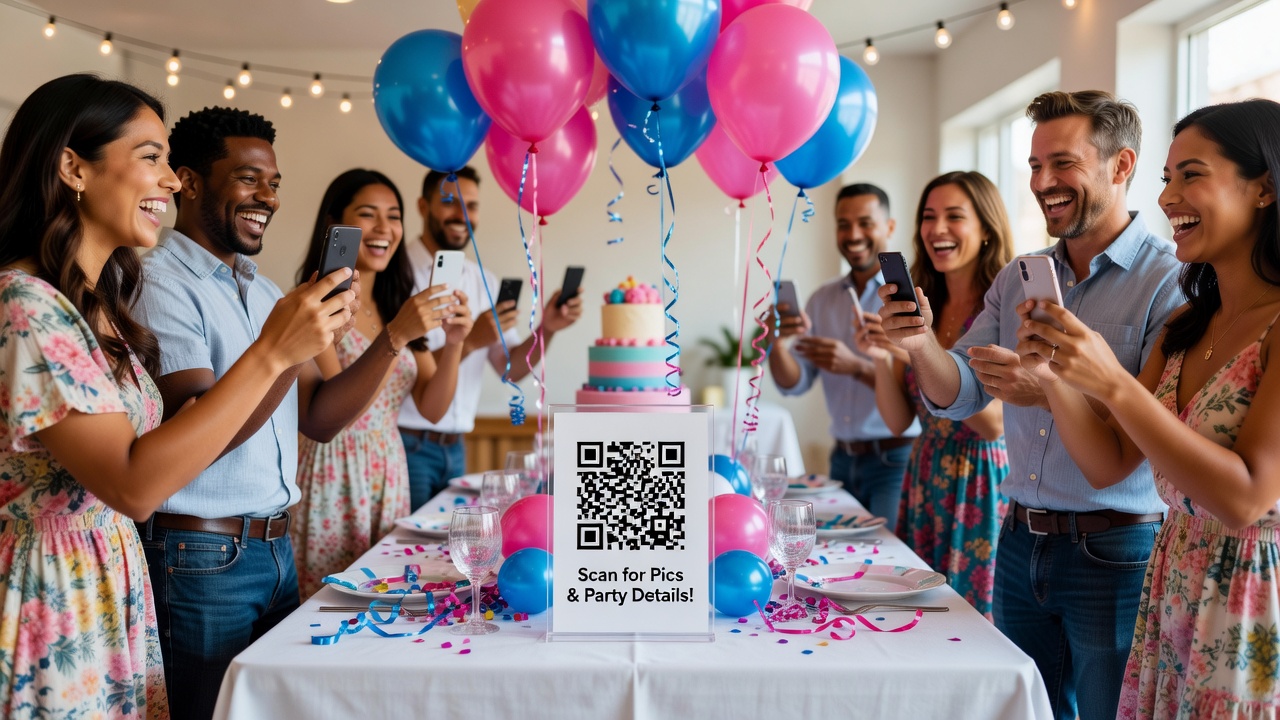
Guest Photo Sharing for Gender Reveal Parties: A Complete Setup Guide
The best way to set up guest photo sharing for a gender reveal party is to create a shared digital album beforehand, place QR codes at strategic locations for instant access, and designate a few friends as "reaction photographers" to capture genuine emotions from multiple angles as the big moment unfolds.
Introduction
Gender reveal parties are all about that single, unforgettable moment when expectant parents share their baby's gender with loved ones. But here's what most hosts don't realize: the reactions, tears, and celebrations that follow are often more memorable than the reveal itself.
Without a proper photo sharing setup, you're relying on scattered phone snapshots that never get collected. Guests take photos but never share them. The genuine surprise on Grandma's face? Lost forever. This guide gives you a practical, implementable system to capture every angle and emotion while making it effortless for guests to contribute their own shots.
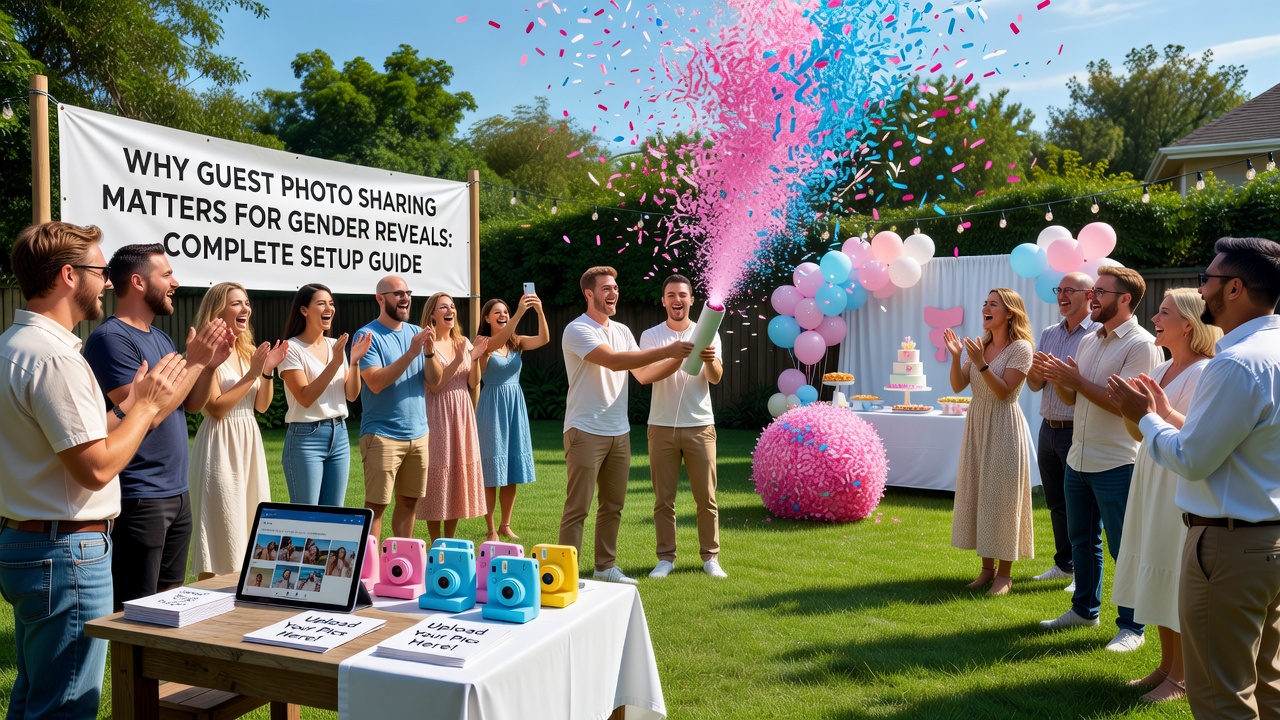
Why Guest Photo Sharing Matters for Gender Reveals
Gender reveal parties have a unique photography challenge: one explosive moment surrounded by hours of anticipation and celebration. Unlike weddings with staged photo sessions, the magic here is raw, spontaneous, and fleeting.
Professional photographers can't be everywhere at once. A single camera misses the gasp from the back row, the hug between siblings, or the father-to-be's trembling hands. Guest photo sharing solves this by turning every attendee into a potential photographer, capturing perspectives no single professional could achieve.
Plus, guests love contributing. It makes them feel involved and gives them access to photos they wouldn't otherwise see. A well-orchestrated sharing system turns your event into a collaborative memory-making experience.
Choosing the Right Photo Sharing Method
Your platform choice determines how smoothly everything flows on party day. Here's what actually works in 2024:
Shared Album Apps (Recommended for Most Hosts)
Google Photos shared albums and Apple iCloud shared albums dominate for good reason: zero learning curve, no app downloads for existing users, and automatic backup. Guests already know how to take photos on their phones; these services meet them where they are.
Google Photos: Create an album, tap the share icon, and generate a link. Anyone with the link can add photos without a Google account. The link never expires, and storage counts against your Google account (15GB free).
Apple Shared Albums: Create in the Photos app, invite via iMessage or email. Guests with Apple devices add photos natively; Android users get a web upload link. Limited to 5,000 photos per album.
Dedicated event apps (WedShoots, The Guest): These create a more curated experience but require guest downloads. Worth considering for tech-savvy crowds, but expect 30-40% non-participation from guests who won't install apps.
QR Code-Based Solutions
QR codes bridge the gap between physical and digital sharing. Generate a QR code linking to your shared album and print multiple copies on cardstock. Place them where guests naturally gather: the welcome table, near the food, by the gift area, and on table centerpieces.
Test your QR code from multiple devices before printing. Some guests will use older phones with finicky cameras, so ensure the code is large enough (minimum 1.5 inches square) and printed with high contrast.
Pre-Party Setup: The 48-Hour Checklist
Most photo sharing failures happen because hosts set everything up day-of, when they're already overwhelmed. Do this two days ahead:
Create your shared album: Name it descriptively ("Jordan & Alex Gender Reveal - August 2026") so guests recognize it in their photo libraries.
Generate and test your QR code: Use a free generator like QRCode Monkey or the built-in Google Photos sharing link. Test scans from iPhone, Android, and a friend's device.
Print QR code signs: Print at least 6-8 copies on cardstock. Include brief instructions: "Scan to add your photos!" Laminate if outdoors.
Brief your key photographers: Identify 2-3 friends who are already comfortable with their phones. Give them specific assignments: one focuses on the parents-to-be during the reveal, one captures wide crowd reactions, one gets close-ups of grandparents and siblings.
Post a preview in your event group chat: "Excited for Saturday! We're using a shared album so everyone can see all the photos. QR codes will be on every table. Just scan and start adding!"
Capturing Genuine Reactions: The Photographer's Playbook
The reveal moment lasts maybe 10 seconds. Here's how to ensure you don't miss the magic:
Position Your Phone Photographers Strategically
Place one photographer behind the parents (facing the crowd) to capture the crowd's reaction as the reveal happens. Position another to the side for profile shots of the parents' faces. A third across the room gets the wide establishing shot showing the full scene.
Tell them: shoot in burst mode, not single shots. On iPhone, hold the shutter and swipe left. On Android, enable burst mode in camera settings. You'll get 20-30 frames of a 5-second moment instead of 3-4.
Time Your Shots
The genuine reaction peaks at slightly different times for different people. The mom-to-be might gasp immediately. The grandmother might take 2 seconds to process, then tear up. The friend filming on their own phone misses it entirely. Continuous shooting from multiple angles guarantees you capture each person's authentic moment.
Don't Forget the Before and After
The anticipation build-up (guests holding their guesses, the countdown, the nervous energy) and the aftermath (hugs, group photos with the reveal prop, calling family members who couldn't attend) are equally photo-worthy. Encourage photographers to keep shooting for 5 minutes after the main reveal.
Day-of Implementation: Making It Effortless
Even the best-planned photo sharing fails if guests can't figure it out in the moment. Here's how to remove every friction point:
QR Code Placement Strategy
Place QR codes at every natural pause point: the welcome table where guests check in, next to the food where they linger, on each table centerpiece, near the bathroom (seriously — captive audience), and by the gift area.
Use table tents rather than flat cards — they stand up and catch attention. For outdoor events, tape them to coolers, tent poles, or clip them to string lights.
The 30-Second Tutorial
Don't rely on written instructions alone. When guests arrive, have the designated host or a bridesmaid-style helper demonstrate: "We're doing a shared photo album! Just scan any of these QR codes, and you can add your photos straight from your camera roll. Everyone will get to see all the pictures after the party!"
Designate a Photo Wrangler
Assign one reliable friend (not you — you'll be too busy) as the "photo wrangler." Their job: check the album during the party, make sure photos are actually appearing, troubleshoot anyone having trouble, and remind people to add their shots before they leave.
Common Mistakes and How to Avoid Them
After dozens of events, the same failures repeat:
Mistake: Creating the album morning-of. You forget, get distracted, or create it hastily with a confusing name. Solution: Use the 48-hour checklist above.
Mistake: Assuming guests know how shared albums work. Many people have never joined a shared album and feel awkward asking. Solution: Verbally demonstrate and post a screenshot tutorial in your group chat beforehand.
Mistake: Only placing one QR code. If it's at the welcome table, guests who arrive late or bypass it never see it. Solution: Six to eight placements minimum.
Mistake: Forgetting to back up the album. If the album owner deletes their Google Photos or changes settings, photos can disappear. Solution: Download the full album to your computer within 48 hours post-event.
Mistake: Expecting professional-quality photos from guests. Guest photos will be shaky, poorly lit, and occasionally blurry. That's the charm. The goal is capturing moments, not gallery-quality art.
Post-Party: Curating and Sharing
The party ends, but the photo sharing shouldn't. Within 48 hours:
Download the entire album and back it up to a second location (external drive, cloud storage). Shared albums can be accidentally deleted or have permissions changed.
Create a "best of" selection: 30-50 photos that tell the story from arrival through cleanup. Share this curated set in your group chat or via email for guests who want highlights without scrolling 200 images.
Consider creating a photo book or framed collage from the best shots as a keepsake for the parents-to-be. Services like Shutterfly, Mixbook, or even CVS Photo make this easy and affordable.
Key Takeaways
- Create your shared album 48 hours before the party — never day-of
- Place QR codes at 6-8 strategic locations using table tents for visibility
- Assign 2-3 "reaction photographers" with specific angles and burst mode instructions
- Designate a non-host "photo wrangler" to troubleshoot and remind guests
- Download and back up the full album within 48 hours of the event
- Encourage burst mode shooting to capture the exact moment of genuine reaction
- Post-party, create a curated "best of" selection for easy sharing
Frequently Asked Questions
What if guests don't know how to join a shared album?
Demonstrate the process in your event group chat before the party and again verbally when guests arrive. QR codes eliminate most confusion since they open the album directly without manual searching.
Do guests need to download a special app?
Most guests won't need to download anything. Google Photos shared albums work through any web browser, and Apple Shared Albums send a web link to non-Apple users. Avoid app-only solutions that require downloads.
How do I ensure good photos without hiring a professional?
Assign specific roles to your most reliable phone photographers, brief them on burst mode and positioning, and accept that guest photos will be candid and imperfect by design. The authenticity matters more than technical perfection.
What if the QR code doesn't scan?
Print QR codes at minimum 1.5 inches square with high contrast on white backgrounds. Test with multiple devices before printing, and always have the direct album link available in your group chat as a backup.
How many photos should I expect guests to contribute?
Typically 50-150 photos from a 20-person party with active encouragement. Larger groups with QR codes prominently displayed may generate 200-400. Participation increases dramatically when you verbally demonstrate the process during arrivals.
Should I hire a professional photographer AND do guest sharing?
Absolutely. Professionals capture the polished, frame-worthy shots while guest sharing captures spontaneous moments from impossible angles. The two complement each other perfectly — use guest photos for the full story and pro shots for the album centerpiece.
How do I handle guests who don't want their photos shared?
Include a brief note on your QR code signs: "By adding photos, you agree to share them with party guests. Let the host know if you prefer not to be photographed during the reveal." Respect any requests immediately.
Can I use this same setup for other events?
Yes — the same guest photo sharing system works brilliantly for baby showers, birthday parties, retirement celebrations, and engagement parties. The core elements (shared album, QR codes, designated photographers) adapt to any gathering.
Conclusion
Guest photo sharing transforms your gender reveal party from a single moment into a collaborative collection of memories. The setup is simple: create your album early, place QR codes everywhere, brief your photographers, and let the magic happen organically.
The photos you'll treasure most aren't the perfectly composed shots — they're the candid gasps, the tearful hugs, and the joy you were too busy hosting to witness yourself. A well-executed sharing system ensures you miss nothing.
Ready to plan the perfect gender reveal? [Internal link: related article on gender reveal party planning checklist] Start with your photo sharing setup 48 hours out, and you'll thank yourself every time you revisit that album.
Quick answers
What if guests don't know how to join a shared album?
Demonstrate the process in your event group chat before the party and again verbally when guests arrive. QR codes eliminate most confusion since they open the album directly without manual searching.
Do guests need to download a special app?
Most guests won't need to download anything. Google Photos shared albums work through any web browser, and Apple Shared Albums send a web link to non-Apple users. Avoid app-only solutions that require downloads.
How do I ensure good photos without hiring a professional?
Assign specific roles to your most reliable phone photographers, brief them on burst mode and positioning, and accept that guest photos will be candid and imperfect by design. The authenticity matters more than technical perfection.
What if the QR code doesn't scan?
Print QR codes at minimum 1.5 inches square with high contrast on white backgrounds. Test with multiple devices before printing, and always have the direct album link available in your group chat as a backup.
How many photos should I expect guests to contribute?
Typically 50-150 photos from a 20-person party with active encouragement. Larger groups with QR codes prominently displayed may generate 200-400. Participation increases dramatically when you verbally demonstrate the process during arrivals.
Should I hire a professional photographer AND do guest sharing?
Absolutely. Professionals capture the polished, frame-worthy shots while guest sharing captures spontaneous moments from impossible angles. The two complement each other perfectly.
How do I handle guests who don't want their photos shared?
Include a brief note on your QR code signs about photo sharing consent. Let guests know they can opt out of being photographed during the reveal, and respect any requests immediately.
Can I use this same setup for other events?
Yes — the same guest photo sharing system works brilliantly for baby showers, birthday parties, retirement celebrations, and engagement parties. The core elements adapt to any gathering.