
Technology
Guest Camera App: Browser Event Photography in 2026
Browser-based guest camera apps are redefining event photography in 2026, enabling instant photo sharing, real-time collaboration, and professional-quality results without downloading software.

Guest Camera App: The 2026 State of Browser-Based Event Photography
Quick Answer: A guest camera app is a browser-based tool that lets event attendees capture, share, and collaborate on photos instantly without downloading software. In 2026, these apps offer real-time galleries, AI enhancements, QR code access, and professional-quality outputs—reshaping how events are documented and remembered.
Introduction
Remember when event photography meant hiring a professional, waiting weeks for edited photos, and hoping someone remembered to tag you on Facebook? Those days are fading fast.
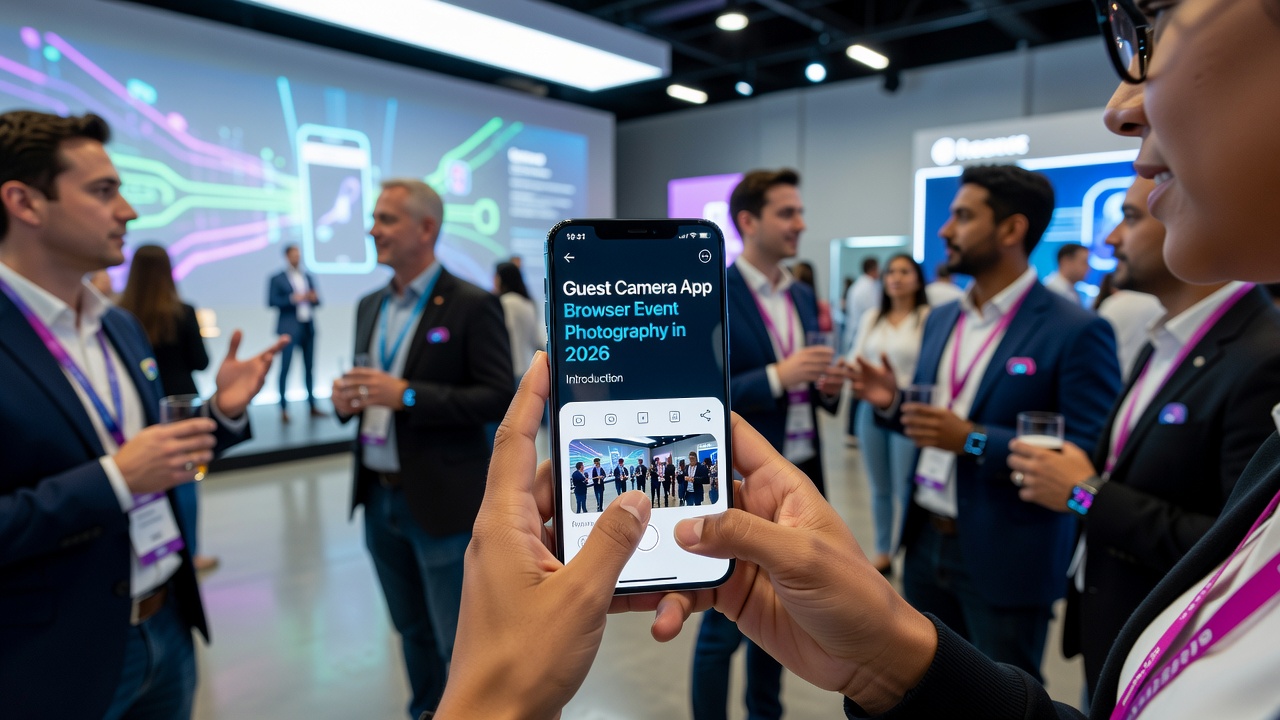
In 2026, the guest camera app has emerged as the backbone of modern event photography. Whether it's a wedding, corporate conference, music festival, or birthday party, attendees now expect instant access to shared photo galleries, real-time collaboration, and professional-quality images—all from their phones, without installing anything.
This shift isn't just about convenience. Browser-based guest cameras are fundamentally reshaping how we think about event documentation, audience engagement, and memory preservation. No downloads. No friction. Just point, shoot, share.
This pillar page dives deep into the current state of guest camera technology: what's possible today, what features are emerging, and how browser-based cameras are becoming the default choice for event organizers worldwide.
What Is a Guest Camera App?
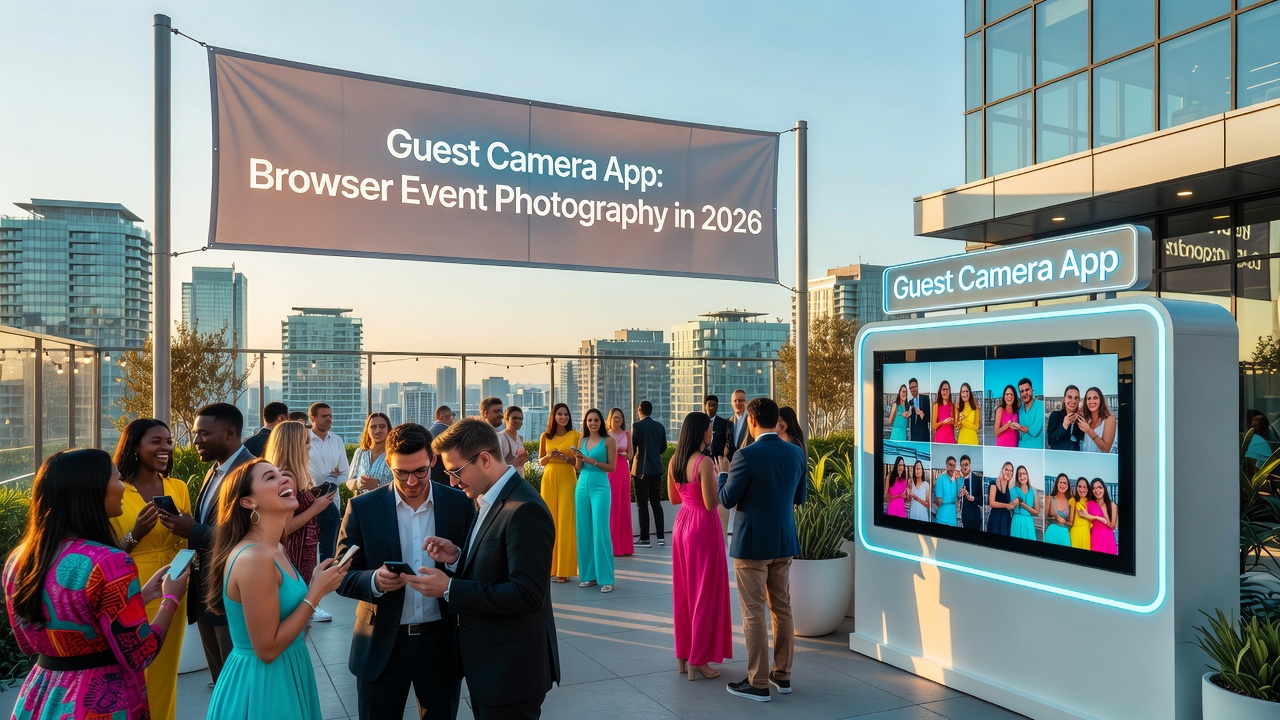
A guest camera app is a web-based application that allows event attendees to use their smartphone cameras to capture photos and videos that are instantly uploaded to a shared, centralized gallery. Unlike traditional photo-sharing apps, guest camera apps require no downloads, no account creation, and no technical setup—guests simply scan a QR code or click a link to start shooting.
How It Works
- Event Setup: Organizers create an event and generate a unique QR code or URL.
- Guest Access: Attendees scan the code with their phone camera, which opens the app directly in their browser.
- Capture & Upload: Guests take photos or videos, which upload instantly to a shared gallery.
- Real-Time Gallery: All attendees can view, download, and share the collective moments as they happen.
Key Differences from Traditional Event Photography
| Feature | Traditional Photography | Guest Camera App |
|---|---|---|
| Setup Time | Hours of planning | Minutes |
| Guest Participation | Passive | Active & collaborative |
| Photo Delivery | Days or weeks | Instant |
| Cost | $500–$5,000+ | Free to $200/event |
| Device Requirements | Professional camera | Any smartphone |
| Software Installation | None | None (browser-based) |
What's Possible with Browser-Based Guest Cameras in 2026
Browser technology has evolved dramatically. What was once limited to simple photo uploads is now a sophisticated photography ecosystem running entirely in the browser.
Instant Upload and Cloud Storage
Modern guest camera apps leverage WebRTC, progressive web app (PWA) technology, and cloud APIs to enable near-instant photo uploads. Guests capture an image, and within seconds it appears in the shared gallery—often before they've lowered their phone.
This immediacy transforms the event experience. Guests can relive moments while they're still happening, share highlights on social media in real-time, and create a collective narrative that no single photographer could capture alone.
AI-Powered Photo Enhancement
Artificial intelligence now runs directly in the browser through WebGPU and TensorFlow.js. Guest camera apps in 2026 can:
- Auto-correct lighting and color balance
- Remove unwanted background elements
- Apply real-time filters and artistic styles
- Detect and enhance faces automatically
- Generate alt text for accessibility
These enhancements happen on-device or at the edge, ensuring privacy while delivering professional-quality results from amateur photographers.
Live Collaborative Galleries
The gallery isn't just a photo dump—it's a living, collaborative space. Features now include:
- Real-time commenting: Guests react to and discuss photos as they're uploaded
- Highlight curation: AI or human moderators surface the best moments
- Story compilation: Automatic generation of event timelines and highlight reels
- Social sharing: One-click export to Instagram, TikTok, and messaging apps
QR Code and NFC Integration
Access friction has been eliminated. Modern guest camera apps use:
- Dynamic QR codes: Printed on table cards, signage, or digital displays
- NFC tap-to-join: For devices that support near-field communication
- SMS and messaging links: Direct distribution through WhatsApp, iMessage, or email
- Geofenced auto-prompts: Guests receive a notification when they arrive at the venue
Multi-Device Synchronization
Guests aren't limited to their phones. Browser-based guest cameras work across:
- Smartphones (iOS and Android)
- Tablets and iPads
- Laptops and desktops (for viewing and downloading)
- Smart displays and digital photo frames
- Connected TVs (for slideshow mode)
Privacy and Moderation Controls
With great sharing comes great responsibility. Modern apps offer:
- Guest consent flows: Opt-in mechanisms before photos appear publicly
- AI moderation: Automatic detection of inappropriate content
- Manual review queues: Human oversight for sensitive events
- Download permissions: Granular controls over who can save what
- Expiry settings: Automatic deletion after a set period
Emerging Features in Guest Camera Technology
The pace of innovation shows no signs of slowing. Here are the features pushing the boundaries in 2026:
Spatial and 3D Capture
With WebXR support improving in browsers, some guest camera apps now support:
- 360-degree panoramic capture
- 3D photo and depth map generation
- Augmented reality overlays and filters
- Spatial audio recording synchronized with video
These features are particularly popular at weddings and immersive brand experiences, where capturing the feeling of a space matters as much as the visuals.
Blockchain-Based Photo Provenance
For events where authenticity matters—corporate gatherings, legal proceedings, journalism—some platforms now offer:
- Blockchain timestamping to prove when a photo was taken
- Cryptographic verification of unedited originals
- Digital signatures from photographers
This isn't mainstream yet, but it's gaining traction in professional and enterprise use cases.
Voice-Activated and Hands-Free Capture
Using the Web Speech API and device motion sensors:
- Guests can trigger photos with voice commands
- Auto-capture when the camera is raised to eye level
- Interval shooting for time-lapse creation
- Gesture controls for group shots
Integration with Event Management Platforms
Guest camera apps are no longer standalone tools. They now integrate with:
- Event registration systems (Eventbrite, Cvent, Splash)
- CRM platforms (Salesforce, HubSpot)
- Marketing automation tools
- Social media management dashboards
- Virtual and hybrid event platforms (Zoom, Hopin, Webex)
This integration enables powerful workflows: attendees who upload photos can be automatically added to nurture campaigns, or photos can trigger real-time social media posts.
On-Device RAW Processing
Professional photographers using guest camera apps at hybrid events can now capture RAW images directly in the browser, with:
- RAW-to-JPEG conversion at the edge
- Custom color profile application
- Lossless zoom and crop capabilities
How Browser-Based Cameras Are Reshaping Event Photography
The impact of guest camera apps extends far beyond convenience. They're changing the economics, aesthetics, and social dynamics of event documentation.
Democratization of Event Photography
Previously, professional-quality event coverage was a luxury reserved for weddings and corporate galas. Now, every birthday party, baby shower, and community gathering can have a comprehensive visual record.
This democratization has a cultural impact: more moments are preserved, more voices are documented, and the visual history of our lives becomes richer and more inclusive.
The Shift from Solo to Collective Storytelling
Traditional event photography is hierarchical: one (or a few) professionals decide what's worth capturing. Guest camera apps flip this model.
With 50, 100, or 500 guests all contributing photos, the resulting gallery tells a more complete, multi-perspective story. The bride's view. The caterer's view. The child's view. The DJ's view. Each is valid, each adds dimension.
Real-Time Marketing and Social Proof
For brands and businesses, guest camera apps are powerful marketing tools:
- User-generated content flows to social media in real-time
- Attendees become brand ambassadors
- Social proof is generated organically during the event
- Post-event content libraries provide months of marketing material
Reduced Environmental and Economic Waste
Disposable cameras, printed photo favors, and physical photo booth strips are being replaced by digital galleries. This reduces waste while actually improving the guest experience—nobody loses a digital photo, and everyone gets the full resolution original.
Data-Driven Event Insights
Organizers now have access to rich analytics:
- When were the most photos taken? (Peak engagement moments)
- Which areas of the venue were most photographed? (Space optimization)
- What types of content were shared most? (Content strategy insights)
- Who were the most active contributors? (Influencer identification)
Choosing the Right Guest Camera App: Key Considerations
Not all guest camera apps are created equal. Here's what to evaluate:
Ease of Use
The best apps require zero explanation. If a guest needs a tutorial, the app is too complex. Look for:
- One-tap access via QR code
- Automatic camera permissions
- Intuitive upload flow
- No account creation required
Reliability and Performance
Event Wi-Fi is notoriously unreliable. The app should:
- Work on cellular data when Wi-Fi fails
- Queue uploads for when connectivity returns
- Compress intelligently without quality loss
- Handle hundreds of simultaneous users
Privacy and Compliance
Particularly for European events or those involving minors:
- GDPR compliance and data processing agreements
- Easy content deletion requests
- Clear photo usage rights
- Optional facial recognition opt-outs
Customization and Branding
For corporate and brand events:
- Custom gallery URLs and domains
- Logo and color scheme integration
- Branded download pages
- White-label options
Pricing Transparency
Watch for:
- Per-event vs. subscription pricing
- Storage limits and overage fees
- Guest count restrictions
- Feature gating on lower tiers
Common Mistakes When Using Guest Camera Apps
Avoid these pitfalls:
- Poor signage: Guests can't use what they can't find. Place QR codes prominently with clear instructions.
- Assuming connectivity: Always test the venue's internet in advance and have a backup plan.
- No moderation: Open galleries without oversight can lead to inappropriate content. Enable review queues for sensitive events.
- Forgetting the guest experience: The app should enhance the event, not distract from it. Avoid constant notifications or complicated workflows.
- Neglecting post-event follow-up: The gallery should remain accessible, and guests should receive a thank-you message with the link.
Key Takeaways
- Guest camera apps are browser-based tools that let anyone capture and share event photos instantly, without downloads or accounts.
- In 2026, these apps offer AI enhancement, real-time galleries, multi-device support, and sophisticated privacy controls.
- Emerging features include spatial capture, blockchain provenance, voice activation, and deep platform integrations.
- Browser-based cameras are democratizing event photography and shifting storytelling from solo professionals to collective participants.
- Choosing the right app requires evaluating ease of use, reliability, privacy compliance, branding options, and transparent pricing.
- Success depends on clear communication, reliable connectivity, and a focus on enhancing—not disrupting—the guest experience.
Frequently Asked Questions
What exactly is a guest camera app?
A guest camera app is a web-based application that lets event attendees use their smartphones to capture and instantly upload photos to a shared gallery, without needing to download software or create accounts.
Do guests need to download anything to use a guest camera app?
No. Modern guest camera apps run entirely in the browser. Guests simply scan a QR code or click a link, grant camera permissions, and start shooting.
Can guest camera apps work without internet?
Some apps offer offline queuing, where photos are stored locally and uploaded when connectivity returns. However, real-time galleries require an internet connection.
Are the photos good enough for professional use?
Yes. Modern smartphones capture high-resolution images, and many guest camera apps offer AI enhancement and RAW processing. For commercial use, look for apps with full-resolution downloads and copyright-friendly terms.
How do organizers prevent inappropriate photos in the gallery?
Most apps offer AI moderation, manual review queues, and guest reporting tools. For sensitive events, enabling pre-approval ensures all content is vetted before appearing publicly.
Can I use a guest camera app for virtual or hybrid events?
Absolutely. Many apps integrate with Zoom, Teams, and other platforms, allowing remote attendees to contribute photos and participate in the shared gallery.
What's the typical cost of a guest camera app?
Prices range from free for basic usage to $50–$200 per event for premium features like custom branding, AI enhancement, and extended storage. Enterprise plans vary based on scale.
How long are photos stored in a guest camera app?
Storage policies vary by provider. Some offer permanent galleries, while others delete content after 30–90 days. Always check the terms and download backups for important events.
Can guests download photos from the gallery?
Yes, most apps allow individual and bulk downloads. Organizers can control permissions, allowing downloads for all guests, specific individuals, or restricting them entirely.
Are guest camera apps secure and private?
Reputable apps use encrypted uploads, secure cloud storage, and compliance with GDPR and CCPA. Look for providers with clear privacy policies and SOC 2 certification for enterprise use.
Conclusion
The guest camera app has evolved from a novelty into an essential event technology. In 2026, these browser-based tools offer instant sharing, AI-powered enhancements, and collaborative storytelling that rival—and often surpass—traditional photography approaches.
For event organizers, marketers, and anyone who believes memories are meant to be shared, the message is clear: the future of event photography is in your guests' hands. Literally.
Ready to transform your next event? Start by evaluating your audience size, technical requirements, and desired outcomes. The right guest camera app doesn't just document your event—it amplifies it.
Quick answers
What exactly is a guest camera app?
A guest camera app is a web-based application that lets event attendees use their smartphones to capture and instantly upload photos to a shared gallery, without needing to download software or create accounts.
Do guests need to download anything to use a guest camera app?
No. Modern guest camera apps run entirely in the browser. Guests simply scan a QR code or click a link, grant camera permissions, and start shooting.
Can guest camera apps work without internet?
Some apps offer offline queuing, where photos are stored locally and uploaded when connectivity returns. However, real-time galleries require an internet connection.
Are the photos good enough for professional use?
Yes. Modern smartphones capture high-resolution images, and many guest camera apps offer AI enhancement and RAW processing. For commercial use, look for apps with full-resolution downloads and copyright-friendly terms.
How do organizers prevent inappropriate photos in the gallery?
Most apps offer AI moderation, manual review queues, and guest reporting tools. For sensitive events, enabling pre-approval ensures all content is vetted before appearing publicly.
Can I use a guest camera app for virtual or hybrid events?
Absolutely. Many apps integrate with Zoom, Teams, and other platforms, allowing remote attendees to contribute photos and participate in the shared gallery.
What's the typical cost of a guest camera app?
Prices range from free for basic usage to $50–$200 per event for premium features like custom branding, AI enhancement, and extended storage. Enterprise plans vary based on scale.
How long are photos stored in a guest camera app?
Storage policies vary by provider. Some offer permanent galleries, while others delete content after 30–90 days. Always check the terms and download backups for important events.
Can guests download photos from the gallery?
Yes, most apps allow individual and bulk downloads. Organizers can control permissions, allowing downloads for all guests, specific individuals, or restricting them entirely.
Are guest camera apps secure and private?
Reputable apps use encrypted uploads, secure cloud storage, and compliance with GDPR and CCPA. Look for providers with clear privacy policies and SOC 2 certification for enterprise use.