
Event Planning
How to Use an Event QR Code for Housewarming Party Photos
Learn how to collect housewarming party photos from guests using an event QR code, then curate a beautiful gallery of your milestone celebration.
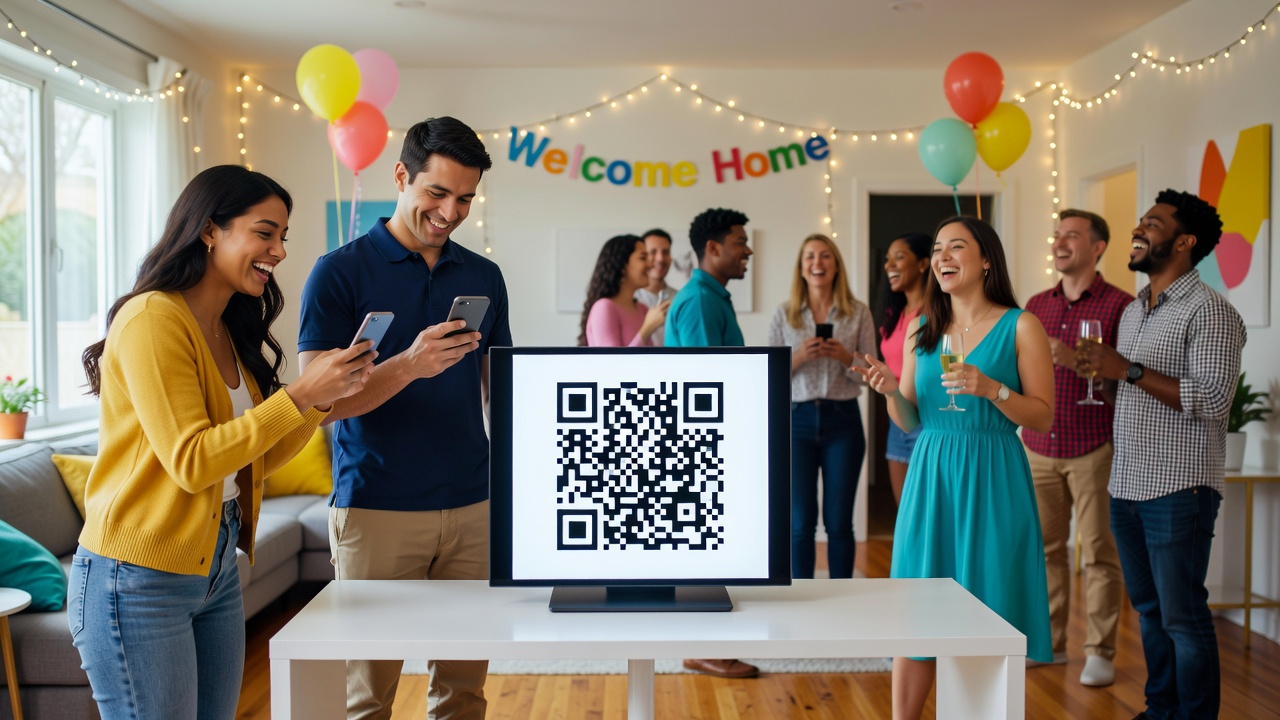
How to Use an Event QR Code for Housewarming Party Photos: A Complete Guide
Quick Answer: Generate an event QR code using a photo-sharing app like Google Photos, Dropbox, or a dedicated event tool. Display the code at your housewarming party where guests can easily scan it. Guests upload photos instantly from their phones, and you curate the best shots into a memorable gallery of your milestone celebration.
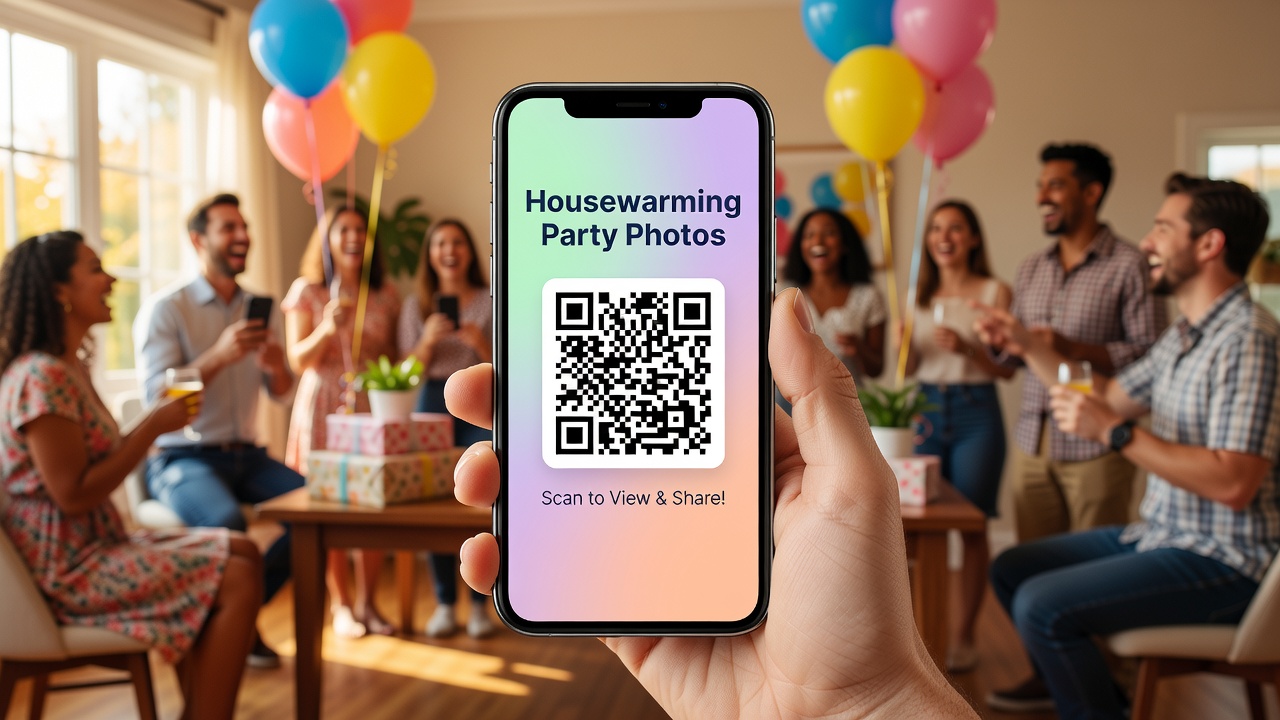
Introduction
You just got the keys. The boxes are (mostly) unpacked. Now comes the best part — celebrating your new home with the people you care about.
But here's the problem: you'll be busy hosting. Chatting, pouring drinks, giving tours, refilling the snack bowls. You won't have time to chase people down for photos, and guests rarely remember to text you their favorites afterward. By the next morning, the moment's gone.
An event QR code solves this elegantly. Guests scan, upload, and you're done. No app downloads. No chasing. No forgotten moments.
This guide walks you through exactly how to use a QR code for housewarming party photos — from choosing the right tool to creating a gallery you'll actually look back on.
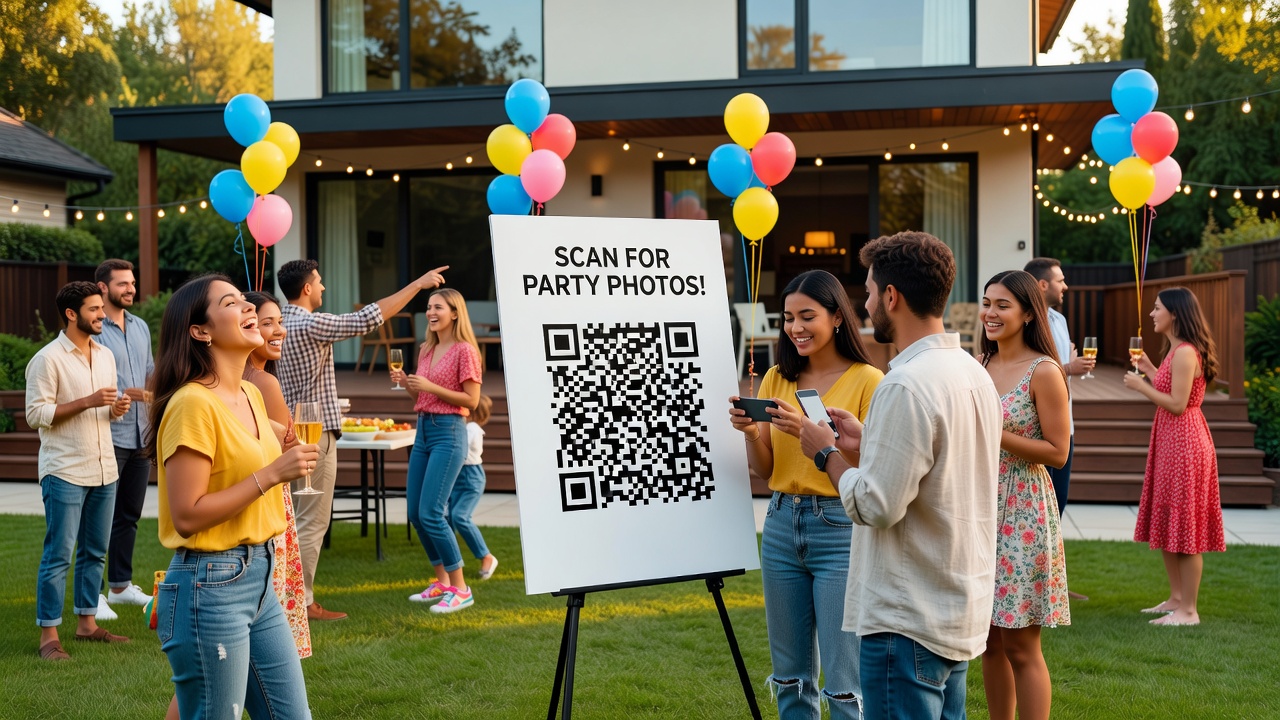
Why QR Codes Work So Well for Housewarming Parties
Housewarmings are unique events. They're informal, multi-zoned (kitchen, living room, patio), and span several hours. A QR code fits this format because:
- Zero friction: Guests already have their phones. Scanning takes 2 seconds.
- Multi-location: You can place codes in every room where people gather.
- Real-time: Photos appear as the party happens, not two weeks later.
- No app barriers: Most QR tools work through a browser — no downloads needed.
The result? You get candid shots of your best friend laughing in the kitchen, your niece exploring the backyard, and that sunset moment on the balcony you completely missed because you were inside.
What Is an Event QR Code?
An event QR code is a scannable code that links to a digital destination — in this case, a shared folder or upload page for photos. When a guest scans it with their smartphone camera, they're taken directly to the upload interface. No typing URLs. No searching. No friction.
Most event QR codes are dynamic, meaning the destination can be updated later (for example, swapping the upload link for a finished gallery link). Others are static and permanent. For housewarmings, dynamic codes give you more flexibility.
Step-by-Step: Using a QR Code for Housewarming Party Photos
Step 1: Choose Your Photo Collection Tool
Before generating a code, pick where photos will live. Here are the most practical options:
| Tool | Best For | Cost | Notes |
|---|---|---|---|
| Google Photos | Android users, free storage | Free | Shared albums, easy uploads |
| Apple Shared Albums | iPhone-heavy guest lists | Free | Requires iCloud; seamless for Apple users |
| Dropbox File Request | Mixed devices, professional feel | Free tier | Guests don't need accounts |
| Event-specific apps (e.g., The Guest, WeddingWire) | Curated experience, galleries | Freemium | Built-in features for events |
| Dedicated QR photo services | Branded experience | Paid | Custom URLs, analytics |
Our recommendation: For most housewarmings, Google Photos or Dropbox File Request hits the sweet spot of free, simple, and device-agnostic.
Step 2: Create the Photo Upload Destination
Set up your shared space before generating the QR code. Here's how for the two best options:
Google Photos:
- Create a new album named after your event (e.g., "Sarah & Jake's Housewarming — August 2026").
- Tap the share icon and enable "Collaborate" to let others add photos.
- Copy the shareable link.
Dropbox File Request:
- Go to dropbox.com/file-requests.
- Create a new request with a clear name.
- Set the destination folder.
- Copy the file request link.
This link is what your QR code will point to.
Step 3: Generate the QR Code
You don't need design skills. Free QR generators work perfectly:
- QR Code Generator (qr-code-generator.com)
- QRCode Monkey (qrcode-monkey.com)
- Short form: Many URL shorteners (like Bitly) include QR generation
Tips for generation:
- Use a high-contrast design (dark code, light background).
- Test the code on multiple devices before printing.
- Download as PNG or SVG for crisp printing.
- Keep the URL short — shorter URLs = simpler QR patterns = easier scanning.
Step 4: Design a Display That Fits Your Housewarming
The QR code only works if guests actually see it. Make it part of your decor, not an afterthought.
Best placement locations:
- Entryway table: First thing guests see. Pair with a handwritten welcome sign.
- Kitchen counter: Where people naturally congregate. Use a small easel or framed print.
- Living room coffee table: Near the snacks — impossible to miss.
- Patio or balcony: If you're using outdoor space, weatherproof the display.
- Bathroom mirror: Unexpected but effective. Guests check their phones there anyway.
Display ideas that blend with your aesthetic:
- Small wooden easel with a printed card
- Letter board with the code beside it
- Photo frame with the QR inside and a caption like "Drop your photos here!"
- Chalkboard sign for rustic vibes
Pro tip: Include a short written instruction like: "Scan to share your photos! No app needed." This removes any hesitation from less tech-savvy guests.
Step 5: Encourage Guests to Scan and Upload
A passive code won't do the work. Mention it naturally:
- During introductions: "Feel free to scan the code in the kitchen if you grab a cute moment!"
- In your housewarming invitation (digital or paper): Include the QR code upfront so people know to expect it.
- Via a brief toast: "We're collecting everyone's photos tonight — there's a QR code by the food. Thanks for helping us remember this!"
Timing matters. Mention it early when energy is high, not when people are leaving.
Step 6: Collect and Curate Your Gallery
By the next morning, you'll have a folder full of candid moments. Now make it meaningful.
Curating tips:
- Remove duplicates and blurry shots. Not every scan needs to be saved.
- Organize by room or time. Morning prep, arrival, dinner, late-night conversations.
- Look for emotional moments. The best photos aren't posed — they're genuine.
- Back up everything. Download the full set before editing or deleting.
Creating a shareable gallery:
- Use Google Photos' automatic highlight reel feature.
- Or create a simple photo book with services like Chatbooks or Shutterfly.
- For digital sharing, a curated Google Photos album or a private Instagram carousel works beautifully.
Housewarming-Specific Tips for Photo Collection
Timing Within Your Event Flow
Place the QR code out before guests arrive so early arrivers normalize the behavior. Revisit the reminder during the party's peak energy — typically 60-90 minutes in, after food and drinks have settled people in.
Photo Prompts That Get Better Results
Guests aren't professional photographers. Give them direction:
- "Show us your favorite corner of the new place!"
- "Capture the best laugh of the night."
- "Find something that wasn't here before we moved in."
Prompts spark creativity and ensure you get more than just group selfies.
Handling Mixed Tech Comfort Levels
Not everyone scans QR codes confidently. Have one tech-comfortable friend quietly help guests who look hesitant. Usually, one demonstration is all it takes.
Common Mistakes to Avoid
- Placing the code where lighting is poor. Shadows and glare break scans. Test your exact placement beforehand.
- Using a broken or expired link. Always test-scan your code the day before.
- Making the code too small. Aim for at least 2x2 inches on printed materials.
- Only having one code. People won't walk across the house to upload a photo. Place multiples.
- Waiting until after the party to mention it. By then, most guests have already left.
Key Takeaways
- An event QR code is the easiest way to collect guest photos at your housewarming without chasing anyone down afterward.
- Choose a simple, device-agnostic tool like Google Photos or Dropbox for your upload destination.
- Place QR codes in multiple high-traffic areas, not just one spot.
- Mention the code early and naturally during the party — timing matters.
- Curate your gallery by removing duplicates, organizing by moment, and highlighting candid emotional shots.
- Back up everything before editing, and consider turning your favorites into a physical photo book or digital highlight reel.
Frequently Asked Questions
Do guests need to download an app to use an event QR code for photos?
No. Most QR codes link to browser-based upload pages. Guests scan with their phone's built-in camera app, tap the link, and upload directly through their web browser.
What if a guest has an older phone without a QR scanner?
They can use their camera app — most smartphones auto-detect QR codes. As a backup, keep the direct URL written nearby for manual entry.
Can I use the same QR code after the party to share the finished gallery?
Yes, if you use a dynamic QR code. You can update the destination link to point from the upload page to a finished gallery or photo album.
Is it safe to let guests upload photos to a shared album?
Generally yes. Use a dedicated album for the event, not your personal photo library. Most platforms let you approve uploads before they appear or remove anything inappropriate.
How many QR codes should I place around my housewarming?
Place at least three: one at the entryway, one in the main gathering area, and one in a secondary space like a patio or kitchen. More visibility = more uploads.
What's the best free tool for collecting housewarming party photos?
Google Photos shared albums and Dropbox File Requests are both free, work across devices, and require no guest accounts. Google Photos is friendlier for casual users; Dropbox feels slightly more formal.
How do I get guests to actually scan the code?
Mention it early in the party when energy is high. Use verbal reminders, written prompts on display signs, and place codes where people naturally pause — near food, drinks, or seating areas.
Can I print the QR code at home?
Absolutely. Download the QR code as a PNG and print it on cardstock, labels, or regular paper. Just ensure it's large enough (minimum 2x2 inches) and high contrast for reliable scanning.
Conclusion
Your housewarming is a milestone worth remembering — not just for the house, but for the people who filled it with laughter that first night. An event QR code removes the friction from photo collection so you can focus on hosting, not herding cameras.
Set it up in 10 minutes before the party. Place it thoughtfully. Mention it once or twice. By the next morning, you'll have a real, unfiltered collection of moments that no posed photo could capture.
Want more event-planning tips? [Internal link: related article on event planning tools and checklists]. Ready to create your QR code? Start with a free generator and your preferred photo platform — you'll be set before the first guest arrives.
Quick answers
Do guests need to download an app to use an event QR code for photos?
No. Most QR codes link to browser-based upload pages. Guests scan with their phone's built-in camera app, tap the link, and upload directly through their web browser.
What if a guest has an older phone without a QR scanner?
They can use their camera app — most smartphones auto-detect QR codes. As a backup, keep the direct URL written nearby for manual entry.
Can I use the same QR code after the party to share the finished gallery?
Yes, if you use a dynamic QR code. You can update the destination link to point from the upload page to a finished gallery or photo album.
Is it safe to let guests upload photos to a shared album?
Generally yes. Use a dedicated album for the event, not your personal photo library. Most platforms let you approve uploads before they appear or remove anything inappropriate.
How many QR codes should I place around my housewarming?
Place at least three: one at the entryway, one in the main gathering area, and one in a secondary space like a patio or kitchen. More visibility = more uploads.
What's the best free tool for collecting housewarming party photos?
Google Photos shared albums and Dropbox File Requests are both free, work across devices, and require no guest accounts. Google Photos is friendlier for casual users; Dropbox feels slightly more formal.
How do I get guests to actually scan the code?
Mention it early in the party when energy is high. Use verbal reminders, written prompts on display signs, and place codes where people naturally pause — near food, drinks, or seating areas.
Can I print the QR code at home?
Absolutely. Download the QR code as a PNG and print it on cardstock, labels, or regular paper. Just ensure it's large enough (minimum 2x2 inches) and high contrast for reliable scanning.