
Event Planning
How to Use an Event QR Code for Holiday Party Photos
Discover how to set up an event QR code for seamless holiday party photo sharing, with festive display ideas for Christmas, New Year's Eve, and beyond.
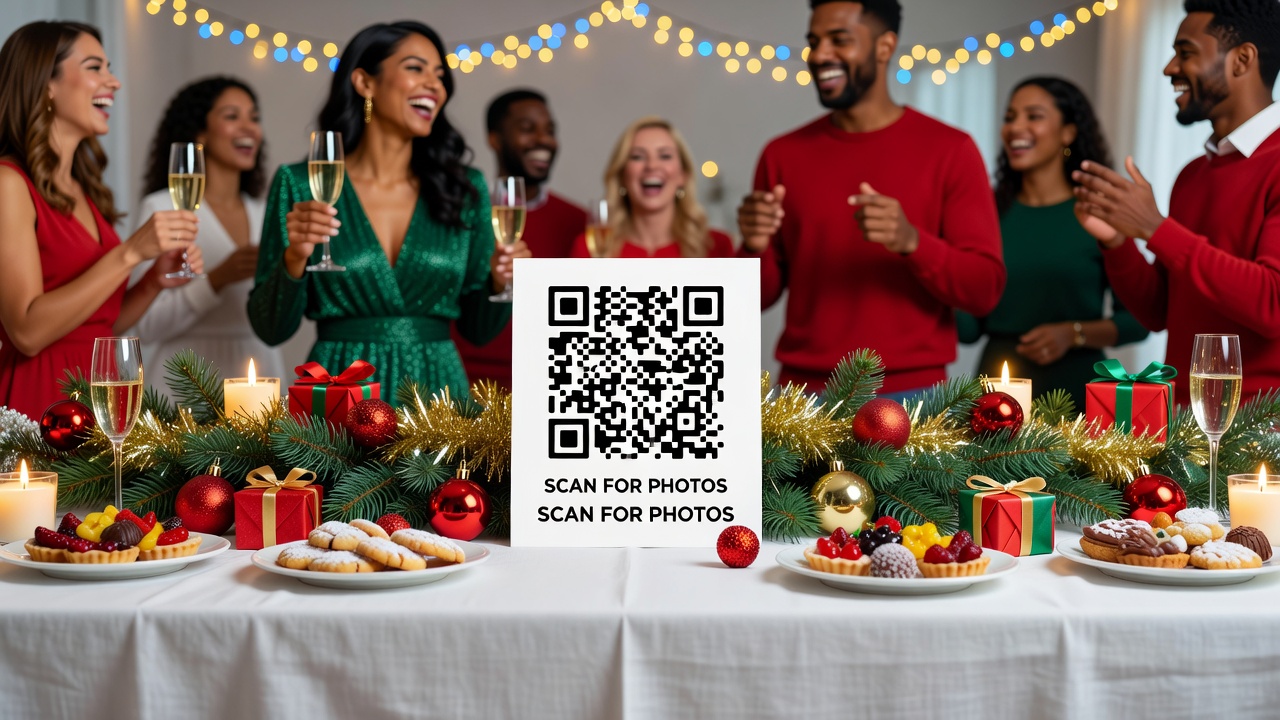
How to Use an Event QR Code for Holiday Party Photos: Christmas, New Year, and More
Quick Answer: An event QR code lets guests upload and download photos instantly by scanning a code with their phones. Create one through a photo-sharing app, print it on festive signage, and place it where guests naturally gather—no downloads or accounts required for most platforms.
Introduction: Why Every Holiday Host Needs an Event QR Code
You've decorated the tree. The eggnog is chilled. But here's what most hosts forget: guests take hundreds of photos at holiday parties—and those moments disappear into individual camera rolls.
An event QR code solves this. It creates a shared, real-time photo gallery that everyone can access instantly. No awkward "AirDrop me that" conversations. No chasing people down weeks later for group shots.
This guide walks you through setting up QR code photo sharing for Christmas, New Year's Eve, and other seasonal celebrations. You'll get practical steps, platform recommendations, and festive display ideas that fit your party aesthetic.
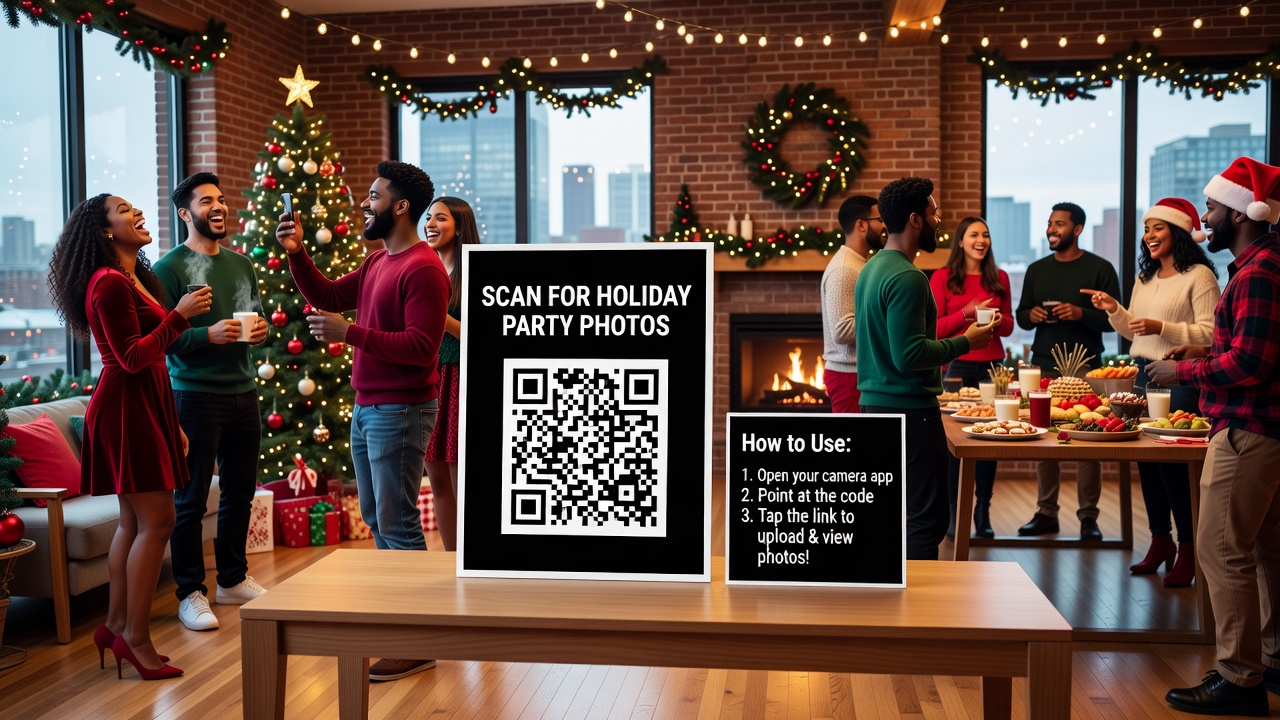
What Is an Event QR Code for Photos?
An event QR code for photos is a scannable code that links guests to a shared digital album or upload portal. When someone scans it with their smartphone camera, they're taken directly to a gallery where they can view, download, and add their own pictures.
Think of it as a digital dropbox with a front door anyone can walk through. The code removes friction—guests don't need to download an app, create accounts, or remember URLs.
These codes work through services like:
- Google Photos shared albums
- Dropbox file requests
- Apple Shared Albums (for iPhone-heavy crowds)
- Dedicated event apps like Luster or WeddingWire's guest photo tools
Why Holiday Parties Are Perfect for QR Code Photo Sharing
Holiday gatherings have three things that make QR codes especially effective:
1. High photo volume — Group shots, present openings, countdown moments. Guests capture dozens of images.
2. Time-sensitive memories — Nobody wants to organize photos in January. A live gallery lets people relive the night immediately.
3. Mixed-device crowds — Android and iPhone users mingle at every party. QR codes work on both, natively.
For hosts, it's also a reputation win. Guests notice when someone thinks ahead. "How did you set this up?" becomes a conversation starter.
How to Set Up an Event QR Code for Holiday Photos (Step-by-Step)
Step 1: Choose Your Platform
Pick a service that matches your crowd's tech comfort level:
- Google Photos — Best for mixed Android/iPhone groups. Create an album, set sharing to "Anyone with the link can add photos," and generate a QR code from the share URL.
- Dropbox — Ideal for full-resolution backups. Use a "File Request" link so uploads don't count against guests' own storage.
- Apple Shared Albums — Seamless for iPhone-only crowds, but Android users get a clunky web experience.
- Event-specific apps — Services like The Guest or Luster add features like live slideshows, but may require guest downloads.
Step 2: Generate the QR Code
Once you have your share link, convert it to a scannable code:
- Copy your album or upload link
- Use a free QR generator like QR Code Monkey, QR-Code-Generator.com, or Canva's built-in tool
- Test the code with two different phones before printing
- Download as a high-resolution PNG (at least 1000×1000 pixels)
Pro tip: Customize the code's colors to match your party theme. Red and green for Christmas. Gold and black for New Year's Eve. Most generators let you adjust the color scheme without breaking scan reliability.
Step 3: Plan Your Display
Where you put the code matters as much as how it looks. Guests won't hunt for it.
High-traffic placement spots:
- Near the entrance (scan on arrival)
- On drink tables (natural pause points)
- Next to the dessert spread or buffet
- By the photo booth or selfie station
- On bathroom mirrors (surprisingly effective—people check phones there)
Step 4: Add Clear Instructions
Not everyone knows how QR codes work. Include a short instruction card:
Scan → Upload → Download
Open your camera app, point at the code, and tap the notification. Add your photos to the shared album!
Step 5: Monitor and Share After the Party
Check the album during the party to make sure uploads are flowing. Afterward, send the link to anyone who missed the code. Most platforms let you download the full gallery as a backup.
Festive Display Ideas for Your Event QR Code
The presentation turns a functional tool into part of your décor. Here are themed ideas for specific holidays:
Christmas Party Displays
- Ornament integration: Print a small QR code on cardstock, punch a hole, and hang it on the tree with a ribbon. Label: "Scan to share your festive moments!"
- Mantel card: Place a framed 5×7 print among garlands and candles. Use green and red borders.
- Cookie station tag: Attach a tag to the cookie decorating table: "Upload your cookie creations here."
New Year's Eve Displays
- Countdown backdrop: Include a large QR code on the photo booth backdrop so every group shot includes a subtle reminder.
- Champagne table tent: A small stand-up card next to the bubbly: "Cheers! Share your midnight moment."
- Gold foil accent: Print on metallic paper and prop against a mirror for reflective glamour.
General Holiday Gatherings
- Place card style: One QR code card at each table setting—elegant and impossible to miss.
- Signage on easels: Larger formats (11×14) work well near entryways for costume or themed parties.
- Digital invites: Include the QR code on your emailed invitation so early guests start uploading before they arrive.
Best Tools and Apps for Holiday QR Code Photo Sharing
Not all platforms handle large groups equally. Here's a quick comparison:
| Platform | Best For | Guest Account Required? | Max Resolution |
|---|---|---|---|
| Google Photos | Mixed-device crowds | No | Original quality |
| Dropbox File Request | Professional backups | No | Original quality |
| Apple Shared Albums | iPhone-only groups | Apple ID | Up to 4K |
| Luster | Live slideshow events | No | Optimized |
| The Guest (app) | Wedding-style formality | App download | Optimized |
Our recommendation for most holiday hosts: Start with Google Photos. It's free, handles Android and iPhone equally, and guests can upload without accounts.
Common Mistakes to Avoid
Even simple setups go wrong. Watch for these:
- Untested codes: Always scan with two different devices before the party. One broken code ruins the whole system.
- Poor lighting on prints: Glossy paper reflects camera flashes and makes scanning harder. Use matte finishes.
- Overly complex instructions: "Open Camera → Point → Tap notification" is enough. Paragraphs scare people off.
- Forgetting the backup: Download the full gallery within 48 hours of the party. Shared links can expire or get deleted.
- Choosing a platform guests need to sign up for: Every barrier reduces participation by roughly 30%.
Key Takeaways
- An event QR code creates a shared photo gallery guests can access instantly by scanning with their phones.
- Google Photos is the most accessible free option for mixed Android/iPhone crowds.
- Place QR codes where guests naturally pause: entryways, drink tables, and dessert stations.
- Match your code's design to your holiday theme—colors and presentation matter.
- Always test the code on multiple devices before printing, and download the gallery within 48 hours.
Frequently Asked Questions
Do guests need to download an app to use an event QR code for photos?
Most platforms don't require app downloads. Google Photos and Dropbox work directly in browsers after scanning. Some dedicated event apps do require downloads, so choose your platform based on your crowd's patience for setup.
Can I use one event QR code for multiple holiday parties?
Yes, but create a new album for each party to keep photos organized. Reuse the same QR generator tool and simply update the link. Old codes won't redirect automatically unless you use a dynamic QR service.
What's the best size for printing a QR code at a party?
For hand-held cards, 2×2 inches works. For table tents or signage guests scan from 3–4 feet away, use at least 4×4 inches. Larger display boards (near photo booths) should be 8×8 inches or bigger for easy scanning.
Are QR code photo galleries private?
Privacy depends on your platform settings. Google Photos and Dropbox let you restrict access to "anyone with the link" or specific email addresses. Avoid fully public settings unless you're okay with strangers finding the album.
Can guests upload videos through an event QR code too?
Yes, if your platform supports video uploads. Google Photos handles videos up to certain length and resolution limits. Dropbox accepts virtually any file type. Check your platform's limits before promising video sharing.
What if a guest has an older phone without a built-in QR scanner?
Most smartphones made after 2018 scan QR codes natively through the camera app. For older devices, guests can download free QR reader apps from their app store, or you can provide the direct album URL as a backup.
How do I make my QR code match my Christmas or New Year's theme?
Use a customizable QR generator to change the code color. Keep the background light and the code dark for scan reliability. Red, green, gold, and silver all work—just maintain strong contrast between the code and background.
Is there a cost for setting up an event QR code?
Basic QR code generation is free. Google Photos and Dropbox offer free tiers that handle typical holiday party volumes. You only pay if you need premium features like dynamic redirects, advanced analytics, or custom branded domains.
How soon before the party should I set up the QR code?
Set it up 24–48 hours in advance. This gives you time to test the code, print materials, and troubleshoot any platform issues. It also lets early guests upload photos if you include the code in digital invitations.
What happens to the photos after the party?
You control the album. Download everything within 48 hours as a backup. Most free platforms keep shared albums active indefinitely, but links can break or accounts can hit storage limits. Back up promptly.
Conclusion: Make This Holiday Season Memorable—Not Frustrating
Holiday parties are about connection, not logistics. An event QR code removes the friction from photo sharing so guests focus on the moment—and you get a complete gallery without the hassle.
Set it up a day before the party. Test it twice. Place it where people naturally gather. And when the confetti settles, you'll have every candid shot, group photo, and unexpected moment in one place.
Ready to host smarter? Set up your holiday photo album now, generate your code, and check one more thing off your party prep list.
Quick answers
Do guests need to download an app to use an event QR code for photos?
Most platforms don't require app downloads. Google Photos and Dropbox work directly in browsers after scanning. Some dedicated event apps do require downloads, so choose your platform based on your crowd's patience for setup.
Can I use one event QR code for multiple holiday parties?
Yes, but create a new album for each party to keep photos organized. Reuse the same QR generator tool and simply update the link. Old codes won't redirect automatically unless you use a dynamic QR service.
What's the best size for printing a QR code at a party?
For hand-held cards, 2×2 inches works. For table tents or signage guests scan from 3–4 feet away, use at least 4×4 inches. Larger display boards near photo booths should be 8×8 inches or bigger for easy scanning.
Are QR code photo galleries private?
Privacy depends on your platform settings. Google Photos and Dropbox let you restrict access to anyone with the link or specific email addresses. Avoid fully public settings unless you're okay with strangers finding the album.
Can guests upload videos through an event QR code too?
Yes, if your platform supports video uploads. Google Photos handles videos up to certain length and resolution limits. Dropbox accepts virtually any file type. Check your platform's limits before promising video sharing.
What if a guest has an older phone without a built-in QR scanner?
Most smartphones made after 2018 scan QR codes natively through the camera app. For older devices, guests can download free QR reader apps from their app store, or you can provide the direct album URL as a backup.
How do I make my QR code match my Christmas or New Year's theme?
Use a customizable QR generator to change the code color. Keep the background light and the code dark for scan reliability. Red, green, gold, and silver all work—just maintain strong contrast between the code and background.
Is there a cost for setting up an event QR code?
Basic QR code generation is free. Google Photos and Dropbox offer free tiers that handle typical holiday party volumes. You only pay if you need premium features like dynamic redirects, advanced analytics, or custom branded domains.
How soon before the party should I set up the QR code?
Set it up 24–48 hours in advance. This gives you time to test the code, print materials, and troubleshoot any platform issues. It also lets early guests upload photos if you include the code in digital invitations.
What happens to the photos after the party?
You control the album. Download everything within 48 hours as a backup. Most free platforms keep shared albums active indefinitely, but links can break or accounts can hit storage limits. Back up promptly.