
Event Technology
Event QR Code: The Complete Guide for Party Planners and Event Hosts
A comprehensive pillar page covering how event QR codes transform every stage of event management — from check-ins and digital menus to live schedules and interactive guest experiences.
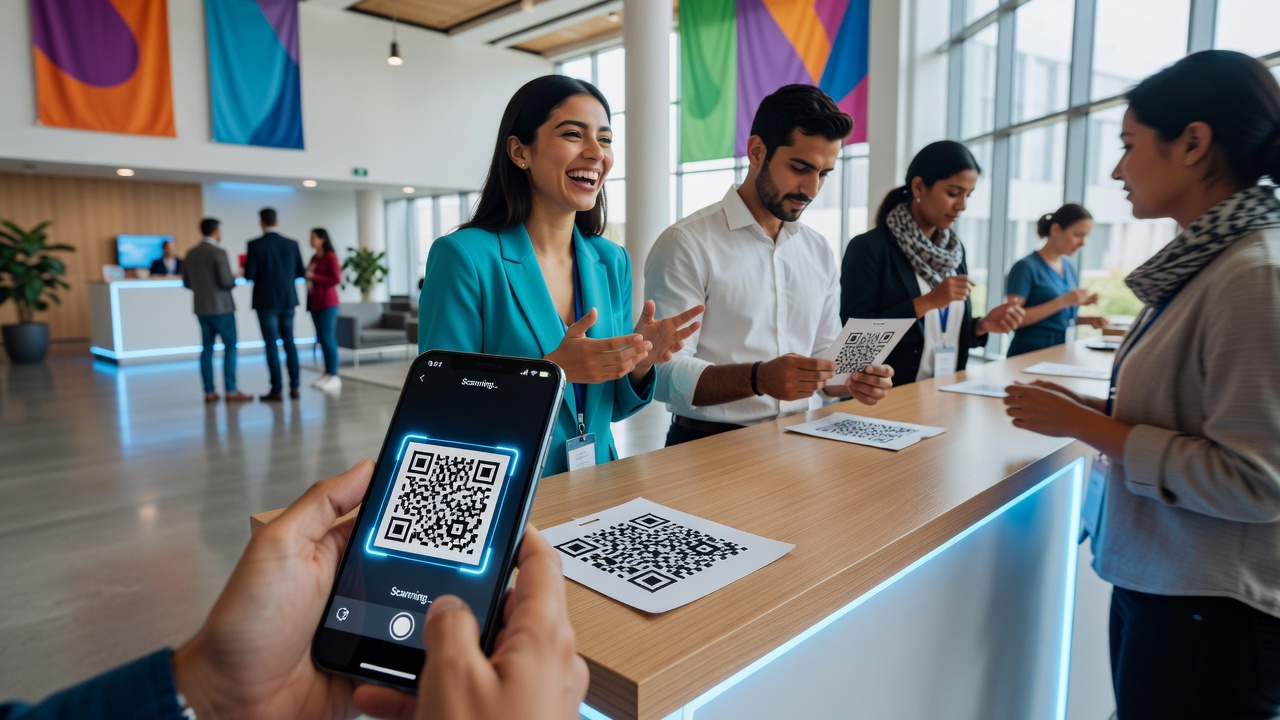
An event QR code is no longer just a novelty for sharing photo galleries. For professional event planners and hosts, it has become a transformative tool that streamlines operations, enhances guest engagement, and reduces costs across the entire event lifecycle. This guide walks through the four core use cases — check-ins, digital menus, schedules, and interactive experiences — with practical implementation guidance you can apply to your next event.
Why Event QR Codes Have Evolved Beyond Photo Sharing
Most people still associate QR codes at events with a single use case: pointing guests to a shared photo album. That's just scratching the surface. Today's event QR code technology can handle registration, wayfinding, real-time updates, payments, feedback collection, and gamified experiences — all from a single scan.
The shift matters because modern events demand efficiency. Guests expect frictionless entry. Planners need real-time data. Budgets are tight. A well-deployed event QR code strategy addresses all three pressures at once.
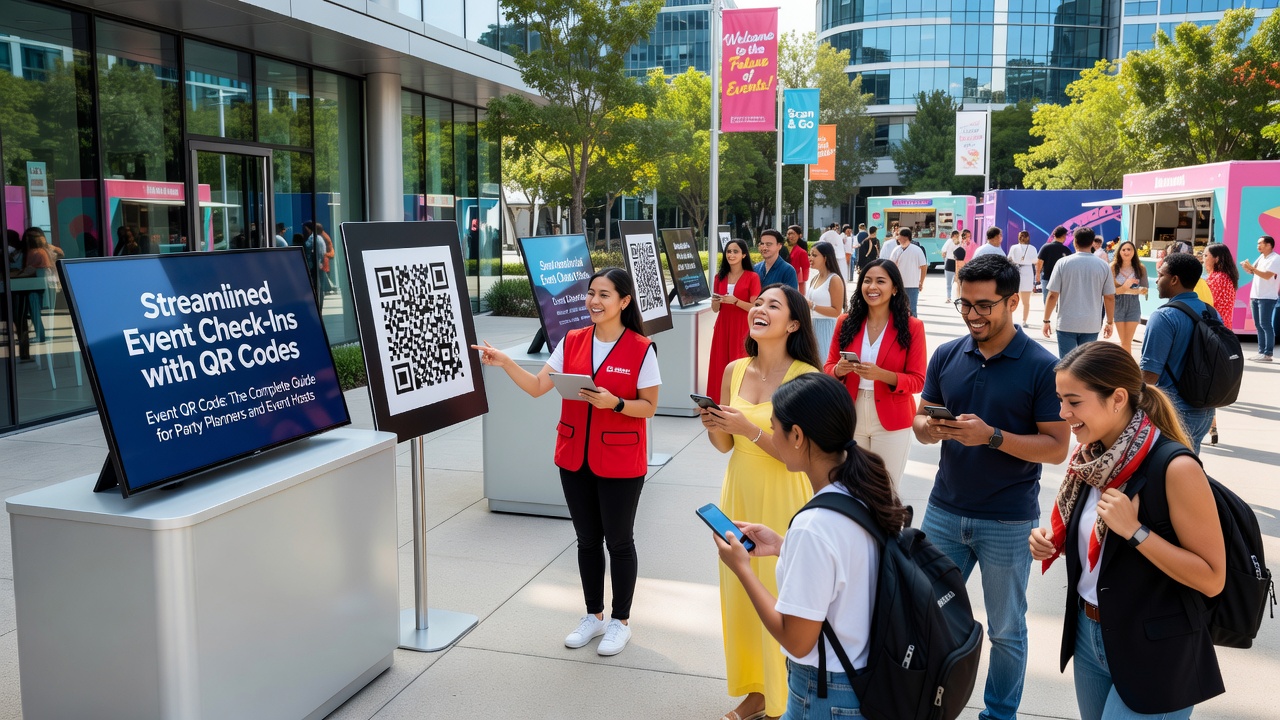
1. Streamlined Event Check-Ins with QR Codes
Check-in is the first impression your event makes. Long lines and manual guest lists create friction before a guest even steps inside. QR code check-in solves this.
How It Works
- Pre-event registration: Each guest receives a unique QR code via email or SMS upon registering.
- Scan at arrival: Staff or self-service kiosks scan the code, instantly marking the guest as attended.
- Real-time dashboard: Planners see live attendance counts, VIP arrivals, and no-show rates.
Practical Implementation Tips
- Use a check-in app that integrates with your registration platform (Eventbrite, Cvent, or custom forms).
- Have a backup list (printed or offline) in case of Wi-Fi issues — connectivity fails at the worst moments.
- Position QR codes on the confirmation email and a reminder 24 hours before the event to boost scan readiness.
- Train at least two staff members on the scanning tool before doors open.
A smooth QR check-in reduces average wait time from minutes to seconds, setting a professional tone from the start.
2. Digital Menus and Programs via QR Code
Printed menus and event programs are expensive to produce, prone to errors, and instantly outdated if a speaker cancels or a dish changes. A QR code menu eliminates these problems.
What You Can Deliver
- Catering menus: Guests scan to view dishes, allergen info, and wine pairings — updated in real time.
- Event programs: A single QR code links to the full agenda, speaker bios, and session descriptions.
- Vendor directories: For trade shows and expos, QR codes at each booth link to product catalogs and contact forms.
Implementation Guidance
- Host your menu or program on a mobile-optimized landing page — not a PDF. PDFs are slow to load and hard to update.
- Place QR codes on table cards, lanyards, or wall signage at eye level for easy scanning.
- Update content centrally — one change to the landing page instantly reflects for every guest who scans.
- Include dietary filter toggles on digital menus so guests with allergies can quickly find safe options.
This approach cuts printing costs significantly and gives you the flexibility to adjust on the fly — a speaker change at 9 AM is reflected in the agenda by 9:02.
3. Live Schedules and Agendas Powered by QR Codes
For multi-track conferences, festivals, or corporate retreats, schedule management is one of the most complex logistical challenges. An event QR code can serve as a live schedule hub.
Key Capabilities
- Real-time updates: Room changes, cancellations, and additions push instantly to the live schedule page.
- Personalized agendas: Guests can bookmark sessions and receive push notifications before their selected talks begin.
- Wayfinding integration: Pair QR codes with interactive floor maps so guests can navigate from one session to the next without confusion.
Best Practices for Schedule QR Codes
- Place a master schedule QR code near entrances and registration desks.
- Use session-specific QR codes outside each room so guests can pull up details on demand.
- Include time zone clarity — especially critical for hybrid or international events.
- Send a pre-event SMS with the schedule link so guests arrive already oriented.
Live schedules eliminate the most common guest complaint at large events: not knowing what's happening or where to go next.
4. Interactive Guest Experiences with QR Codes
Beyond logistics, an event QR code can transform passive attendees into active participants. This is where QR codes move from utility to experience design.
Engagement Use Cases
- Live polls and Q&A: Guests scan to submit questions or vote in real-time polls during presentations.
- Photo and video sharing: Direct guests to a branded upload portal where they contribute event photos to a shared gallery.
- Gamification: QR code scavenger hunts drive traffic to sponsor booths, session rooms, or interactive installations.
- Feedback surveys: Capture sentiment immediately after a session or the event itself — while memories are fresh.
- Sponsor activations: Sponsors embed QR codes in booths and materials, linking to demos, lead forms, or exclusive content.
Implementation Tips for Interactive QR Experiences
- Keep scan destinations lightweight — fast-loading, mobile-first pages with minimal friction.
- Use short, memorable URL paths (e.g.,
event.com/poll) so guests can type manually if scanning fails. - Incentivize scans with giveaways, raffles, or exclusive content to boost participation rates.
- Track scan analytics to measure which activations drew the most engagement — this data is gold for post-event reporting.
Choosing the Right Event QR Code Platform
Not all QR code tools are built for events. When selecting a platform, look for these capabilities:
- Dynamic QR codes: You can change the destination URL without reprinting the code — essential for last-minute changes.
- Bulk generation: Create hundreds of unique check-in codes at once.
- Analytics: Track scan counts, locations, devices, and time-of-day patterns.
- Branding: Custom colors, logos, and frames that match your event's visual identity.
- Offline fallback: Some platforms cache scan data locally and sync when connectivity returns.
Common Event QR Code Mistakes to Avoid
- Low contrast codes: Dark codes on dark backgrounds won't scan. Always test in the actual lighting conditions of your venue.
- Placing codes too high or too low: Keep codes between waist and shoulder height for comfortable scanning.
- Not testing on multiple phones: Test with both iOS and Android devices before the event.
- One code, too many functions: Don't overload a single QR code with multiple destinations. One code, one action.
- Forgetting accessibility: Include short URLs below QR codes for guests who can't scan (no smartphone, accessibility needs).
Conclusion: Event QR Codes as a Professional Event Tool
An event QR code strategy is no longer optional for professional event planners — it's a competitive advantage. From cutting check-in lines to enabling real-time schedule updates and driving interactive engagement, QR codes touch every part of the guest experience. The planners who treat them as a core operational tool, not a gimmick, deliver smoother events, collect better data, and spend less on print collateral.
Start with one use case — check-in, menus, or live schedules — and expand from there. The technology is accessible, the implementation is straightforward, and the payoff is immediate.
Quick answers
What is an event QR code?
An event QR code is a scannable code used at events to direct guests to digital content like check-in portals, menus, schedules, polls, or photo galleries. Modern event QR codes go far beyond photo sharing, enabling streamlined operations and interactive guest experiences.
How do I create QR codes for event check-ins?
Use a QR code platform that supports dynamic codes and bulk generation. Each guest receives a unique code linked to their registration record. At the event, staff or kiosks scan the code to mark attendance in real time.
Can I change the destination URL of a QR code after printing?
Yes — if you use dynamic QR codes. Dynamic codes let you update the destination URL anytime without reprinting, which is essential for last-minute event changes.
What's the best placement for event QR codes at a venue?
Place QR codes at waist-to-shoulder height, in well-lit areas, on table cards, lanyards, signage near entrances, and outside session rooms. Always test scanability in the actual venue lighting before the event.