
Wedding QR codes
Wedding QR Code Ideas: 15 Creative Ways to Get Guests Scanning
A well-placed wedding QR code means the difference between guests taking photos and forgetting your link exists. Here are 15 creative ways to display yours.
A well-placed wedding QR code is the difference between 200 guests taking photos and 200 guests forgetting your photo link exists. The placement matters — a QR code buried at the bottom of a program gets ignored, while one displayed at eye level on a welcome sign gets scanned before the ceremony even starts. Here are 15 creative ways to display your wedding QR code so guests actually scan it, with practical tips for each.
Looking for even more QR code inspiration? Check our wedding QR code ideas blog post for additional placement strategies.
Why Your Wedding Needs a QR Code
If you are using Picshots as your wedding guest camera, the QR code is how every guest joins your event. They scan it, their phone browser opens the camera, and photos land in your shared gallery instantly — no app install, no sign-up, no friction. But the QR code only works if people see it and know what to do with it.
The most common problem is not the QR code itself — it is the placement. Guests arrive, hug the couple, grab a drink, find their seat, and never notice a tiny QR code printed in the corner of a table number. Low scan rates mean fewer guest photos, which means you are back to chasing people for their pictures a week after the wedding.
Good placement solves this. Display the QR code where guests naturally pause, make it large enough to scan from a distance, and add a short instruction like "Scan to share photos." That is it. The 15 ideas below cover every moment of your wedding day, from arrival to the farewell brunch.
15 Creative Wedding QR Code Ideas
Welcome & Ceremony
1. Welcome Sign Display
Place your QR code on the welcome sign at the entrance — this is the highest-traffic spot of the entire event. Every guest walks past it. Make the code at least 3 inches square and add "Scan to share your photos!" in large text. Tip: Position it at eye level on an easel, not flat on a table where it catches glare.
2. Ceremony Program Printed QR
Print the QR code on the back cover of your ceremony program. Guests read the program while waiting for the processional — a natural moment to scan. Tip: Add one line: "Scan now to join the wedding photo gallery." Keep it simple — no long instructions.
3. Seating Chart QR
Add the QR code to your seating chart display. Guests stop to find their table — and while they are standing there, they scan. Tip: Place the code at the top of the chart, not the bottom. People look down at table names but look up at eye-catching elements.
4. Welcome Bag Tag
Attach a small card with the QR code to welcome bags in hotel rooms. Out-of-town guests find it when they check in — before the wedding even starts. Tip: Include a short note: "Scan to join our wedding photo gallery — we want to see the weekend through your eyes."
Reception & Tables
5. Escort Cards with QR
Print the QR code on each escort card. Guests pick up their card to find their table — and the code is right in their hand. Tip: Use a contrast color for the QR code so it stands out from the card design. Test-scan one card before printing all 150.
6. Table Numbers
Add the QR code to table number cards. Guests sit down, notice the table number, and scan. Tip: Keep the code on the same side as the number, not the back. People will not flip a table card.
7. Bar Sign
Place a framed QR code sign at the bar — the most visited spot all night. Guests wait for drinks, see the sign, and scan out of curiosity. Tip: Add a playful line: "While you wait, scan to share a photo!" The bar is where people linger longest.
8. Napkin Printing
Print the QR code on cocktail napkins. Guests see it every time they pick up a drink. Tip: Use a napkin color that contrasts with the printed code. Dark code on light napkins scans best. This is a subtle, elegant touch.
Fun & Interactive
9. Cake Topper QR
A custom acrylic cake topper with the QR code engraved or printed. It is a conversation starter and gets photographed itself. Tip: Keep the code flat and well-lit — tiered cake shadows can make scanning tricky. Position it on the top tier.
10. Photo Booth Props
Print the QR code on photo booth props or a backdrop banner. Guests take a photo, see the code, and scan to upload. Tip: Photo booths are fun but expensive and static. Picshots captures candid moments all night long — use the photo booth for the booth experience, and the QR code to collect everything else. See our photo booth comparison for more.
11. Dance Floor Decal
A large QR code vinyl decal on the dance floor. It is visible all night and impossible to miss. Tip: Use a non-slip decal material and test the scan from different angles — overhead lights can create glare spots on glossy surfaces.
12. Mirror Signage
Place a QR code sign on restroom mirrors or the powder room mirror. Guests pause, check their look, and scan. Tip: Use a small acrylic sign with a stand — do not stick anything directly on the mirror. Add: "You look great! Share a photo while you are here."
13. Favor Tags
Print the QR code on favor tags attached to wedding favors. Guests take the favor home and can still scan the code later. Tip: The gallery stays live after the wedding — late scanners still contribute. Include: "Take this home, scan anytime, and share your favorite moments."
Pre & Post Event
14. Save-the-Date QR
Print the QR code on save-the-date cards. Guests scan months before the wedding and can upload pre-wedding photos — engagement parties, showers, the rehearsal dinner. Tip: Make sure your event QR code is active before sending save-the-dates. Late scanners are fine, but broken links are not.
15. Farewell Brunch Sign
Display the QR code at the morning-after brunch. Guests who missed the reception scan can still join, and everyone uploads last-day photos. Tip: This is your last chance to capture stragglers. Add: "One last scan before you go — share your favorite photo from the weekend!"
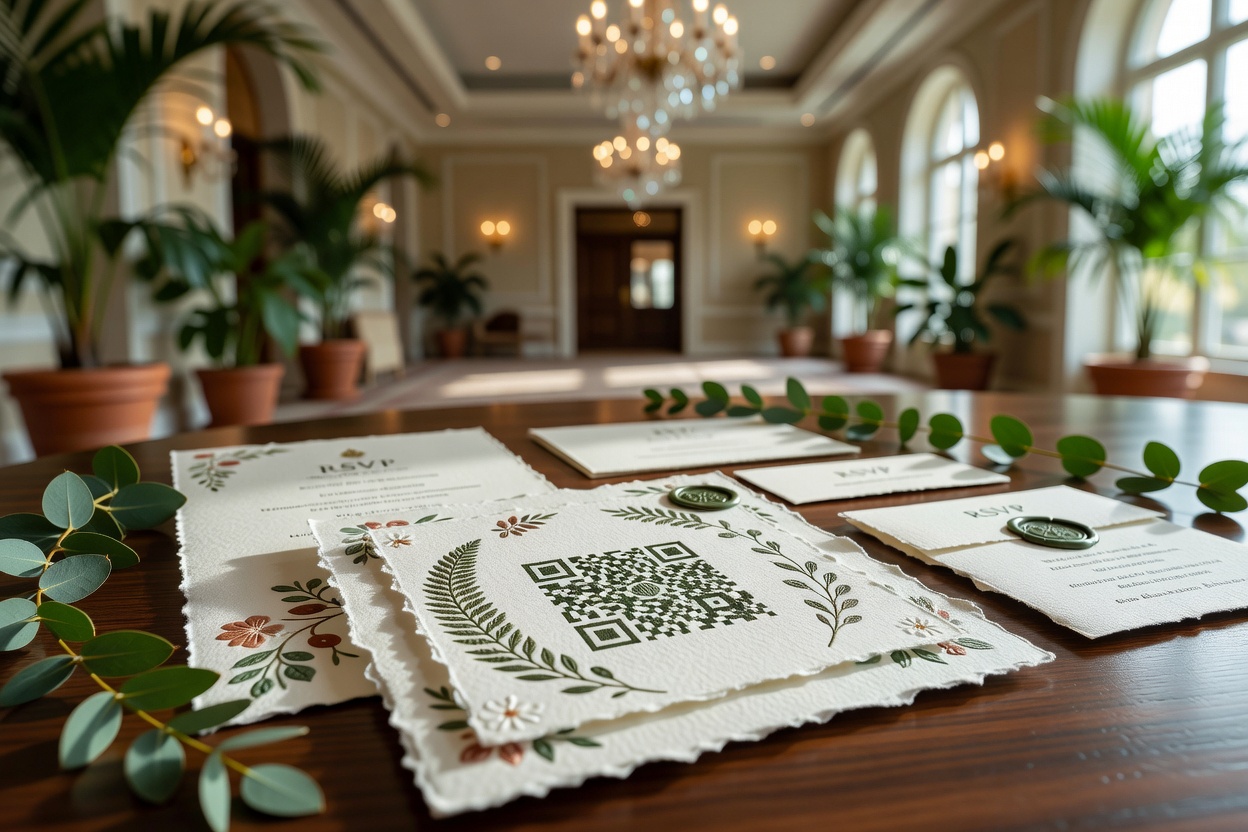
Tips for High Scan Rates
Even the most creative QR code placement fails if the code is hard to scan. Follow these practical tips to maximize participation:
- Size matters: Minimum 2 inches square for table cards, 3+ inches for signs. Bigger is always better.
- Contrast is king: Dark code on light background. Avoid colored QR codes — they look great but scan poorly in dim reception lighting.
- Place at eye level: Codes on tables get glare from overhead lights. Codes on easels or stands scan easily.
- Avoid glass frames: Glass reflects light and blocks scans. Use matte acrylic or print directly on cardstock.
- Test before printing: Scan every design with your own phone before you print 150 copies. A broken QR code on 150 escort cards is an expensive mistake.
- Add a short instruction: "Scan to share photos" is enough. No one reads a paragraph at a wedding.
- Lighting check: Reception lighting is dim. Test your QR code in similar lighting conditions before the event.
How to Create Your Wedding QR Code with Picshots
Creating your wedding QR code takes about 2 minutes. Here is the step-by-step:
- Create your event. Go to picshots.app/create and set up your wedding event. Name it, set the date, and choose your guest limit.
- Get your QR code. Picshots generates a unique QR code for your event instantly. Download it as a high-resolution image.
- Customize your settings. Set per-guest photo limits, enable or disable photo approval, and choose whether the gallery is private or visible to all guests.
- Test the scan. Scan the QR code with your own phone before the wedding. Make sure it opens the camera in your browser — no app required.
- Send to your designer. Share the high-res QR image with whoever is designing your welcome sign, escort cards, and table numbers. Use the event QR code tool for additional format options.
- Display at the wedding. Place QR codes in at least 3 locations from the list above. More placements = more scans = more guest photos.
For the full walkthrough, see how it works.

FAQ: Wedding QR Code Questions
Do guests need to download an app to scan the wedding QR code?
No. With Picshots, guests scan the QR code with their phone camera and the browser opens directly — no app install required. This is the biggest barrier to guest photo participation, and Picshots removes it entirely.
What size should a wedding QR code be?
Minimum 2 inches square for table cards and 3 inches for signs. If the code is displayed at a distance (like a welcome sign or dance floor decal), go larger — 5 to 6 inches ensures guests can scan from several feet away.
How many QR code placements do I need?
Aim for at least 3 placements. The welcome sign, bar sign, and table numbers are a solid combination that covers arrival, reception, and seating. More placements mean higher participation — but avoid cluttering every surface with codes. Choose spots where guests naturally pause.
Can I use the same QR code before and after the wedding?
Yes. Your Picshots event QR code works from the moment you create the event. Use it on save-the-dates, at the wedding, and at the farewell brunch. The gallery stays live so late scanners can still upload photos.
What if guests do not scan the QR code?
Low scan rates usually come from poor placement, not guest reluctance. Display the code at eye level in high-traffic spots, add a short instruction, and ask your MC or officiant to mention it once during the welcome. One announcement from the front is worth 10 signs no one reads.
Make Your Wedding QR Code Unmissable
The best wedding QR code placement is the one guests cannot miss. A welcome sign at the entrance, a bar sign they stand next to all night, and a table number they stare at during dinner — that combination covers 90% of guests. Add a fun placement like a dance floor decal or cake topper, and you have a gallery full of candid moments from every angle.
Ready to set up your wedding QR code? Create your event on Picshots, download your QR code, and start placing it where guests will scan. Check out our wedding guest camera page to see how it works, or explore our event QR code tool for more options.
Quick answers
Do guests need to download an app to scan the wedding QR code?
No. With Picshots, guests scan the QR code with their phone camera and the browser opens directly — no app install required. This is the biggest barrier to guest photo participation, and Picshots removes it entirely.
What size should a wedding QR code be?
Minimum 2 inches square for table cards and 3 inches for signs. If the code is displayed at a distance (like a welcome sign or dance floor decal), go larger — 5 to 6 inches ensures guests can scan from several feet away.
How many QR code placements do I need?
Aim for at least 3 placements. The welcome sign, bar sign, and table numbers are a solid combination that covers arrival, reception, and seating. More placements mean higher participation — but avoid cluttering every surface with codes. Choose spots where guests naturally pause.
Can I use the same QR code before and after the wedding?
Yes. Your Picshots event QR code works from the moment you create the event. Use it on save-the-dates, at the wedding, and at the farewell brunch. The gallery stays live so late scanners can still upload photos.
What if guests do not scan the QR code?
Low scan rates usually come from poor placement, not guest reluctance. Display the code at eye level in high-traffic spots, add a short instruction, and ask your MC or officiant to mention it once during the welcome. One announcement from the front is worth 10 signs no one reads.