
Guest photo sharing
How to Collect Photos from Corporate Event Attendees Without the Awkward Email
Stop chasing corporate event photos via email. A guide to QR code galleries and frictionless guest photo upload for conferences and team gatherings.
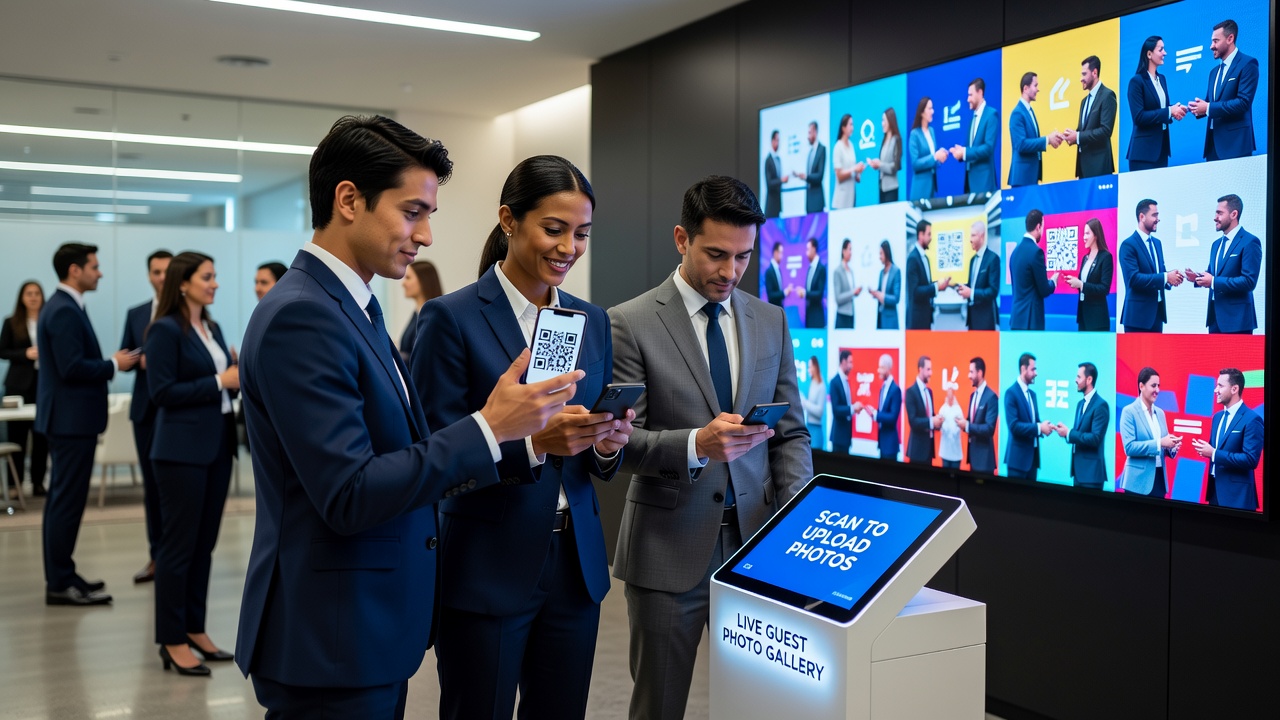
A frictionless guest photo upload system is the difference between a corporate event that lives on in your company's visual history and one that disappears into forgotten camera rolls. You just wrapped up a two-day industry conference. The keynote was a hit, the breakout sessions ran smoothly, and your team is already buzzing about next year. Then it hits you — you need photos. Not the official photographer's polished shots (those will take two weeks), but the candid moments your attendees captured: the networking selfies, the product demo reactions, the team photos at the cocktail reception.
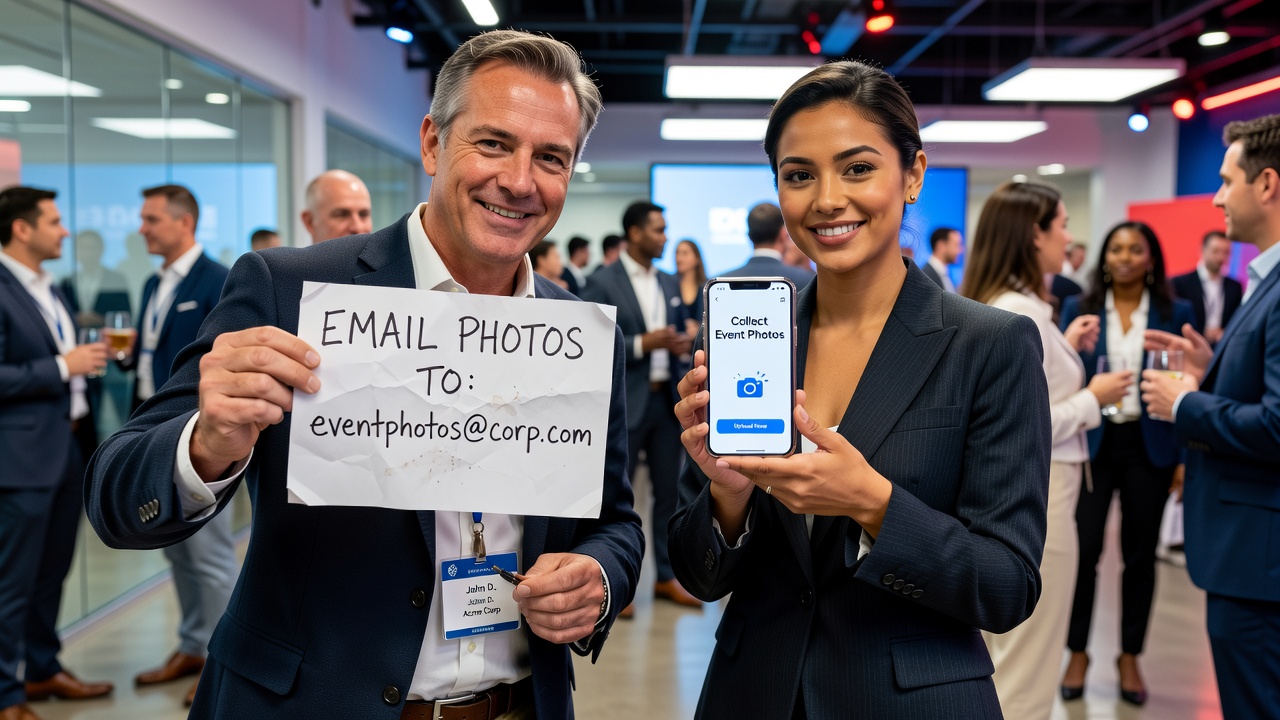
So you draft the email. "Hi everyone, if you took any photos at the conference, could you please send them over?" You hit send. And wait. And wait. A week later, you have three photos — two of which are blurry.
This is the corporate event photo problem, and it's more common than you think. The good news? There's a better way. A frictionless guest photo upload system eliminates the awkward email chase entirely, giving you a live, shared gallery that fills up in real time — while the event is still happening.
Why Email-Based Photo Collection Fails at Corporate Events
Before we get to the solution, let's understand why the traditional approach breaks down so consistently. Corporate events have unique dynamics that make email-based photo collection especially ineffective:
- Professional hesitation. Attendees at corporate events are in work mode. They're less likely to send personal photos to an organizer they may not know well — especially if the photos include colleagues or clients.
- File size friction. High-resolution phone photos are 3–8 MB each. Email attachments cap at 25 MB total. That's 3–5 photos per email, max. Nobody is sending multiple emails.
- No immediate reward. When guests share to a live gallery and see their photos appear instantly, they're motivated to contribute more. Email offers zero feedback loop.
- Post-event fatigue. By Monday morning, your attendees are buried in their actual work. Your "friendly reminder" email is competing with 47 unread messages.
- Scattered results. Even when people do respond, you end up with photos across email threads, WhatsApp groups, Slack DMs, and LinkedIn messages. Consolidating them is a part-time job.
The result? You might collect 5–10% of the photos actually taken at your event. The rest stay locked on attendees' phones forever.

The Frictionless Alternative: Live Guest Photo Upload Galleries
Here's how modern guest photo upload works: you create an event, generate a single QR code or short link, and display it at your conference. Attendees scan it with their phone camera — no app download, no account creation, no login. They snap photos directly through the browser-based camera or upload from their gallery. Every photo lands in one shared, live gallery that you control.
That's it. No emails. No follow-ups. No chasing.
For corporate events specifically, this approach solves several problems at once:
- Professional presentation. A branded QR code on a conference sign or digital screen looks polished and intentional — not like you're begging for photos.
- Real-time visibility. Photos appear in the gallery instantly. Attendees see their contributions and feel motivated to share more.
- Centralized collection. Every photo from every attendee lands in one place. No more hunting through email threads and messaging apps.
- Host control. You can set per-guest shot limits, approve photos before they go public, or enable private mode for internal events.
- Instant access. Download the full gallery as soon as the event ends — no waiting, no compiling.
How to Set Up Guest Photo Upload for Your Next Corporate Event
Implementing a guest photo upload system for a corporate event takes about 10 minutes of setup and zero technical expertise. Here's the step-by-step playbook:
1. Create Your Event
Start by creating an event on your chosen guest photo upload platform. Give it a clear, professional name — something attendees will recognize: "TechSummit 2026" or "Q3 All-Hands Retreat." Set your preferences: how many photos each guest can take, whether photos need approval before appearing in the gallery, and whether the gallery is public or private.
2. Generate Your QR Code
The platform generates a unique QR code for your event. This is the only thing your attendees need. Download it as a high-resolution image — you'll want it crisp and scannable from a distance.
3. Place QR Codes Strategically
Where you place your QR codes dramatically affects participation. For corporate events, the best spots are:
- Registration desk. Attendees scan while checking in — capture the energy from the start.
- Table tents at meals. Lunch and coffee breaks are prime photo-sharing moments.
- Networking areas. Where people naturally take selfies and group shots.
- Stage screens between sessions. Display the QR code on presentation screens during breaks.
- Event badges or lanyards. Print the QR code directly on attendee badges for maximum visibility.
- Bar or cocktail reception area. Evening social events generate the most candid photos.
4. Announce It (Without Sounding Desperate)
Frame the guest photo upload gallery as a feature of the event, not a favor you're asking. Try this script during your opening remarks:
"We've set up a live photo gallery for today's conference. Scan the QR code on your table or badge, and any photos you take will appear in our shared event gallery in real time. No app needed — just your phone camera. We'll share the full gallery with everyone after the event."
This positions photo sharing as a benefit to attendees — they get access to the full gallery too — rather than a chore.
5. Encourage Participation During the Event
A little nudge goes a long way. Try these corporate-appropriate engagement tactics:
- Photo challenges. "Best networking selfie wins a prize" or "Capture the most creative team photo."
- Live gallery display. Project the growing gallery on a screen in the main hall. People love seeing their photos appear.
- Session-specific prompts. "Share your key takeaway from the keynote" or "Show us your workshop in action."
- Speaker engagement. Ask speakers to mention the gallery and encourage photos during their sessions.
6. Share the Gallery Post-Event
Within hours of the event ending, send one email to all attendees with a link to the full gallery. That's it — one email, not a chain of follow-ups. Your attendees get access to every photo, and you have a complete visual record of the event for your company newsletter, social media, and internal communications.
Comparing Guest Photo Upload Methods for Corporate Events
| Method | Participation Rate | Setup Time | Professional Fit | Cost |
|---|---|---|---|---|
| Email follow-up | 5–10% | Minimal | Low — feels like chasing | Free |
| Shared drive (Google Drive, Dropbox) | 15–25% | 10 min | Medium — functional but clunky | Free–low |
| Event app with photo feature | 20–30% | Days–weeks | High — but requires app install | High |
| QR code guest photo upload | 40–60% | 10 min | High — polished, no-app experience | Low–medium |
The numbers tell a clear story. QR code-based guest photo upload delivers 4–6x more photos than email follow-ups, with a fraction of the effort — and it looks more professional doing it. For a deeper comparison of alternatives, see our guide on Google Drive vs dedicated photo sharing and Dropbox file requests for events.
Corporate Event Types That Benefit Most
While any event can benefit from guest photo upload, certain corporate formats see especially strong results:
- Industry conferences and trade shows. Hundreds of attendees, multiple sessions, endless photo opportunities. A live gallery becomes the event's visual heartbeat.
- Company retreats and offsites. Team-building activities, outdoor adventures, and evening socials generate candid photos that email could never capture.
- Product launches and demo days. Attendee reactions to new products are marketing gold — capture them in real time.
- Award ceremonies and galas. Dressed-up attendees want their photos seen. A live gallery gives them that platform.
- Internal town halls and all-hands meetings. For distributed teams, a shared photo gallery helps remote attendees feel included.
Pro Tips for Maximum Participation
After running guest photo upload at dozens of corporate events, here's what separates the galleries with 200+ photos from the ones with 12:
- Make the QR code impossible to miss. One small sign in the corner won't cut it. Use multiple placements — table tents, screens, badges, and registration materials.
- Lead by example. Have your event team upload the first 10–15 photos early. An empty gallery discourages participation; a gallery with activity invites it.
- Keep the link short and memorable. If you're sharing verbally or on slides, use a short URL rather than a long string.
- Set reasonable shot limits. 10–20 photos per guest keeps quality high without overwhelming the gallery. Unlimited uploads can lead to duplicate and low-effort shots.
- Enable photo approval for brand safety. For corporate events, approving photos before they appear in the public gallery ensures nothing inappropriate slips through.
- Download and distribute within 24 hours. Strike while the event is fresh. A quick gallery share keeps the momentum going and builds anticipation for your next event.
Frequently Asked Questions
Do attendees need to download an app?
No. Modern guest photo upload platforms work entirely through the phone browser. Attendees scan a QR code, which opens the camera interface directly — no app store, no account creation, no login required. This is one of the key advantages over traditional event apps, which typically see 70–80% drop-off at the install step alone.
What about privacy and data security for corporate events?
Look for platforms that offer private galleries (visible only to people with the link), photo approval workflows (you review before anything goes public), and GDPR-compliant data handling. For internal corporate events, private mode is essential — you don't want sensitive company photos appearing in search results. Picshots offers private galleries with host-controlled approval for exactly this use case.
How many photos can we expect from a 200-person conference?
With good QR code placement and light encouragement, expect 200–500 photos from a 200-person event. Participation rates typically range from 40–60% of attendees, with each active contributor sharing 3–8 photos on average.
The Bottom Line
The awkward "could you send me your photos?" email belongs in the past. For corporate event organizers, a guest photo upload system transforms photo collection from a post-event headache into a live, engaging feature of the event itself. Your attendees get a seamless sharing experience with zero friction. You get a complete, organized gallery without sending a single follow-up email.
Whether you're planning a 50-person team offsite or a 2,000-attendee industry conference, the setup takes minutes and the payoff is immediate. No apps. No logins. No awkward emails. Just a live gallery that fills up while your event is still happening.
Ready to stop chasing photos? Create your first event on Picshots — it's free for up to 10 guests, and you'll have your QR code ready in under two minutes. For more ideas on using QR codes at events, check out our event QR code guide.
Quick answers
Do attendees need to download an app?
No. Modern guest photo upload platforms work entirely through the phone browser. Attendees scan a QR code, which opens the camera interface directly — no app store, no account creation, no login required. This is one of the key advantages over traditional event apps, which typically see 70–80% drop-off at the install step alone.
What about privacy and data security for corporate events?
Look for platforms that offer private galleries (visible only to people with the link), photo approval workflows (you review before anything goes public), and GDPR-compliant data handling. For internal corporate events, private mode is essential — you don't want sensitive company photos appearing in search results.
How many photos can we expect from a 200-person conference?
With good QR code placement and light encouragement, expect 200–500 photos from a 200-person event. Participation rates typically range from 40–60% of attendees, with each active contributor sharing 3–8 photos on average.