
Nonprofit Marketing
How to Create an Event Photo Gallery for Your Charity Gala
A practical guide for nonprofit staff on setting up guest photo sharing at charity galas and fundraisers, with actionable steps for using collected images in marketing, donor reports, and social media.
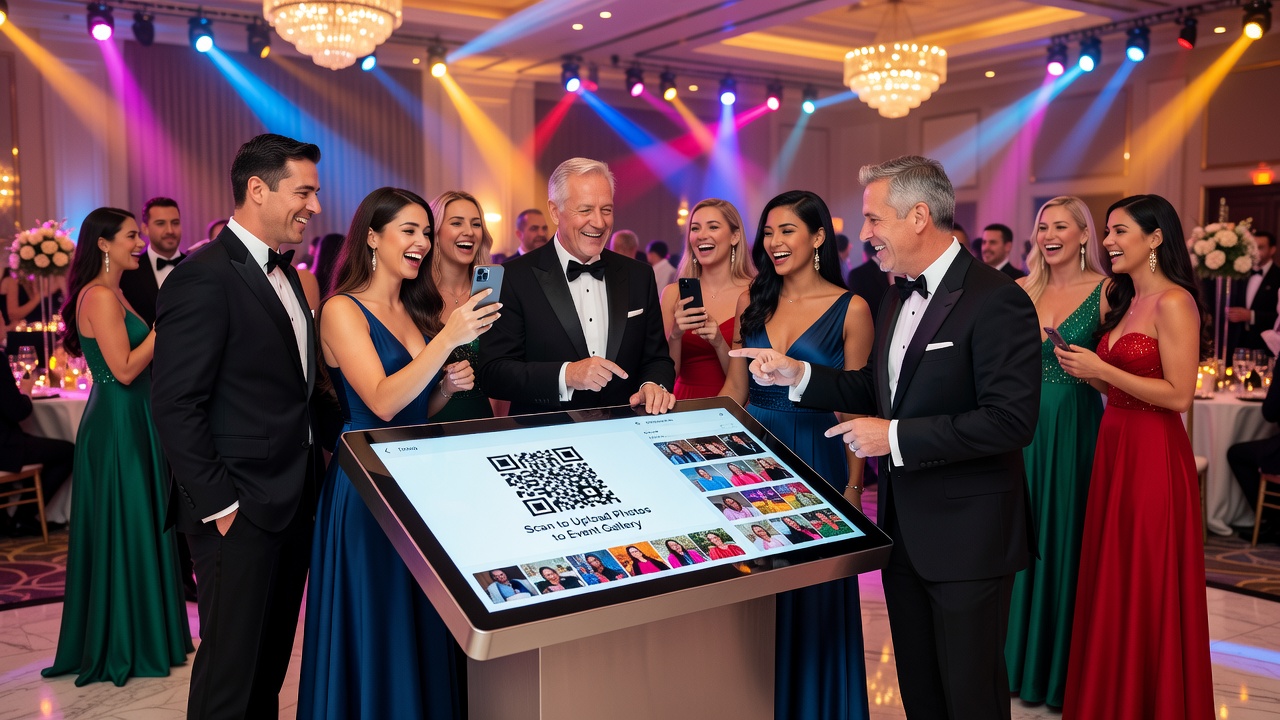
How to Create an Event Photo Gallery for Your Charity Gala or Fundraiser
Quick Answer: Set up a guest photo sharing system by choosing a digital collection method (QR code, text-to-upload, or photo booth), communicating clear consent guidelines, and organizing images post-event for use in marketing materials, donor reports, and social media. This turns attendee snapshots into powerful storytelling assets for your nonprofit.
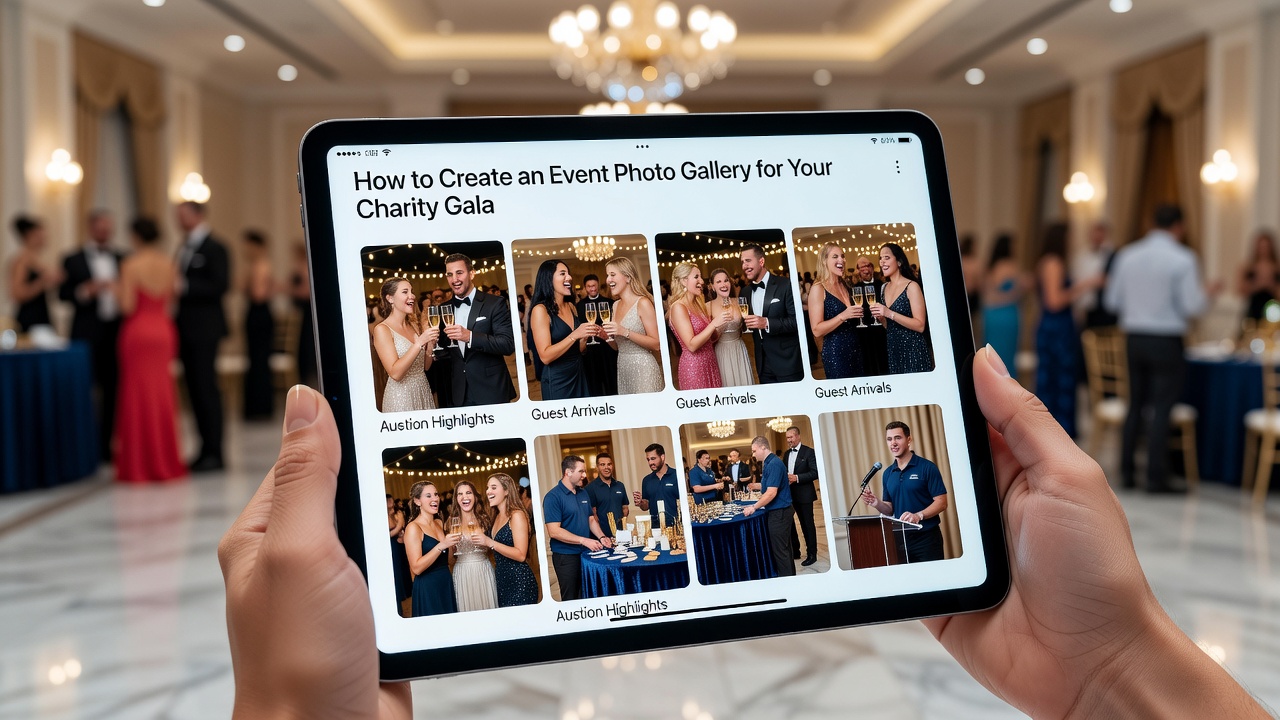
Introduction
You spent months planning your charity gala — securing the venue, recruiting donors, coordinating volunteers. But when the night ends, you realize something critical is missing: photos from your guests' perspective.
Professional photographers capture the stage and speakers. What they miss are the candid moments — the donor's smile during the auction, the table's reaction to a surprise donation, the genuine connections happening in the room. An event photo gallery built from guest photos fills this gap. It gives your nonprofit authentic visual content for future marketing, compelling imagery for donor reports, and shareable moments for social media.
This guide walks nonprofit staff and fundraiser coordinators through a complete system to collect, organize, and repurpose guest photos from charity events.
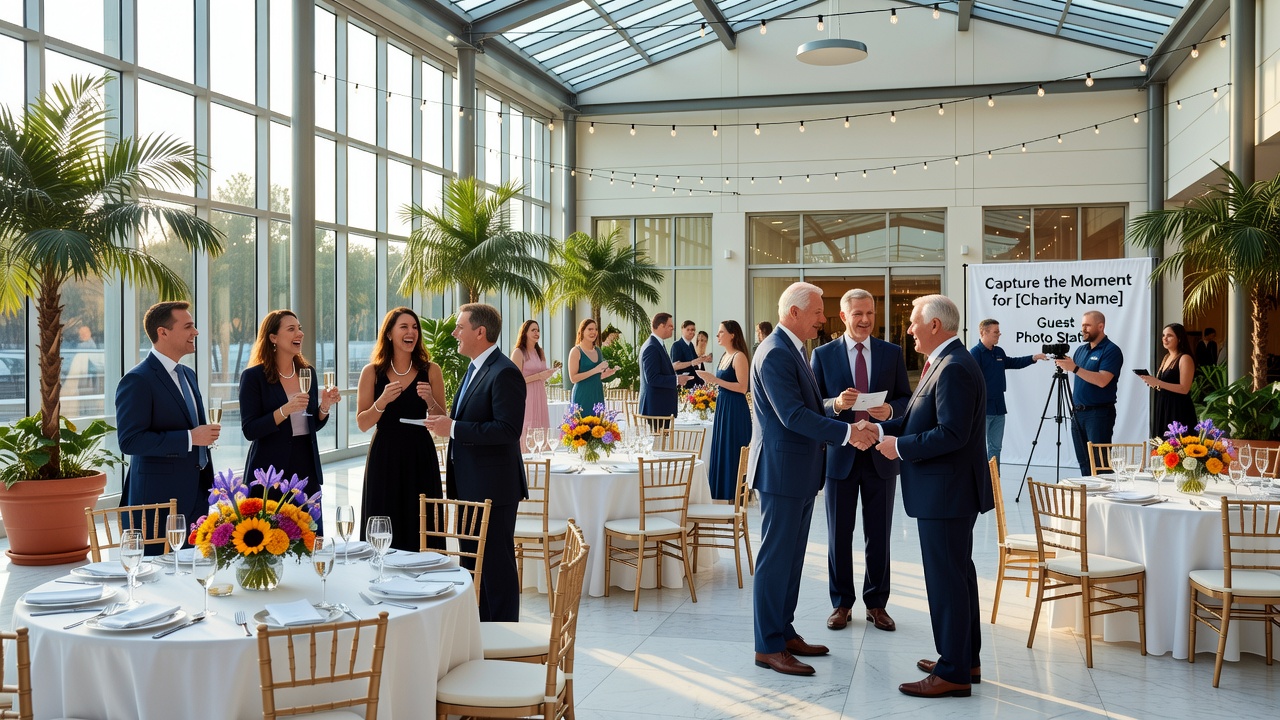
Why Guest Photos Matter for Nonprofits
Nonprofit organizations operate on trust and storytelling. Donors want to see impact. Volunteers want to feel recognized. Future attendees want to envision themselves at your next event.
Guest photos serve multiple strategic purposes:
- Marketing materials: Authentic event photos outperform stock images in email campaigns, event invitations, and website banners by showing real community engagement.
- Donor reports: Annual reports and impact summaries gain credibility when they include actual event documentation rather than generic visuals.
- Social media: User-generated content from attendees extends your reach organically as guests share their own photos and tag your organization.
Unlike professional event photography, which is staged and limited, guest photos capture the energy and atmosphere that make your charity unique.
Step-by-Step: Setting Up Your Event Photo Gallery
Step 1 — Choose Your Collection Method
Before the event, decide how guests will submit photos. Each method has trade-offs for nonprofit budgets and technical capacity.
| Method | Best For | Pros | Cons |
|---|---|---|---|
| QR code to upload portal | Tech-savvy audiences | Immediate digital collection, no app required | Requires reliable venue WiFi |
| Text-to-upload service | Mixed age groups | Familiar process, works without WiFi | Per-message costs add up |
| Designated photo booth | Formal galas | Branded backdrop, controlled quality | Expensive, limited candid shots |
| Hashtag campaign (#YourGala2026) | Social media engagement | Organic reach, free collection | Incomplete, requires manual curation |
For most charity fundraisers, a QR code linked to a simple upload form offers the best balance of cost, ease, and completeness.
Step 2 — Set Up Consent and Usage Rights
This is where nonprofits often stumble. You cannot use guest photos for marketing or donor reports without proper permissions.
Include a clear consent checkbox in your upload process:
- I grant [Organization Name] permission to use my photos in marketing materials, social media, annual reports, and donor communications.
- Separate opt-in for identifying attendees (I confirm I have permission to share photos of identifiable individuals)
For high-profile donors or minors, consider separate photo release forms. Some nonprofits add a photo notice to event tickets or registration confirmations.
Step 3 — Make Submission Effortless
If uploading photos feels like work, guests won't do it. Reduce friction:
- Place QR codes strategically: Table tents, programs, welcome signs, and restroom mirrors. Repetition matters.
- Add a brief URL: Not everyone knows how to scan QR codes. Provide a short, memorable link as backup.
- Include a prompt: Share your favorite moment from tonight! gives guests direction.
- Offer instant gratification: Display a live slideshow of submitted photos during the event. This creates social proof and encourages more submissions.
Step 4 — Assign Someone to Monitor the Collection
Appoint a volunteer or staff member to check the upload feed during the event. They can:
- Ensure the system is working
- Moderate for inappropriate content
- Encourage table captains or ambassadors to remind guests
This person does not need technical skills — just attentiveness and a smartphone.
Step 5 — Organize and Curate After the Event
Within 48 hours, while the event is fresh, sort your collected photos:
- Download all submissions to a shared drive folder labeled by event date and name.
- Create subfolders: Marketing-ready, Donor report candidates, Social media highlights, Needs release form.
- Tag key moments: Auction winners, speaker reactions, crowd shots, table groups.
- Flag high-quality images that show emotion and action — these have the most impact.
Tools like Google Drive, Dropbox, or dedicated nonprofit asset managers like Brandfolder work well for this.
Using Your Event Photo Gallery Across Channels
For Future Marketing Materials
Guest photos become your visual library for the next fundraising cycle:
- Save-the-date emails: Show last year's crowd energy to drive registration.
- Website event pages: Replace stock photos with authentic community moments.
- Sponsorship proposals: Demonstrate past event engagement and attendance.
Rotate images across campaigns to keep content fresh without additional photography costs.
For Donor Reports
Annual reports and impact summaries benefit from visual proof:
- Event spreads: Dedicate a section to your gala with 3-5 curated guest photos.
- Donor thank-you packets: Include a candid photo of the donor or their table in action.
- Grant applications: Show community engagement through documented events rather than described ones.
Caption each image with the event name, date, and context to add professionalism.
For Social Media
Social platforms reward authenticity. Guest photos deliver it:
- Post-event recap: A carousel of 8-10 best shots with a thank-you caption.
- Storytelling series: Moments from the night — one photo per post with a brief story.
- User-generated content: Repost attendee photos with credit (if consented) to build community.
Tag locations, use event hashtags, and mention partners or sponsors when appropriate.
Common Mistakes to Avoid
Nonprofits often undermine their own photo collection efforts through preventable errors:
- No consent process: Using photos without permission creates legal risk and damages donor trust.
- Overly complex upload systems: Requiring app downloads or account creation kills participation.
- Waiting too long to follow up: Photos lose relevance after two weeks. Strike while enthusiasm is high.
- Ignoring photo quality: Dark, blurry images reflect poorly on your brand. Curate ruthlessly.
- Failing to credit or thank contributors: A simple thank-you email to photo submitters builds goodwill and encourages future participation.
Key Takeaways
- An event photo gallery built from guest photos gives nonprofits authentic visual content that professional photography alone cannot replicate.
- Choose a collection method matched to your audience's comfort level — QR codes work for most charity galas.
- Always obtain explicit consent before using photos in marketing, donor reports, or social media.
- Place submission prompts throughout the venue and offer live display to boost participation.
- Organize photos within 48 hours and categorize by intended use: marketing, donor reports, or social media.
- Curate for quality; every image you publish reflects on your organization's professionalism.
- Thank contributors to encourage ongoing engagement and future submissions.
Frequently Asked Questions
What is the best way to collect photos from charity event guests?
A QR code linking to a simple upload form is the most effective method for most charity galas. It requires no app installation, works on any smartphone, and collects photos directly to your cloud storage.
Do I need a photo release form for every guest?
Include a digital consent checkbox during the upload process. For minors or high-profile donors, use separate release forms. Always document permissions before using images publicly.
How can I encourage more guests to share their photos?
Make submission visible and rewarding. Display a live slideshow of uploaded photos during the event, place QR codes on table tents and programs, and ask table captains to remind attendees.
What if guest photos are poor quality?
Set expectations by including a brief tip on your upload page: Hold your phone steady or Capture the moment, not the ceiling. Curate ruthlessly after collection — only use images that reflect your organization's professionalism.
Can I use guest photos in our annual donor report?
Yes, if you have obtained proper consent. Guest photos showing authentic event moments add credibility and emotional impact to donor reports, grant applications, and impact summaries.
Should I hire a professional photographer instead?
Professional photographers capture staged moments beautifully. Guest photos capture atmosphere and candid emotion. Use both — professionals for key shots, guests for authentic community documentation.
How soon after the event should I organize the photos?
Within 48 hours. Enthusiasm peaks immediately after the event, and you'll need fresh content for thank-you emails, social media recaps, and follow-up donor communications.
What tools work best for organizing nonprofit event photos?
Google Drive and Dropbox work for smaller organizations. Dedicated tools like Brandfolder or Canto offer better tagging, permissions, and brand governance for nonprofits with frequent events.
How do I handle photos of minors at charity events?
Require parental consent before using any images of children. Many nonprofits have blanket photo policies for youth-focused events, but verify this is documented and communicated clearly to parents and guardians.
Can I use a social media hashtag instead of an upload portal?
Hashtags work for organic reach but provide incomplete coverage. Many guests post privately or not at all. Combine a hashtag campaign with a direct upload method for comprehensive collection.
Conclusion
Your charity gala is more than a fundraiser — it is a community gathering that tells your organization's story. An event photo gallery built from guest submissions preserves that story in the most authentic way possible.
Start with a simple QR code upload system, secure the right permissions, and organize your photos within two days. The images you collect will power your marketing, strengthen donor relationships, and extend your social reach for months to come.
Ready to capture your next charity event? Set up your guest photo sharing system before invitations go out. Your future marketing materials — and your donors — will thank you.
Quick answers
What is the best way to collect photos from charity event guests?
A QR code linking to a simple upload form is the most effective method for most charity galas. It requires no app installation, works on any smartphone, and collects photos directly to your cloud storage.
Do I need a photo release form for every guest?
Include a digital consent checkbox during the upload process. For minors or high-profile donors, use separate release forms. Always document permissions before using images publicly.
How can I encourage more guests to share their photos?
Make submission visible and rewarding. Display a live slideshow of uploaded photos during the event, place QR codes on table tents and programs, and ask table captains to remind attendees.
What if guest photos are poor quality?
Set expectations by including a brief tip on your upload page. Curate ruthlessly after collection — only use images that reflect your organization's professionalism.
Can I use guest photos in our annual donor report?
Yes, if you have obtained proper consent. Guest photos showing authentic event moments add credibility and emotional impact to donor reports, grant applications, and impact summaries.
Should I hire a professional photographer instead?
Professional photographers capture staged moments beautifully. Guest photos capture atmosphere and candid emotion. Use both for comprehensive documentation.
How soon after the event should I organize the photos?
Within 48 hours. Enthusiasm peaks immediately after the event, and you'll need fresh content for thank-you emails and social media recaps.
What tools work best for organizing nonprofit event photos?
Google Drive and Dropbox work for smaller organizations. Dedicated tools like Brandfolder or Canto offer better tagging and permissions for nonprofits with frequent events.
How do I handle photos of minors at charity events?
Require parental consent before using any images of children. Document and communicate photo policies clearly to parents and guardians.
Can I use a social media hashtag instead of an upload portal?
Hashtags work for organic reach but provide incomplete coverage. Combine a hashtag campaign with a direct upload method for comprehensive collection.