
Wedding Planning
Capturing Wedding Details: Rings, Decor & Tables
Turn everyday wedding moments into lasting memories. This guide helps guests capture meaningful detail shots—rings, decor, table setups, and place cards—and make them appear alongside big event highlights with Picshots.
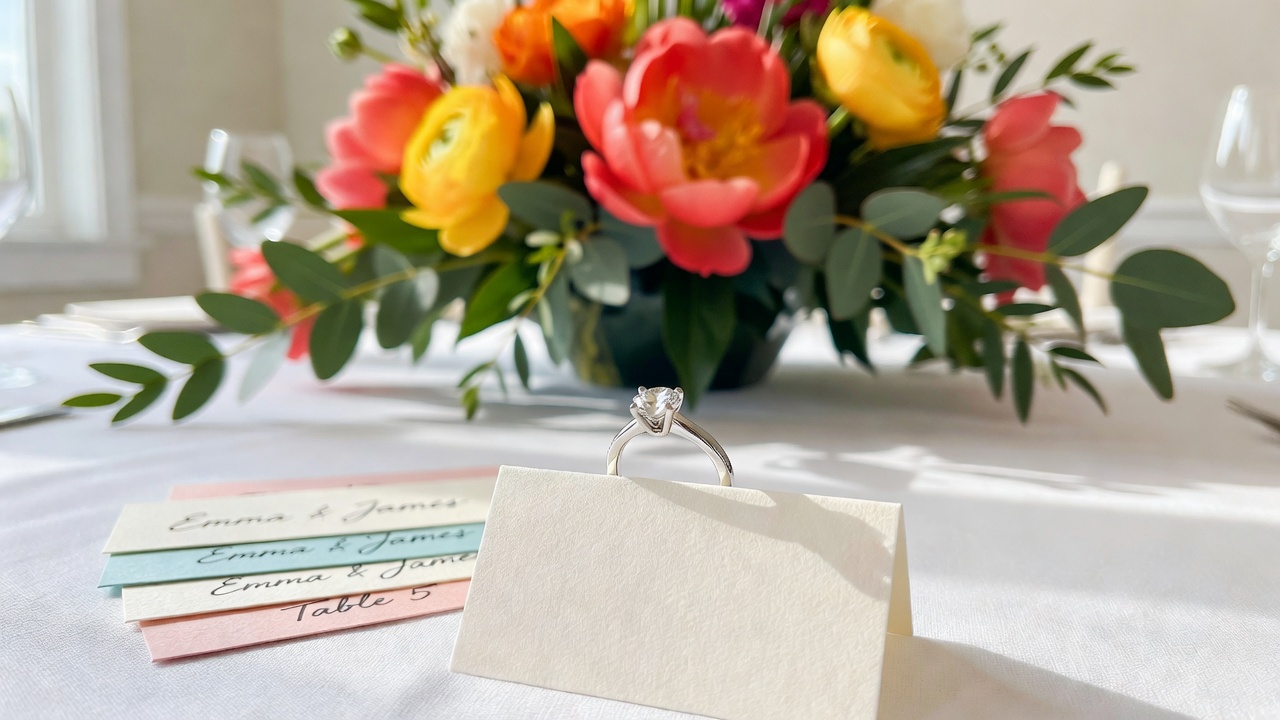
Capturing the Details: guest photo capture for wedding details with Picshots
Quick Answer: If you want the smallest moments to look as intentional as the big ones, ask guests to photograph details like table setups, place cards, wedding rings, and close-ups. Then use Picshots so those detail photos show up beside the larger event moments—organized, searchable, and easy to revisit.
Introduction
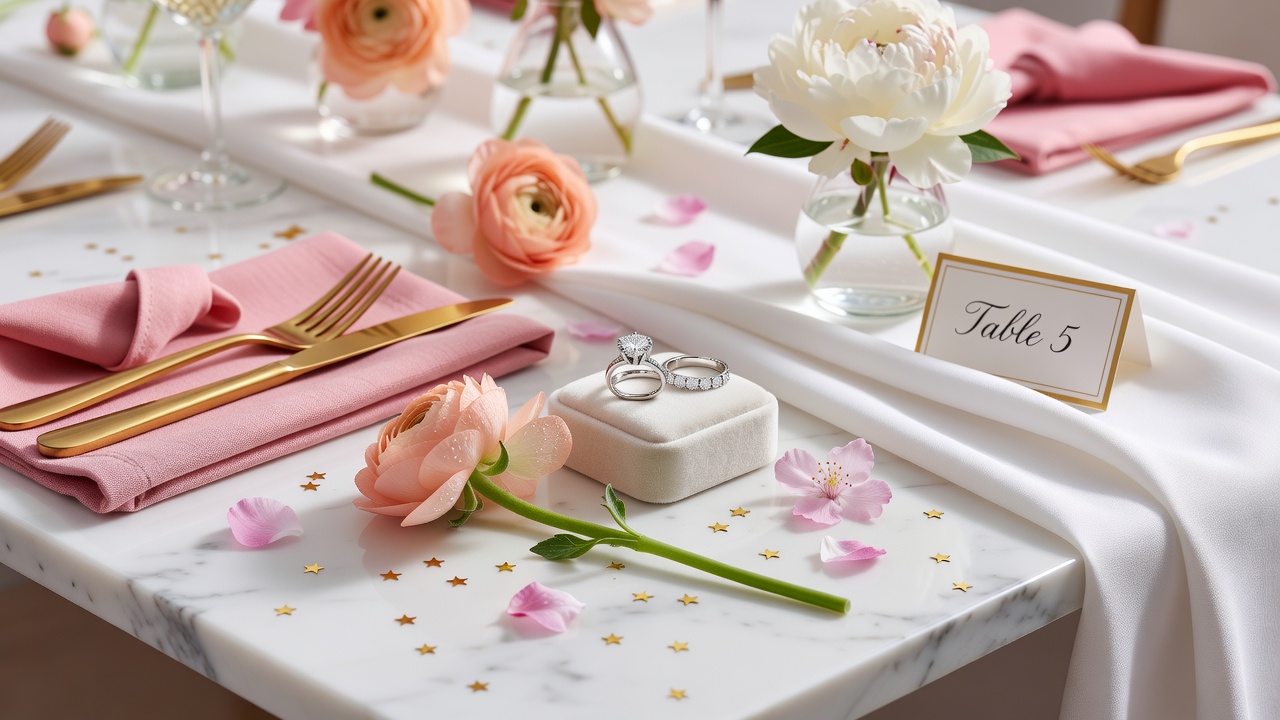
Big wedding photos are unforgettable—until you realize you also want the quiet proof of your taste: the way the place cards were styled, the texture of the table linens, the sparkle of the rings, and the little “only us” details that don’t always make it into the main gallery.
This post is for guests and couples who want a practical plan for guest photo capture for wedding details with Picshots. You’ll learn exactly what to photograph, how to photograph it (without slowing the celebration), and how to make sure those close-ups don’t get lost in someone’s camera roll.
What counts as a “wedding details” photo?
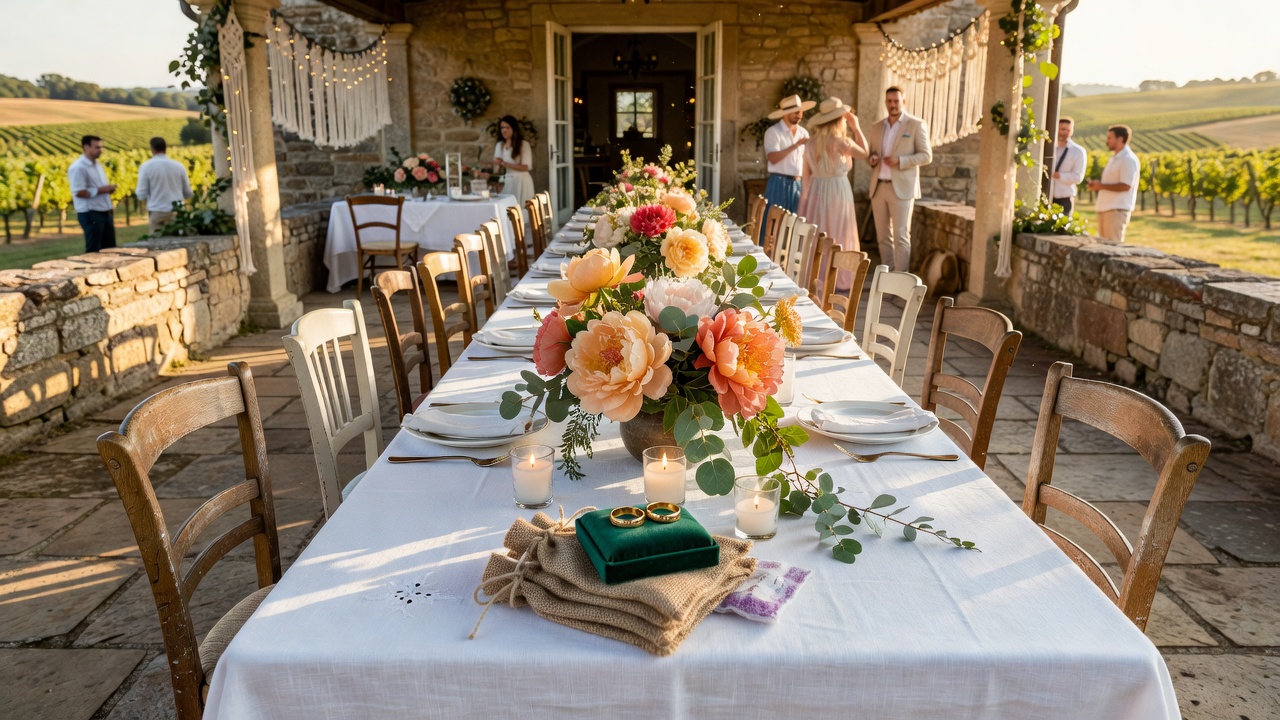
Quick Answer: Wedding details photos are close-up images that communicate theme, texture, and emotion—think rings, invitations, place cards, table centerpieces, menus, favors, escort cards, signage, and meaningful hands-in-frame moments. They create context and continuity between the major “hero” shots.
When you plan for wedding photography, details do three jobs:
- They preserve design decisions: florals, color palettes, typography, and materials.
- They document personalization: vows, custom notes, family heirlooms, and thoughtful touches.
- They add variety: not every moment is wide-angle and posed.
In other words, details photos help guests and couples relive the day from multiple angles—literally and emotionally.
Why should guests capture detail shots (not just the big moments)?
Professional photographers will cover key moments: ceremony scenes, portraits, group photos, and the overall story. But guests are uniquely positioned to capture the in-between—what you might miss while you’re living it.
Guest detail shots are especially powerful for:
- Table setups: settings look different before and after plates and drinks arrive.
- Small brand cues: place cards, menu cards, wax seals, and signage are easy to photograph quickly.
- Rings and jewelry: close-ups tell a story even when a wide shot doesn’t.
- Environmental mood: lighting, candle flicker, and floral textures.
When guests capture those details intentionally—and when you place those images alongside hero moments—the entire gallery feels complete.
How does Picshots help detail photos show up with the “big moments”?
Quick Answer: Picshots is designed to gather guest photos and present them in a way that complements your main wedding coverage. That means your rings, table decor, place cards, and close-ups aren’t buried—they appear as part of the full narrative.
Instead of guessing which photos guests uploaded (or hoping someone remembered to send you their favorites), Picshots helps you:
- Collect guest photos in one place so details don’t stay scattered in camera rolls.
- Keep the story cohesive by featuring guest photos alongside larger event moments.
- Make it easier to revisit the textures, design, and personalization that define your day.
Tip: When you set expectations clearly (“We want detail shots too”), you’ll get more of the images couples actually want later.
Which wedding details should guests photograph? (A practical shot list)
Use this checklist to guide guests without overwhelming them. Encourage them to choose what fits their seat, their hands-free moments, and the flow of the celebration.
Table setups (the highest-yield detail category)
- Full table overview (place cards visible, centerpieces intact)
- Close-up of a place card (name/typography/design)
- Menu card or custom signage
- Stationery textures (tissue, linen weave, hand-tied elements)
- Glassware and centerpiece height (show scale)
- Table numbers or escort card board
Rings and jewelry close-ups
- Rings on a palm or bouquet edge
- Rings with invitation edges or ceremonial items
- Hands holding during vows (if allowed—timing matters)
- Close-ups of nails/accessories if that’s part of the look
Pro tip: If you can, photograph rings with a plain background (a napkin, a dark table mat, or even your jacket sleeve) so the sparkle stands out.
Decor and styling details
- Entry signage or welcome table moment
- Florals and candles (wide + close-up)
- Garlands, arches, wall textures, or backdrops
- Seating charts / escort cards
- Favors (label visible)
Meaningful “in-between” moments
- Hands pouring drinks or passing trays (composition over flash)
- Close-up of handwritten notes or vow cards
- Photo booth props (capture the design, not just the faces)
What’s the best time for guests to take detail photos?
Quick Answer: The best window is when details are staged and uncluttered—before guests sit down, during golden moments between formal events, and right before key transitions. In practice: welcome-table time, pre-ceremony, early cocktail hour, and immediately after seating.
Here’s a simple timing guide couples can share with guests:
| Wedding moment | What detail photos work best |
|---|---|
| Before guests arrive | Welcome sign, invitation stationery, place cards, table settings (unmoved) |
| Cocktail hour | Decor textures, rings (if you’re close), menu cards, signage |
| Seated / just after seating | Table overviews, centerpiece close-ups, place card typography |
| Photo transitions | Quick ring and hands shots, favors, candle/floral macro-style photos |
| After dinner begins | Only if it won’t disrupt—drinkware, table number angles, detail vignettes |
Reminder for guests: Photograph details, but don’t block aisles, don’t use flash during formal moments, and step back when needed.
How should guests take detail photos? (Simple techniques that actually work)
Guests don’t need professional gear to get great detail shots. They need a few practical habits.
1) Choose one “subject” and one “background”
Detail photos look intentional when the camera knows what to focus on. For rings, use a plain surface. For place cards, fill the frame with the card and blur the table behind it.
2) Use the “two-step” framing
- Step back for a “context” shot (whole centerpiece/table number).
- Step closer for a “texture” shot (place card typography, centerpiece materials).
3) Prioritize light over filters
Natural light (near windows) often produces cleaner, true-to-color results than heavy editing. Indoors, aim toward ambient lighting rather than blasting flash.
4) Avoid motion blur during candid moments
Ask guests to steady their hands—brace elbows lightly on a chair back or table edge when possible. If they’re photographing from a moving location (e.g., passing trays), focus on stationery signs or stationary decor.
5) Turn on “tap to focus” habits
On most phones, guests can tap the screen on the details (ring, name card, menu) to set focus. That single gesture often upgrades a photo immediately.
Common mistakes guests make with wedding detail photos
Quick Answer: The most common issues are taking detail photos too late (after tables are cleared), using flash at the wrong time, shooting without a clear focal point, and forgetting to capture at least one “context” image (so the couple understands where the detail belongs).
Here are the mistakes to prevent, with quick fixes:
- Only close-ups, no context: Fix by capturing both a close-up and a wider table shot.
- Flash during ceremony/formal moments: Fix by avoiding flash and using ambient light.
- Blurry rings/place cards: Fix by tapping to focus and bracing hands.
- Photographing after details move: Fix by taking photos before plates and drinks rearrange the table.
- Disruptive positioning: Fix by stepping aside between shots and not blocking aisles.
Should couples assign guests specific detail prompts?
Yes—lightly. You don’t want guests to feel like they’re working. But a few targeted prompts produce dramatically better results.
Try a “three-prompt” strategy:
- Prompt 1: “Please capture table settings and place cards—one close-up and one wider shot.”
- Prompt 2: “If you get a moment, photograph the rings in a close-up.”
- Prompt 3: “Capture one decor detail you love (welcome sign, florals, candle textures).”
This gives guests a simple path without turning your wedding into a checklist.
Picshots vs. “Just ask guests to email you their favorites”
Quick Answer: Asking guests to email favorites often leads to incomplete detail coverage and missed shots. Picshots is built for collecting and surfacing guest photos so the details you care about appear alongside the main story.
Comparison
| Approach | What you get | Where it usually breaks |
|---|---|---|
| Guest email favorites | A handful of images, mostly wide shots | People forget, respond late, miss detail requests |
| Picshots-style guest photo capture | More consistent detail coverage | Needs clear prompts and a quick “how to” message |
Practical best practice: Pair Picshots with clear prompts and a friendly “how to upload” note. You’ll get better detail shots with less friction.
Sample message couples can send guests (copy-ready)
Here’s an example you can adapt for your wedding invite, group chat, or table tent wording:
We’d love your help capturing the details! When you have a moment, please take (1) one photo of a table setup or place card, (2) a close-up of the rings if you can, and (3) one decor detail you love. Upload your photos with Picshots so they appear alongside the big wedding moments. Thank you for helping us remember everything.
Optional add-on: “Please avoid flash during ceremony and don’t block aisles.”
Key Takeaways
- Details photos preserve the “why” behind your wedding design—table setups, place cards, rings, and decor textures.
- The best results come from simple prompts: one close-up + one wider context shot.
- Timing matters: capture staged details before tables change during the evening.
- Phone photography improves fast with focus tapping, steady framing, and ambient light.
- Picshots helps those detail shots appear alongside larger event moments—so nothing important gets lost.
Frequently Asked Questions
What’s the most important wedding detail for guests to photograph?
Place cards, table setups, rings, and decor signage consistently deliver the most meaningful “design proof” later. If you’re choosing just one category, start with table settings and place cards because they capture personalization (names, typography, and styling) in a single image.
How many detail photos should a guest take?
A good target is 2–4 detail shots per guest: one wider context image (so couples know where it belongs) and one close-up texture shot. If you’re attending multiple events, rotate themes—table, rings, then a decor highlight.
Should guests use flash for close-up wedding details?
Generally, avoid flash during ceremonies and formal moments, because it can distract others. For table details and rings, rely on ambient lighting and steadier framing. If indoor lighting is low, position near light sources rather than using harsh flash.
How can couples encourage detail photography without sounding demanding?
Use friendly, short prompts and offer choices. For example: “If you have a moment, capture table settings and place cards (one close-up + one wider shot).” Couple gratitude does the rest—your tone should feel like collaboration, not a task.
What’s the best time to take place card and table setting photos?
Take them early—when tables are freshly arranged and before plates, drinks, and guests shift items around. A practical window is just before guests sit down and during the first part of cocktail hour, when decor and signage look crisp.
How do we make sure detail photos don’t get lost after the wedding?
Use a dedicated guest photo capture workflow so photos aren’t scattered across devices. Picshots is positioned to help those photos appear alongside your bigger wedding moments, making it easier to revisit the story without hunting through emails or messages.
Will detail photography distract guests from enjoying the celebration?
It shouldn’t. The key is small, quick moments: one or two shots, then back to the event. Encourage guests to step aside, avoid blocking aisles, and keep flash off during formal scenes. This keeps detail capture fun and respectful.
Are rings worth photographing if professional ring shots are already planned?
Yes—guest ring photos often feel different because they capture unique angles, hands, and real lighting. Even if a professional shot exists, a guest’s close-up can add variety and emotion, especially when it includes surrounding context like bouquets, vows, or table textures.
What if some guests don’t take detail photos?
That’s normal. Build redundancy by encouraging everyone, but don’t rely on every person. The goal is to increase the odds of receiving meaningful details. With Picshots, you’ll typically see a richer variety of table and close-up moments than you would with informal “send me your favorites” requests.
Conclusion
Your wedding will be remembered through the big moments—and perfected through the details. When guests capture rings, table setups, place cards, and decor close-ups, you protect the design choices and personalization that make your story feel truly yours. And with Picshots, those detail photos can appear alongside the larger event moments instead of getting lost in the shuffle.
CTA: If you’re planning your guest photo experience, set the detail prompts early and choose Picshots so your guests can contribute in a way that becomes part of your final wedding keepsake.
Quick answers
What’s the most important wedding detail for guests to photograph?
Place cards, table setups, rings, and decor signage consistently deliver the most meaningful “design proof” later. If you’re choosing just one category, start with table settings and place cards because they capture personalization (names, typography, and styling) in a single image.
How many detail photos should a guest take?
A good target is 2–4 detail shots per guest: one wider context image (so couples know where it belongs) and one close-up texture shot. If you’re attending multiple events, rotate themes—table, rings, then a decor highlight.
Should guests use flash for close-up wedding details?
Generally, avoid flash during ceremonies and formal moments, because it can distract others. For table details and rings, rely on ambient lighting and steadier framing. If indoor lighting is low, position near light sources rather than using harsh flash.
How can couples encourage detail photography without sounding demanding?
Use friendly, short prompts and offer choices. For example: “If you have a moment, capture table settings and place cards (one close-up + one wider shot).” Couple gratitude does the rest—your tone should feel like collaboration, not a task.
What’s the best time to take place card and table setting photos?
Take them early—when tables are freshly arranged and before plates, drinks, and guests shift items around. A practical window is just before guests sit down and during the first part of cocktail hour, when decor and signage look crisp.
How do we make sure detail photos don’t get lost after the wedding?
Use a dedicated guest photo capture workflow so photos aren’t scattered across devices. Picshots is positioned to help those photos appear alongside your bigger wedding moments, making it easier to revisit the story without hunting through emails or messages.