
Photo Sharing
The Best Free Guest Photo Sharing Tools Compared: What Actually Works
An honest, experience-based comparison of five free guest photo sharing tools — covering real pros, real cons, and which one to pick for your next event.
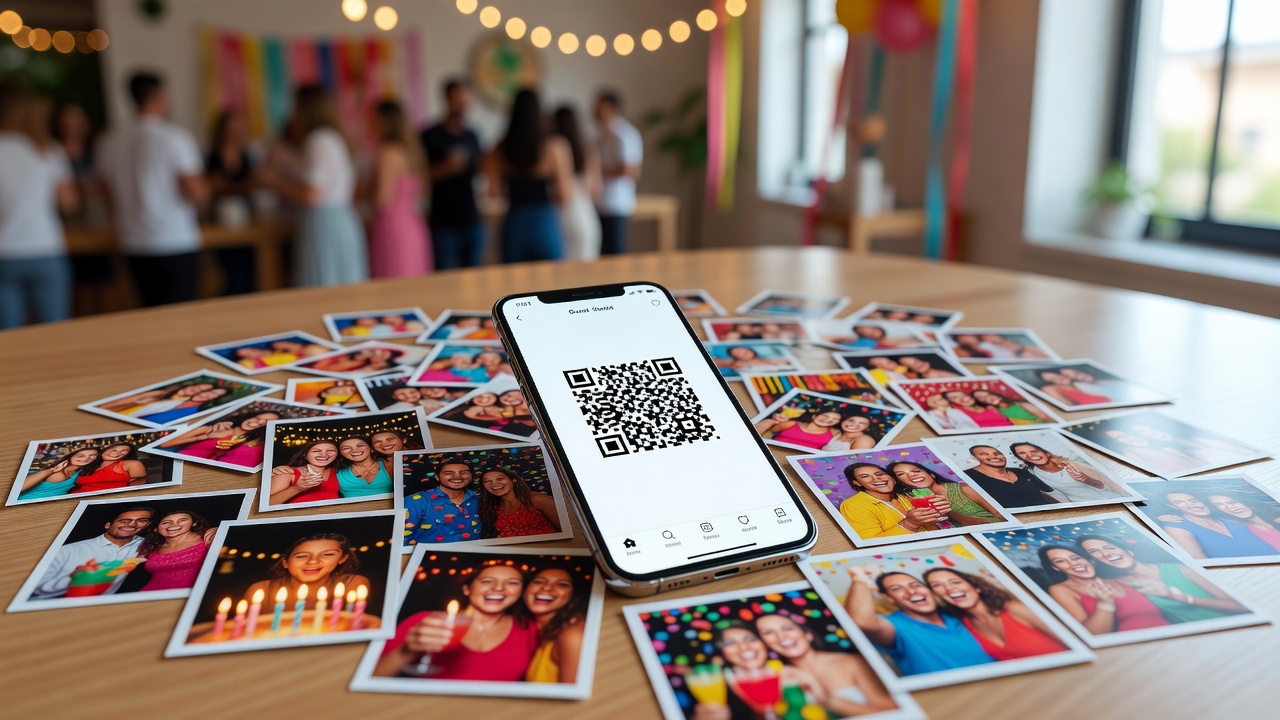
You just hosted a wedding. Your cousin took 200 photos on her phone. Your best friend's partner captured the ceremony in portrait mode. Your aunt has a folder of candid reception shots nobody else saw. Now everyone is texting you asking, "Where can I upload my photos?"
Finding a free guest photo sharing solution that actually works — without forcing everyone to download a new app or pay for storage — is harder than it should be. We tested the most common options so you don't have to. Here's what really works, what doesn't, and which tool fits your event.
What We Compared (And How)
We looked at five tools people already use or can access for free: Google Photos, iCloud Shared Albums, WhatsApp, Facebook Albums, and Picshots (a dedicated guest photo sharing platform with a free tier). Each was evaluated on ease of use, privacy, storage limits, photo quality, and accessibility — the things that actually matter when your 70-year-old uncle and your tech-savvy college friend both need to upload photos from the same event.
1. Google Photos: The Reliable Default
Google Photos is the most commonly suggested guest photo sharing tool, and for good reason. A shared album takes about 30 seconds to create, and anyone with the link can view. Contributors need a Google account to upload, which covers most Android users and a surprising number of iPhone users too.
Pros:
- Free storage (15GB shared across your Google account — enough for several events)
- Automatic face recognition and smart grouping
- Works on both iOS and Android via the Google Photos app
- Simple link sharing — no account needed to view
Cons:
- Uploaders must have a Google account and be signed in
- The 15GB cap includes everything in your Google Drive and Gmail, not just photos
- Some guests report the app is confusing if they're not already Google Photos users
- No way to download all photos as a single zip without third-party tools
For guest photo sharing at larger events, Google Photos is the safe pick — but the Google account requirement and shared storage cap can trip people up.
2. iCloud Shared Albums: Best for All-Apple Crowds
If your entire guest list uses iPhones, iCloud Shared Albums feel almost magical. Create an album, invite people via iMessage, and everyone's photos appear automatically. The integration is seamless — it's built into the Photos app everyone already has.
Pros:
- Zero setup for iPhone users — it's already on their phone
- Up to 100 contributors per album
- Photos don't count against your iCloud storage
- Full-resolution uploads and downloads
Cons:
- Only works for Apple users — Android guests are completely locked out
- No web-based upload option for non-Apple devices
- Invitations go through iMessage, which can be confusing for guests who don't use Messages
- Limited to 5,000 photos per album
For an all-iPhone wedding or family reunion, iCloud is effortless. The moment one Android user is in the mix, you need a backup plan.
3. WhatsApp: The Quick-and-Dirty Option
WhatsApp groups are where most people actually share event photos — not because it's the best tool, but because everyone already has it. A group chat with 30 people and 400 photos is chaotic, but it works.
Pros:
- Everyone already has it — zero friction to join
- Photos arrive instantly in the conversation
- Works on every phone type
- No storage limit on the device side
Cons:
- Photos are compressed — you lose significant quality
- No organization whatsoever — it's a chat, not an album
- Group limit of 1,024 members, but practically unmanageable past 50
- Older photos get buried and are nearly impossible to find later
- Downloading all photos from a group is painful — you must save them one by one
WhatsApp is the easiest guest photo sharing tool to start, but the worst for preserving memories. Use it for the immediate after-party buzz, then migrate photos somewhere organized.
4. Facebook Albums: Familiar but Flawed
Facebook has been losing relevance for event photo sharing, but it's still where many family reunions and community gatherings end up. Creating an album is simple, and the social interaction (likes, comments) can be fun.
Pros:
- Most adults already have a Facebook account
- Tagging people in photos is a feature no other free tool offers
- Friends can be invited with one click
- Unlimited album size (within your account's general limits)
Cons:
- Heavy image compression — photos look noticeably worse than originals
- Privacy is a maze — "friends of friends" can accidentally see more than you intended
- Many people have deleted Facebook or rarely check it
- Downloading original-quality photos from Facebook strips metadata and reduces resolution
- Not professional enough for weddings or corporate events
Facebook works for casual gatherings where image quality doesn't matter. For anything you want to print or archive, look elsewhere.
5. Picshots: A Dedicated Guest Photo Sharing Solution
Picshots is purpose-built for event photo sharing — think weddings, parties, and reunions where you want every guest's photos in one organized place. The free tier lets you create an event and share a QR code or link that guests can use to upload instantly, even without an account.
Pros:
- No app or account required for guests — they scan a QR code and upload from their browser
- Works on any phone (iOS, Android, even desktop)
- Photos are organized by event, not buried in a chat
- Original quality uploads preserved
- QR code display at the event makes it effortless for guests
Cons:
- Free tier has storage limits (check current plan for specifics)
- Less familiar than Google or Facebook — some guests may hesitate
- Fewer smart features (no face recognition or auto-grouping)
- Brand awareness is lower, so you may need to explain it to guests
For guest photo sharing at a wedding or formal event, a dedicated tool like Picshots solves the problems the big platforms create: no account walls, no compression, and a QR code that makes contributing genuinely frictionless.
Quick Comparison: Which Tool Fits Your Event?
| Tool | Ease of Use | Privacy | Free Storage | Accessibility | Photo Quality |
|---|---|---|---|---|---|
| Google Photos | High | Good (link control) | 15GB shared | All platforms (view), Google account to upload | Full resolution |
| iCloud Albums | Very High (for Apple users) | Strong | Unlimited (album photos) | Apple only | Full resolution |
| Very High | Weak (group members see all) | No limit (device storage) | All platforms | Compressed | |
| Facebook Albums | Medium | Weak (complex settings) | Unlimited (within account) | All platforms (account required) | Compressed |
| Picshots | High (QR code) | Good (event-specific) | Limited free tier | All platforms (no account needed) | Full resolution |
Final Recommendation: Which Should You Choose?
For a wedding or formal event: Go with a dedicated tool like Picshots. The QR code approach means even your least tech-savvy guest can upload without creating an account, and you get full-quality photos organized in one place.
For an all-iPhone family gathering: iCloud Shared Albums. It's already on everyone's phone, full resolution is preserved, and it takes 30 seconds to set up.
For a mixed-device crowd who's tech-comfortable: Google Photos. The shared album feature is reliable, cross-platform, and the 15GB cap is enough for most single events.
For a casual party where nobody cares about quality: WhatsApp. It's already in everyone's pocket, and the immediacy is part of the fun.
Avoid for anything you want to keep: Facebook. The compression, privacy confusion, and declining user base make it the weakest option for guest photo sharing in 2026.
Frequently Asked Questions
Can guests upload photos without creating an account?
Only Picshots and WhatsApp allow truly account-free uploads. Google Photos requires a Google account to contribute, iCloud requires an Apple ID, and Facebook requires a Facebook account.
What's the best free guest photo sharing tool for a wedding?
A dedicated platform like Picshots is ideal because guests scan a QR code and upload instantly — no app, no account, no friction. Google Photos is a strong runner-up if your guests are comfortable with Google accounts.
Do any of these tools compress my photos?
Yes. WhatsApp and Facebook both apply noticeable compression. Google Photos, iCloud, and Picshots all preserve full resolution on their free tiers.
How much storage do I actually get for free?
Google Photos gives 15GB shared across your entire Google account. iCloud album photos don't count against your storage. WhatsApp has no cloud storage limit (photos live on devices). Facebook has no explicit album limit. Picshots offers a free tier with event-based storage — check their current plan for specifics.
Quick answers
Can guests upload photos without creating an account?
Only Picshots and WhatsApp allow truly account-free uploads. Google Photos requires a Google account to contribute, iCloud requires an Apple ID, and Facebook requires a Facebook account.
What's the best free guest photo sharing tool for a wedding?
A dedicated platform like Picshots is ideal because guests scan a QR code and upload instantly — no app, no account, no friction. Google Photos is a strong runner-up if your guests are comfortable with Google accounts.
Do any of these tools compress my photos?
Yes. WhatsApp and Facebook both apply noticeable compression. Google Photos, iCloud, and Picshots all preserve full resolution on their free tiers.
How much storage do I actually get for free?
Google Photos gives 15GB shared across your entire Google account. iCloud album photos don't count against your storage. WhatsApp has no cloud storage limit (photos live on devices). Facebook has no explicit album limit. Picshots offers a free tier with event-based storage — check their current plan for specifics.