
Wedding QR codes
Event QR Code: The Essential Tool Every Party Host Needs in 2026
An event QR code lets guests share photos instantly — no app, no chase. One scan, one shared gallery, live all night. Free for up to 10 guests.
What Is an Event QR Code and Why Do You Need One?
An event QR code is a single scannable code that connects your guests to a shared photo gallery — instantly, with no app to download and no account to create. They scan it with their phone camera, the gallery opens in their browser, and they start shooting. Every photo uploads automatically to one shared space, live, all night.
If you have ever hosted a party, wedding, or corporate event, you know the problem: 100 guests take hundreds of photos on their phones, and you never see most of them. You send follow-up messages after the event, beg people to upload to a shared album, and give up when nobody does. An event QR code solves this at the source — guests share in the moment, not after they get home.
In 2026, QR codes are everywhere — menus, check-ins, payments. But the most powerful use case for party hosts is photo sharing, and most people still have not discovered it. This page explains what an event QR code does, why it beats the old methods, and how to set one up in five minutes.
What an Event QR Code Does Beyond Menus and Check-Ins
Most people think of QR codes for restaurant menus or event check-in. But for party hosts, the real value is photo sharing. Here is what an event QR code unlocks:
- Instant guest photo collection: Every guest who scans becomes a photographer. No disposable cameras to buy, no hashtags to chase, no shared albums that nobody uploads to.
- Live shared gallery: Photos appear in real time. You watch your event unfold from every angle — the dance floor, the bar, the quiet corners — as it happens.
- Zero friction for guests: No app install. No account creation. No login. They scan, shoot, and the photos are in the gallery. That is why participation rates are dramatically higher than app-based solutions.
- Host controls: Set per-guest shot limits, enable photo approval, or keep the gallery private. You decide how the gallery works — not the algorithm.
- One gallery for every event type: Weddings, birthdays, corporate events, baby showers, bachelor parties — the same QR code works for all of them.
Why Event QR Codes Are Replacing Old Photo-Sharing Methods
The old ways of collecting guest photos do not work. Here is why an event QR code is the better approach:
Shared Albums (Google Photos, iCloud)
Free, but full of friction. Every guest needs the right account, has to find the album, select photos, and upload one by one. Most never get around to it. You end up with 20 photos from 3 guests instead of 200 from 30. And the albums get messy — no organization, no live gallery, no sense of the event unfolding.
Wedding Hashtags
You print a hashtag and hope guests post. Some do, most do not. The ones who do post curated, filtered shots — not the real candid moments. And private accounts mean you miss half the photos entirely.
Disposable Cameras
Expensive ($15-25 each), wasteful (single-use plastic), and unreliable (half the photos come back blurry or dark). You also have to develop the film and hope the scans are decent. For a comparison, see our guide on disposable cameras vs digital guest cameras.
Chasing Guests After the Event
The worst approach. You send messages, tag people, wait weeks. Photos get buried under new content, deleted to save space, or simply forgotten. An event QR code means photos are shared during the event — not after, when it is too late.
How Event QR Codes Work With Picshots
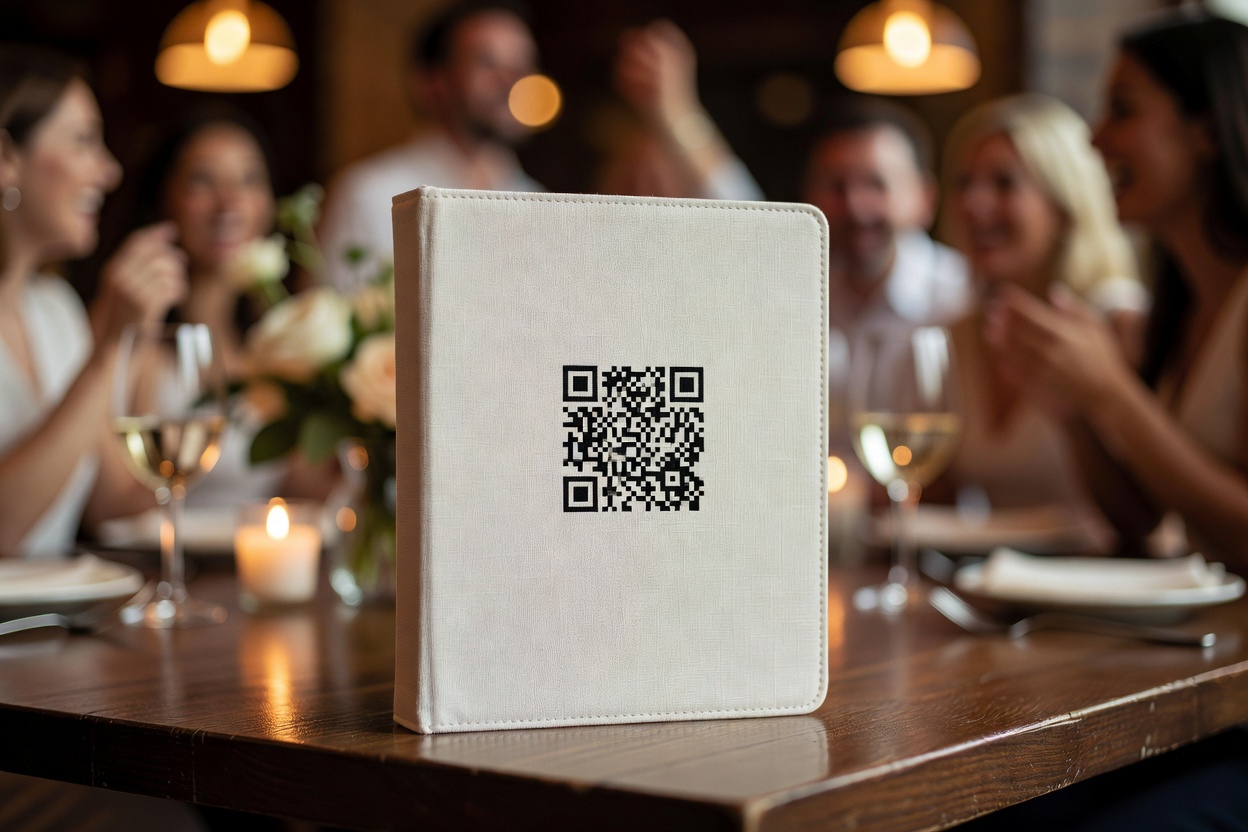
Picshots makes event QR code photo sharing simple. Here is how it works:
- Create your event. Go to picshots.app/create, name your event, set the date, and choose your preferences.
- Get your QR code. The platform generates a unique QR code linked to your event gallery. Download it, print it, or display it on a screen.
- Display it at the event. Print the QR code on table cards, welcome signs, or programs. Place it where guests will see it — the welcome table, the bar, each place setting.
- Guests scan and shoot. No app to download. The camera opens in their phone browser. They take photos, and every shot uploads to the shared gallery instantly.
- Watch the gallery fill up live. Photos appear in real time. If your venue has a screen, display the gallery as a live photo wall.
- Download everything after the event. Export the full gallery with one click. Every photo, from every guest, in one place.
For a detailed walkthrough, read our how it works guide. Ready to try the tool? Visit our event QR code tool page.
Events That Benefit From an Event QR Code
An event QR code is not just for weddings. Any event where guests take photos can benefit:
- Weddings: The biggest use case. 100+ guests, one QR code, every candid moment captured. See our wedding guest camera page.
- Birthdays: Milestone birthdays, surprise parties, kids' parties — guests take photos that the host never sees otherwise.
- Corporate events: Conferences, team offsites, product launches — collect attendee photos into a branded gallery with photo sharing for guests that requires no app. Read our guide on corporate event photography on a budget.
- Baby showers: Family and friends capture the reactions, the games, the gifts — moments the host is too busy to photograph.
- Bachelor and bachelorette parties: Weekend trips, bar crawls, group activities — one QR code for the whole crew.
- Reunions and festivals: Multi-day events where guests scatter across a venue or location. The QR code keeps everyone's photos in one gallery.
For more ideas, browse our wedding QR code ideas — many of these display concepts work for any event type.
What to Look for in an Event QR Code Solution
Not all event QR code tools are the same. Use this checklist when comparing options:
- No app required. Guests should scan and shoot in their browser. If the solution requires an app download, participation will drop sharply.
- Live shared gallery. Photos should upload in real time, not sit on a phone waiting for a manual sync.
- Host controls. Look for per-guest shot limits, photo approval, and privacy settings so you control the gallery.
- No subscription. Pay-once-per-event pricing is fairer than monthly fees you forget to cancel.
- Works on any phone. The solution should work on iOS, Android, and older phones — not just the latest models.
- Free tier available. Small events should not cost anything. Picshots is free for up to 10 guests.
- Instant download. You should be able to export the full gallery with one click after the event.
Event QR Code vs Other Photo-Sharing Alternatives
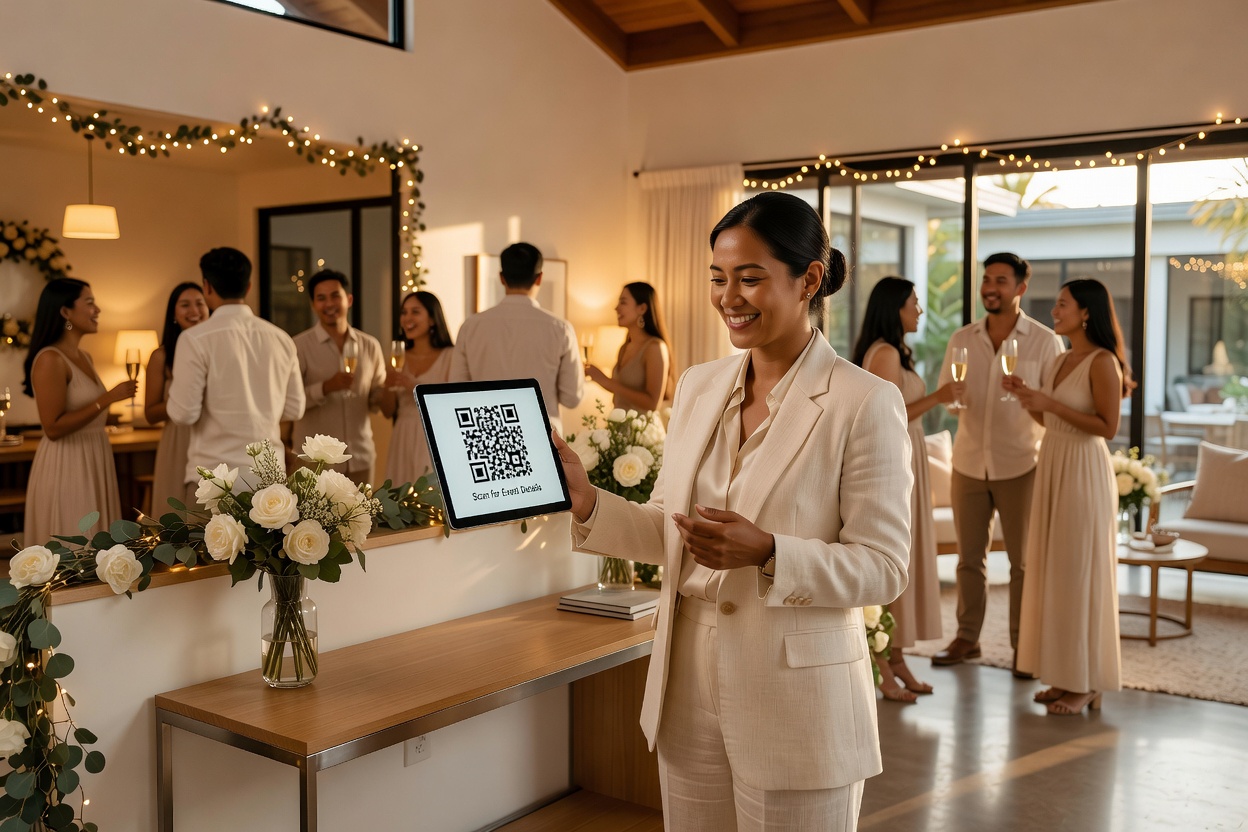
Here is how an event QR code compares to the most common alternatives:
- vs photo booths: Photo booths cost $300-800 and capture posed shots in one corner. An event QR code covers the entire venue, all night, for free (up to 10 guests) or a one-time fee. See our photo booth alternatives compared guide.
- vs Google Photos shared albums: No Google account required, no app to download, no manual upload. Guests scan, shoot, done. Participation is significantly higher.
- vs disposable cameras: No cost per camera, no waste, no development delay. Guests use their own phone, so photo quality is better and you see results instantly.
- vs Dropbox or iCloud folders: No app or account needed. No clunky file-tree navigation. The gallery is visual, live, and organized — not a folder of random files.
For more strategies on collecting guest photos, read our guide on how to collect photos from wedding guests.
Common Questions About Event QR Codes
Do guests need to download an app to use an event QR code?
No. That is the key advantage. Guests scan the QR code with their phone's camera, and the gallery opens in their browser. They take photos directly in the browser, and the images upload automatically. No app install, no account creation, no friction.
How much does it cost?
Picshots is free for events with up to 10 guests. For larger events, there is a one-time payment per event — no subscription. See the pricing page for details.
Can I use an event QR code for non-wedding events?
Yes. Event QR codes work for birthdays, corporate events, baby showers, bachelor parties, reunions, and any event where guests take photos. The QR code links to a shared gallery regardless of event type.
What if there is no Wi-Fi at my venue?
Guests need an internet connection to upload photos — either cellular data or venue Wi-Fi. Most venues have adequate cellular coverage. If your event is in a remote location, mention it to guests in advance so they can prepare.
Can I review photos before they appear in the gallery?
Yes. Enable photo approval mode to review uploads before they appear publicly. You can also delete individual photos at any time. If you prefer a live, unfiltered gallery, leave approval off.
Get Your Event QR Code in Five Minutes
An event QR code is the simplest, most effective way to collect photos from your guests. No apps, no chasing, no shared albums that nobody uploads to. One QR code, one shared gallery, every photo from your event in one place — live, all night.
Free for up to 10 guests. Pay once for larger events. No subscription. Create your event and get your QR code in five minutes.
Quick answers
Do guests need to download an app to use an event QR code?
No. That is the key advantage. Guests scan the QR code with their phone's camera, and the gallery opens in their browser. They take photos directly in the browser, and the images upload automatically. No app install, no account creation, no friction.
How much does it cost?
Picshots is free for events with up to 10 guests. For larger events, there is a one-time payment per event — no subscription. See the pricing page for details.
Can I use an event QR code for non-wedding events?
Yes. Event QR codes work for birthdays, corporate events, baby showers, bachelor parties, reunions, and any event where guests take photos. The QR code links to a shared gallery regardless of event type.
What if there is no Wi-Fi at my venue?
Guests need an internet connection to upload photos — either cellular data or venue Wi-Fi. Most venues have adequate cellular coverage. If your event is in a remote location, mention it to guests in advance so they can prepare.
Can I review photos before they appear in the gallery?
Yes. Enable photo approval mode to review uploads before they appear publicly. You can also delete individual photos at any time. If you prefer a live, unfiltered gallery, leave approval off.